
無料 
Robot Drone from Silent Running (1971)
Thingiverse
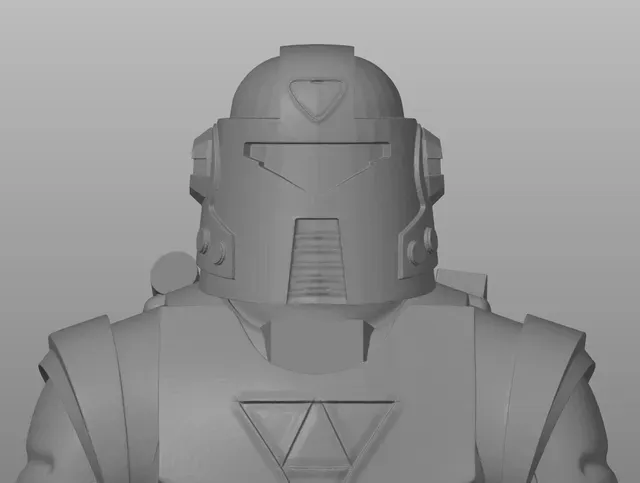
This collection gathers drone robot 3D models that range from walking and jumping figures to flying frames, underwater platforms and small-scale miniatures. Most files are made for desktop 3D printing, so you can compare part counts, scale and assembly before choosing. It is useful when you want a mechanical body to build around electronics or a display piece for a shelf. Polyzon does not confirm whether models are free, their price, license, official status, affiliation, safety or fitness. Check the current terms at the source.
このコレクションの本文は英語で書かれています。検索自体はどの言語でも使えます。
 Polyzonのコレクション · モデル46件 4サイトから収集
このコレクションは、Polyzonが対応サイトの検索結果をもとに作成しています。重複やプレビューのないモデルは除外し、関連性の低いものは後ろに回し、それ以外は検索結果の順に並べています。モデルの権利は各作者にあります。利用条件は各モデルのページでご確認ください。
選定基準:Polyzon編集部 · 本文の更新日:2026年10月13日


%2Fhttps%3A%2F%2Ffbi.cults3d.com%2Fuploaders%2F14961031%2Fillustration-file%2F7a636bab-6e06-4f9d-88c6-4082070a2743%2Fcephalospectre.png&w=300)

%2Fhttps%3A%2F%2Ffbi.cults3d.com%2Fuploaders%2F14054527%2Fillustration-file%2F039166c3-6479-41a0-a12f-9184db2cb6e0%2FJumping_Robot5.jpg&w=300)
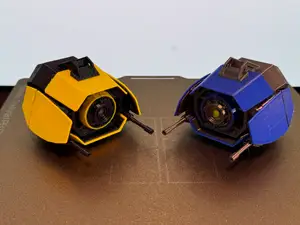

%2Fhttps%3A%2F%2Ffbi.cults3d.com%2Fuploaders%2F14379627%2Fillustration-file%2F3ac7771f-0311-4eb8-bd13-d63bed3ed6ec%2FEdRover_Front_RC_version.jpg&w=300)
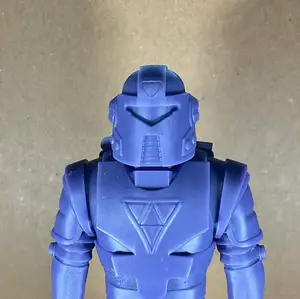
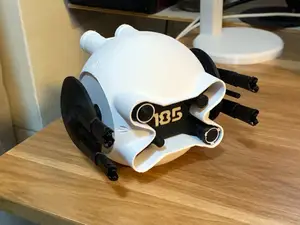

%2Fhttps%3A%2F%2Ffbi.cults3d.com%2Fuploaders%2F13972838%2Fillustration-file%2Fb4b46303-dbd0-450c-a774-a87bb73ac9df%2F20200229_135504.jpg&w=300)
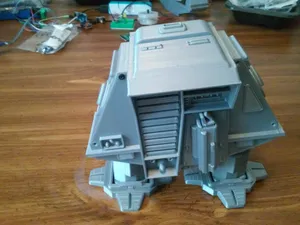
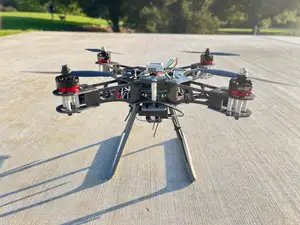

%2Fhttps%3A%2F%2Ffbi.cults3d.com%2Fuploaders%2F14923123%2Fillustration-file%2F521a896c-7c13-4095-b4a7-d8c61acd96f9%2Fsurveydrone_lowres.jpg&w=300)
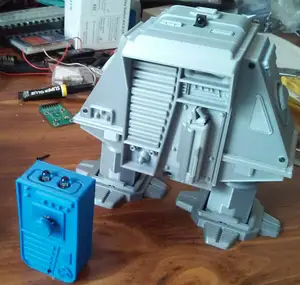


%2Fhttps%3A%2F%2Ffbi.cults3d.com%2Fuploaders%2F19958238%2Fillustration-file%2Fef88f3e7-c558-431e-950e-d2b63448aadf%2FClockwork-Robot-3d-Printed-Miniature-Floating-Front.jpg&w=300)
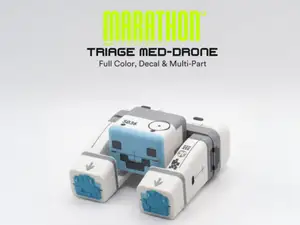

%2Fhttps%3A%2F%2Ffbi.cults3d.com%2Fuploaders%2F14487968%2Fillustration-file%2Fe0a2293e-36d3-4623-9ca0-ed99052cc467%2FSL_Robot_Saw_Up_Pist_Down_Dish_Head.jpg&w=300)


%2Fhttps%3A%2F%2Ffbi.cults3d.com%2Fuploaders%2F21228810%2Fillustration-file%2Fffc0ae73-66f3-42a8-b3bc-f22df298aeac%2Frepairdrone.png&w=300)

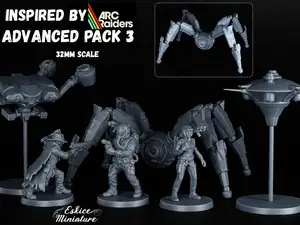

%2Fhttps%3A%2F%2Ffbi.cults3d.com%2Fuploaders%2F14389918%2Fillustration-file%2F60d0b2a2-2bfa-42f3-a574-710bc34a6494%2Fezgif.com-gif-maker.gif&w=300)


%2Fhttps%3A%2F%2Ffbi.cults3d.com%2Fuploaders%2F49001970%2Fillustration-file%2F0038f565-d5ea-4176-9c59-50177e8bd68e%2Fmt1.jpg&w=300)
![Liberator [Fallout 76]](https://cache.polyzon.org/api/img?url=https%3A%2F%2Fresize.thingiverse.com%2F%3Furl%3Dhttps%3A%2F%2Fcdn.thingiverse.com%2Fassets%2F92%2F74%2Fb0%2F19%2F69%2FFallout_76_Liberator.png%26w%3D292%26h%3D219%26fit%3Dcontain%26cbg%3Dwhite%26n%3D-1&w=300)
%2Fhttps%3A%2F%2Ffbi.cults3d.com%2Fuploaders%2F14394847%2Fillustration-file%2F7df6f1e4-fce1-4b81-b7f5-319269661d62%2FDSCN6469.JPG&w=300)

%2Fhttps%3A%2F%2Ffbi.cults3d.com%2Fuploaders%2F28347902%2Fillustration-file%2Fd3f64ee9-289a-4c1d-bb48-a593acb317c3%2F20170421_054.jpg&w=300)
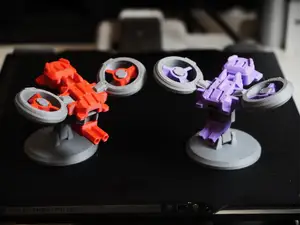
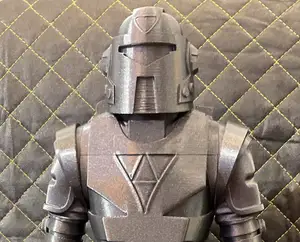
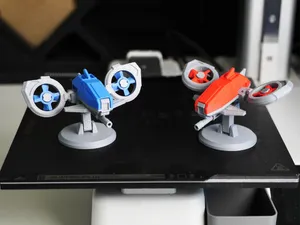
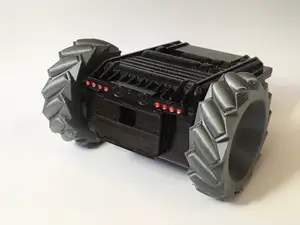
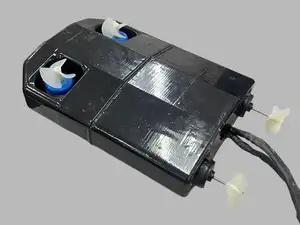
The models fall into a few groups. Walking and jumping robots use linked legs and a rocking body to move, while quadcopter and chassis files are usually flat frames with mounts for motors, boards and a camera. Scale kits and miniatures reproduce science-fiction drone designs as static parts, often split by scale such as 15mm or 18mm. Underwater and rover platforms sit closer to working machines, with hulls, wheels or thrusters that you assemble yourself.
Before printing, open the author's model page and read what is listed there. Check the overall size and scale, how many separate parts the model has, whether the geometry needs supports, and which material and layer height the author used. Photos of real prints show how thin walls, joints and small mechanical details come out on an FDM or resin 3D printer. For moving parts, look at how axles, hinges and clearances are sized, since those tolerances decide whether the assembly moves after printing.
If the results are too narrow, try related wording. Searching for walking robot, quadruped, hexapod, drone frame, quadcopter chassis, rover or mech miniature brings up different sets of files, and adding a scale or a part type narrows them further. Terms like FPV, RC, biped or sci-fi kit point to other branches of the same topic. You can also combine a body style with a function, for example a drone frame with a camera mount or a robot with a gripper.
A practical approach is to decide first what the model has to do: stand as a display piece, carry electronics, or move under its own power. That choice sets the scale and the part count you are willing to handle. Then compare two or three files on the same page and pick the one whose assembly and hardware list you can follow with the tools you have.

%2Fhttps%3A%2F%2Ffbi.cults3d.com%2Fuploaders%2F1881599%2Fillustration-file%2F4125%2F2.jpg&w=300)



暮らし・日用品からCNCまで、すべてのテーマをそろえたカタログ。対応サイトを横断して検索できます。
%2Fhttps%3A%2F%2Ffbi.cults3d.com%2Fuploaders%2F13471337%2Fillustration-file%2F835d5c74-5aee-4efc-9960-e1f0fb2517b4%2FCapture%2520d%25E2%2580%2599e%25CC%2581cran%25202018-04-25%2520a%25CC%2580%252009.48.05.png&w=640)