
無料 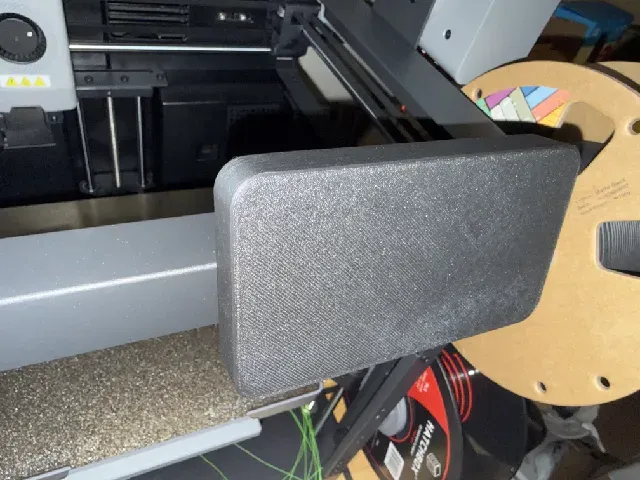
Flashforge AD5X screen cover
Printables
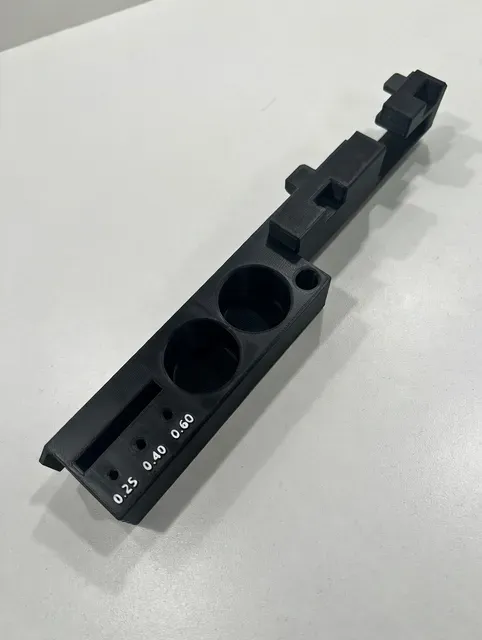
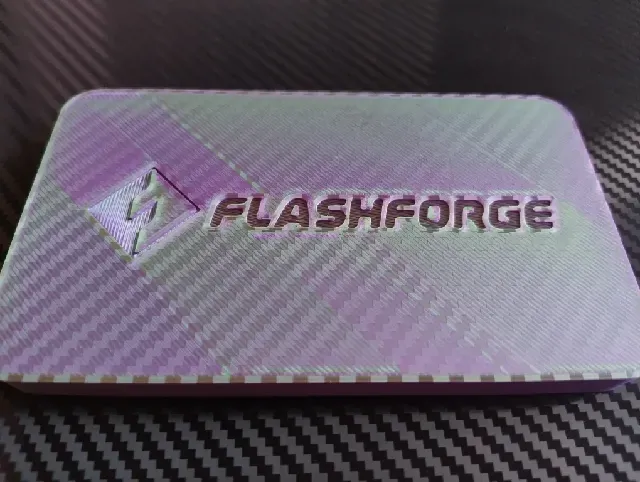
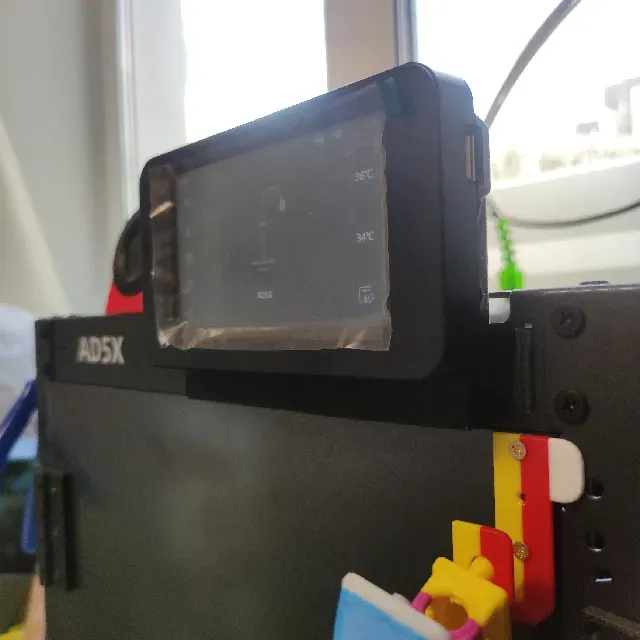
This collection gathers STL files that surround, cover or reposition the display on a Flashforge AD5X and closely related machines. It covers protective covers, enclosure-mounted plates with tool storage, bezels, stylus holders and adapters that change the screen angle. If you are setting up a 3D printer and want the display area tidier or better protected, these parts are the starting point. Polyzon does not confirm whether models are free, their price, license, official status, affiliation, safety or fitness. Check the current terms at the source.
このコレクションの本文は英語で書かれています。検索自体はどの言語でも使えます。
 Polyzonのコレクション · モデル47件 4サイトから収集
このコレクションは、Polyzonが対応サイトの検索結果をもとに作成しています。重複やプレビューのないモデルは除外し、関連性の低いものは後ろに回し、それ以外は検索結果の順に並べています。モデルの権利は各作者にあります。利用条件は各モデルのページでご確認ください。
選定基準:Polyzon編集部 · 本文の更新日:2026年10月10日


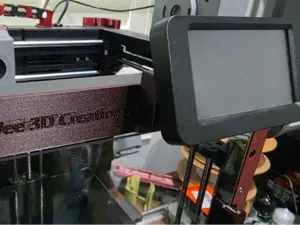


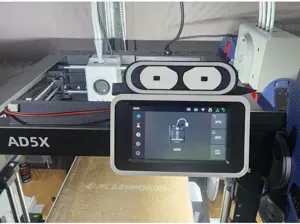

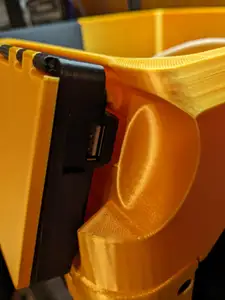


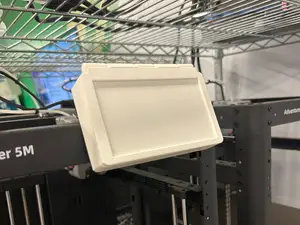
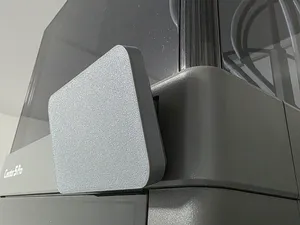


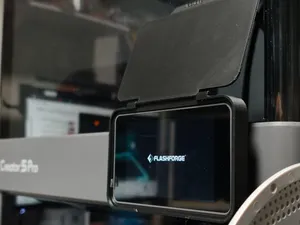
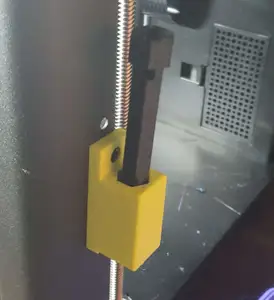
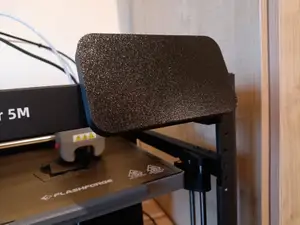

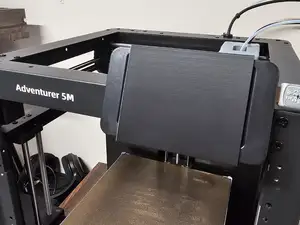


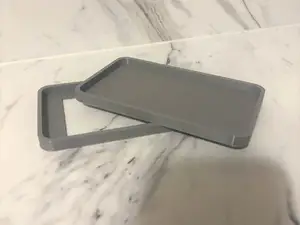
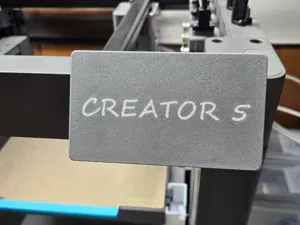

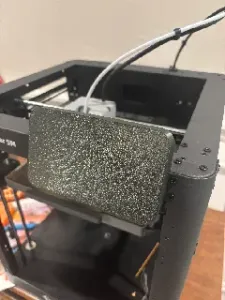
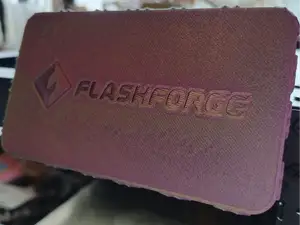
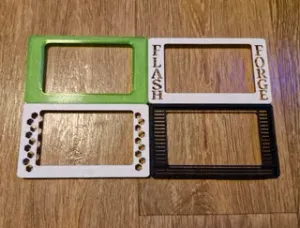

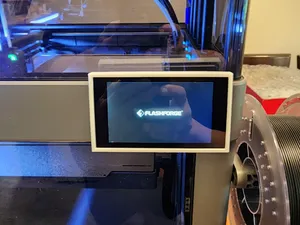
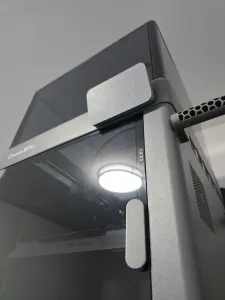


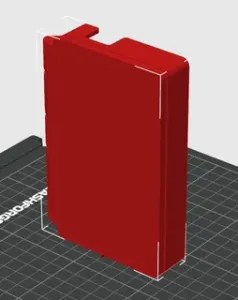
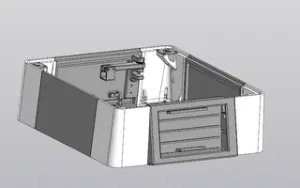
The models fall into a few groups. Simple covers and dust covers sit over the display when the machine is idle, while flip-up versions add cutouts for cables or ports so the screen stays usable. Enclosure plates combine a screen mount with a small toolbox or clip area, and bezels or surrounds frame the display and sometimes carry a stylus. Adapters and brackets are the most structural group: they move the screen to a vertical or raised position, so the mounting points and screw holes matter more than the surface finish.
Before printing, open the author's model page and read what is listed there: overall size and scale, how many separate parts the design has and how they join, whether supports are needed, and the material and settings the author used. Check the screw sizes and hole spacing against your own machine, since a mount that relies on existing enclosure screws will not work if those points differ. Photos of real prints are the most useful reference for how a part sits once installed, especially for flip-up covers where clearance above the screen decides whether it opens fully.
If the results feel narrow, widen the wording rather than the topic. Searches for a screen cover, display bezel, LCD surround, touch panel holder or stylus mount often return different sets of files for the same area of the machine. Related terms such as enclosure, toolbox, cable clip or PTFE clip appear alongside screen parts because they attach to the same panels, and looking at neighbouring printer models in the same family can surface mounts that share the same layout.


暮らし・日用品からCNCまで、すべてのテーマをそろえたカタログ。対応サイトを横断して検索できます。