
無料 
XL-RCM 10.0 PIXXY: Pocket drone / FPV quad
Thingiverse
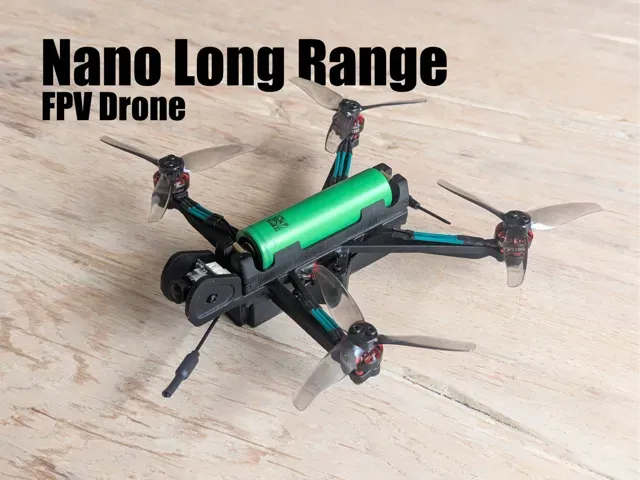
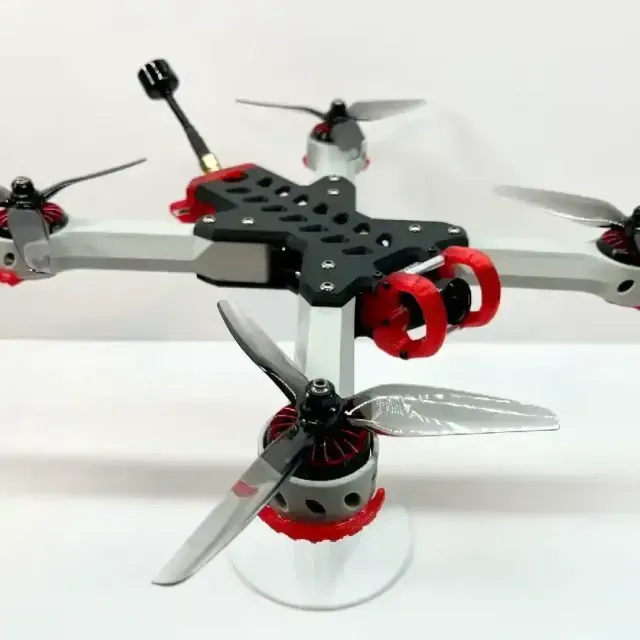
This collection covers 3D-printed parts for FPV drones: full frames in several sizes, micro quads, fixed-wing racers, mounts and propellers. It is useful when you want to compare layouts and dimensions before committing to a 3D printing run. Many files are split into parts, so a smaller 3D printer can still handle them. Polyzon does not confirm whether models are free, their price, license, official status, affiliation, safety or fitness. Check the current terms at the source.
このコレクションの本文は英語で書かれています。検索自体はどの言語でも使えます。
 Polyzonのコレクション · モデル48件 3サイトから収集
このコレクションは、Polyzonが対応サイトの検索結果をもとに作成しています。重複やプレビューのないモデルは除外し、関連性の低いものは後ろに回し、それ以外は検索結果の順に並べています。モデルの権利は各作者にあります。利用条件は各モデルのページでご確認ください。
選定基準:Polyzon編集部 · 本文の更新日:2026年10月15日

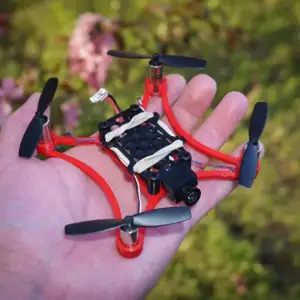

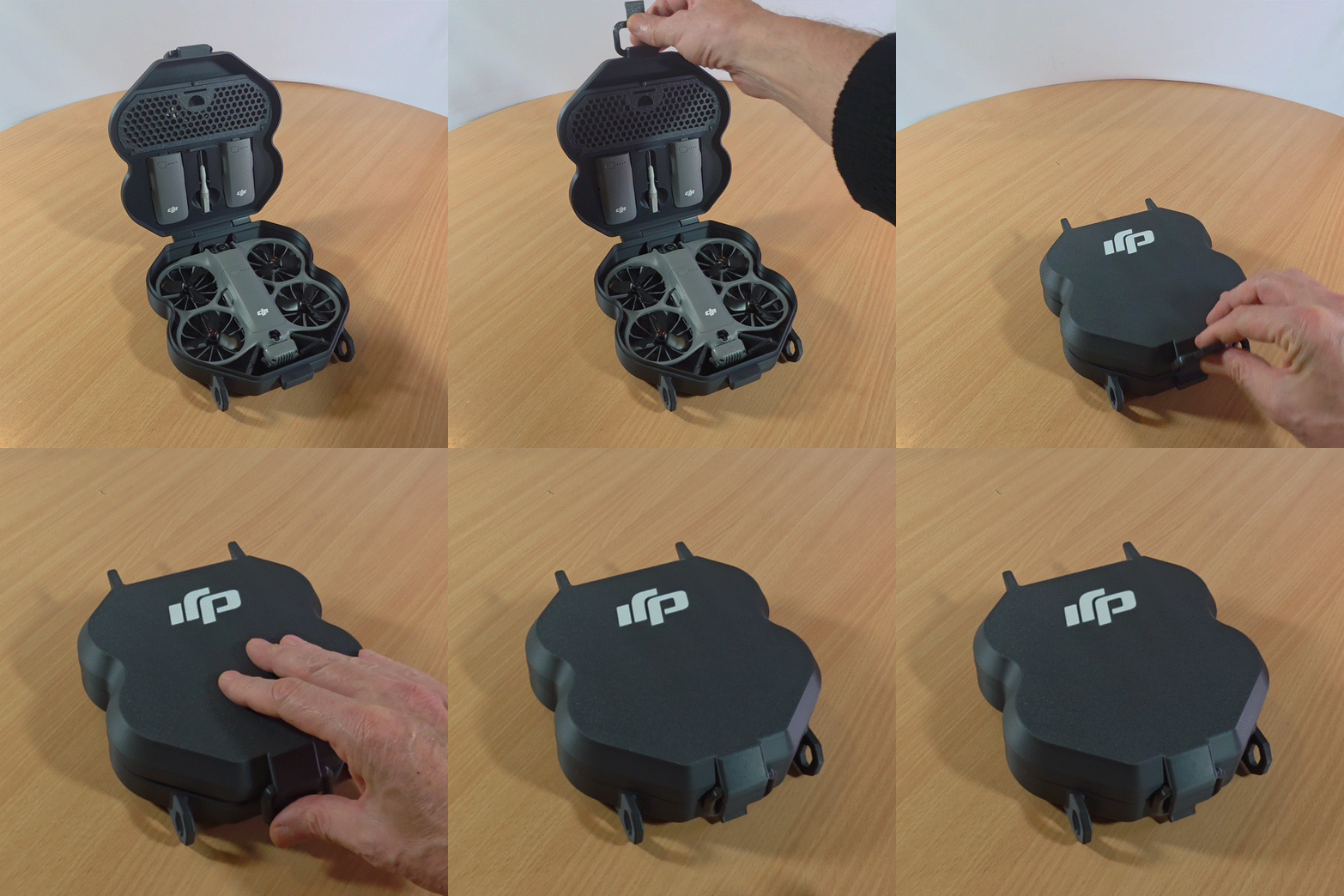
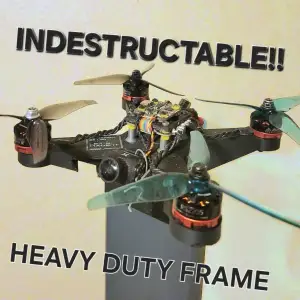

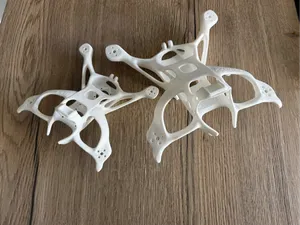
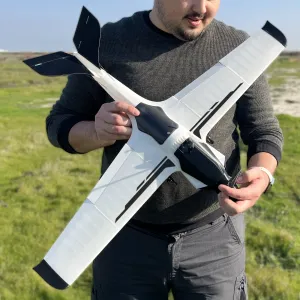

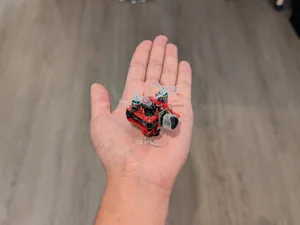
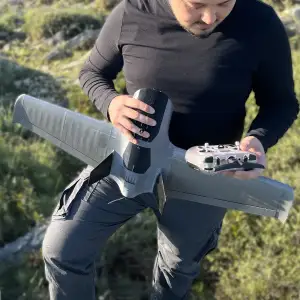

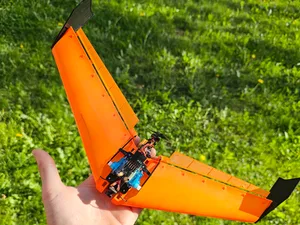
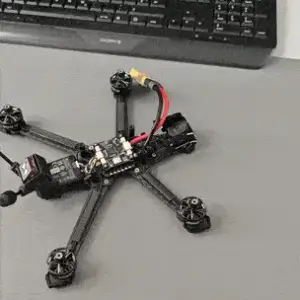

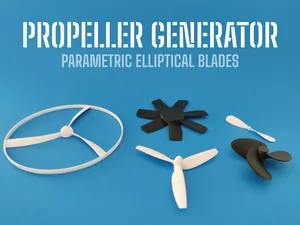
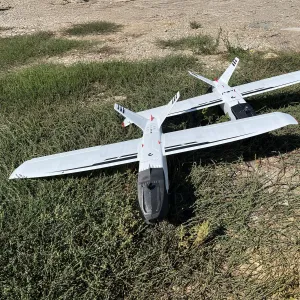

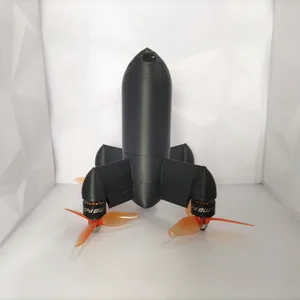
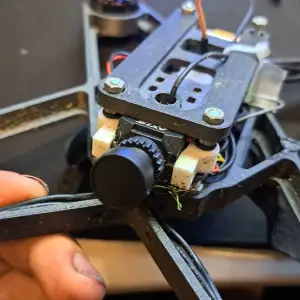

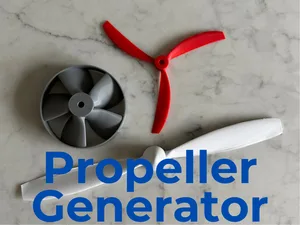
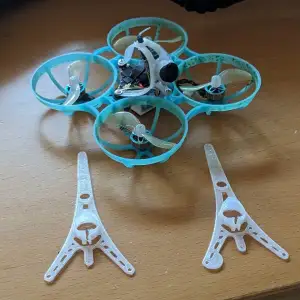

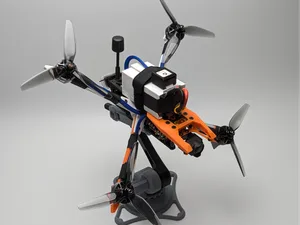

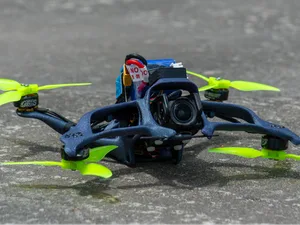
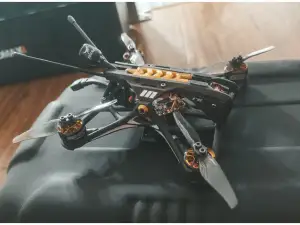

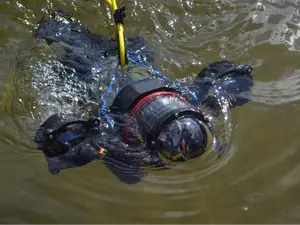
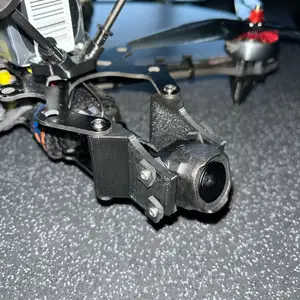

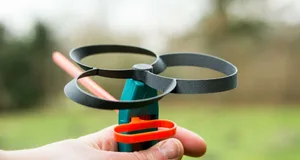
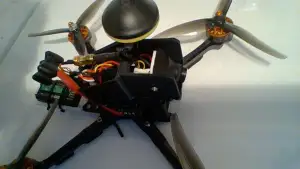

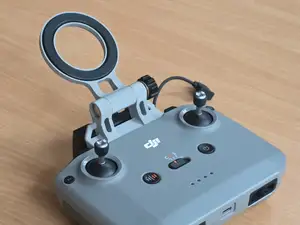
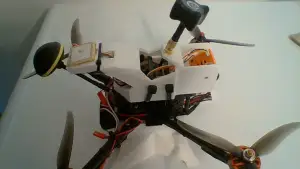
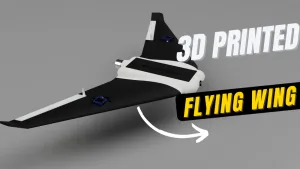
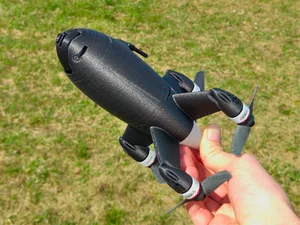
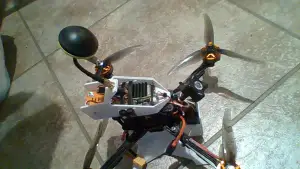

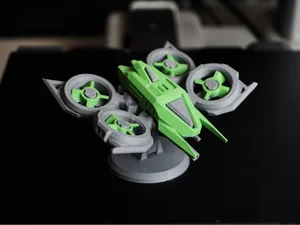
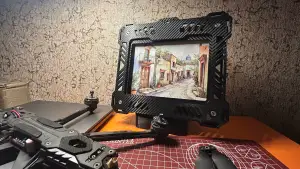
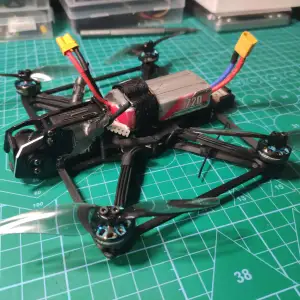
The models fall into a few groups. Larger frames are built around a motor-to-motor span and a stack pattern, while micro quads use much smaller printed bodies that often hold the electronics directly. Fixed-wing designs trade the quad layout for a wing profile and a pusher or tractor mount, and the accessory group covers brackets such as GPS holders, camera mounts and wall hangers. Propeller files are usually parametric, so blade count, diameter and pitch are set before export.
When you open a model page, look at the dimensions first: motor mount spacing, hole diameters, plate thickness and the overall span. Check how many parts the frame has and how they join, whether the author used screws, standoffs or slots, and whether supports are needed on overhangs. Read the material and slicer settings the author lists, and look at photos of real prints to judge wall thickness and layer orientation. If a part carries load, print orientation matters more than the file itself.
To narrow the results, search by the part rather than the whole aircraft: frame, arm, canopy, mount, propeller, landing gear. Related terms help too, such as quadcopter, freestyle, long range, cinewhoop or wing, and size words like micro, 3 inch or 5 inch. Adding the component you are missing, for example a GPS mount or a camera bracket, usually returns fewer but more relevant files.
The same airframe often appears in several versions, so compare revisions before printing. A newer revision may change arm geometry, stack spacing or the canopy, which affects the parts you already printed. Keeping a note of the version you downloaded saves time later.



暮らし・日用品からCNCまで、すべてのテーマをそろえたカタログ。対応サイトを横断して検索できます。