
無料 
Gridfinity Tool Holders
Thingiverse
This collection gathers 3D models for labeling Gridfinity bins and the organizers they sit in: separate label plates, bins with a built-in label face, and parametric generators that produce text-sized labels. It is useful when you want a drawer system where every container tells you what is inside without opening it. Most files are made for desktop 3D printing in common filaments, and many come with editable source files. Polyzon does not confirm whether models are free, their price, license, official status, affiliation, safety or fitness. Check the current terms at the source.
このコレクションの本文は英語で書かれています。検索自体はどの言語でも使えます。
 Polyzonのコレクション · モデル48件 3サイトから収集
このコレクションは、Polyzonが対応サイトの検索結果をもとに作成しています。重複やプレビューのないモデルは除外し、関連性の低いものは後ろに回し、それ以外は検索結果の順に並べています。モデルの権利は各作者にあります。利用条件は各モデルのページでご確認ください。
選定基準:Polyzon編集部 · 本文の更新日:2026年10月14日

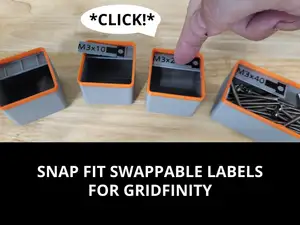


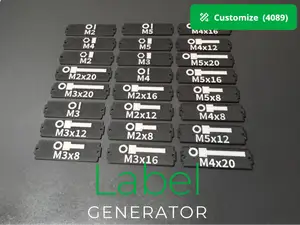

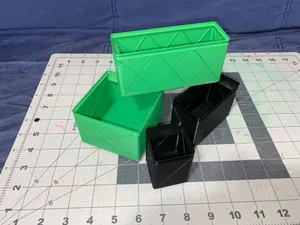


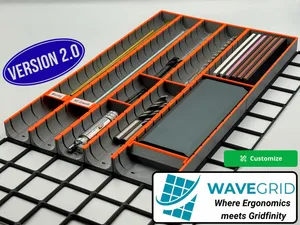

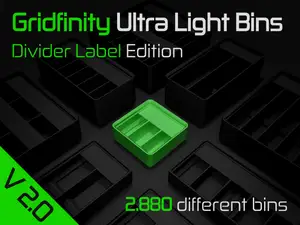
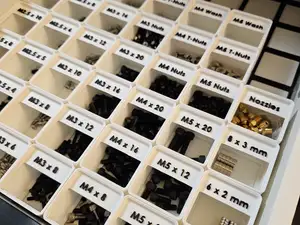


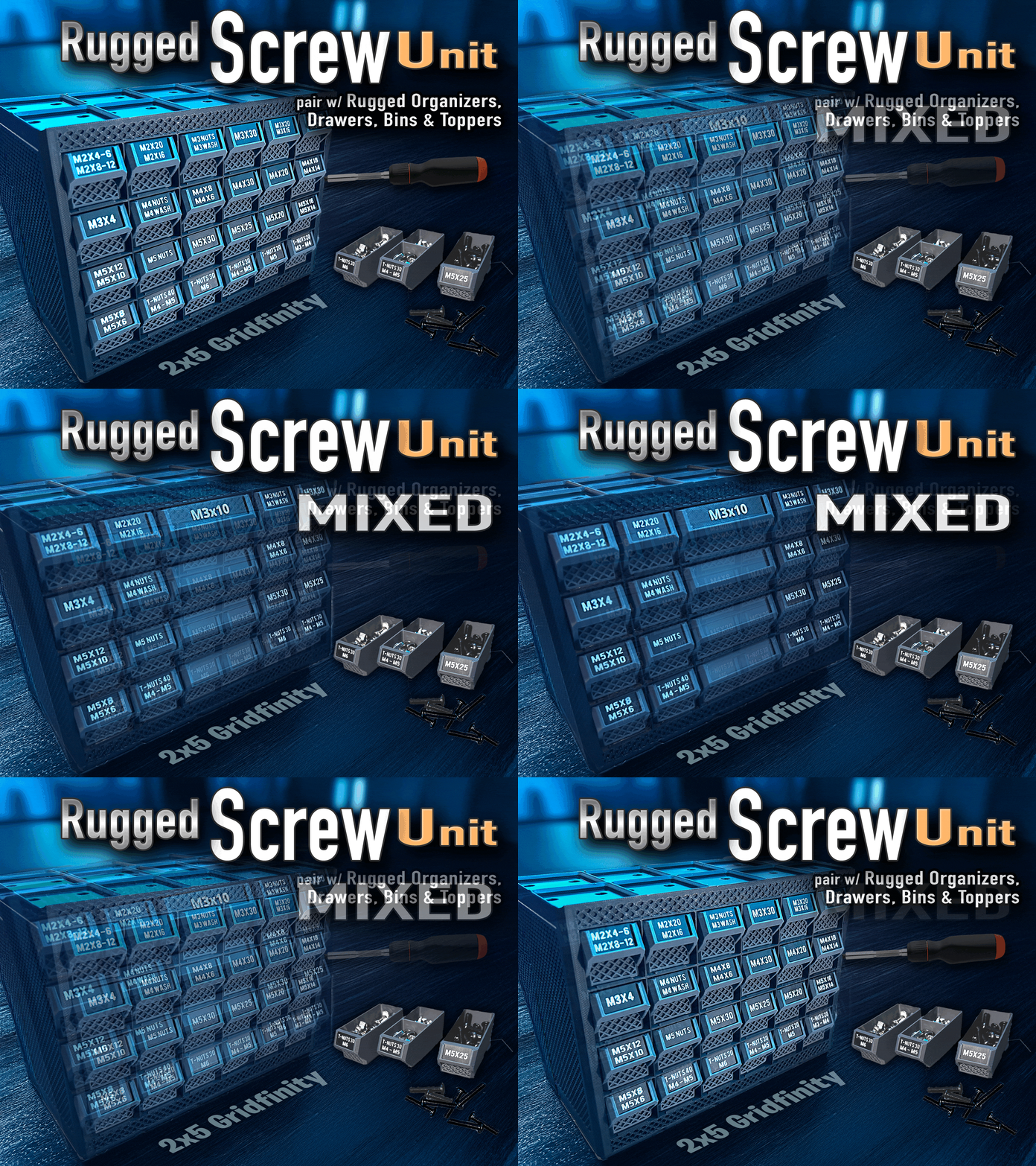

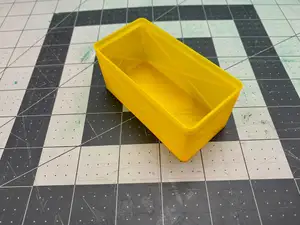
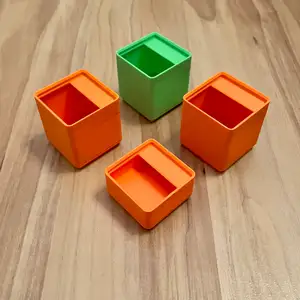

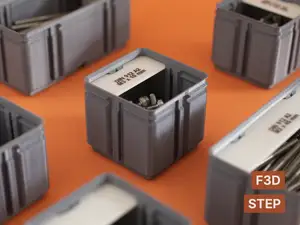
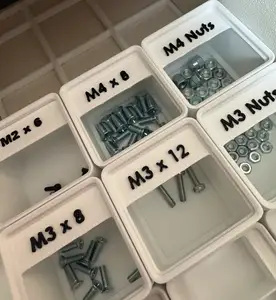

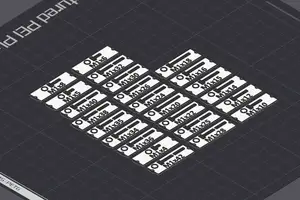
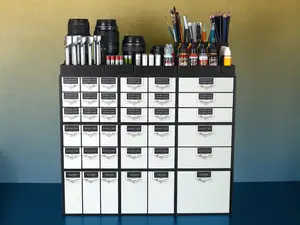

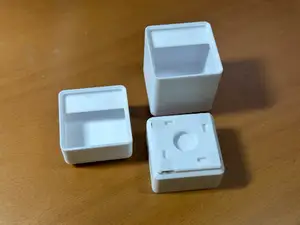
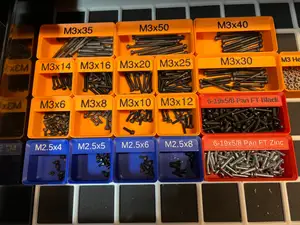

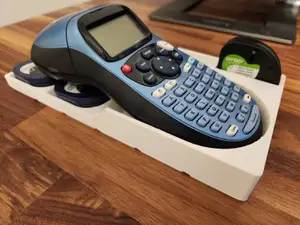


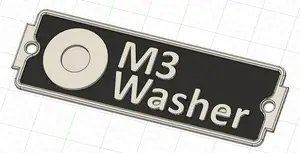
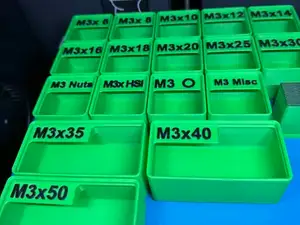

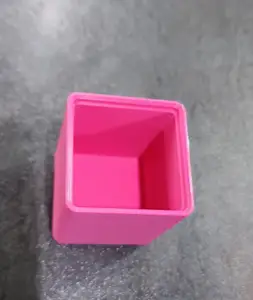
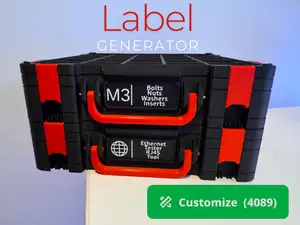

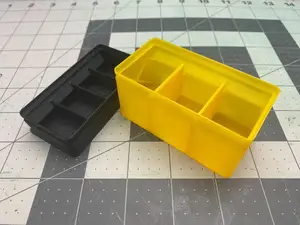
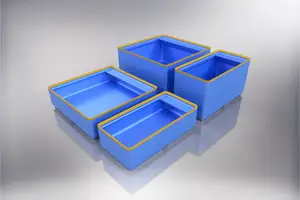

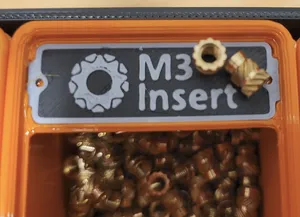
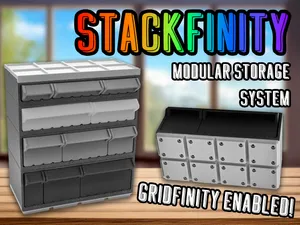
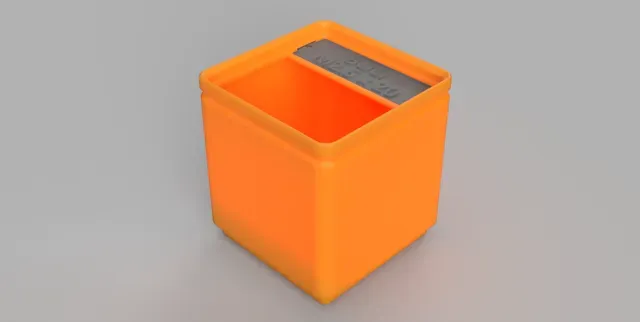
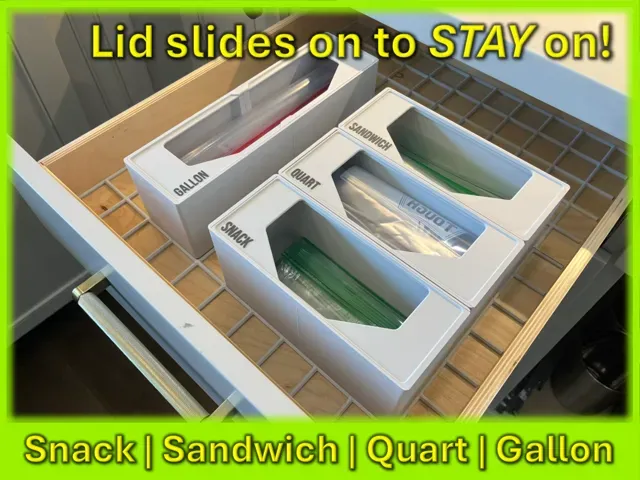
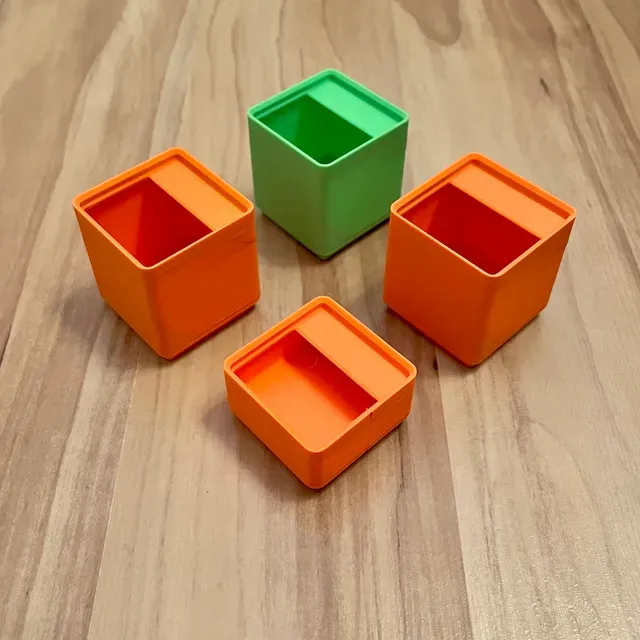
The models fall into a few groups. Some are standalone label plates or inserts that clip or slide onto a bin, so the label can be swapped without reprinting the container. Others are bins where the label area is part of the geometry, often slanted or recessed so the text stays readable from above. A third group is parametric: a generator or a CAD file where you type the text and set the label size yourself.
When choosing, look at how the label is attached — a clip, a slot, a separate plate or a printed insert — and whether that fits the bins you already have. Check the label dimensions and the font height the author lists, since small text is limited by nozzle diameter and layer height. Also look at the bin footprint, height and wall thickness, whether the model needs supports, and the material and settings shown in photos of real prints.
To widen the results, try related wording: label holder, tag, nameplate, text plate, drawer organizer, parts bin, insert, divider. Searching by what you store — screws, drill bits, tape, bags — often returns bins that already include a label area. If you work in CAD, adding parametric or Fusion 360 to the query brings up editable versions you can resize to your own drawer.



暮らし・日用品からCNCまで、すべてのテーマをそろえたカタログ。対応サイトを横断して検索できます。