
無料 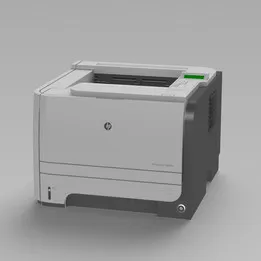
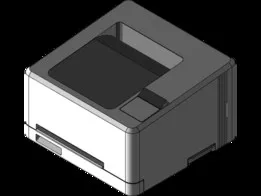
HP LaserJet P2055DN
GrabCAD
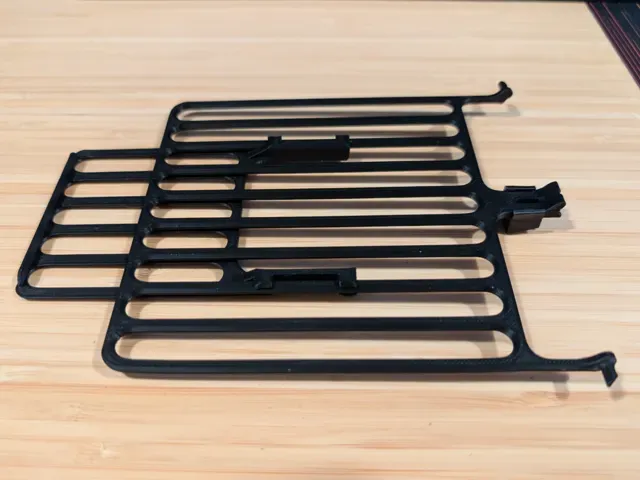
This collection gathers STL files for parts and accessories that appear around HP LaserJet printers. You will find paper trays, output trays, covers, scanner mounts and small mechanical pieces. It helps when a 3D printer is used to replace or reproduce a missing plastic component. Polyzon does not confirm whether models are free, their price, license, official status, affiliation, safety or fitness. Check the current terms at the source.
このコレクションの本文は英語で書かれています。検索自体はどの言語でも使えます。
 Polyzonのコレクション · モデル48件 7サイトから収集
このコレクションは、Polyzonが対応サイトの検索結果をもとに作成しています。重複やプレビューのないモデルは除外し、関連性の低いものは後ろに回し、それ以外は検索結果の順に並べています。モデルの権利は各作者にあります。利用条件は各モデルのページでご確認ください。
選定基準:Polyzon編集部 · 本文の更新日:2026年10月11日


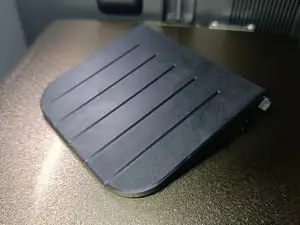
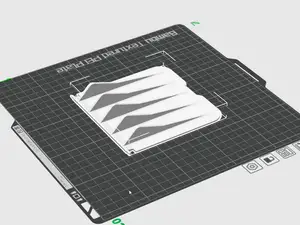


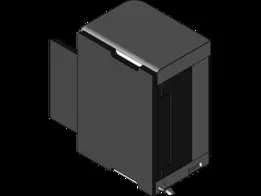


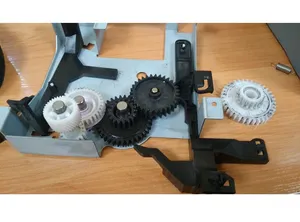


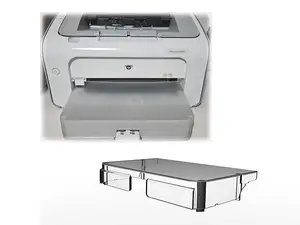

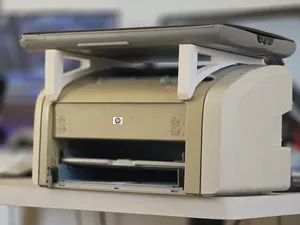


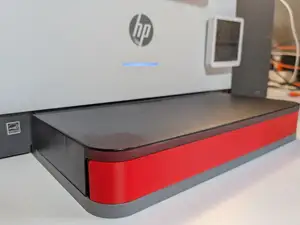
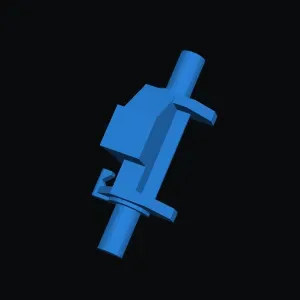


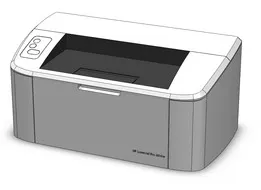



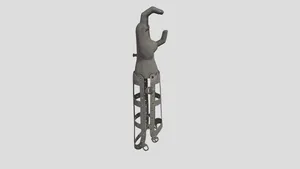



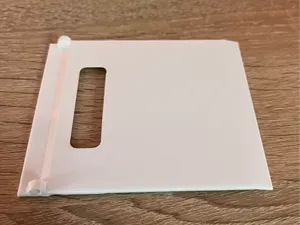


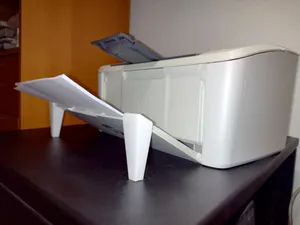


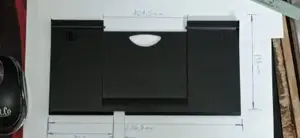


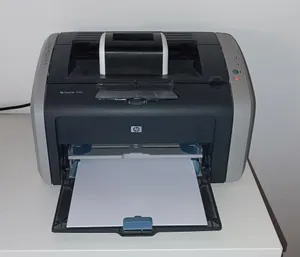
The models fall into a few practical groups. Paper input and output trays appear often, as do covers and dust covers that close openings. Scanner brackets and mounting racks form another group, while gears, feet and similar mechanical parts appear less often. Each group has a different shape and purpose, so a tray model and a scanner mount are not interchangeable.
When choosing a model, read the author's page for the printer series, part number and version. Check the size and scale, the number of parts, and whether supports are needed for the print. Look at photos of real prints to judge the shape and mounting points before you slice the file. The material and settings the author lists can guide your own setup.
To refine the search, try synonyms and related terms. Use phrases such as paper tray, output tray, media support, dust cover, scanner mount or fuser gear. You can also search by the printer series and by the part type, then compare several results. If a term gives few results, switch between the part name and the broader accessory name.



暮らし・日用品からCNCまで、すべてのテーマをそろえたカタログ。対応サイトを横断して検索できます。