
無料 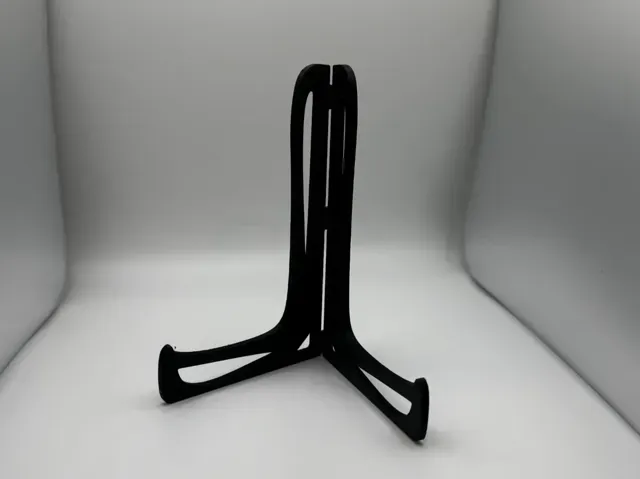
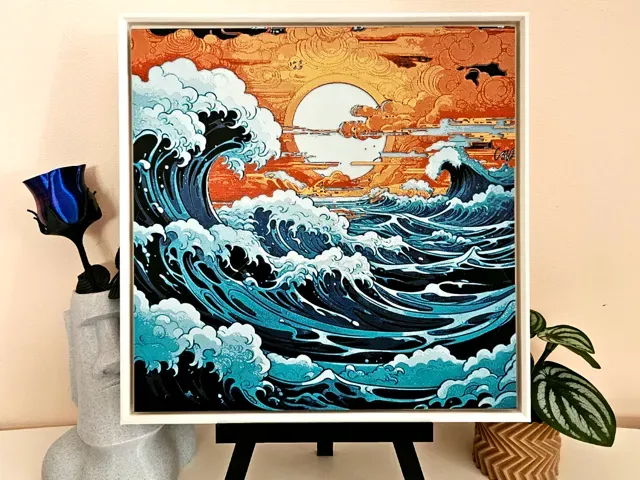
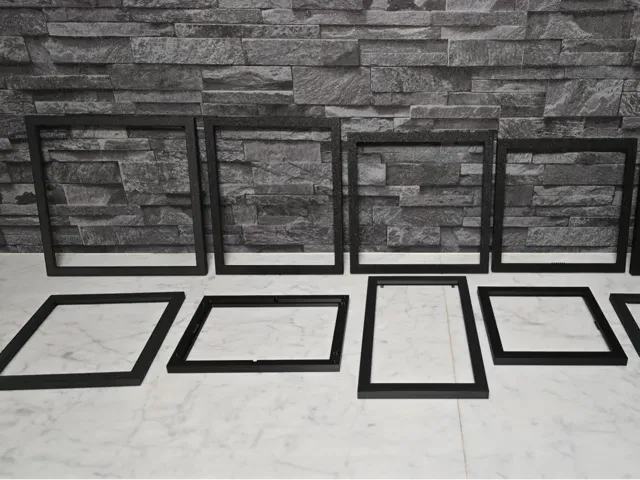
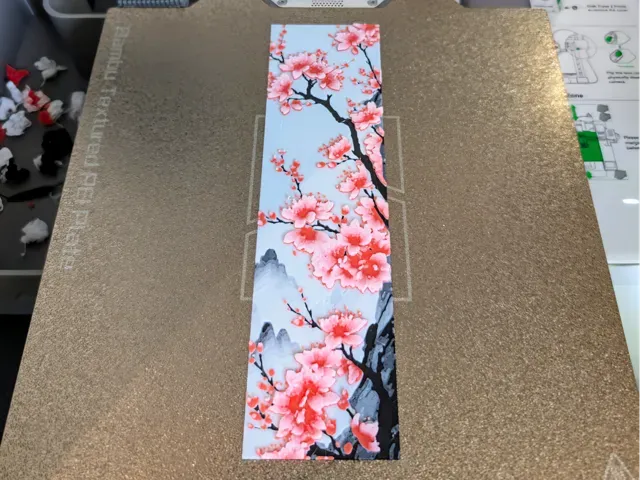
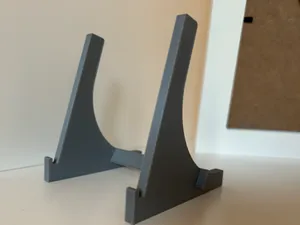
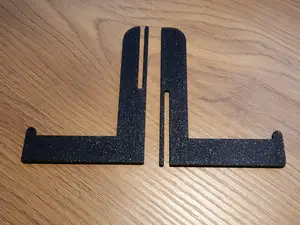
Folding Book Hueforge Display Stand Print-in-place
MakerWorld
This collection gathers HueForge STL files for textured art, from character portraits to animal and landscape pieces. You can find models that use color changes and layer height to create depth. It helps you plan a print that fits your 3D printer and the look you want. Polyzon does not confirm whether models are free, their price, license, official status, affiliation, safety or fitness. Check the current terms at the source.
このコレクションの本文は英語で書かれています。検索自体はどの言語でも使えます。
 Polyzonのコレクション · モデル48件 4サイトから収集
このコレクションは、Polyzonが対応サイトの検索結果をもとに作成しています。重複やプレビューのないモデルは除外し、関連性の低いものは後ろに回し、それ以外は検索結果の順に並べています。モデルの権利は各作者にあります。利用条件は各モデルのページでご確認ください。
選定基準:Polyzon編集部 · 本文の更新日:2026年10月11日
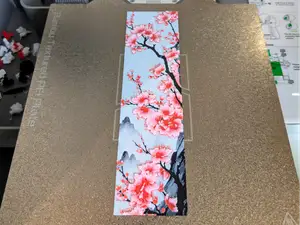

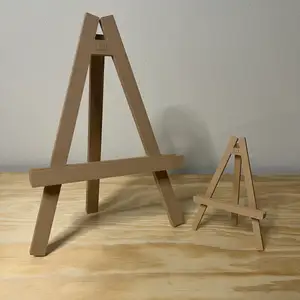
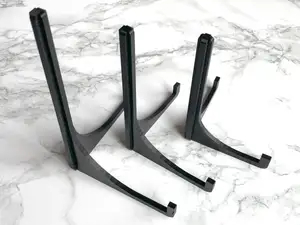
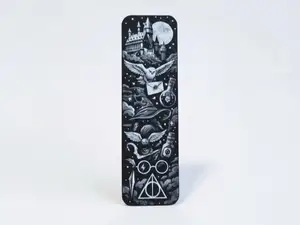


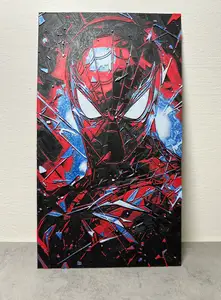
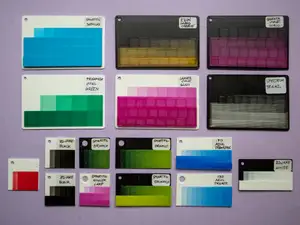

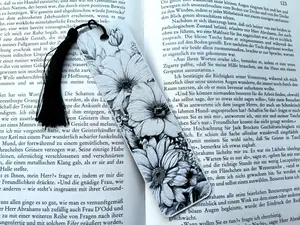

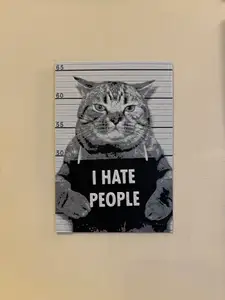
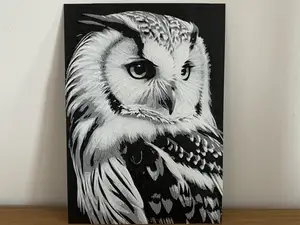
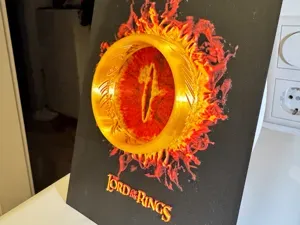

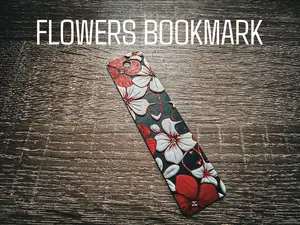
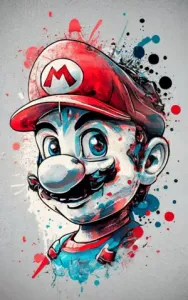
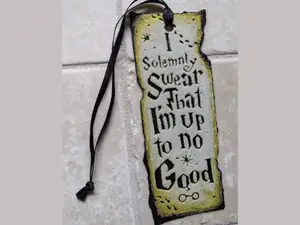
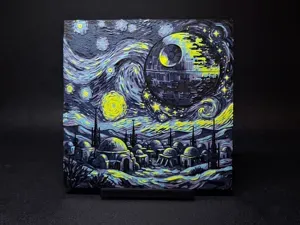

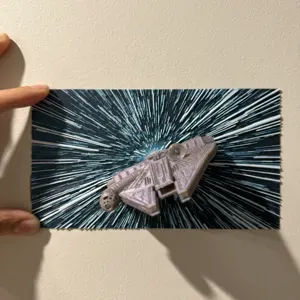
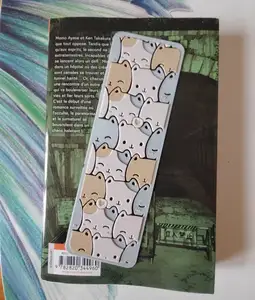
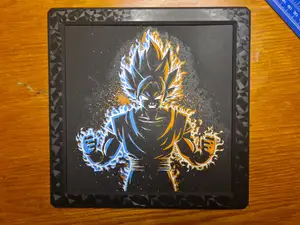

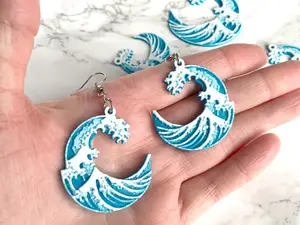
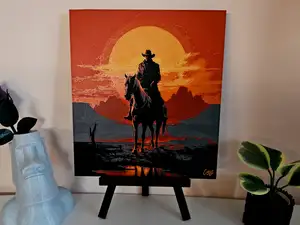
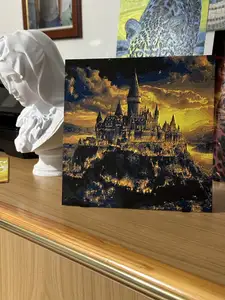
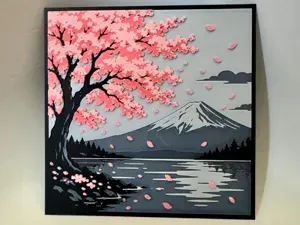
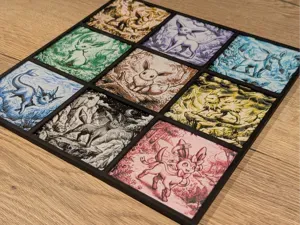
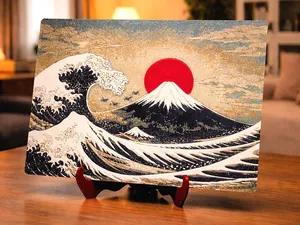
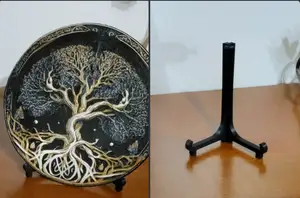
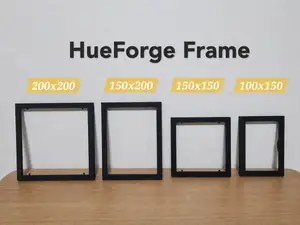
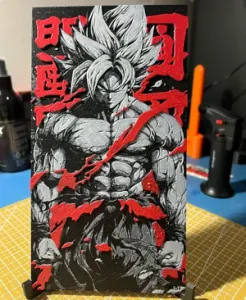
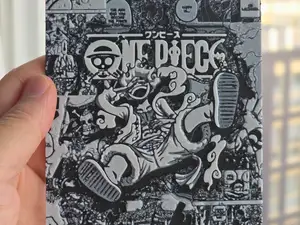
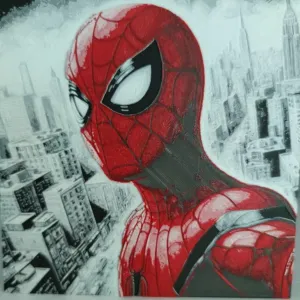

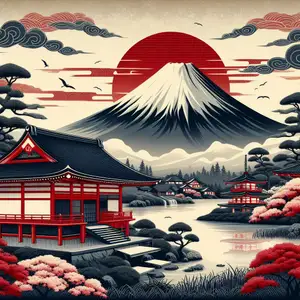
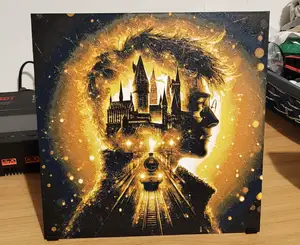
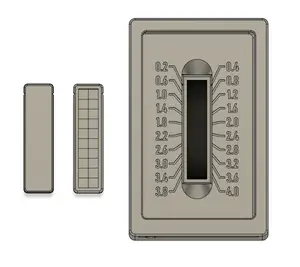


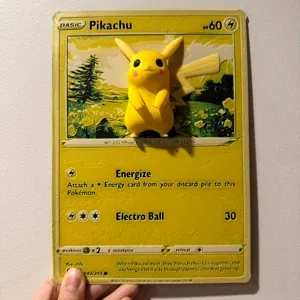
HueForge models often fall into a few groups: character and portrait panels, film and game subjects, wildlife scenes, and landscape or fine art reproductions. Each type relies on different color transitions and layer heights to build its image. Portraits tend to use many shades for faces, while landscapes may need fewer colors but careful blending. Animals often combine detailed fur or feathers with background elements.
Before printing, check the author's page for the number of color changes, recommended layer height, and whether the model needs supports. The size and scale matter because small prints can lose fine details, while larger ones may require more filament and time. Look at photos of real prints to see how the colors and textures come out. The material and nozzle size the author lists can also affect the final result.
To find more HueForge models, try search terms like 'textured art', 'color change print', or 'layer height art'. You can also search by subject, such as portraits, animals, or landscapes. Related topics include lithophanes and multi-color prints, which share similar techniques. Combining 'HueForge' with a specific theme often narrows the results.


暮らし・日用品からCNCまで、すべてのテーマをそろえたカタログ。対応サイトを横断して検索できます。