無料 
Cable management Hive
Thingiverse
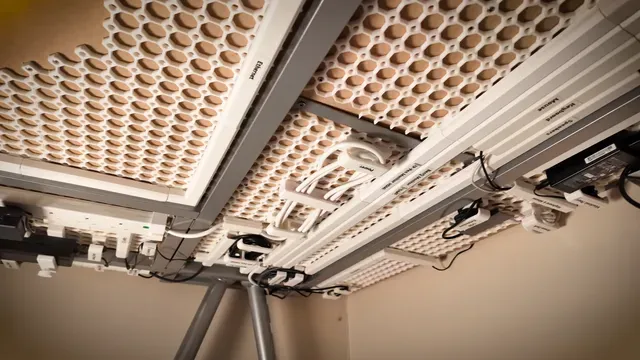
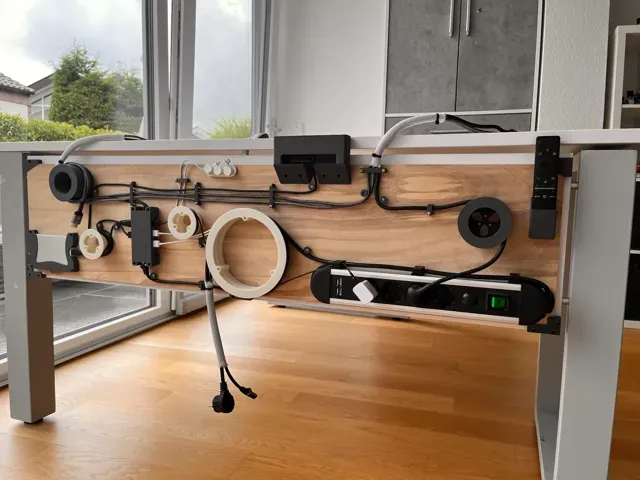
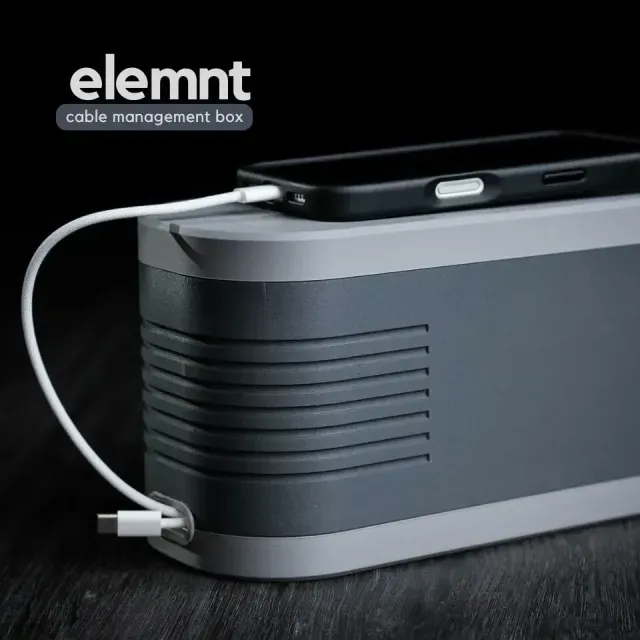
This collection gathers 3D models that keep cables in order: desk trays and boxes, clips, flexible link systems and guides made for specific printers. Most of them are small parts, so they are a practical first project for a 3D printer and a way to reuse leftover filament. The listings vary widely in scope, from a single clip to a multi-part routing system. Polyzon does not confirm whether models are free, their price, license, official status, affiliation, safety or fitness. Check the current terms at the source.
このコレクションの本文は英語で書かれています。検索自体はどの言語でも使えます。
 Polyzonのコレクション · モデル46件 5サイトから収集
このコレクションは、Polyzonが対応サイトの検索結果をもとに作成しています。重複やプレビューのないモデルは除外し、関連性の低いものは後ろに回し、それ以外は検索結果の順に並べています。モデルの権利は各作者にあります。利用条件は各モデルのページでご確認ください。
選定基準:Polyzon編集部 · 本文の更新日:2026年10月14日
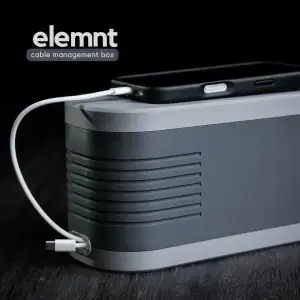

%2Fhttps%3A%2F%2Ffbi.cults3d.com%2Fuploaders%2F14170878%2Fillustration-file%2F4f3d620b-da0e-49f5-a940-f9afc6644229%2F02.jpg&w=300)

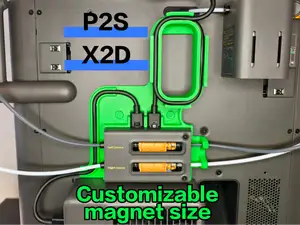
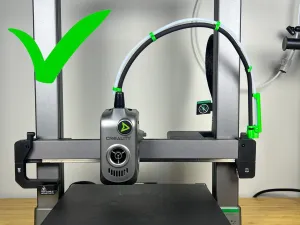

%2Fhttps%3A%2F%2Ffbi.cults3d.com%2Fuploaders%2F15918901%2Fillustration-file%2Fb8a2afae-df9f-4439-8866-e4c03dd7832c%2F0.png&w=300)
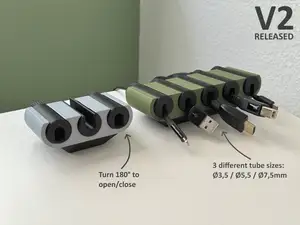
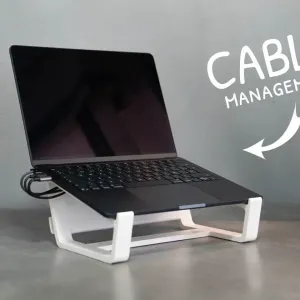

%2Fhttps%3A%2F%2Ffbi.cults3d.com%2Fuploaders%2F28820456%2Fillustration-file%2Fb405b549-f6c4-4cec-ac94-587d9ed90db7%2F4c58b8f373d95c4e619680de444609b3.png&w=300)

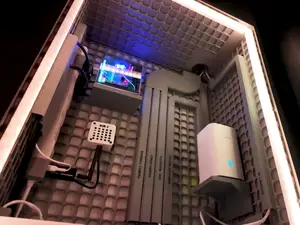
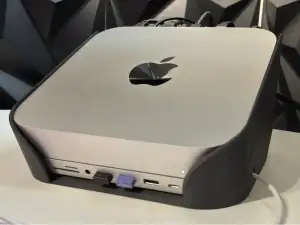

%2Fhttps%3A%2F%2Ffbi.cults3d.com%2Fuploaders%2F14684522%2Fillustration-file%2Fcb552c68-659b-4782-8098-9d82cc134497%2FPart1.png&w=300)


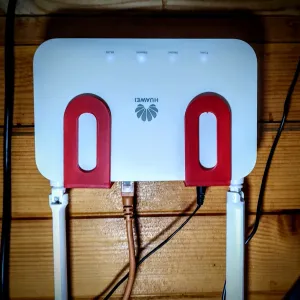

%2Fhttps%3A%2F%2Ffbi.cults3d.com%2Fuploaders%2F21061564%2Fillustration-file%2Fe847e241-5c8e-44be-b919-65d2d1d59104%2Fphoto_2022-01-30_17-10-26.jpg&w=300)

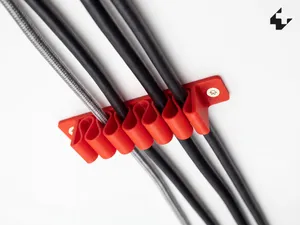
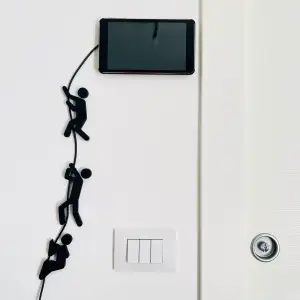

%2Fhttps%3A%2F%2Ffbi.cults3d.com%2Fuploaders%2F26277867%2Fillustration-file%2Ffd381c15-e74d-431d-bf67-ec0b6e6bb0bc%2FIMG_1201.png&w=300)

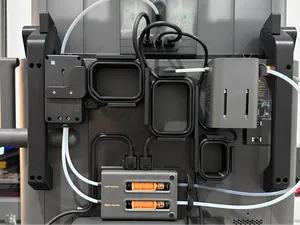
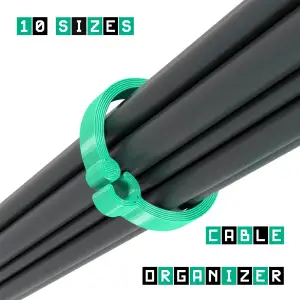

%2Fhttps%3A%2F%2Ffbi.cults3d.com%2Fuploaders%2F20168919%2Fillustration-file%2F97feb55f-02a4-4cb5-96c5-8cc0b90397dc%2FIMG_5155.png&w=300)
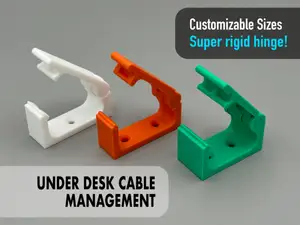
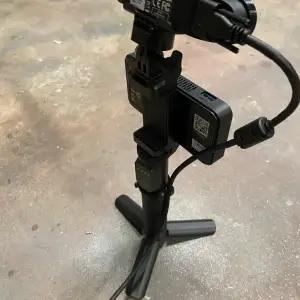

%2Fhttps%3A%2F%2Ffbi.cults3d.com%2Fuploaders%2F15058287%2Fillustration-file%2Fe82492cf-cf18-4062-a930-d1a41f65a860%2FScreenshot-2024-03-27-142401.png&w=300)


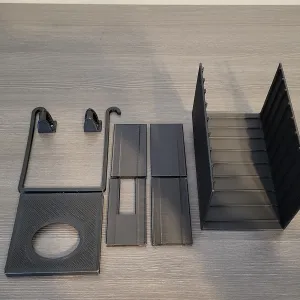

%2Fhttps%3A%2F%2Ffbi.cults3d.com%2Fuploaders%2F25564682%2Fillustration-file%2Fbad7711c-8151-455f-84e3-a8e6a94a840e%2F5342A295-9AA1-4C9D-9702-8E94468C43E2.jpeg&w=300)

The models fall into a few groups. Desk-side items include boxes, trays and holders that hide power strips and loose cords, while clips and small pucks handle single cables along a table edge or wall. Flexible and print-in-place designs form a chain or sleeve that bends with the cable, and printer-oriented guides route wiring along a gantry or extruder. Stands and risers sometimes include a channel or opening for routing, which changes their footprint.
When choosing, look at the dimensions and scale first: a clip sized for a thin charging cable will not hold a thick mains lead, and many listings state the cable diameter they were drawn around. Check the number of parts, how they join, and whether the author shows supports or orientation in the photos. Material and settings matter too, since thin snap-fit arms behave differently in rigid and flexible filaments, and the author's page usually lists a layer height and material that were used.
To widen the search, try synonyms such as cable organizer, cord holder, wire clip, under-desk tray, drag chain or strain relief, and combine them with a device name or a desk type. Related topics that often appear alongside are grid-based desk systems, monitor arms, laptop stands and printer upgrades, since those parts frequently need routing of their own. If a result is too specific, drop the device name and keep the general term.
Before printing, read the author's notes on tolerances and screw sizes, because a holder that clamps to a desk edge depends on the thickness it was designed for. Photos of real prints on the model page show how the part sits once installed, which is often more useful than a render. If a design has several versions, compare the file names and descriptions to pick the variant that matches your setup.

%2Fhttps%3A%2F%2Ffbi.cults3d.com%2Fuploaders%2F13696928%2Fillustration-file%2F1bad57bb-5d3e-4618-8198-414155e6b5bd%2FBox_UP_Vignette_Full_02.jpg&w=300)
%2Fhttps%3A%2F%2Ffbi.cults3d.com%2Fuploaders%2F14641750%2Fillustration-file%2F22304930-72e9-430d-a525-51bbef8e267c%2Fsoporte-para-monitor-impreso-en-3d.jpg&w=300)



暮らし・日用品からCNCまで、すべてのテーマをそろえたカタログ。対応サイトを横断して検索できます。
%2Fhttps%3A%2F%2Ffbi.cults3d.com%2Fuploaders%2F25801979%2Fillustration-file%2F3187916d-0364-4414-b597-60f5687f616f%2FBild1.png&w=640)