
無料 
KMS Battleship Bismarck
Thingiverse
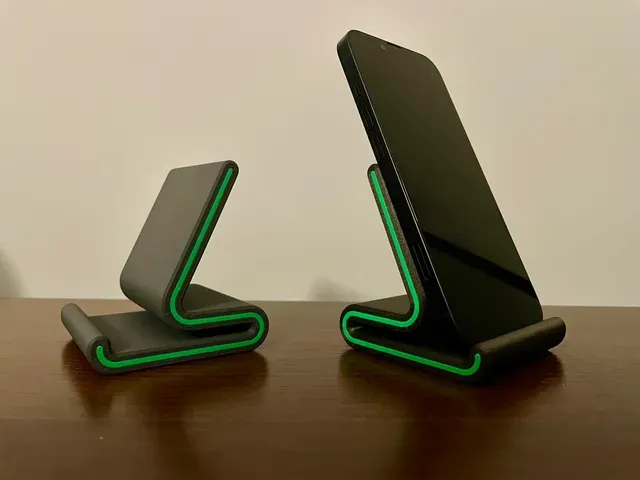
Searches for KMU bring up a mixed set of 3D printing files: multi-material units, sharpeners, small display stands, scale models and lens parts. The collection is useful when you already know which of these groups you need and want to compare the variants side by side. Each listing links to an author page, where the STL files and print notes live. Polyzon does not confirm whether models are free, their price, license, official status, affiliation, safety or fitness. Check the current terms at the source.
このコレクションの本文は英語で書かれています。検索自体はどの言語でも使えます。
 Polyzonのコレクション · モデル48件 4サイトから収集
このコレクションは、Polyzonが対応サイトの検索結果をもとに作成しています。重複やプレビューのないモデルは除外し、関連性の低いものは後ろに回し、それ以外は検索結果の順に並べています。モデルの権利は各作者にあります。利用条件は各モデルのページでご確認ください。
選定基準:Polyzon編集部 · 本文の更新日:2026年10月15日

%2Fhttps%3A%2F%2Ffbi.cults3d.com%2Fuploaders%2F40964038%2Fillustration-file%2F68c73fc1-d22b-4e8c-b662-b0ad7fea7fb1%2Fexample1.png&w=300)



%2Fhttps%3A%2F%2Ffbi.cults3d.com%2Fuploaders%2F25694882%2Fillustration-file%2F2db87904-a994-45af-be58-2b7d36ba6d40%2FCaptura-de-pantalla-2V2024-03-29-203436.jpg&w=300)


%2Fhttps%3A%2F%2Ffbi.cults3d.com%2Fuploaders%2F15402952%2Fillustration-file%2F0b5924ab-3f67-4df1-85a8-ce946f9f35ba%2FSteel-Joist.png&w=300)


![ventografo (windograph) [kmh and mph]](https://cache.polyzon.org/api/img?url=https%3A%2F%2Fresize.thingiverse.com%2F%3Furl%3Dhttps%3A%2F%2Fcdn.thingiverse.com%2Fassets%2F3b%2F38%2F97%2F1d%2Fdb%2FInfographic_1.jpg%26w%3D292%26h%3D219%26fit%3Dcontain%26cbg%3Dwhite%26n%3D-1&w=300)

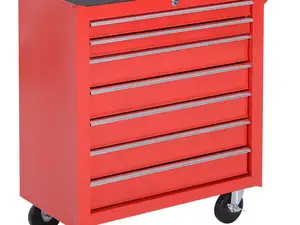


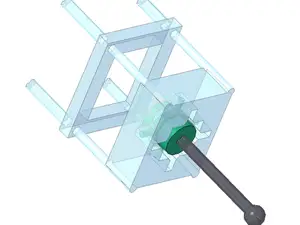






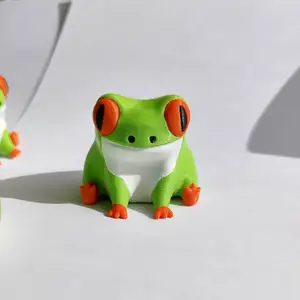

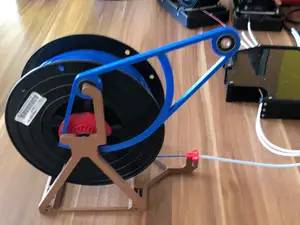
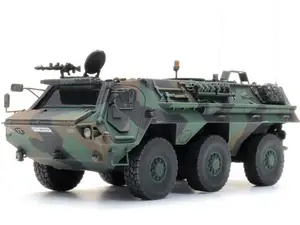









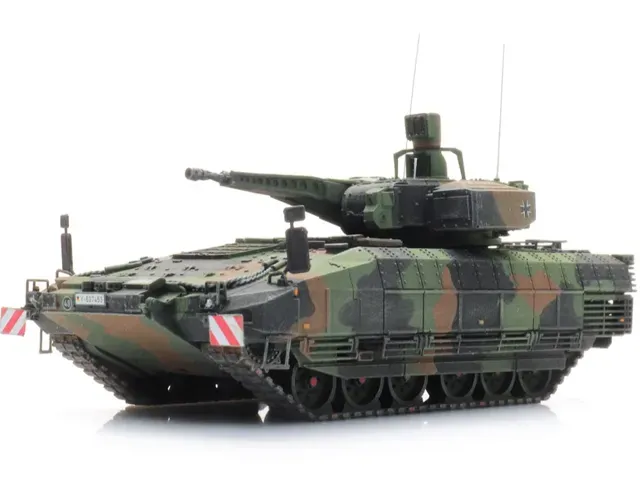
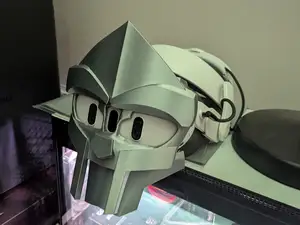
The groups differ mostly in scale and in what they are meant to do. Multi-material units and printer add-ons are assemblies with several printed and bought parts, sharpeners are compact tools built around a fixed angle, and display stands are flat, simple shapes. Scale models of ships and armored vehicles sit at the other end: many parts, thin details and a longer build. Molds, masks and lens parts fall somewhere between, since they are usually shaped around an existing object.
Before printing, open the author's page and read what is listed there. Check the size and scale, how many parts the model has and how they join, and whether supports are needed for the overhangs. Look at the material and settings the author names, and at photos of real prints rather than only renders, since thin walls and small pins behave differently across materials.
If the first results feel scattered, try the terms people use for each group. Multi-material hardware also appears as MMU, AMS or material-changing upgrades; sharpeners as honing jigs, angle guides or edge systems; stands as holders, shelves or risers. For scale subjects, add the era or vehicle class, and for lens parts try the mount name or the accessory type.
A short list of related searches helps when a query returns too much: printer accessories, workshop tools, desk organizers, model kits, camera accessories.



暮らし・日用品からCNCまで、すべてのテーマをそろえたカタログ。対応サイトを横断して検索できます。
%2Fhttps%3A%2F%2Ffbi.cults3d.com%2Fuploaders%2F14053501%2Fillustration-file%2F3af524ef-acf3-47ba-bb7e-21ea5600ab31%2F4.png&w=640)