
無料 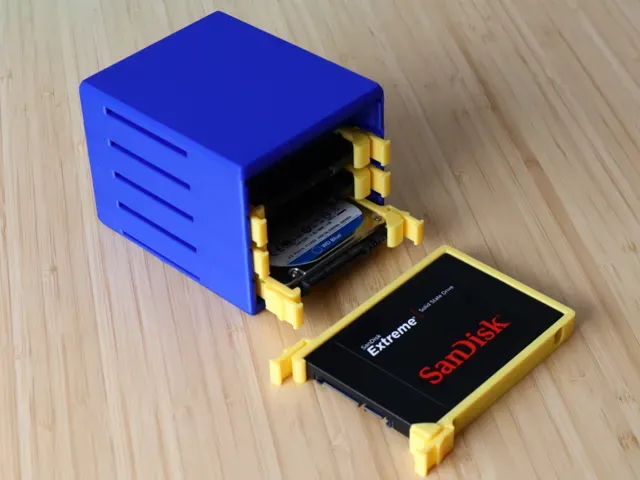
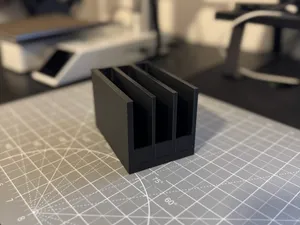
Modular Stackable 2.5" HD/SSD Enclosure
MakerWorld
This collection gathers 3D models for housing solid-state drives: portable enclosures, 2.5-inch mounts, Raspberry Pi shells with drive space, and a few small display cases that share the SSD1306 name. It is useful when a bare drive or a single-board computer needs a shell that matches its real dimensions rather than a generic box. Each listing leads to an STL file you can inspect before sending it to a 3D printer. Polyzon does not confirm whether models are free, their price, license, official status, affiliation, safety or fitness. Check the current terms at the source.
このコレクションの本文は英語で書かれています。検索自体はどの言語でも使えます。
 Polyzonのコレクション · モデル48件 5サイトから収集
このコレクションは、Polyzonが対応サイトの検索結果をもとに作成しています。重複やプレビューのないモデルは除外し、関連性の低いものは後ろに回し、それ以外は検索結果の順に並べています。モデルの権利は各作者にあります。利用条件は各モデルのページでご確認ください。
選定基準:Polyzon編集部 · 本文の更新日:2026年10月11日


%2Fhttps%3A%2F%2Ffbi.cults3d.com%2Fuploaders%2F14106353%2Fillustration-file%2F3507909a-4713-4fac-bfa0-a0b0364d2237%2F2021-03-18_21.14.59.jpg&w=300)



%2Fhttps%3A%2F%2Ffbi.cults3d.com%2Fuploaders%2F15091426%2Fillustration-file%2Fd8069381-b5ee-4b33-91de-b4d4e978c010%2F20210207_182000.jpg&w=300)
%2Fhttps%3A%2F%2Ffbi.cults3d.com%2Fuploaders%2F13764497%2Fillustration-file%2Fe5193f52-18b9-49de-b081-3f765b722600%2FIMG_20181216_095826.jpg&w=300)



%2Fhttps%3A%2F%2Ffbi.cults3d.com%2Fuploaders%2F13743446%2Fillustration-file%2Fb144d3d3-6d9a-493d-856e-0531b11e22b2%2Fphoto5780641555529445874.jpg&w=300)

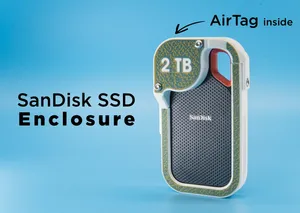
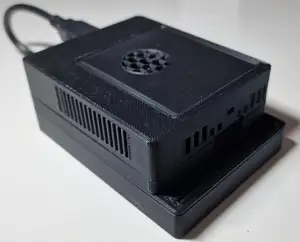
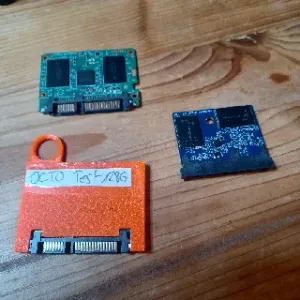
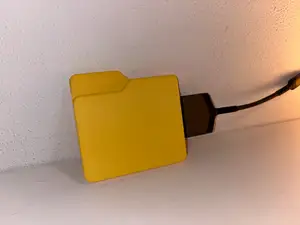










%2Fhttps%3A%2F%2Ffbi.cults3d.com%2Fuploaders%2F13652160%2Fillustration-file%2Fdc8587a5-3b9e-48cc-9646-23bf52e000c7%2F04855d3bb214c465762238990b7ea876_display_large.jpg&w=300)

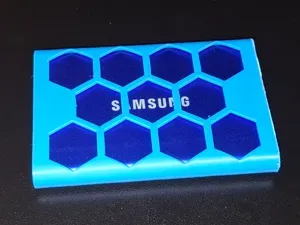
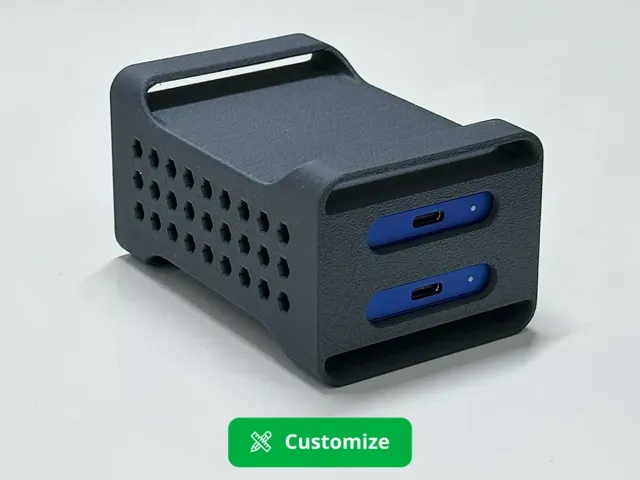
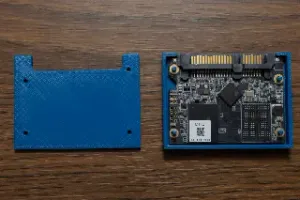
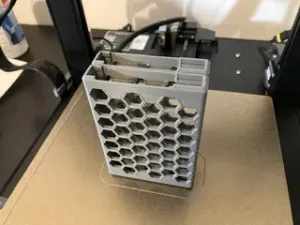
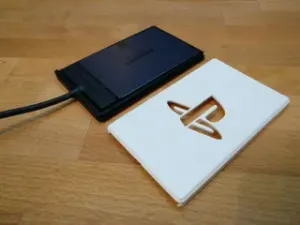
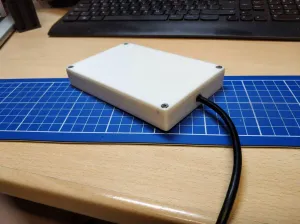
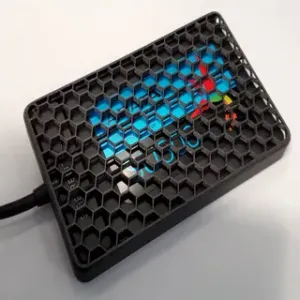
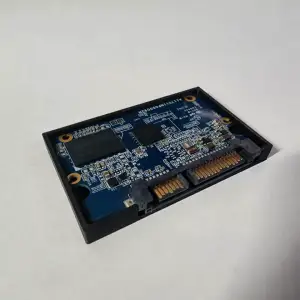
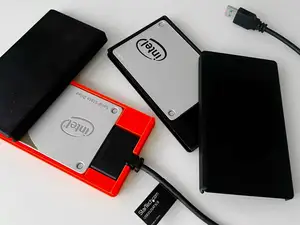
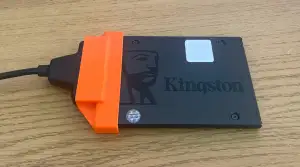
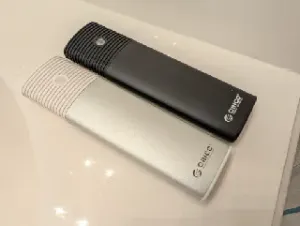
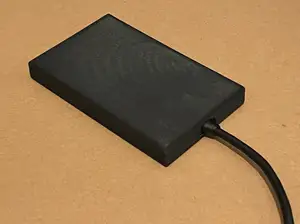
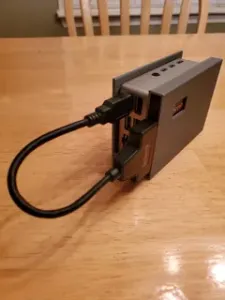
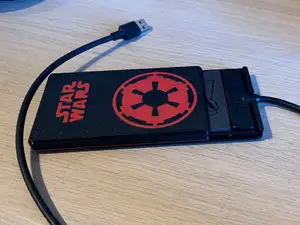
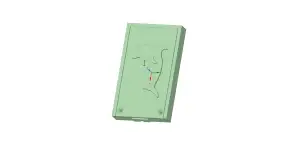
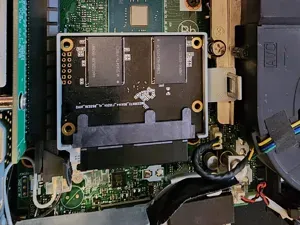
The models differ mainly in what they hold. Some are slim sleeves for external drives, others are stackable trays for 2.5-inch units, and a third group wraps a Raspberry Pi together with an M.2 or SATA drive. A few designs add slots for a USB key, an adapter or a cable, which changes the outer shape and the amount of material used. Display cases for small OLED boards appear under the same keyword and are a separate family.
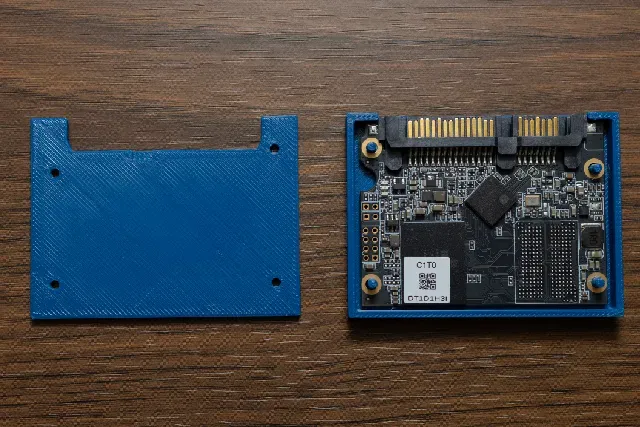
Before printing, compare the model page against your hardware: drive length, width and thickness, the position of the connector, and the mounting holes on the board. Look at how the lid closes, whether screws or clips are used, and how thick the walls are around the port openings. Check the material and settings the author lists, and read the photos of real prints to see how the part behaves at the corners and overhangs.
Search results widen quickly if you try other words for the same object: enclosure, caddy, housing, tray, dock, bracket or mount. Adding a drive format such as NVMe, M.2 or 2.5-inch narrows the list, and related topics like Raspberry Pi cases, docking stations, cable clips or display bezels often contain parts that fit the same project. Sorting by recency helps when a board revision changes the port layout.



暮らし・日用品からCNCまで、すべてのテーマをそろえたカタログ。対応サイトを横断して検索できます。