無料 
Cute Halloween Ghost - No AMS
Thingiverse
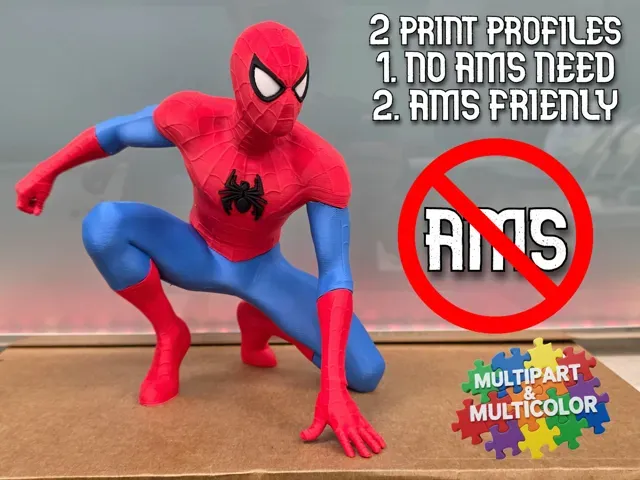
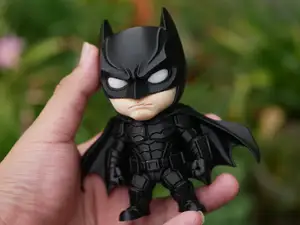
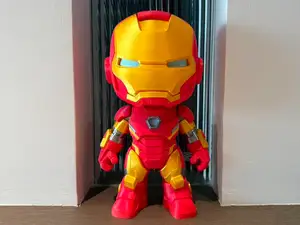
This collection gathers Marvel-themed 3D models that are prepared for printing on a single-extruder 3D printer, without an AMS or MMU. It covers chibi figures and statues, flat multicolor prints, and part-split builds where each color is a separate STL. It is useful if you want recognizable characters but prefer to handle color changes yourself. Polyzon does not confirm whether models are free, their price, license, official status, affiliation, safety or fitness. Check the current terms at the source.
このコレクションの本文は英語で書かれています。検索自体はどの言語でも使えます。
 Polyzonのコレクション · モデル47件 4サイトから収集
このコレクションは、Polyzonが対応サイトの検索結果をもとに作成しています。重複やプレビューのないモデルは除外し、関連性の低いものは後ろに回し、それ以外は検索結果の順に並べています。モデルの権利は各作者にあります。利用条件は各モデルのページでご確認ください。
選定基準:Polyzon編集部 · 本文の更新日:2026年10月15日



![[FIXED] Silica Gel Container - Inside Spool](https://cache.polyzon.org/api/img?url=https%3A%2F%2Fresize.thingiverse.com%2F%3Furl%3Dhttps%3A%2F%2Fcdn.thingiverse.com%2Fassets%2F83%2F99%2F9d%2Ff5%2F7b%2FIMG20260104112007_a.jpg%26w%3D292%26h%3D219%26fit%3Dcontain%26cbg%3Dwhite%26n%3D-1&w=300)
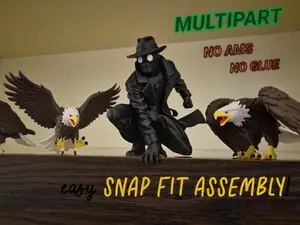
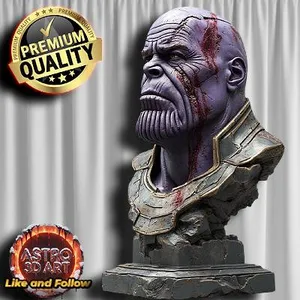
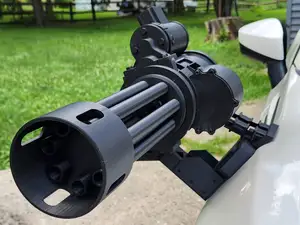
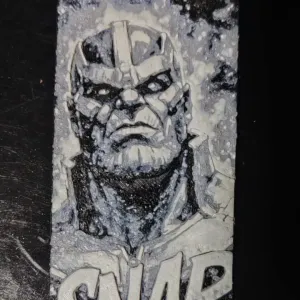
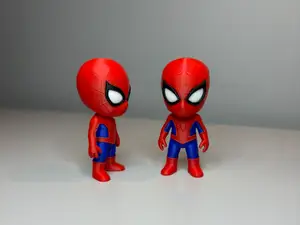
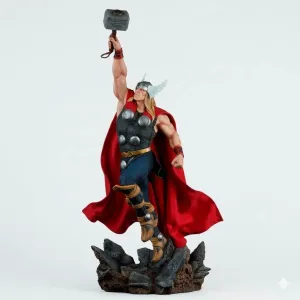


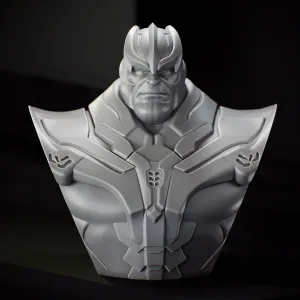
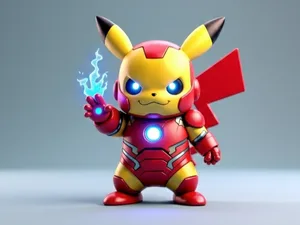
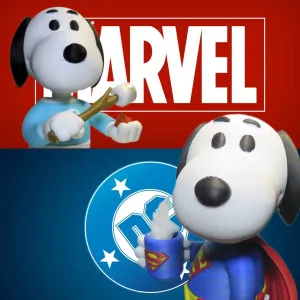

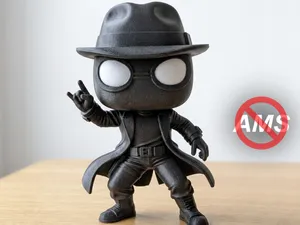
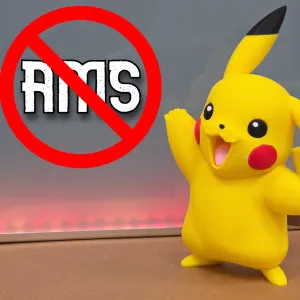
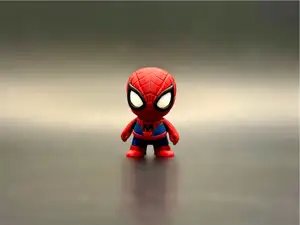
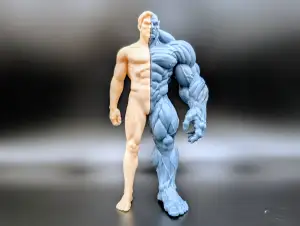
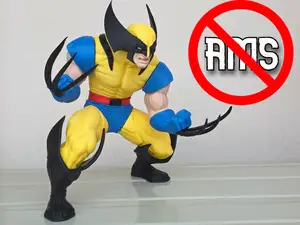
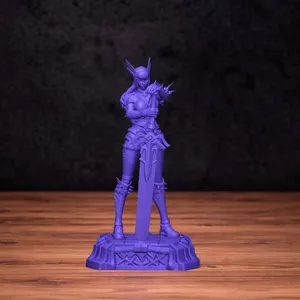

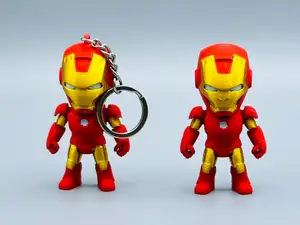
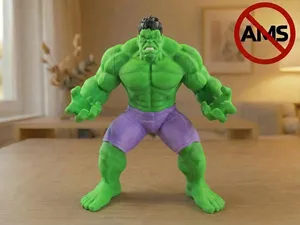
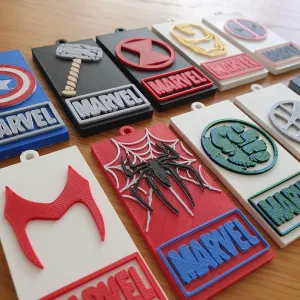


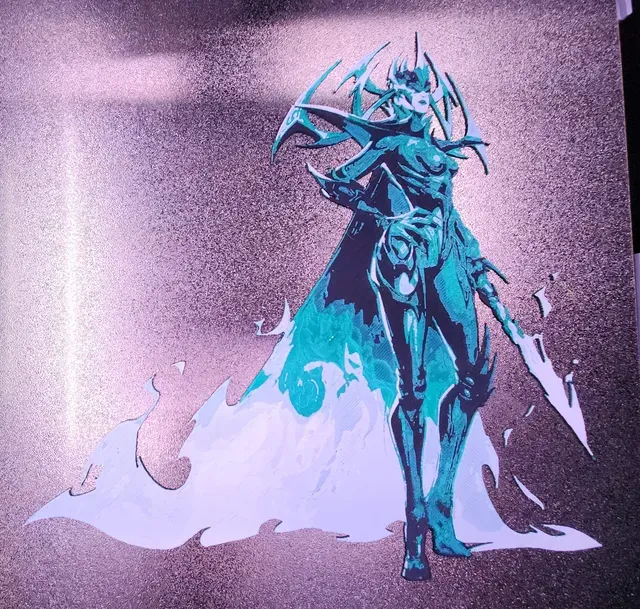
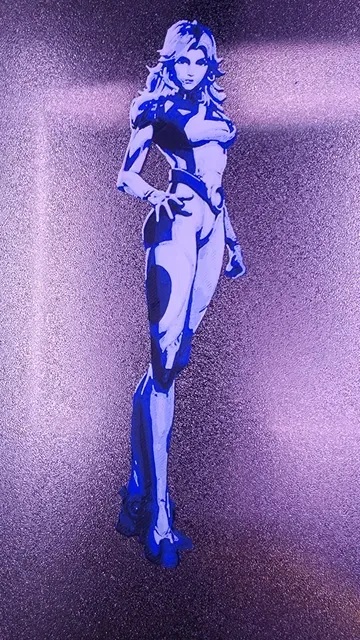
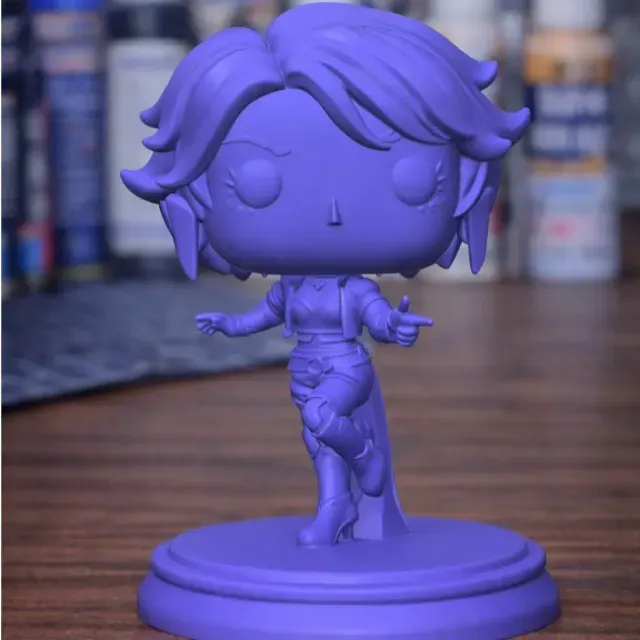
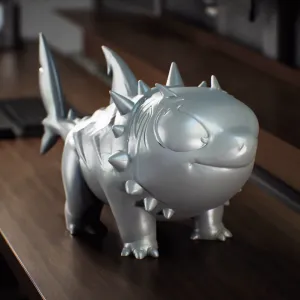
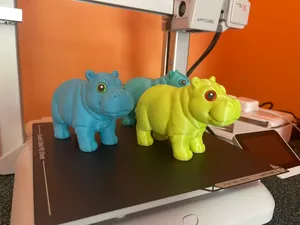
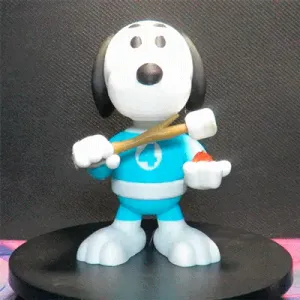
The models here fall into a few practical groups. Character figures and chibi versions of heroes and villains are usually split into a body, head and accessories, while Hueforge-style files are flat panels where color comes from stacked layers rather than separate parts. Some entries are small props or busts, and a number of animal or Halloween designs follow the same no-AMS approach.
When you open a model page, check how many parts the file set contains and how they join, since a figure split into many pieces needs assembly and possibly glue. Look at the size and scale to see whether the model fits your build volume, at the layer height and nozzle the author lists, and at whether supports are needed for overhangs. Photos of actual prints show how the color breaks and seams come out better than renders do.
Search results for this topic are mixed, so it helps to try several phrasings: "no AMS", "no MMU", "single extruder", "multicolor by parts" or "hueforge". Related terms such as chibi, bust, statue, keychain or diorama narrow the list, and searching by character name plus STL usually brings up more variants than the collection title alone.
If you print without an AMS, plan the pauses and filament swaps before you slice. Flat prints tolerate a swap at a fixed layer, while part-split figures let you print each color separately and assemble afterwards. Reading the author's notes on layer height and material first saves a failed print.
暮らし・日用品からCNCまで、すべてのテーマをそろえたカタログ。対応サイトを横断して検索できます。