
無料 
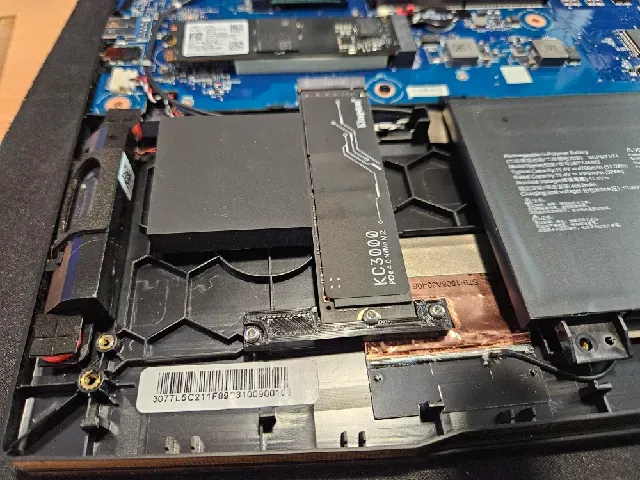
MSI Katana 17 B12VGK second M2 SSD mount brace
Thingiverse
This collection covers 3D models for MSI 17-inch laptops and nearby desktop hardware. You will find stands, SSD brackets, GPU supports, screen braces and mounting parts. It is useful when a standard accessory does not match your setup and you want to print a custom part on a 3D printer. Polyzon does not confirm whether models are free, their price, license, official status, affiliation, safety or fitness. Check the current terms at the source.
このコレクションの本文は英語で書かれています。検索自体はどの言語でも使えます。
 Polyzonのコレクション · モデル48件 7サイトから収集
このコレクションは、Polyzonが対応サイトの検索結果をもとに作成しています。重複やプレビューのないモデルは除外し、関連性の低いものは後ろに回し、それ以外は検索結果の順に並べています。モデルの権利は各作者にあります。利用条件は各モデルのページでご確認ください。
選定基準:Polyzon編集部 · 本文の更新日:2026年10月13日


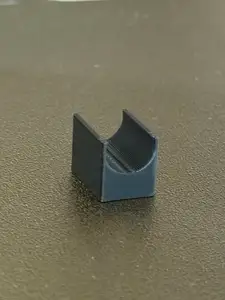


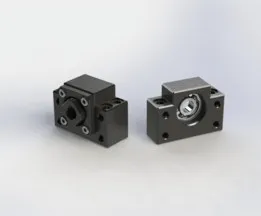
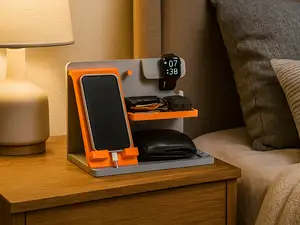

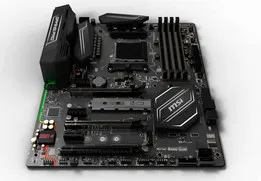



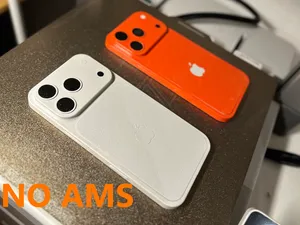
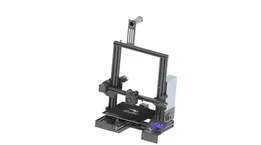
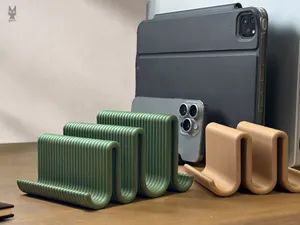
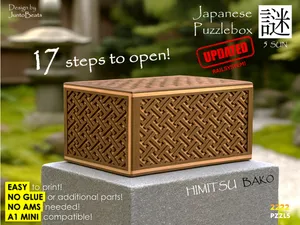

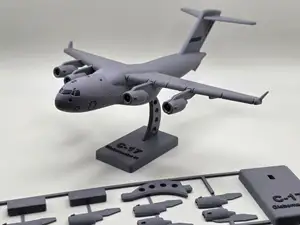
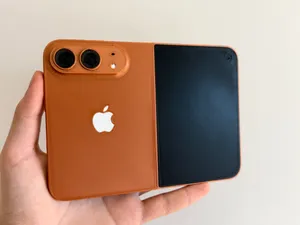
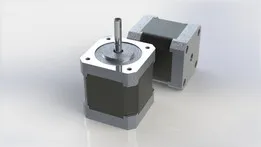
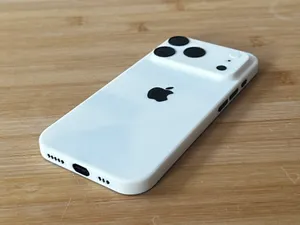

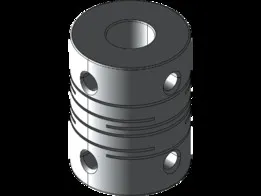
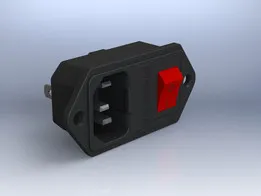

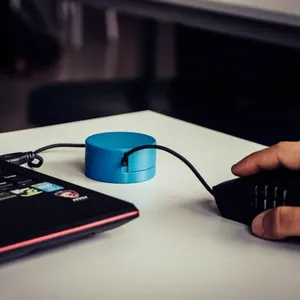

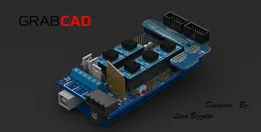



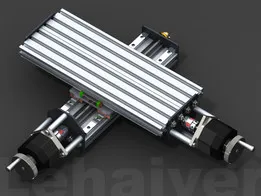

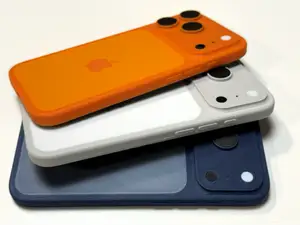
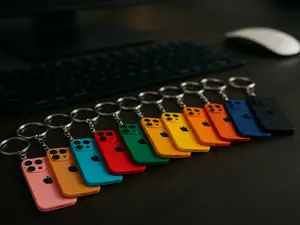
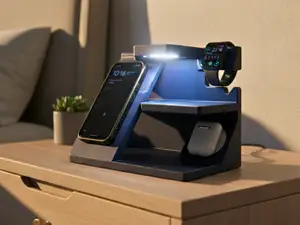
The models in this collection fall into a few practical groups. Laptop stands and risers raise a 17-inch MSI notebook to a chosen angle, while SSD mounts and brackets add storage inside or beside the chassis. GPU holders and support brackets address sag in desktop builds, and screen braces or VESA mounts relate to displays and panels. Each group uses different mounting points, so the hardware and clearances differ from one design to another.
When choosing a file, check the dimensions and scale against your own device, because 17-inch bodies vary in thickness, port layout and base shape. Look at the number of parts and whether assembly needs screws, inserts or adhesive. The author's page may list recommended material, layer height, wall count and whether supports are needed; photos of real prints can show how the part sits in practice. If a model is parametric or includes several sizes, confirm which version matches your hardware before slicing.
To refine the search, try synonyms such as notebook stand, riser, bracket, holder, brace, mount and support. Related topics include 17-inch laptop cooling stands, under-desk PC mounts, VESA adapters, SSD caddies and GPU anti-sag brackets. Adding the device family or screen size to the query can narrow results, and removing it can reveal generic parts that may be adapted. Check the author's model page for current terms and any updates before printing.




暮らし・日用品からCNCまで、すべてのテーマをそろえたカタログ。対応サイトを横断して検索できます。