
無料 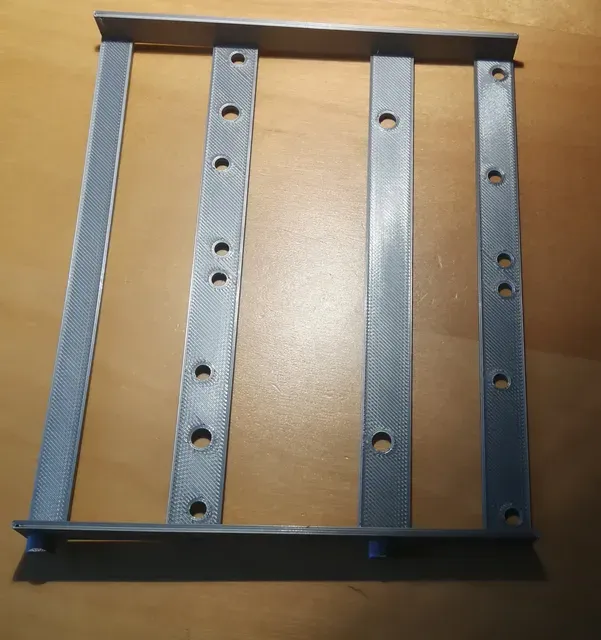
HDD (SSD) Adapter 5.25" to 3,5" or 2 x 2.5" for HP computers
Printables
This collection gathers 3D printing files for mounting hard drives and SSDs inside a computer case: bay converters, trays, caddies and cages. It is useful when a case has a bay size that no longer matches the drives you want to install. Most files are small parts meant for a desktop 3D printer and a few screws. Polyzon does not confirm whether models are free, their price, license, official status, affiliation, safety or fitness. Check the current terms at the source.
このコレクションの本文は英語で書かれています。検索自体はどの言語でも使えます。
 Polyzonのコレクション · モデル48件 6サイトから収集
このコレクションは、Polyzonが対応サイトの検索結果をもとに作成しています。重複やプレビューのないモデルは除外し、関連性の低いものは後ろに回し、それ以外は検索結果の順に並べています。モデルの権利は各作者にあります。利用条件は各モデルのページでご確認ください。
選定基準:Polyzon編集部 · 本文の更新日:2026年10月11日
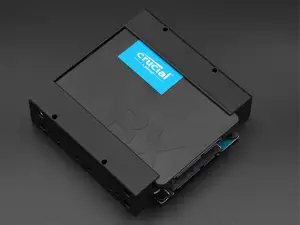

%2Fhttps%3A%2F%2Ffbi.cults3d.com%2Fuploaders%2F14375239%2Fillustration-file%2F09787c80-05d3-4948-9f70-1fb366a28bf2%2FCaptura.PNG&w=300)
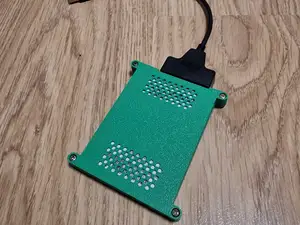

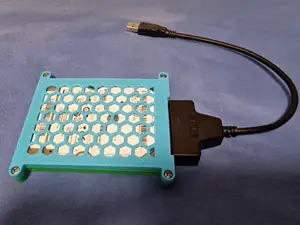


%2Fhttps%3A%2F%2Ffbi.cults3d.com%2Fuploaders%2F12957788%2Fillustration-file%2F69f92da7-40ab-4cd2-b1a5-5dbdb7d4184b%2FADAPT-TIRROIR-HDD-1.jpg&w=300)






![5.25in Bay to 2x [20mm Tall] 3.5in HDD Adapter for Optiplex (MT)](https://cache.polyzon.org/api/img?url=https%3A%2F%2Fresize.thingiverse.com%2F%3Furl%3Dhttps%3A%2F%2Fcdn.thingiverse.com%2Fassets%2F86%2F54%2Ffd%2Fd1%2Fd5%2Fa0a683c9-d42a-456d-a695-9842a1b9bcd2.jpg%26w%3D1024%26h%3D1024%26fit%3Dcontain%26cbg%3Dwhite%26n%3D-1&w=300)
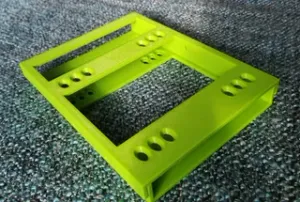


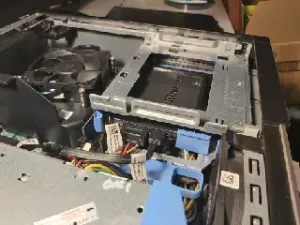


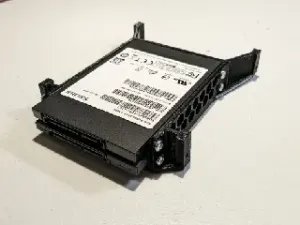


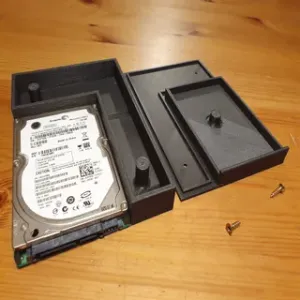

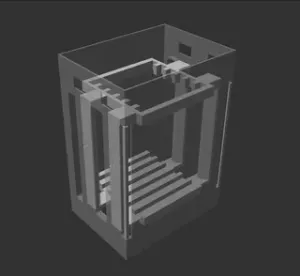
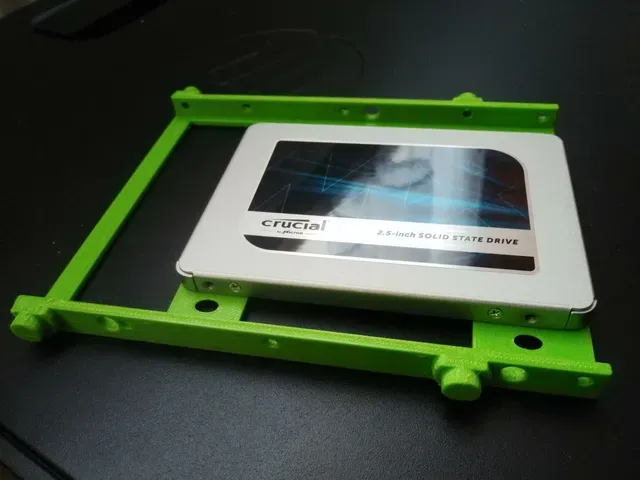
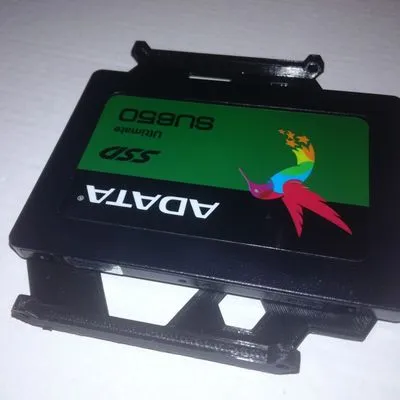
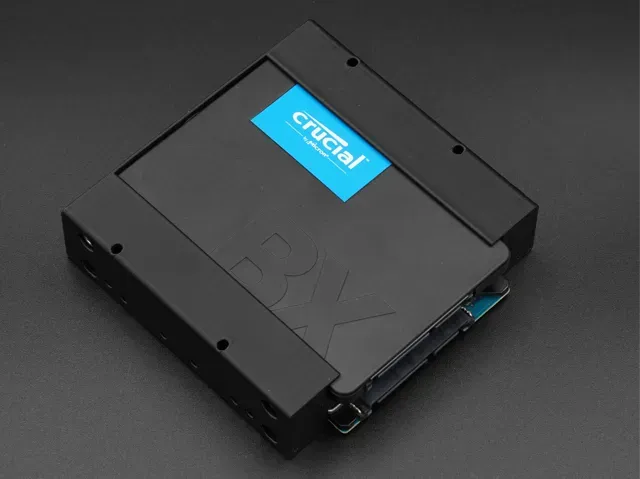
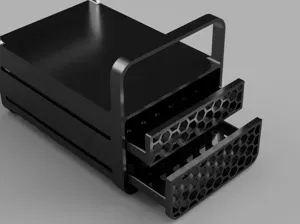
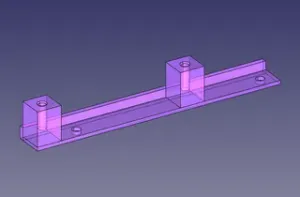
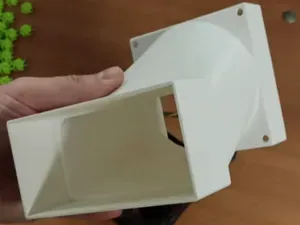
The models fall into a few groups. Bay converters change one standard size into another, for example a 5.25-inch slot that takes a 3.5-inch drive or a pair of 2.5-inch drives. Trays and caddies hold a single 2.5-inch SSD or HDD in a 3.5-inch position, while dual frames and stackable cages let you group several drives in one place. Minimal sleeves and pin-to-pin pieces cover the case where you only need a thin carrier rather than a full bracket.
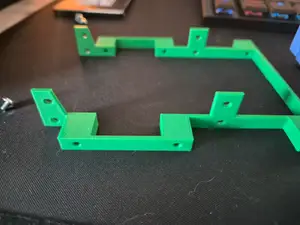
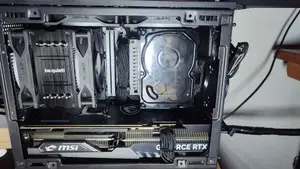
Before printing, compare the model dimensions with your actual bay and drive. Check the screw hole spacing, the drive thickness the design expects, and whether the file is split into several parts that need assembly. Look at the photos of real prints on the author's page, and read the material and settings they list, since a thin tray and a load-bearing cage behave differently. Also note whether the model needs supports and how the drive is fastened.
If the first results are too narrow, try other words for the same part: caddy, bracket, tray, frame, cage, mounting kit, or the size pair written as 2.5 to 3.5 and 5.25 to 3.5. Related searches include hot-swap bays, vibration damping for drives, NAS enclosures and workstation drive stacks. Combining a size with a case type, such as a tower or a small form factor build, usually narrows the list faster than a single general term.

%2Fhttps%3A%2F%2Ffbi.cults3d.com%2Fuploaders%2F14151277%2Fillustration-file%2Ffd731c66-0228-4501-a326-8bf38702604a%2F1.jpg&w=300)
%2Fhttps%3A%2F%2Ffbi.cults3d.com%2Fuploaders%2F12947536%2Fillustration-file%2Fb2588487-38dd-4545-9c82-62b17278829d%2FfondPC.png&w=300)

暮らし・日用品からCNCまで、すべてのテーマをそろえたカタログ。対応サイトを横断して検索できます。