
無料 
Nintendo Switch Single Joy-Con Grip + And -
Thingiverse
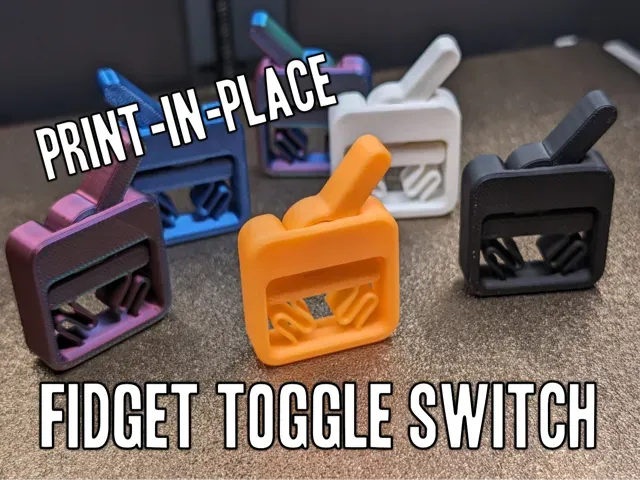
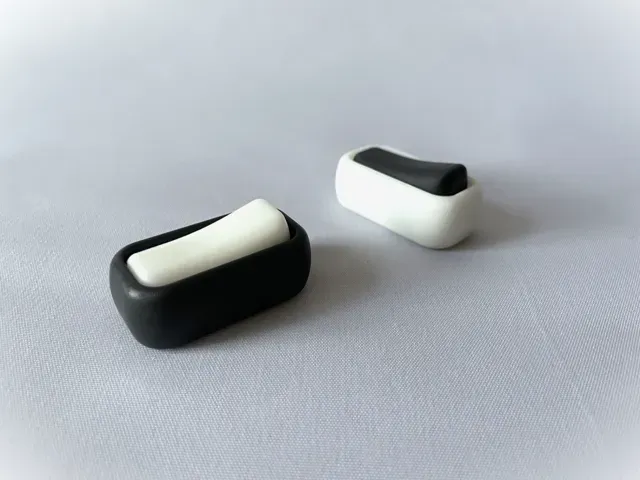
This collection gathers switch-themed STL files: handlebar controls, mode selectors, fidget clickers, replacement buttons and mounting parts. It helps you find a starting point for a 3D printer project when a stock switch is hard to source or you want a custom shape. Check each model page for dimensions and assembly details before printing. Polyzon does not confirm whether models are free, their price, license, official status, affiliation, safety or fitness. Check the current terms at the source.
このコレクションの本文は英語で書かれています。検索自体はどの言語でも使えます。
 Polyzonのコレクション · モデル48件 7サイトから収集
このコレクションは、Polyzonが対応サイトの検索結果をもとに作成しています。重複やプレビューのないモデルは除外し、関連性の低いものは後ろに回し、それ以外は検索結果の順に並べています。モデルの権利は各作者にあります。利用条件は各モデルのページでご確認ください。
選定基準:Polyzon編集部 · 本文の更新日:2026年10月14日


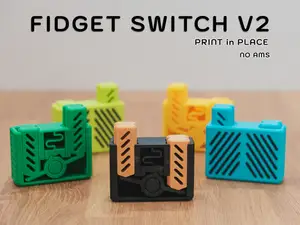


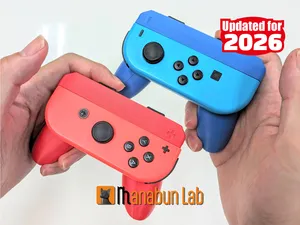
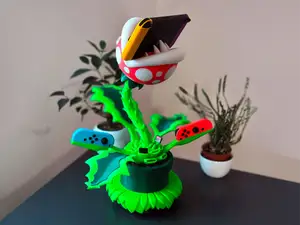
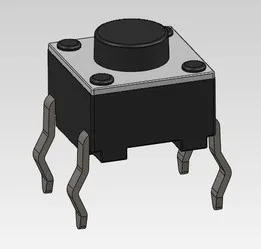
%2Fhttps%3A%2F%2Ffbi.cults3d.com%2Fuploaders%2F13225718%2Fillustration-file%2Fc1c981f7-a21b-4902-a5f7-5de634195229%2FFINISHED.jpg&w=300)



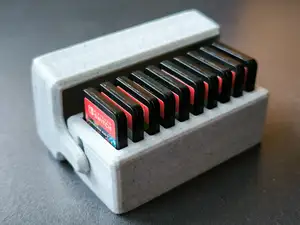
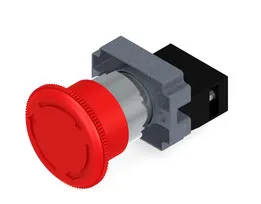
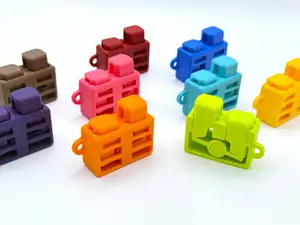

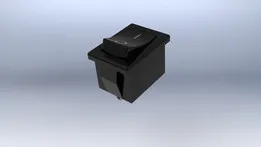

%2Fhttps%3A%2F%2Ffbi.cults3d.com%2Fuploaders%2F13651220%2Fillustration-file%2F426dc049-6538-4fd1-b5ef-3abedacdd562%2Fd46f52e35b2d9d717d01998770448015_display_large.jpg&w=300)
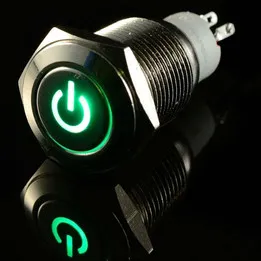

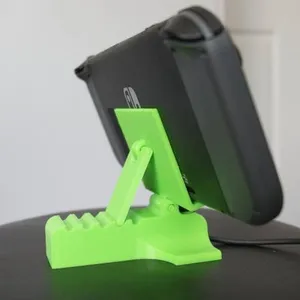

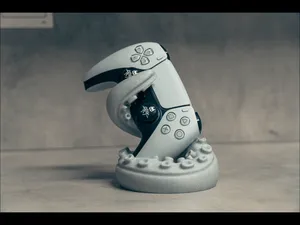
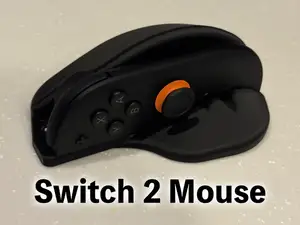

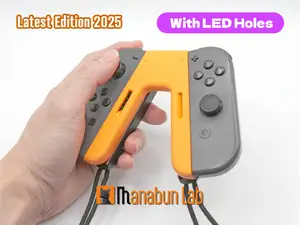

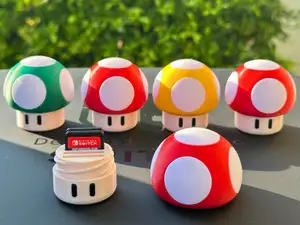
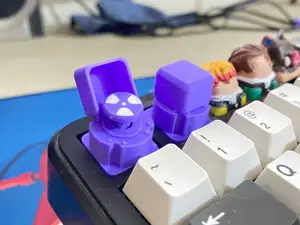


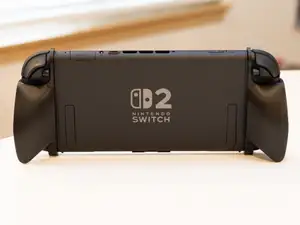

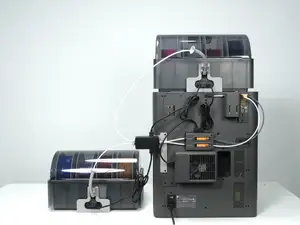

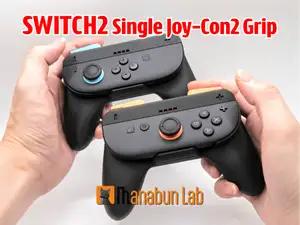
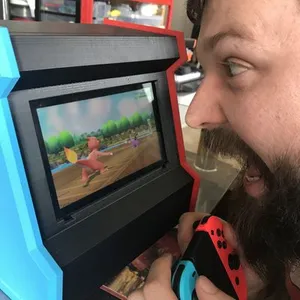
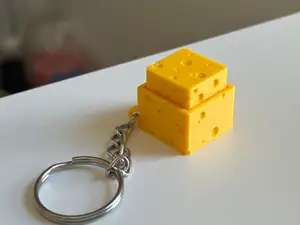
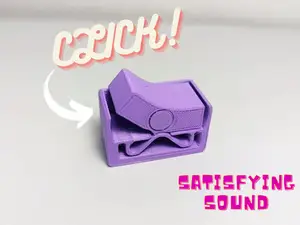
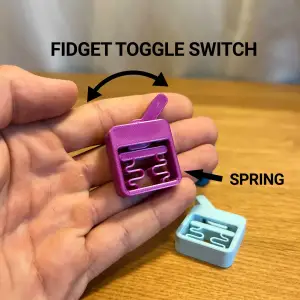
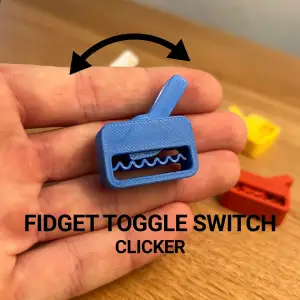
Switch models range from small clicker mechanisms to multi-part control units. Some are designed around a specific mounting diameter or panel cutout, while others are standalone fidget toys with detents and springs. Vehicle and tool replacements often include a housing, lever or button cap, whereas selector models may focus on a rotating dial or sliding tab.
When choosing a file, read the author's notes on overall size, wall thickness and the number of separate parts. Check whether the model expects screws, magnets, springs or metal pins, and whether supports are needed for overhangs. Material choice matters for parts that flex or click repeatedly; the author's listed filament and slicer settings give a useful baseline.
To refine a search, try synonyms such as toggle, selector, rocker, pushbutton, rotary switch and control knob. Related terms like handlebar mount, panel cutout, detent, clicker and replacement button can surface files that use different wording. You can also browse broader categories like vehicle controls, tool parts or fidget toys if the exact term returns few results.


暮らし・日用品からCNCまで、すべてのテーマをそろえたカタログ。対応サイトを横断して検索できます。