
無料 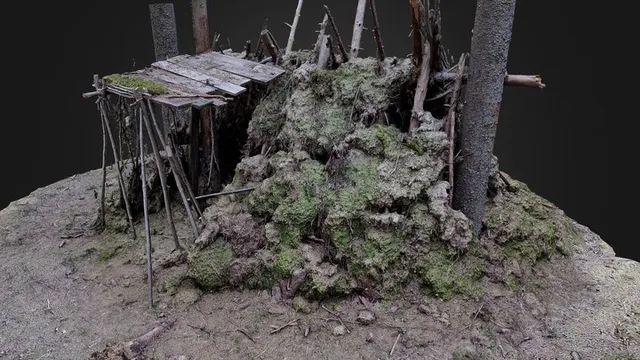
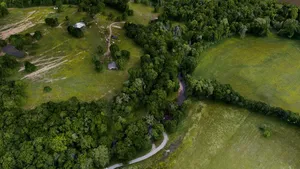
The Hut in forest, St. Petersburg, Russia
Sketchfab
This collection gathers 3D models linked to St. Petersburg and its surroundings: cathedral architecture, city miniatures, historical figures, heraldry and a few transport subjects. It is useful when you want a recognizable Russian landmark for a 3D printing project rather than a generic building. The mix ranges from detailed architectural shells to small terrain pieces and flat emblems. Polyzon does not confirm whether models are free, their price, license, official status, affiliation, safety or fitness. Check the current terms at the source.
このコレクションの本文は英語で書かれています。検索自体はどの言語でも使えます。
 Polyzonのコレクション · モデル48件 8サイトから収集
このコレクションは、Polyzonが対応サイトの検索結果をもとに作成しています。重複やプレビューのないモデルは除外し、関連性の低いものは後ろに回し、それ以外は検索結果の順に並べています。モデルの権利は各作者にあります。利用条件は各モデルのページでご確認ください。
選定基準:Polyzon編集部 · 本文の更新日:2026年10月11日


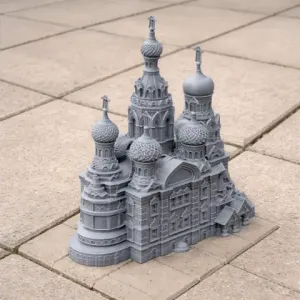
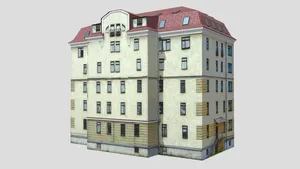

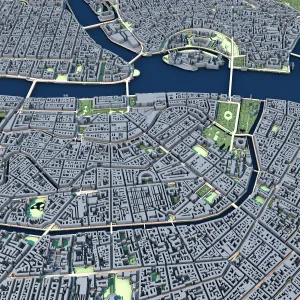
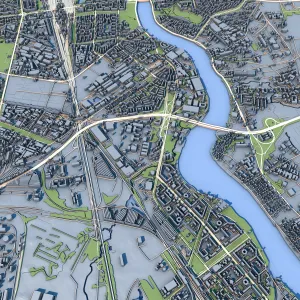
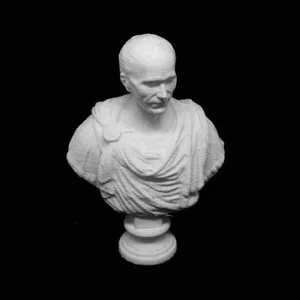
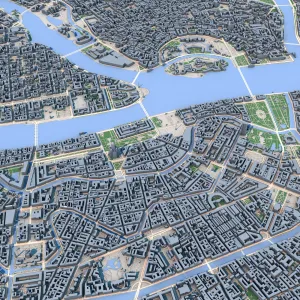


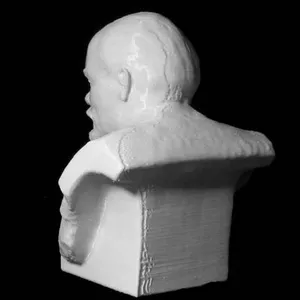


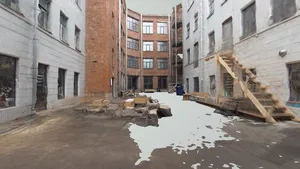

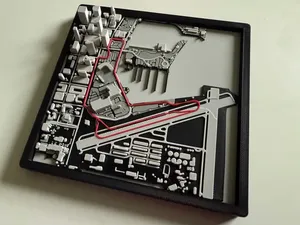
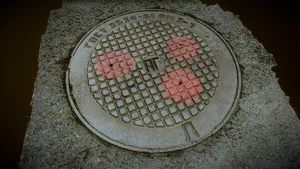

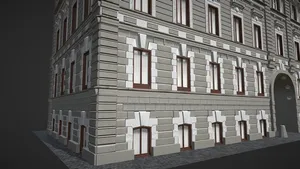
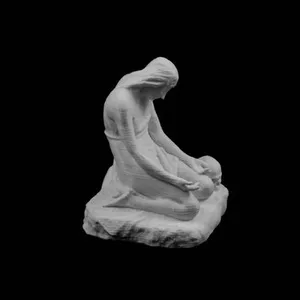

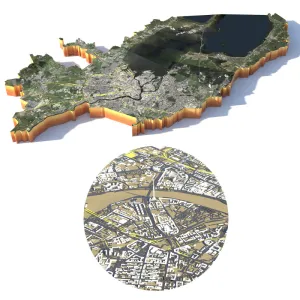


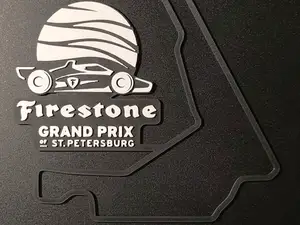
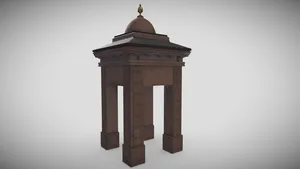


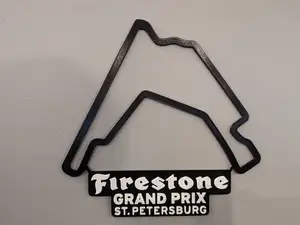

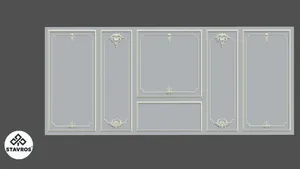

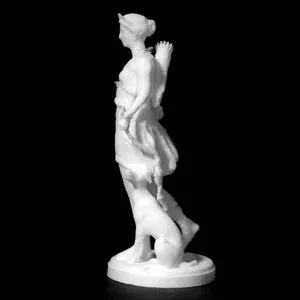
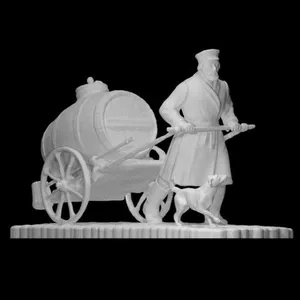
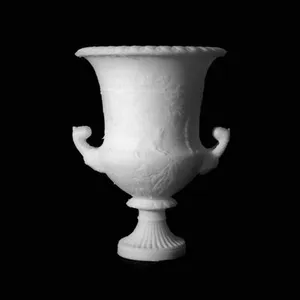
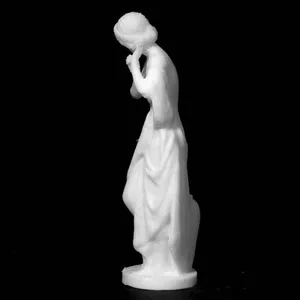
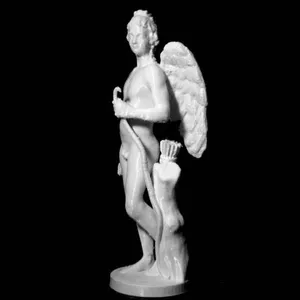
Architectural entries dominate: cathedral and museum models usually come as multi-part shells with columns, domes and window openings, while city miniatures and terrain files are flatter and often derived from scans. Figure and monument models are solid or lightly hollowed, and heraldry or flag pieces are mostly flat plates intended for single-colour or multi-colour printing. Transport subjects, such as station buildings or circuit layouts, sit between the two, since they combine a map-like base with small raised details.
When choosing a model, open the author's page and read the listed dimensions and scale first, then check how many parts the file contains and whether the author shows an assembly order. Look at whether supports are needed for overhanging domes, spires and arches, and which material and layer height the author lists. Photos of real prints are the quickest way to judge how thin walls, railings and roof edges come out on a 3D printer.
If the results feel narrow, try synonyms and related terms: the city name in its short form, the names of individual landmarks, or broader words such as Russian architecture, imperial palace, canal embankment or city scan. Related topics that often appear alongside are medieval town buildings, museum interiors, ship models and tabletop terrain. Combining a landmark term with a format word, such as miniature, relief or diorama, usually narrows the list faster than a single keyword.


暮らし・日用品からCNCまで、すべてのテーマをそろえたカタログ。対応サイトを横断して検索できます。

