
無料 
Playstation 5 Pro & Slim Vertical Stand
Thingiverse
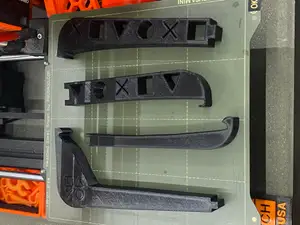
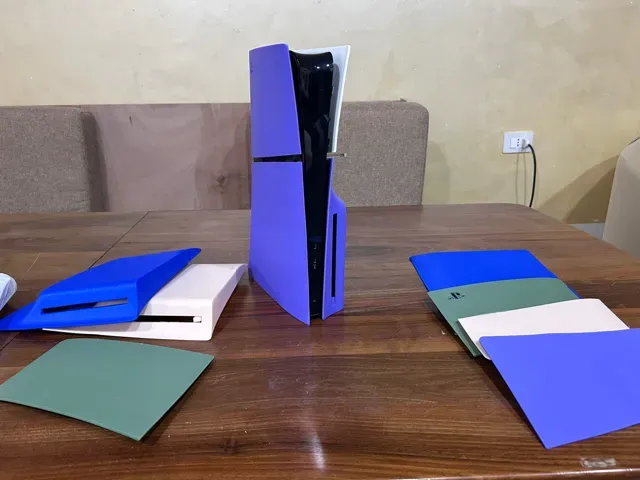
This collection gathers STL files for stands, feet and holders made for the PlayStation 5 slim, with a clear focus on horizontal cradles for the disc edition. It is useful when you want to change how the console sits on a shelf or desk and prefer to make the part yourself on a 3D printer. Listings vary in shape and part count, so the pages are worth reading before you start a print. Polyzon does not confirm whether models are free, their price, license, official status, affiliation, safety or fitness. Check the current terms at the source.
このコレクションの本文は英語で書かれています。検索自体はどの言語でも使えます。
 Polyzonのコレクション · モデル27件 4サイトから収集
このコレクションは、Polyzonが対応サイトの検索結果をもとに作成しています。重複やプレビューのないモデルは除外し、関連性の低いものは後ろに回し、それ以外は検索結果の順に並べています。モデルの権利は各作者にあります。利用条件は各モデルのページでご確認ください。
選定基準:Polyzon編集部 · 本文の更新日:2026年10月14日

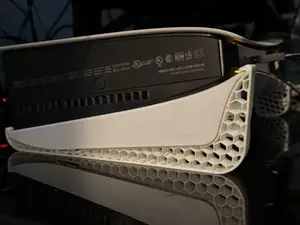

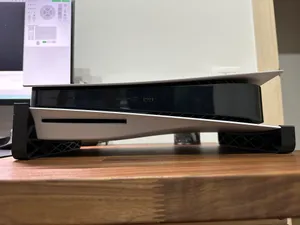

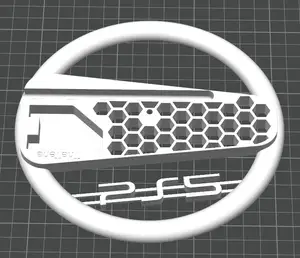

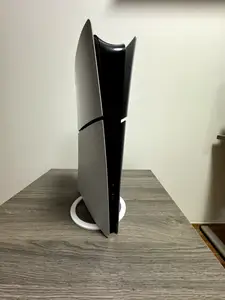
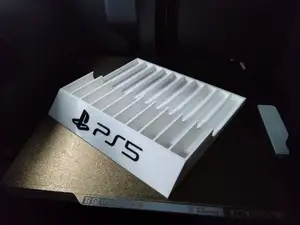
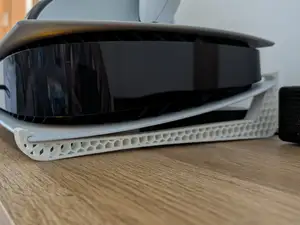
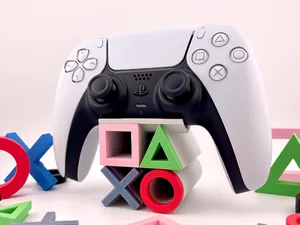
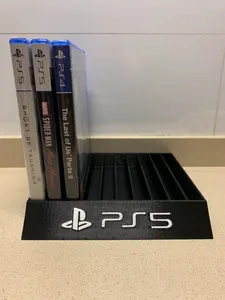
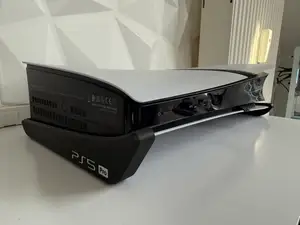
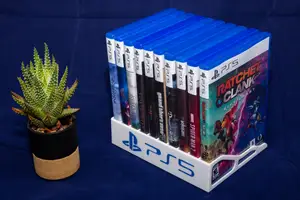
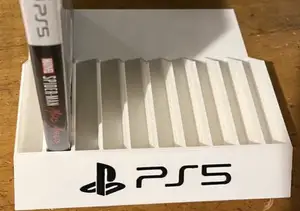
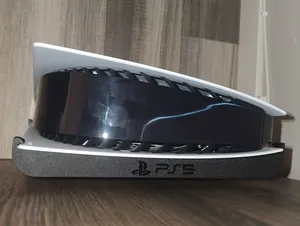
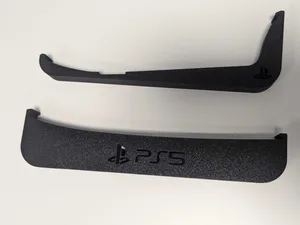
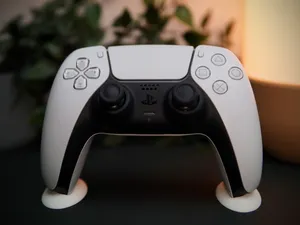
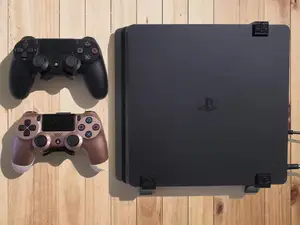
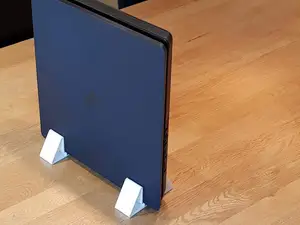
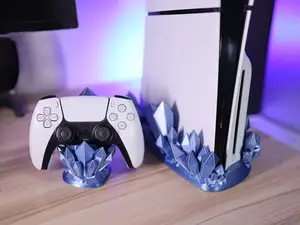
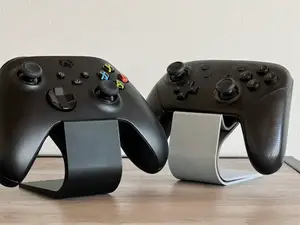
Most entries fall into a few groups. Horizontal cradles hold the console flat and often wrap around the base, while vertical stands lift it upright and are usually shared between the slim and Pro bodies. Smaller feet raise the console slightly without a full frame, and honeycomb or vented designs leave openings along the underside. Separate holders for game cases and controllers appear in the same searches and are often printed alongside a stand.
When choosing a model, open the author's page and read the details rather than judging from the preview image. Check the stated dimensions and scale against your own console, the number of parts and how they join, and whether the model needs supports or prints flat. Look at the material and settings the author lists, and at photos of real prints, since thin walls and tall upright sections behave differently across materials.
If the results feel narrow, try other words for the same object: cradle, base, feet, dock, bracket or holder. Adding the edition helps, for example disc drive, digital or slim, and the console generation narrows it further. Related searches such as controller stands, game case holders and cable clips often lead to designs from the same authors.
A stand is a simple part, but the fit depends on small tolerances. If a model looks close but not exact, check whether the author offers several versions or a parametric file, and compare the console footprint with the dimensions given. Printing a small test section first can save material on a long print.
暮らし・日用品からCNCまで、すべてのテーマをそろえたカタログ。対応サイトを横断して検索できます。
%2Fhttps%3A%2F%2Ffbi.cults3d.com%2Fuploaders%2F17127575%2Fillustration-file%2Fb2c99dcf-a24a-4fb0-92c8-b609cc3e23a4%2FScreenshot-2023-02-23-130321.png&w=640)