
無料 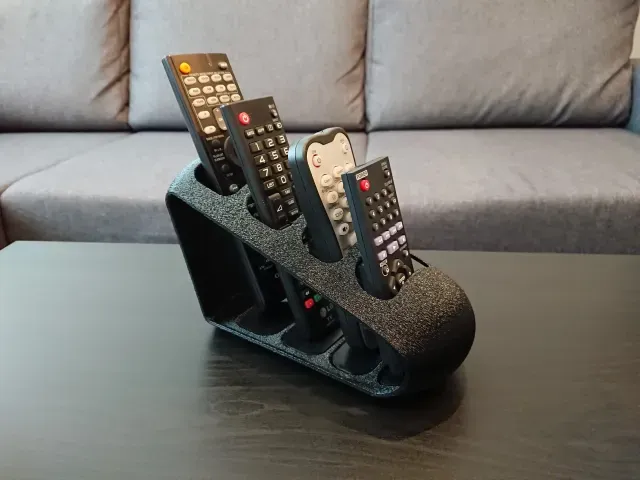
Modern Remote Control Holder / Stand
Creality Cloud
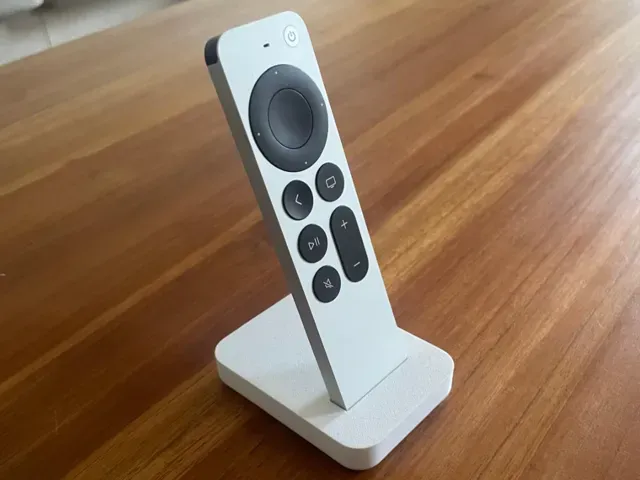
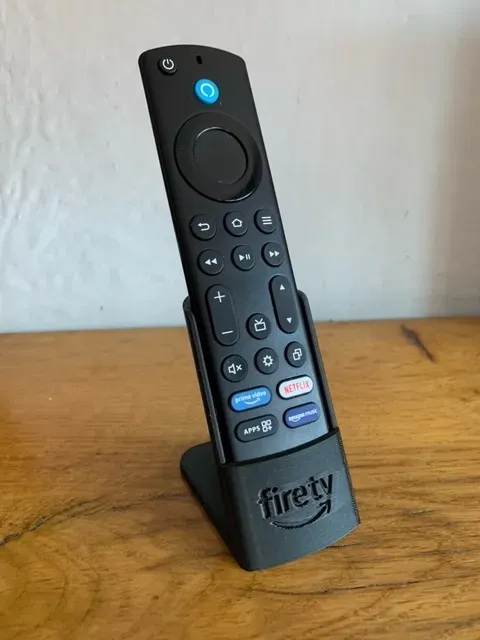
This collection gathers 3D models for holding and storing remote controls: tabletop stands, wall-mounted holders, multi-slot caddies and floor-standing posts. Most of them are simple shapes that print without much fuss on a home 3D printer. It helps when remotes keep sliding off the sofa arm or disappearing between cushions. Polyzon does not confirm whether models are free, their price, license, official status, affiliation, safety or fitness. Check the current terms at the source.
このコレクションの本文は英語で書かれています。検索自体はどの言語でも使えます。
 Polyzonのコレクション · モデル48件 7サイトから収集
このコレクションは、Polyzonが対応サイトの検索結果をもとに作成しています。重複やプレビューのないモデルは除外し、関連性の低いものは後ろに回し、それ以外は検索結果の順に並べています。モデルの権利は各作者にあります。利用条件は各モデルのページでご確認ください。
選定基準:Polyzon編集部 · 本文の更新日:2026年10月13日

%2Fhttps%3A%2F%2Ffbi.cults3d.com%2Fuploaders%2F13928564%2Fillustration-file%2Fe738c2f6-0f81-4a41-a053-85d15c95ec3e%2FScreenshot_2020-04-18%2520Remote%2520Control%2520Holder%2520(Customize%2520for%2520your%2520Needs%2520)%2520by%2520the3dprintzone.png&w=300)





%2Fhttps%3A%2F%2Ffbi.cults3d.com%2Fuploaders%2F16962429%2Fillustration-file%2Fc245db65-c605-4683-86cd-80b0124378c1%2Fsoporte_mando_aire.png&w=300)
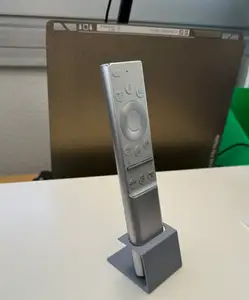


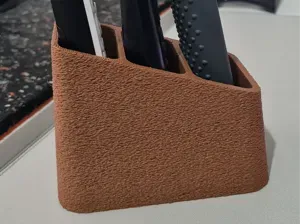
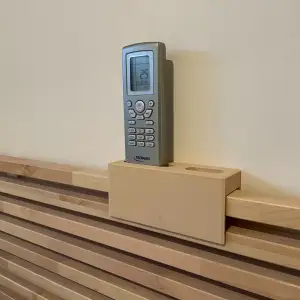
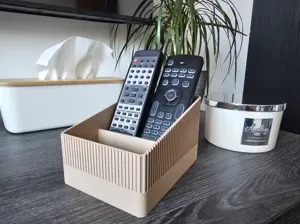


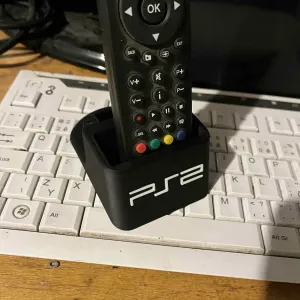


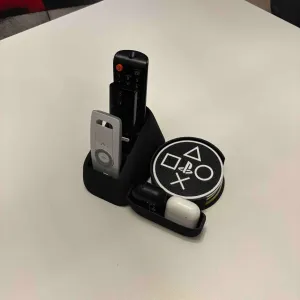
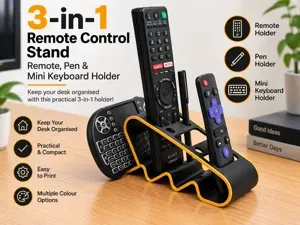


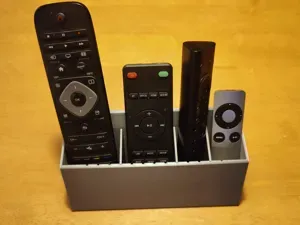

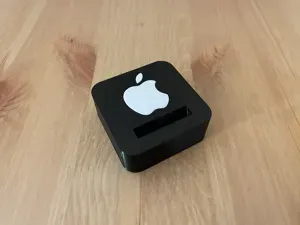
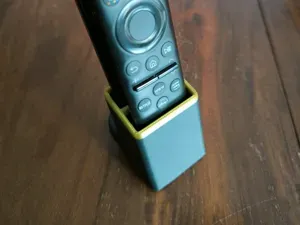
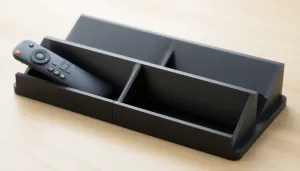
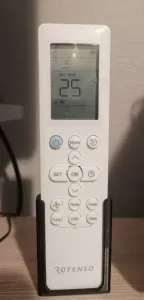
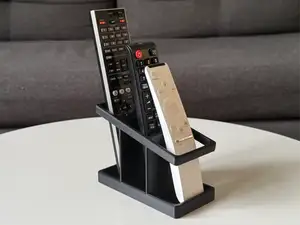
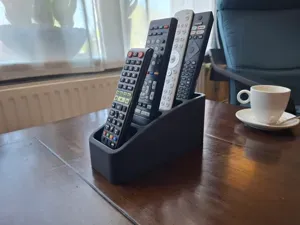
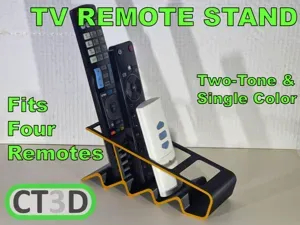
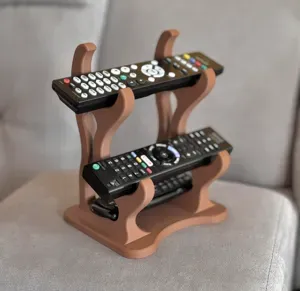
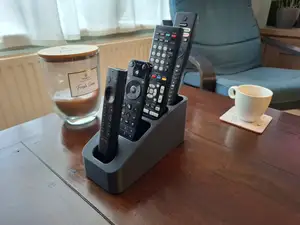
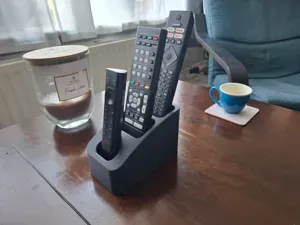
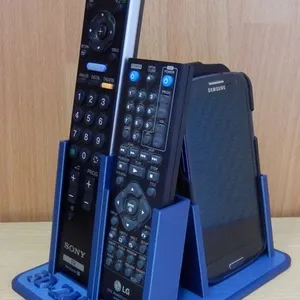
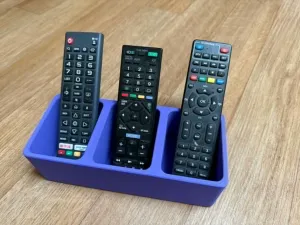
The models differ mainly in where the remote ends up. Tabletop stands keep a remote upright on a shelf or side table, wall holders and caddies attach to a vertical surface and keep the remote within reach, and multi-slot organizers group several remotes in one place. Floor-standing versions are taller and rest on the ground, often next to a lamp or a keyboard.
Before printing, open the model page and look at the dimensions the author lists, then measure your remote, including its thickness and any rubber grip. Check how many separate parts the holder has and whether they need glue or screws, and read the notes on supports, material and layer height. Photos of real prints show how the holder behaves with an actual remote in it, which is more useful than a render alone.
If the results feel narrow, try other wording: remote caddy, remote organizer, TV remote tray, controller stand, wall bracket, desk holder. Related searches such as phone charging holder, cable clip or shelf bracket often lead to similar geometry that can be adapted. Adding a size or a room to the query, for example a holder for a narrow remote or a bedside stand, narrows the list further.


暮らし・日用品からCNCまで、すべてのテーマをそろえたカタログ。対応サイトを横断して検索できます。