
無料 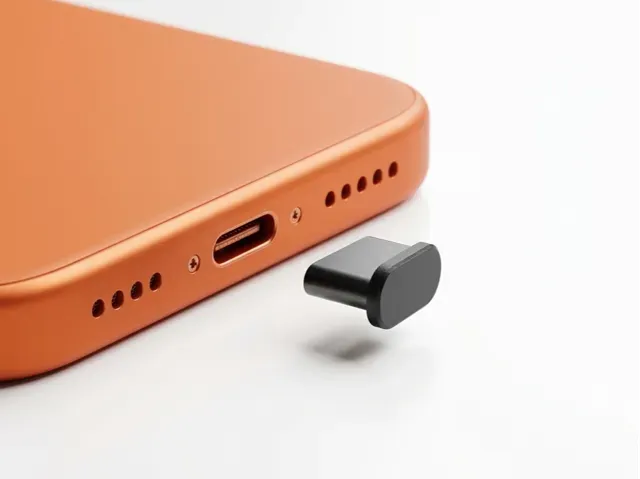
USB-C Coverage (fast print)
MakerWorld
This collection gathers STL files for parts whose main job is coverage: panels, cases, shrouds, guards and caps. It helps when you need to close a gap, hide an opening or extend a surface around a device or a 3D printer. The models vary in scale and assembly, so the source page is the place to confirm details. Polyzon does not confirm whether models are free, their price, license, official status, affiliation, safety or fitness. Check the current terms at the source.
このコレクションの本文は英語で書かれています。検索自体はどの言語でも使えます。
 Polyzonのコレクション · モデル48件 8サイトから収集
このコレクションは、Polyzonが対応サイトの検索結果をもとに作成しています。重複やプレビューのないモデルは除外し、関連性の低いものは後ろに回し、それ以外は検索結果の順に並べています。モデルの権利は各作者にあります。利用条件は各モデルのページでご確認ください。
選定基準:Polyzon編集部 · 本文の更新日:2026年10月15日





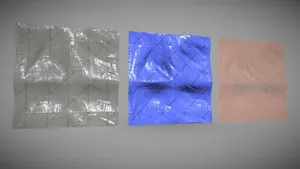

%2Fhttps%3A%2F%2Ffbi.cults3d.com%2Fuploaders%2F13870674%2Fillustration-file%2F69e70a3c-91c4-488e-8ca6-00b20bfa78eb%2F2019-03-19%2520(19).png&w=300)

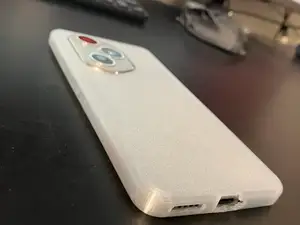
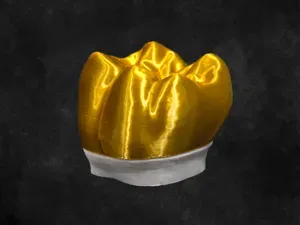
%2Fhttps%3A%2F%2Ffbi.cults3d.com%2Fuploaders%2F11182800%2Fillustration-file%2F9db2d72b-dafe-4900-bcbc-4fc3001682b8%2F103_0546.JPG&w=300)


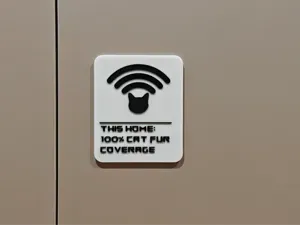


%2Fhttps%3A%2F%2Ffbi.cults3d.com%2Fuploaders%2F13067649%2Fillustration-file%2F59fdf811-9607-4b4f-a125-8f21f6c1ca3f%2Fanti%2520reflet.PNG&w=300)

%2Fhttps%3A%2F%2Ffbi.cults3d.com%2Fuploaders%2F13733530%2Fillustration-file%2F39d3edbf-689d-472b-a253-b2959911b9b9%2Fbancportemanteau.jpg&w=300)
%2Fhttps%3A%2F%2Ffbi.cults3d.com%2Fuploaders%2F13356318%2Fillustration-file%2Ffdceb9f7-38d2-4e9d-8d76-84bdf25ae916%2FDSC06284.jpg&w=300)





%2Fhttps%3A%2F%2Ffbi.cults3d.com%2Fuploaders%2F13690874%2Fillustration-file%2F5cd3bc95-757d-4912-9739-51188d7b3f17%2Fd2b5ca33bd970f64a6301fa75ae2eb22_display_large.jpg&w=300)
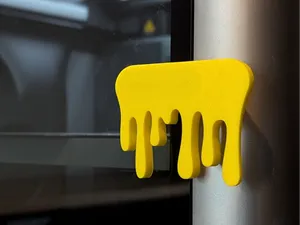
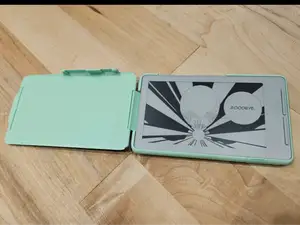
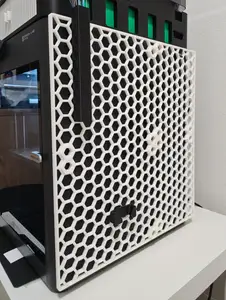
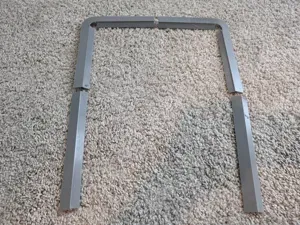
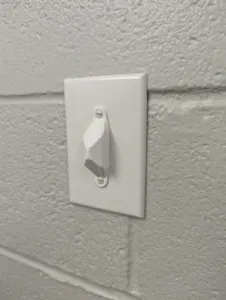
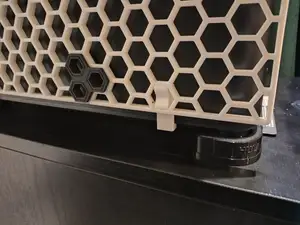
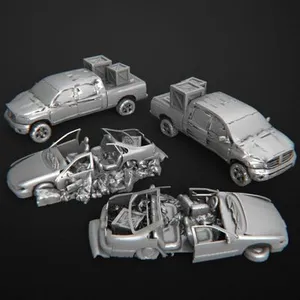
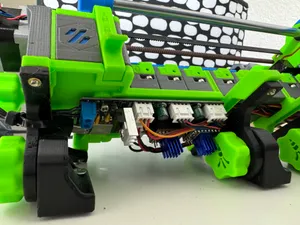
Coverage parts range from flat side panels and bottom brackets to flip cases, fan housings, gaskets and switch guards. Some are single-piece covers, while others are split into sections or include mounting points. The common thread is that they extend or close an area rather than form a standalone figure or tool.
When choosing a model, check the dimensions and scale against the object you want to cover, and review the part count and assembly steps. Look at whether the author lists supports, material, layer height and orientation, and examine photos of finished prints for gaps or thin walls. For parts that wrap around existing hardware, confirm the opening sizes and fastener positions on the model page.
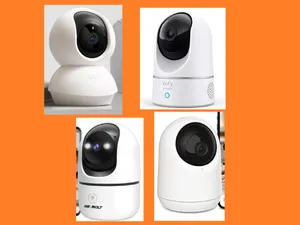
To narrow the search, try terms such as panel, shroud, case, guard, cap, gasket, cover and full coverage, then combine them with the object type. Related searches include side panel, fan cover, light switch guard, camera mount and device shell. If a result is close but not exact, look at remixes or adjustable versions that let you change dimensions.




暮らし・日用品からCNCまで、すべてのテーマをそろえたカタログ。対応サイトを横断して検索できます。