
無料 
top_chassis_with_hole_for_rumba_80mm_fan
Thingiverse
This collection gathers two strands that often sit side by side: figures of popes, bishops and saints, and flat panels with an aged papyrus texture. Alongside them are practical parts for Ender 3 v2 owners, from tool holders to filament clips. It is useful if you print on an FDM 3D printer, cut reliefs on a CNC router, or want a small decorative piece for a shelf. Polyzon does not confirm whether models are free, their price, license, official status, affiliation, safety or fitness. Check the current terms at the source.
このコレクションの本文は英語で書かれています。検索自体はどの言語でも使えます。
 Polyzonのコレクション · モデル29件 4サイトから収集
このコレクションは、Polyzonが対応サイトの検索結果をもとに作成しています。重複やプレビューのないモデルは除外し、関連性の低いものは後ろに回し、それ以外は検索結果の順に並べています。モデルの権利は各作者にあります。利用条件は各モデルのページでご確認ください。
選定基準:Polyzon編集部 · 本文の更新日:2026年10月15日

%2Fhttps%3A%2F%2Ffbi.cults3d.com%2Fuploaders%2F29362523%2Fillustration-file%2F41c5177a-4228-4f2e-9d55-c0cbc5785c4b%2F1.png&w=300)


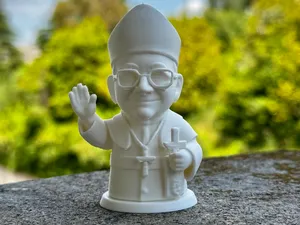

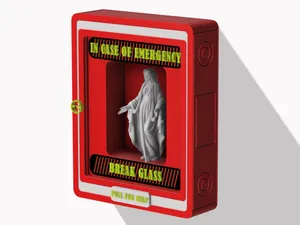
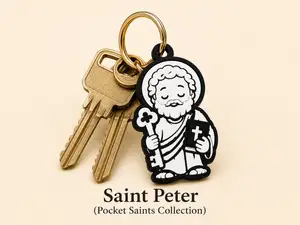
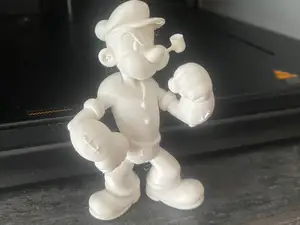
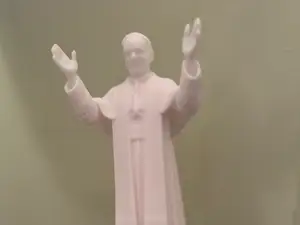

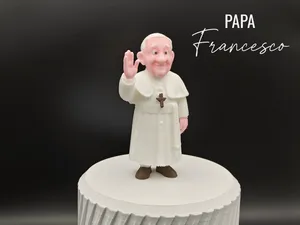

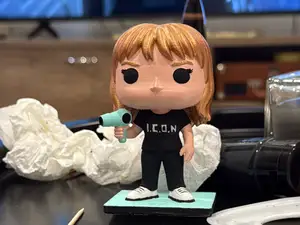
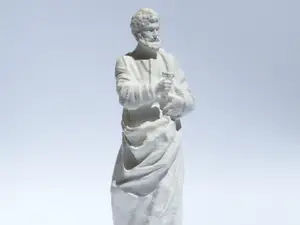
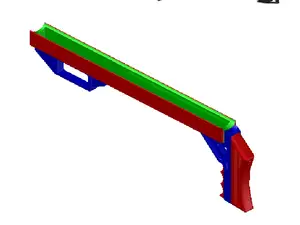
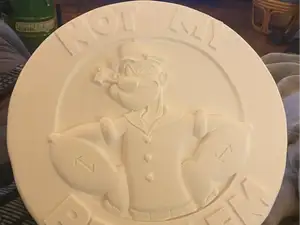

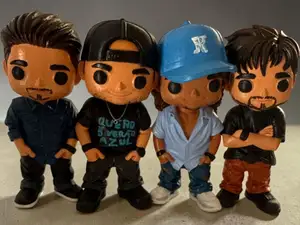


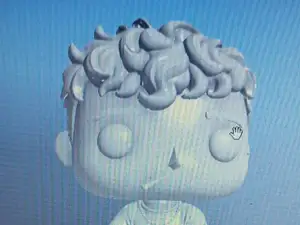
The figure models differ mainly in form and detail. Some are busts cut at the chest, others are full standing statues, and a few are simplified cartoon-like characters with rounded shapes. The relief panels are a separate group: they are flat or shallow, carry a papyrus-like surface, and are often prepared for a CNC router or laser as well as a 3D printer. Printer accessories form a third group, sized for a specific machine and meant to hold tools, route filament or keep cables tidy.
Before printing, open the author's model page and read what is listed there. Check the overall size and scale, whether the model is one piece or several parts that need assembly, and whether supports are required for overhangs such as arms, hats or drapery. Look at the stated material and settings, and at photos of real prints if the author added them, since these show how the surface and thin details come out. For relief panels, confirm the depth of the relief and the intended tool, because a file prepared for milling may need different settings than one prepared for a nozzle.
If the results feel narrow, try related wording rather than the same phrase. For figures, terms such as pontiff, papal, bishop, saint or pocket figure bring up different sets. For the flat pieces, relief, bas-relief, engraved panel or aged paper texture describe the same idea. For machine parts, search by the printer name plus the function, for example tool holder, filament guide, cable clip or SD card holder, and add the version of the machine you own.
Scaling is the point where most of these models change character. A bust printed small reads as a simple silhouette, while the same file at a larger size exposes thin walls and small facial details. Measure the space you have, decide the height first, then check whether the wall thickness still holds after scaling. Multi-part figures usually need a dry fit before gluing, and flat panels are easier to place if you note which side faces out.

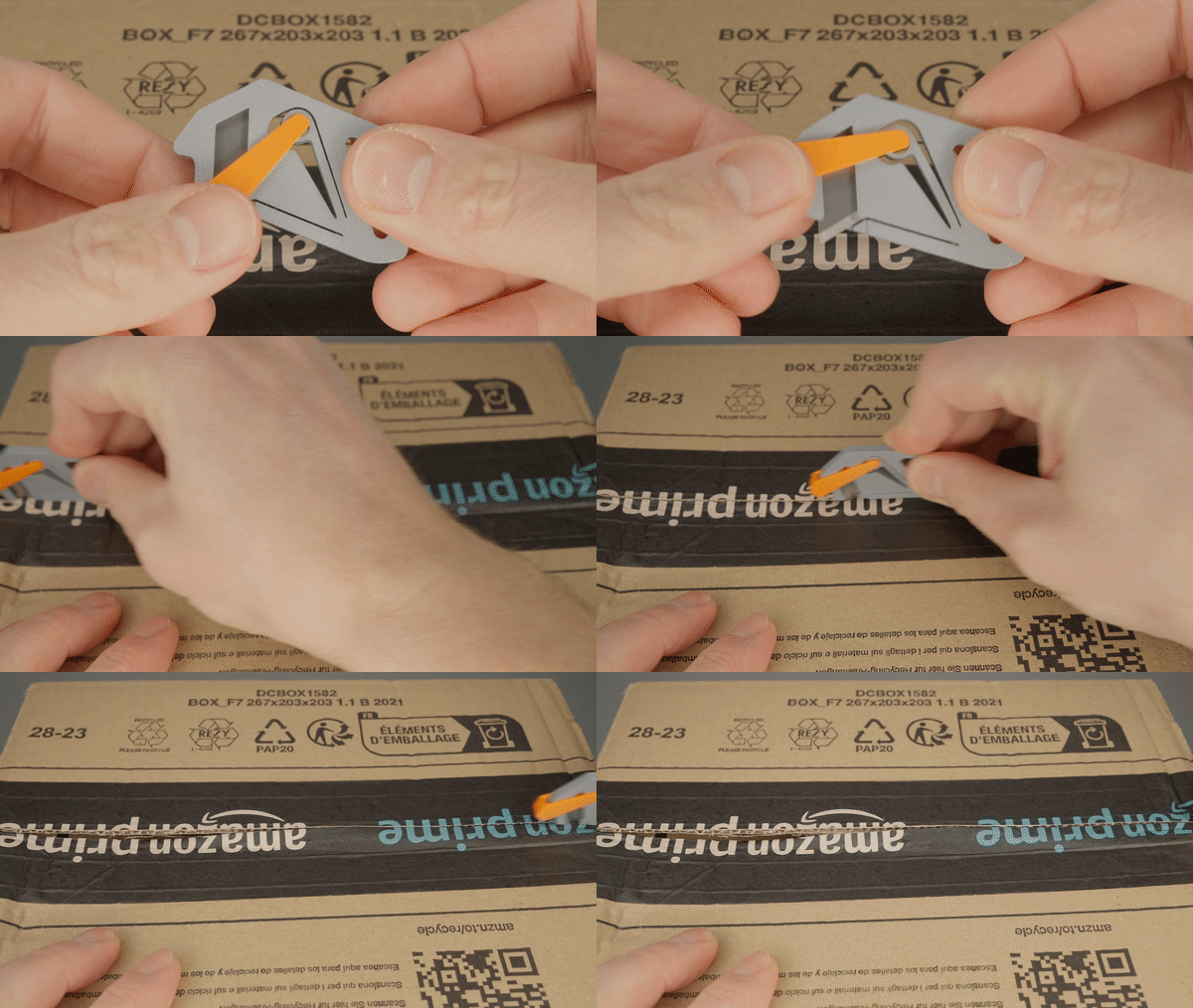
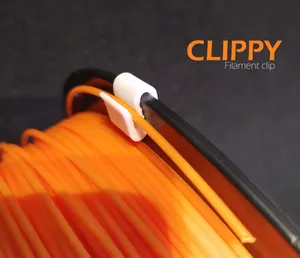

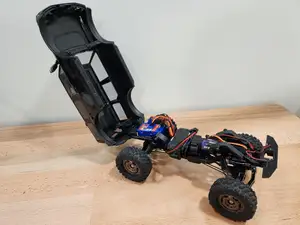

暮らし・日用品からCNCまで、すべてのテーマをそろえたカタログ。対応サイトを横断して検索できます。
%2Fhttps%3A%2F%2Ffbi.cults3d.com%2Fuploaders%2F29362523%2Fillustration-file%2Fbbbbebc3-3532-413a-b36e-aa7732e86151%2F1.png&w=640)
