無料 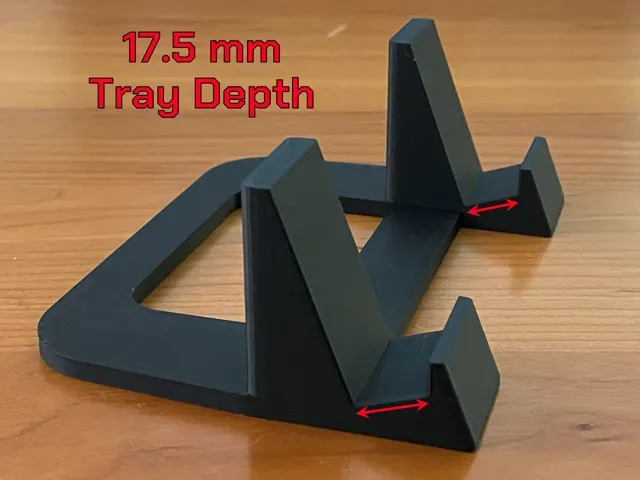
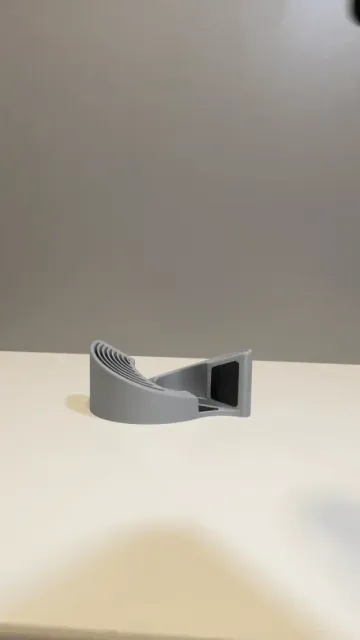
Stand for iPad with Thick Case
MakerWorld
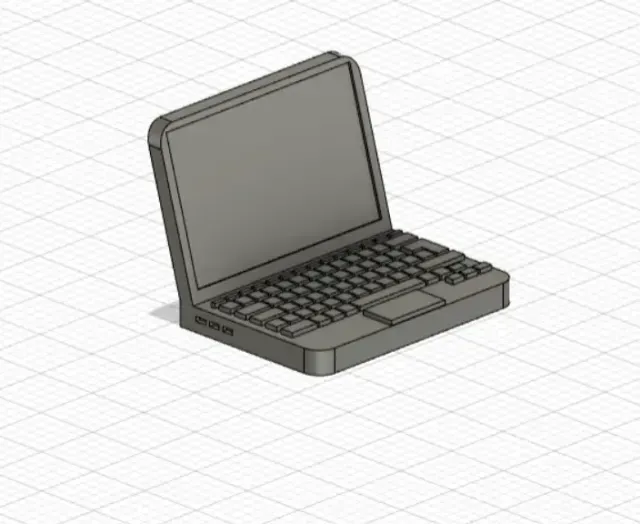
This collection gathers 3D models for raising a laptop or tablet on a desk, from simple angled risers to modular stands that hold several devices at once. It is useful if you want a stand sized to your own machine instead of a generic one, and every file can be sliced for a home 3D printer. Related items such as under-desk holders and wrist rests appear alongside the stands. Polyzon does not confirm whether models are free, their price, license, official status, affiliation, safety or fitness. Check the current terms at the source.
このコレクションの本文は英語で書かれています。検索自体はどの言語でも使えます。
 Polyzonのコレクション · モデル40件 2サイトから収集
このコレクションは、Polyzonが対応サイトの検索結果をもとに作成しています。重複やプレビューのないモデルは除外し、関連性の低いものは後ろに回し、それ以外は検索結果の順に並べています。モデルの権利は各作者にあります。利用条件は各モデルのページでご確認ください。
選定基準:Polyzon編集部 · 本文の更新日:2026年10月15日
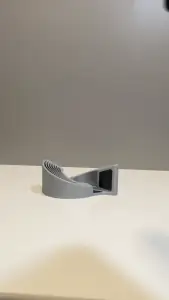
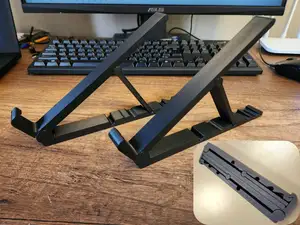
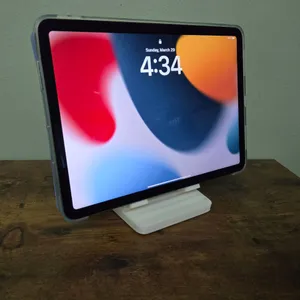
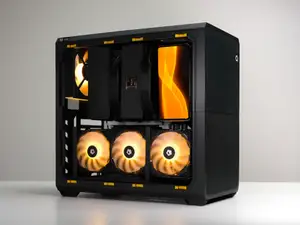
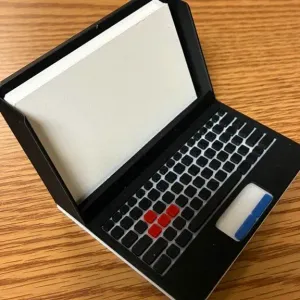
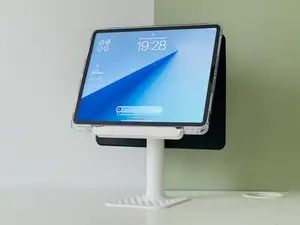
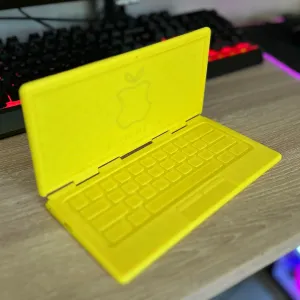
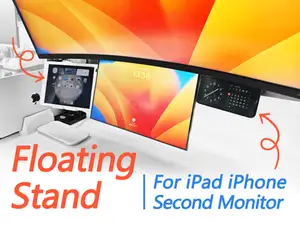
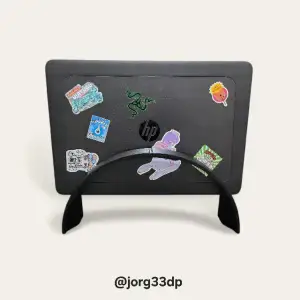
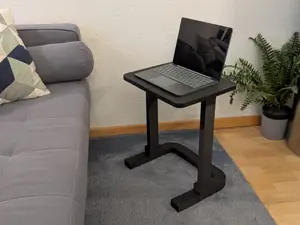
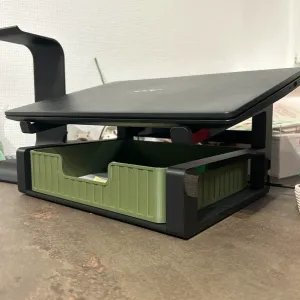
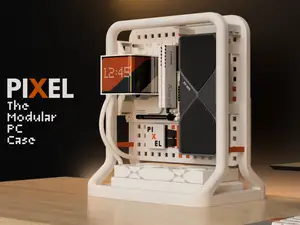
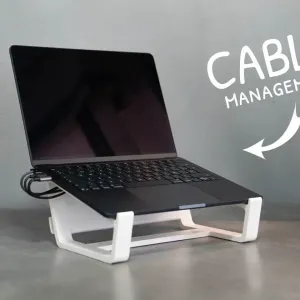
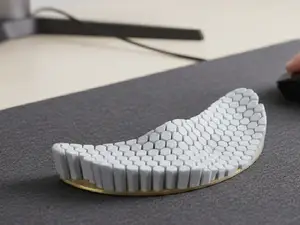
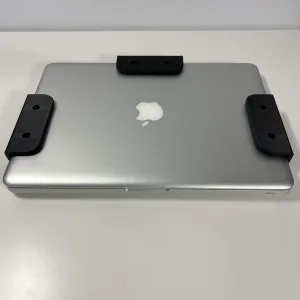
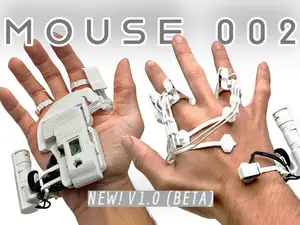
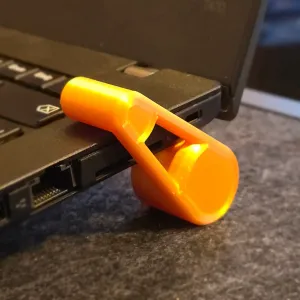
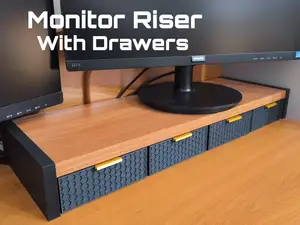
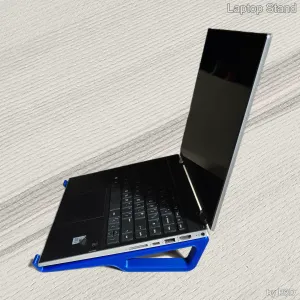
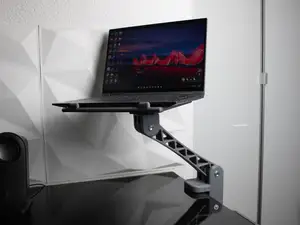
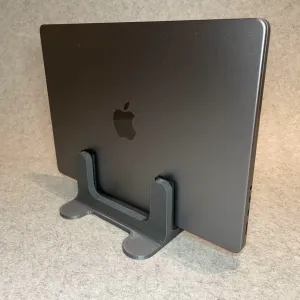
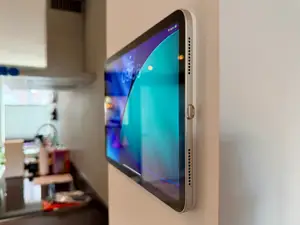
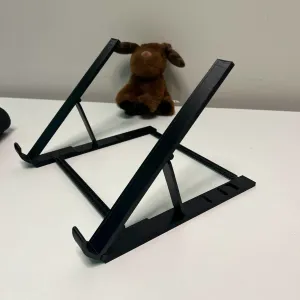
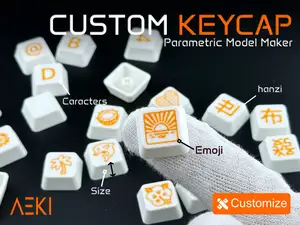
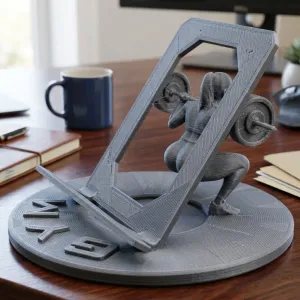
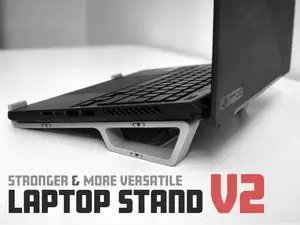
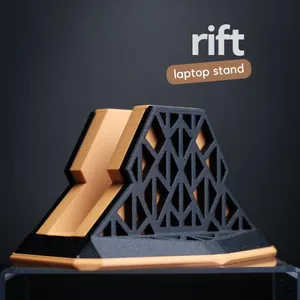

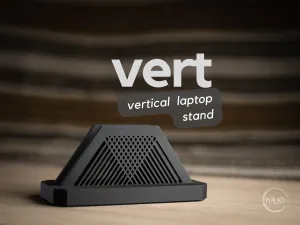
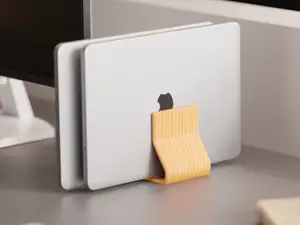
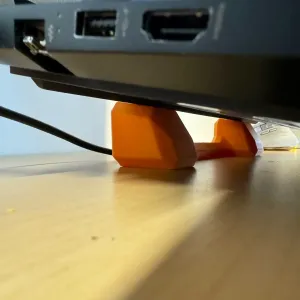
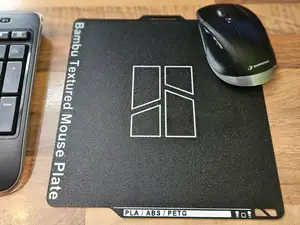
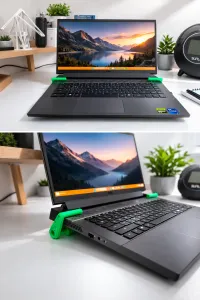
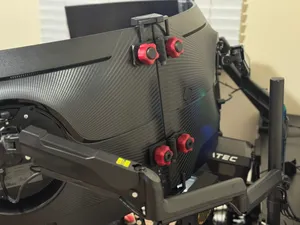
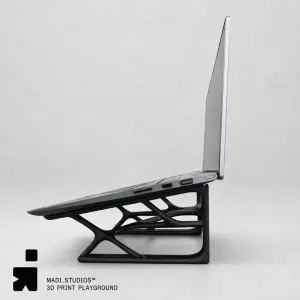
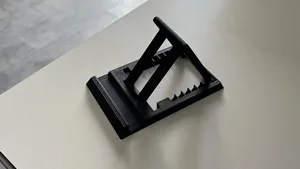
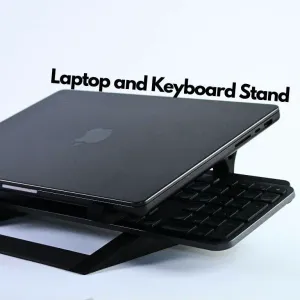
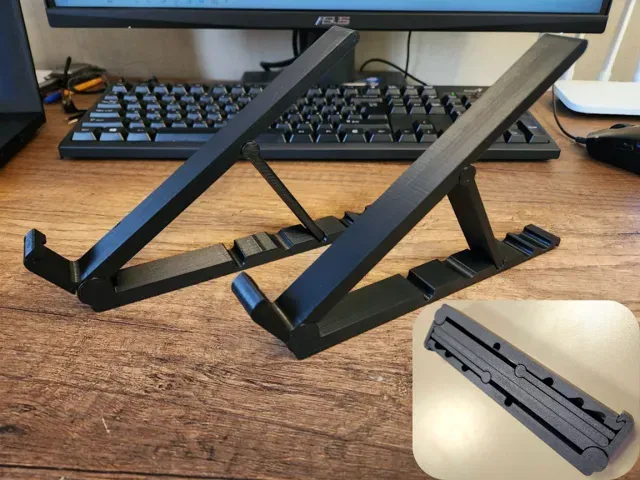
The models differ mainly in how the device is held. Fixed risers set one angle and print as a single piece, while articulated or double stands use several parts and take up more desk space. Tablet versions often have a wider slot to clear a thick case, and modular designs let you combine a laptop rest with a phone or monitor mount. Under-desk holders move the machine off the surface entirely, and wrist rests sit in the same search results because they belong to the same desk setup.
Before printing, open the author's page and read the listed dimensions: laptop width and thickness, the slot opening, the angle of the surface and the overall footprint. Check how many parts the stand has, whether they need screws, glue or a hinge pin, and whether the author notes supports for overhangs. Look at the material and settings the author lists, and at photos of real prints, since a thin upright can behave differently in PLA and PETG.
If the results feel narrow, try other words for the same object: notebook stand, riser, dock, holder, desk mount, monitor riser. Searching for a device name plus stand, or for a use case such as gaming laptop or drawing tablet, brings up different designs. Related topics worth a look are cable management clips, desk organizers and keyboard or wrist supports, which are often published by the same authors.


暮らし・日用品からCNCまで、すべてのテーマをそろえたカタログ。対応サイトを横断して検索できます。