無料 
Fallout 4 Vault 902 Necklace - Work in Progress
Thingiverse
This collection gathers STL files and 3D printing projects tied to the Progress 4 theme, from work-in-progress builds to progress bars, four-in-a-row games and printer parts. You can compare how different authors document unfinished models, functional indicators and small-scale replicas. Use it to find a starting point for a 3D printer project and then check the model page for details. Polyzon does not confirm whether models are free, their price, license, official status, affiliation, safety or fitness. Check the current terms at the source.
このコレクションの本文は英語で書かれています。検索自体はどの言語でも使えます。
 Polyzonのコレクション · モデル47件 4サイトから収集
このコレクションは、Polyzonが対応サイトの検索結果をもとに作成しています。重複やプレビューのないモデルは除外し、関連性の低いものは後ろに回し、それ以外は検索結果の順に並べています。モデルの権利は各作者にあります。利用条件は各モデルのページでご確認ください。
選定基準:Polyzon編集部 · 本文の更新日:2026年10月13日


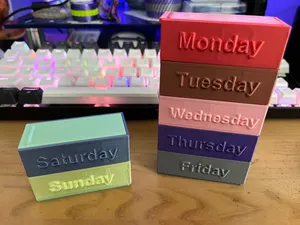
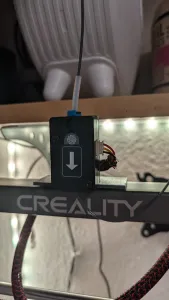

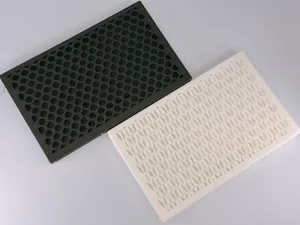
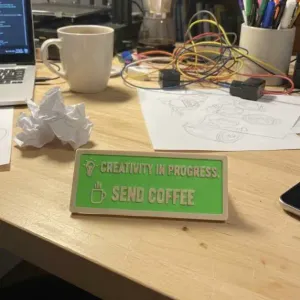


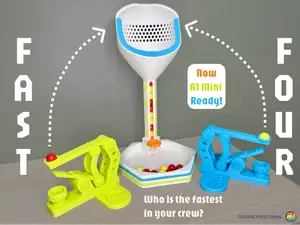
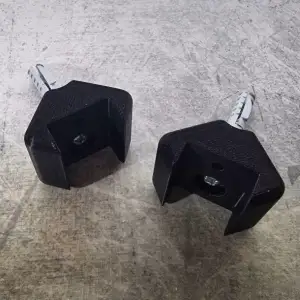


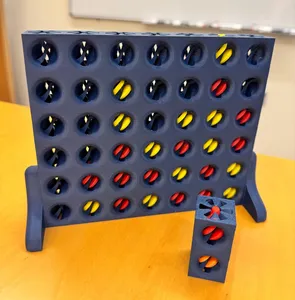
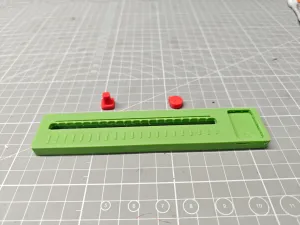


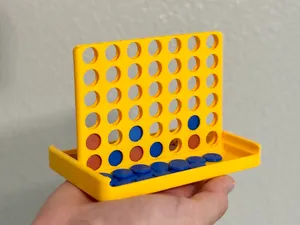
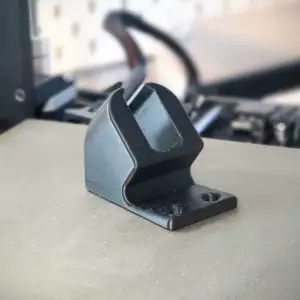


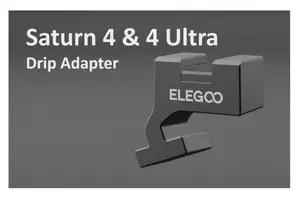
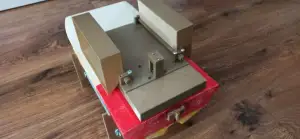


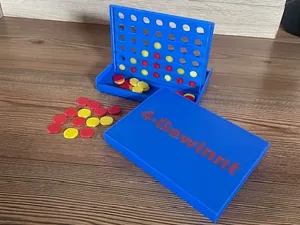
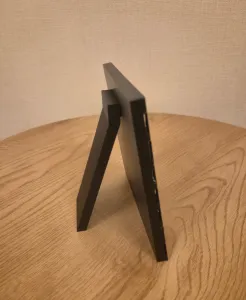


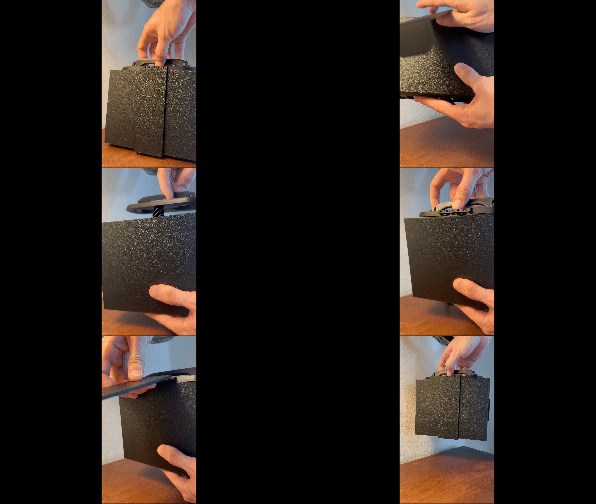



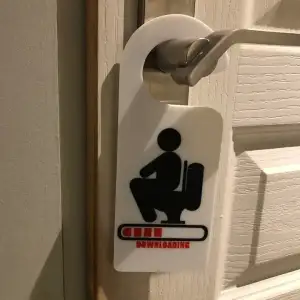


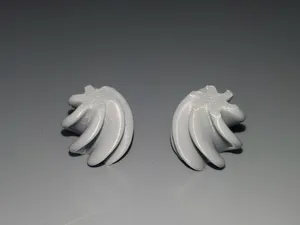
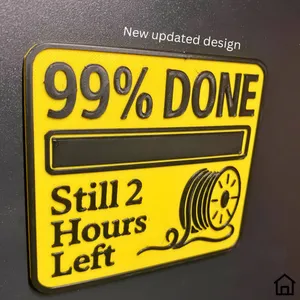


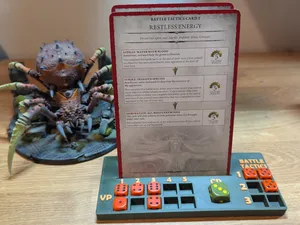
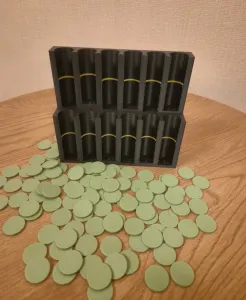
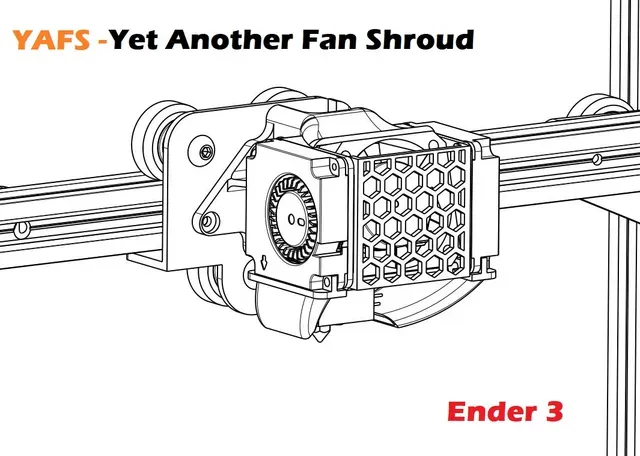
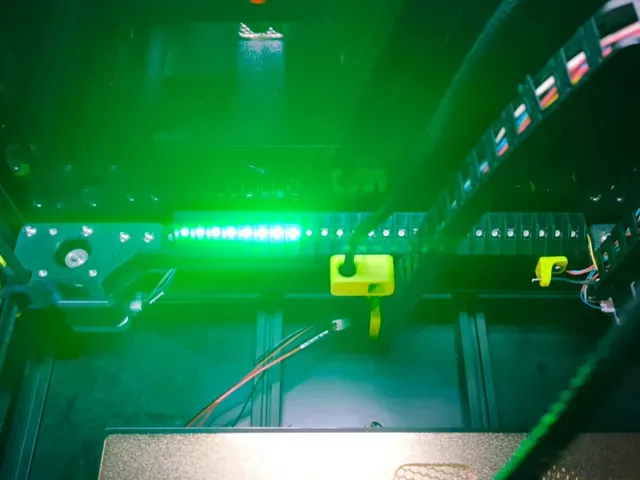
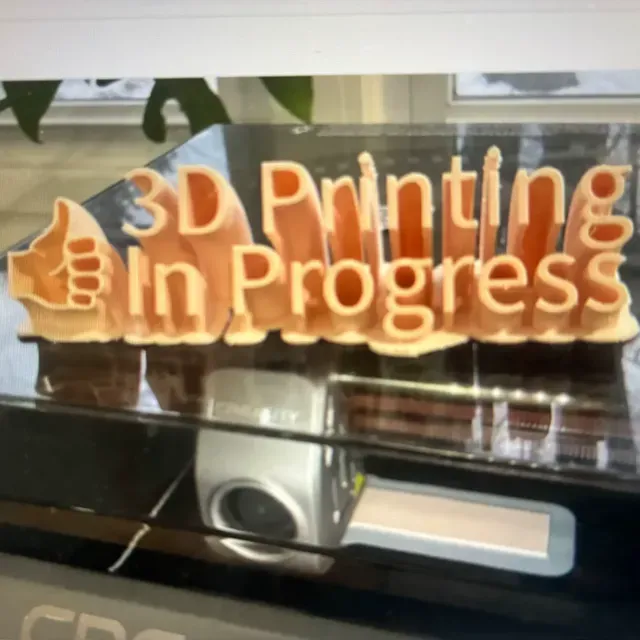
Work-in-progress entries range from decorative items and scale replicas to mounts and printer upgrades; some are early sketches, others are close to a finished shape. Progress bars and status indicators are usually simple assemblies with light-diffusing parts or brackets, while four-in-a-row games focus on tolerances and moving pieces. Printer-specific parts and compartment organizers sit closer to practical workshop or household use.
On the author's page, check the stated size and scale, the number of parts, and whether the design needs supports or assembly. Look at the material and settings the author lists, plus photos of real prints, because unfinished projects may change over time. For parts that fit a specific printer, verify the model version and mounting points before slicing.
Try synonyms such as work in progress, WIP, progress indicator, status bar, four-in-a-row, connect four, and printer upgrade. Related searches include scale model, fan shroud, spool adapter, and compartment box. Combining a theme word with a printer name or part type usually narrows the results.



暮らし・日用品からCNCまで、すべてのテーマをそろえたカタログ。対応サイトを横断して検索できます。