
無料 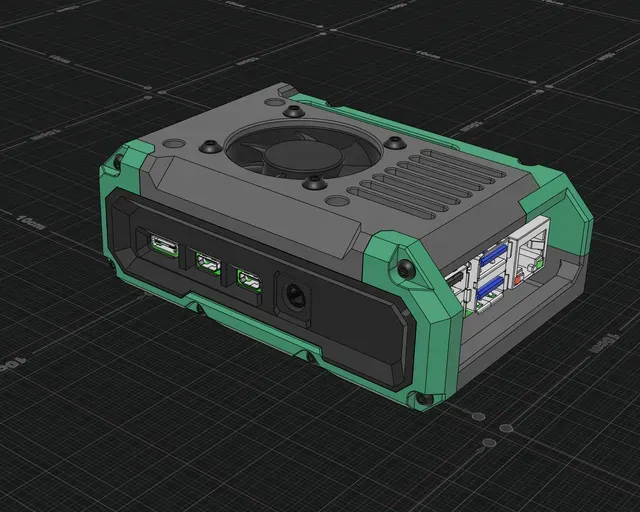
Raspberry Pi 4 Case
Printables
This collection gathers STL files for Raspberry Pi 4 enclosures, from simple boxes to fan-cooled and mountable designs. It helps you compare how a case handles ports, cooling, storage and installation before you slice it for a 3D printer. Some models also include lids, brackets or display openings. Polyzon does not confirm whether models are free, their price, license, official status, affiliation, safety or fitness. Check the current terms at the source.
このコレクションの本文は英語で書かれています。検索自体はどの言語でも使えます。
 Polyzonのコレクション · モデル48件 6サイトから収集
このコレクションは、Polyzonが対応サイトの検索結果をもとに作成しています。重複やプレビューのないモデルは除外し、関連性の低いものは後ろに回し、それ以外は検索結果の順に並べています。モデルの権利は各作者にあります。利用条件は各モデルのページでご確認ください。
選定基準:Polyzon編集部 · 本文の更新日:2026年10月10日


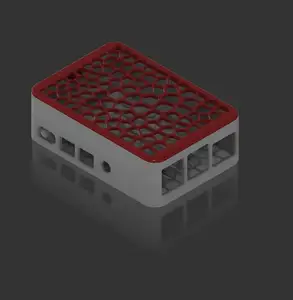

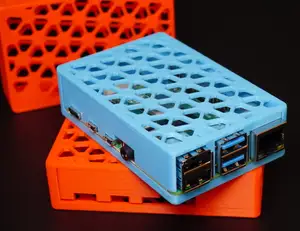


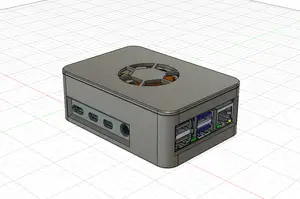


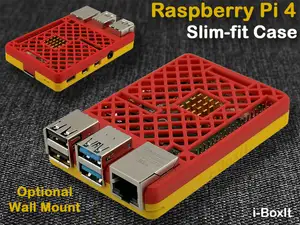


%2Fhttps%3A%2F%2Ffbi.cults3d.com%2Fuploaders%2F15598491%2Fillustration-file%2F6c0f81cc-e73d-4c7d-89d9-dd27450872a2%2F20190709_113221.jpg&w=300)

%2Fhttps%3A%2F%2Ffbi.cults3d.com%2Fuploaders%2F14720775%2Fillustration-file%2F8010b690-ca51-410d-88d5-49684efdbd99%2FScreenShot001.jpg&w=300)
%2Fhttps%3A%2F%2Ffbi.cults3d.com%2Fuploaders%2F14282887%2Fillustration-file%2F0263e0e1-4e0b-4533-b7fd-46bd383d439a%2Funtitled.88.png&w=300)



%2Fhttps%3A%2F%2Ffbi.cults3d.com%2Fuploaders%2F13338765%2Fillustration-file%2F9bdbb075-87fd-45df-a65e-18404eabff8b%2Fd474ada19418d1a2932cacbe56a75a5e_display_large.jpg&w=300)
%2Fhttps%3A%2F%2Ffbi.cults3d.com%2Fuploaders%2F13082356%2Fillustration-file%2F7de1fbaf-7c13-4341-86b5-4af48be2a59d%2Fbcf6ba9f6f1f643cd3ed5b968606347b_preview_featured%255B1%255D.jpg&w=300)


%2Fhttps%3A%2F%2Ffbi.cults3d.com%2Fuploaders%2F15598491%2Fillustration-file%2F26e8064b-feca-4589-ac07-98f1fdc59bc9%2F20190701_143023.jpg&w=300)



![Ender 3 v2 Raspberry Pi 4 Case + Mount with 40mm x 10mm Fan Grill - [Non-standard power source]](https://cache.polyzon.org/api/img?url=https%3A%2F%2Fresize.thingiverse.com%2F%3Furl%3Dhttps%3A%2F%2Fcdn.thingiverse.com%2Fassets%2F12%2F46%2Fea%2Fd8%2Fe8%2FIMG_20210301_205002-min.jpg%26w%3D1024%26h%3D1024%26fit%3Dcontain%26cbg%3Dwhite%26n%3D-1&w=300)


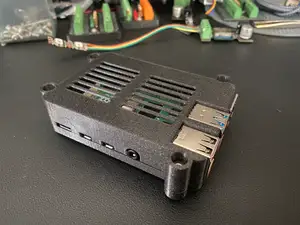
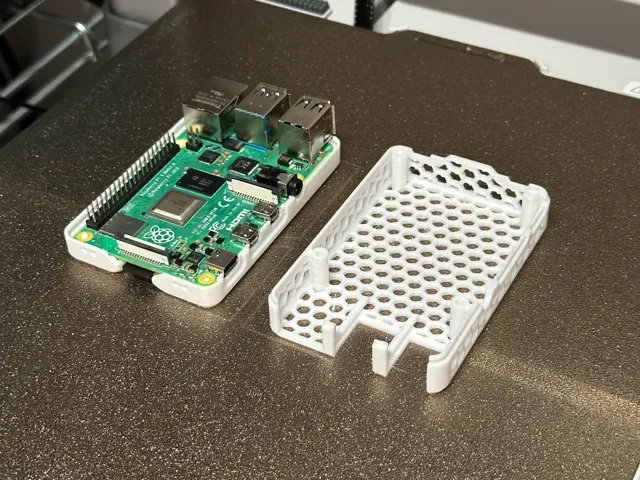
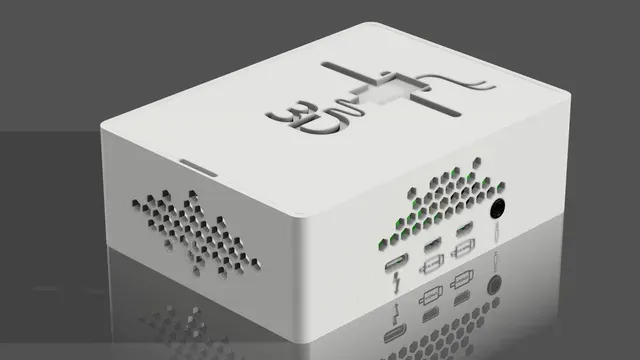
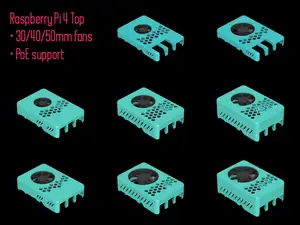
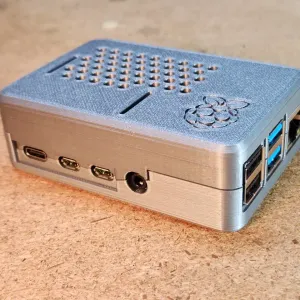
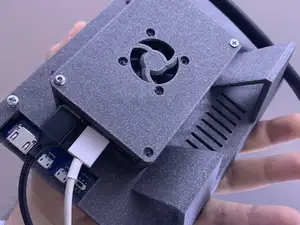
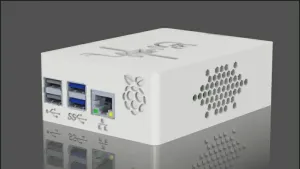
Cases range from plain enclosures to designs with cooling fan openings, wall or rail mounts, storage bays, and HAT expansion space. Retro-style and tower-shaped cases change the footprint, while display-oriented versions add openings for a screen. The main differences are how the board is held, where ports are exposed, and how the lid or panels assemble.
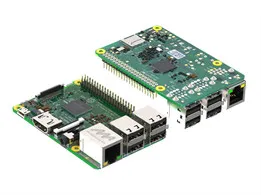
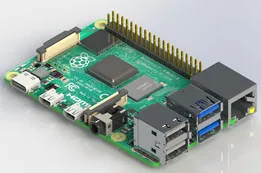
When choosing a model, check the board version and port layout first, then look at the internal clearances around connectors and any add-on boards. Review the number of parts, how they join, and whether the design expects screws, inserts, or snap fits. For printing, note the material and settings the author lists, and inspect photos of real prints to judge fit and surface finish.
To refine the search, try synonyms such as enclosure, shell, housing, or mount instead of case. Related terms include fan mount, wall mount, HAT, storage bay, and display case. You can also search by the board name with terms like cooling, lid, or bracket to find variations.
暮らし・日用品からCNCまで、すべてのテーマをそろえたカタログ。対応サイトを横断して検索できます。