
無料 
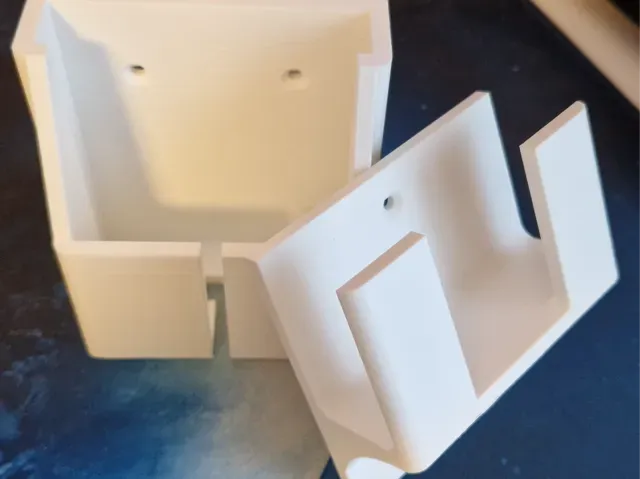
Rowenta X-treme Power Adapter customizable
Thingiverse
This collection gathers STL files for parts and add-ons related to the Rowenta X-Power 75S vacuum. You will find mounts, control buttons, adapters and repair pieces that can be made on a 3D printer. It helps when an original spare is hard to source or when you want to adapt the vacuum to your space. Polyzon does not confirm whether models are free, their price, license, official status, affiliation, safety or fitness. Check the current terms at the source.
このコレクションの本文は英語で書かれています。検索自体はどの言語でも使えます。
 Polyzonのコレクション · モデル48件 3サイトから収集
このコレクションは、Polyzonが対応サイトの検索結果をもとに作成しています。重複やプレビューのないモデルは除外し、関連性の低いものは後ろに回し、それ以外は検索結果の順に並べています。モデルの権利は各作者にあります。利用条件は各モデルのページでご確認ください。
選定基準:Polyzon編集部 · 本文の更新日:2026年10月14日

%2Fhttps%3A%2F%2Ffbi.cults3d.com%2Fuploaders%2F27753783%2Fillustration-file%2Fe66a5401-b2d8-4df8-9e69-4034bb1b7d94%2FCaptura.png&w=300)

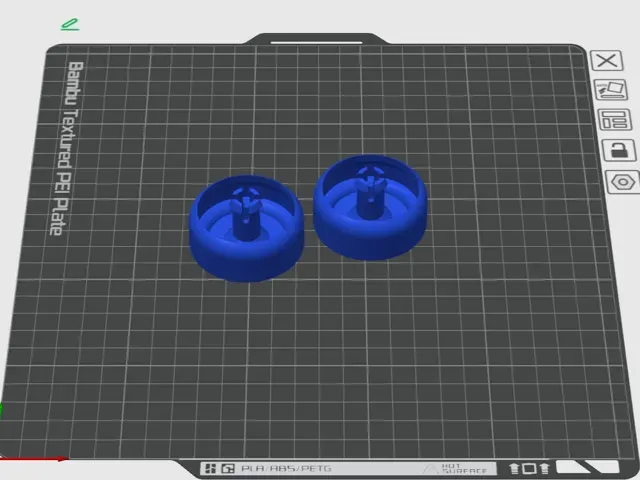
%2Fhttps%3A%2F%2Ffbi.cults3d.com%2Fuploaders%2F15191538%2Fillustration-file%2F7918a418-ebc1-47a7-8e2f-863c59e1c4f0%2FIMG_20241207_134507836.jpg&w=300)
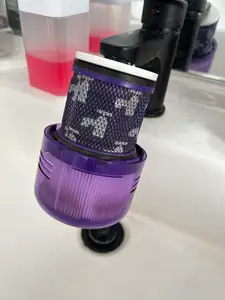


%2Fhttps%3A%2F%2Ffbi.cults3d.com%2Fuploaders%2F38133273%2Fillustration-file%2F975644f0-3c3d-40e5-8205-b6c7e430524a%2F20241220_095840.jpg&w=300)

%2Fhttps%3A%2F%2Ffbi.cults3d.com%2Fuploaders%2F14425019%2Fillustration-file%2F49d64aeb-afb1-43f7-af23-f069a9865e58%2Frowenta-6.60.jpg&w=300)

%2Fhttps%3A%2F%2Ffbi.cults3d.com%2Fuploaders%2F18460251%2Fillustration-file%2F4c770ffc-0bac-4d7e-8189-05300c48eec6%2Fsuceur-pour-rowenta-x-pert-RH6821WO-v1.png&w=300)

%2Fhttps%3A%2F%2Ffbi.cults3d.com%2Fuploaders%2F22912680%2Fillustration-file%2F68eefd2f-ba6d-432f-808d-c3b7647135ca%2F5914874200_w1280_h1280_image.webp&w=300)

%2Fhttps%3A%2F%2Ffbi.cults3d.com%2Fuploaders%2F33117825%2Fillustration-file%2F0bf88041-5629-42a2-9989-1dca506fd906%2Ftrzymanie-v2.jpg&w=300)

%2Fhttps%3A%2F%2Ffbi.cults3d.com%2Fuploaders%2F33117825%2Fillustration-file%2Fa1169a7b-46e0-4119-92cb-85fcce8ac3fb%2Ftrzymanie.jpg&w=300)

%2Fhttps%3A%2F%2Ffbi.cults3d.com%2Fuploaders%2F14846322%2Fillustration-file%2Fe77f388b-40d4-44f9-aecb-10e7a03e33ed%2FIMG180035.jpg&w=300)

%2Fhttps%3A%2F%2Ffbi.cults3d.com%2Fuploaders%2F29242126%2Fillustration-file%2Fd59d28e5-f3fc-4aa2-8bce-69dcc1b2a07e%2FSide-brush-for-vacuum-cleaner-Rowenta-RR7867WH.jpg&w=300)
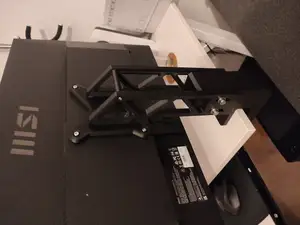


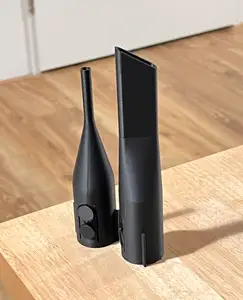

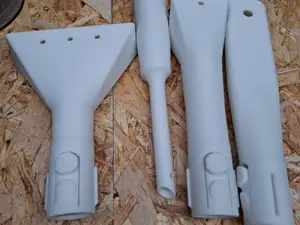

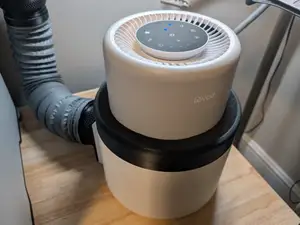

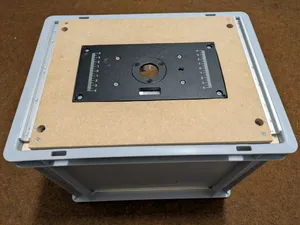

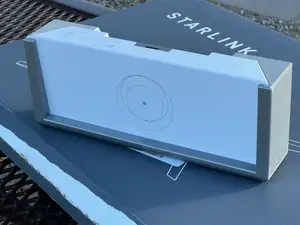
The models range from wall brackets and accessory holders to replacement buttons, power adapters, extension cords, tube supports, nozzles and brush parts. Some are simple one-piece prints, while others are assemblies with screws or clips. Mounting parts usually need to match the vacuum body, whereas electrical fittings must match the connector shape and cable route.
Before printing, check the dimensions and scale the author lists, the number of parts, and whether the model needs supports. Look at the material and settings suggested on the model page, and review photos of real prints to judge how the part fits. For parts that carry load or heat, adjust material choice and wall thickness.
Search terms such as vacuum holder, hose clip, wand support, power button, adapter or brush replacement can surface related results. You can also try the broader Rowenta vacuum name, the part type, or the connector diameter when the exact phrase returns few items. Combining the appliance series with a function, like mount or repair, often narrows the list.


暮らし・日用品からCNCまで、すべてのテーマをそろえたカタログ。対応サイトを横断して検索できます。
%2Fhttps%3A%2F%2Ffbi.cults3d.com%2Fuploaders%2F19403441%2Fillustration-file%2F32f6183d-5bd5-403e-972d-0d7bc35fafc2%2FRowenta-X-Touch.jpg&w=640)