無料 
SSSL Final
Thingiverse
This collection brings together 3D models that appear under short or abbreviated names, along with figure meshes, printer accessories and workshop add-ons. It helps you see how differently uploaders label and document their STL files before you start a 3D printing job. Polyzon does not confirm whether models are free, their price, license, official status, affiliation, safety or fitness. Check the current terms at the source.
このコレクションの本文は英語で書かれています。検索自体はどの言語でも使えます。
 Polyzonのコレクション · モデル20件 2サイトから収集
このコレクションは、Polyzonが対応サイトの検索結果をもとに作成しています。重複やプレビューのないモデルは除外し、関連性の低いものは後ろに回し、それ以外は検索結果の順に並べています。モデルの権利は各作者にあります。利用条件は各モデルのページでご確認ください。
選定基準:Polyzon編集部 · 本文の更新日:2026年10月15日
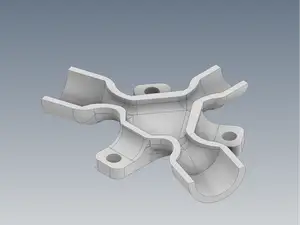

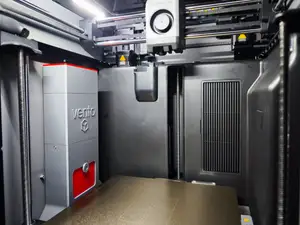
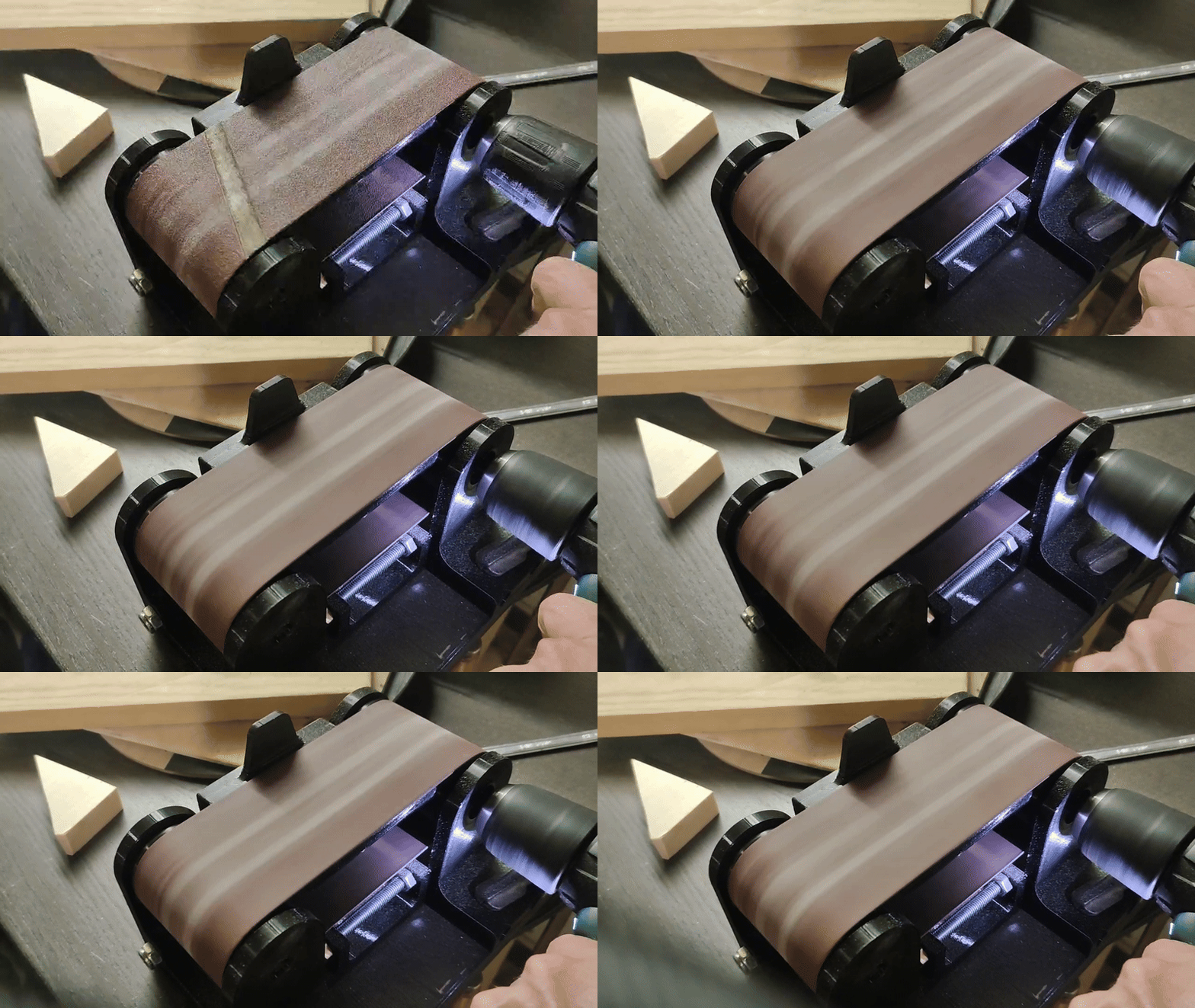
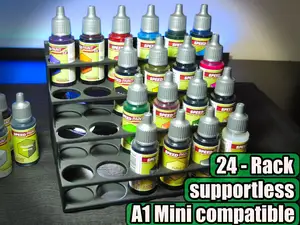
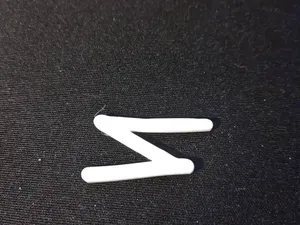
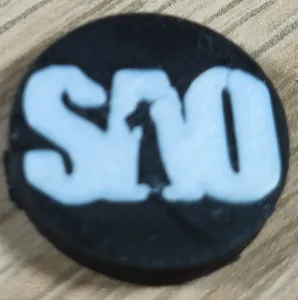

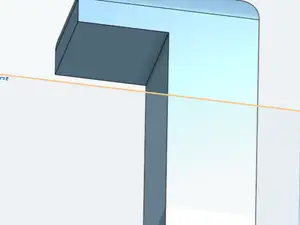
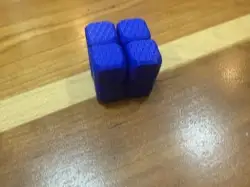


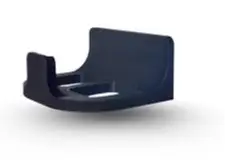
The range is wide. Some entries are figure or body meshes with few parts, while others are printer add-ons such as filter housings or waste containers, and workshop pieces like holders or tool attachments. The naming style varies just as much: a file may be titled with a short code, a descriptive phrase or a mix of both, so the title alone rarely tells you what the model does.
When you open an author's model page, check the listed size and scale, the number of separate parts and how they join, and whether supports are needed. Look at the material and print settings the author notes, and at photos of real prints if they are included, since these show wall thickness, overhangs and how the parts fit together.
To narrow the results, try synonyms and related terms instead of the short names: figure mesh, body model, printer accessory, enclosure part, tool holder, hand-tool attachment. Combining a shape or function word with a printer or workshop term usually returns a more focused list than a single abbreviation.
暮らし・日用品からCNCまで、すべてのテーマをそろえたカタログ。対応サイトを横断して検索できます。