無料 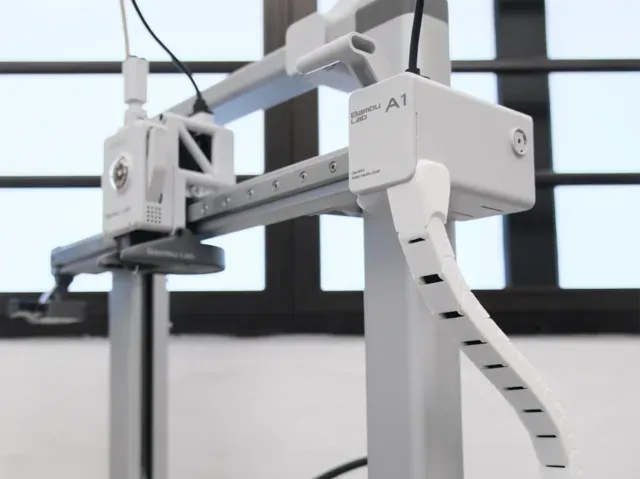
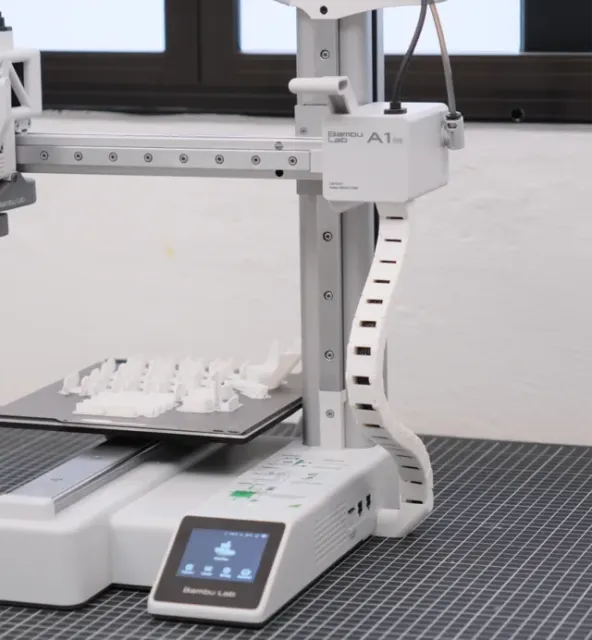
A1 side drag chain, cable chain
MakerWorld
This collection gathers STL files for chains used around 3D printers: drag chains that guide cables, clips that hold PTFE tubing, and modular link sets. Most entries are small parts that a 3D printer can produce in a single run. It helps if you are tidying the wiring on a machine or building a chain from scratch. Polyzon does not confirm whether models are free, their price, license, official status, affiliation, safety or fitness. Check the current terms at the source.
このコレクションの本文は英語で書かれています。検索自体はどの言語でも使えます。
 Polyzonのコレクション · モデル48件 6サイトから収集
このコレクションは、Polyzonが対応サイトの検索結果をもとに作成しています。重複やプレビューのないモデルは除外し、関連性の低いものは後ろに回し、それ以外は検索結果の順に並べています。モデルの権利は各作者にあります。利用条件は各モデルのページでご確認ください。
選定基準:Polyzon編集部 · 本文の更新日:2026年10月13日


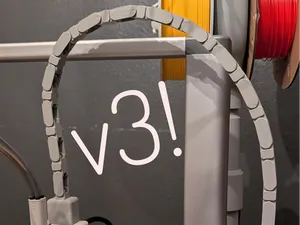
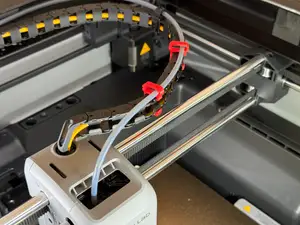
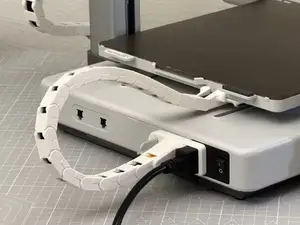


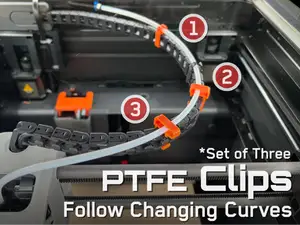
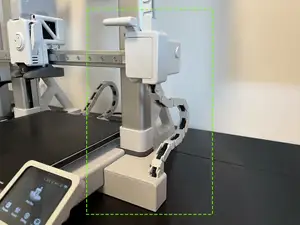
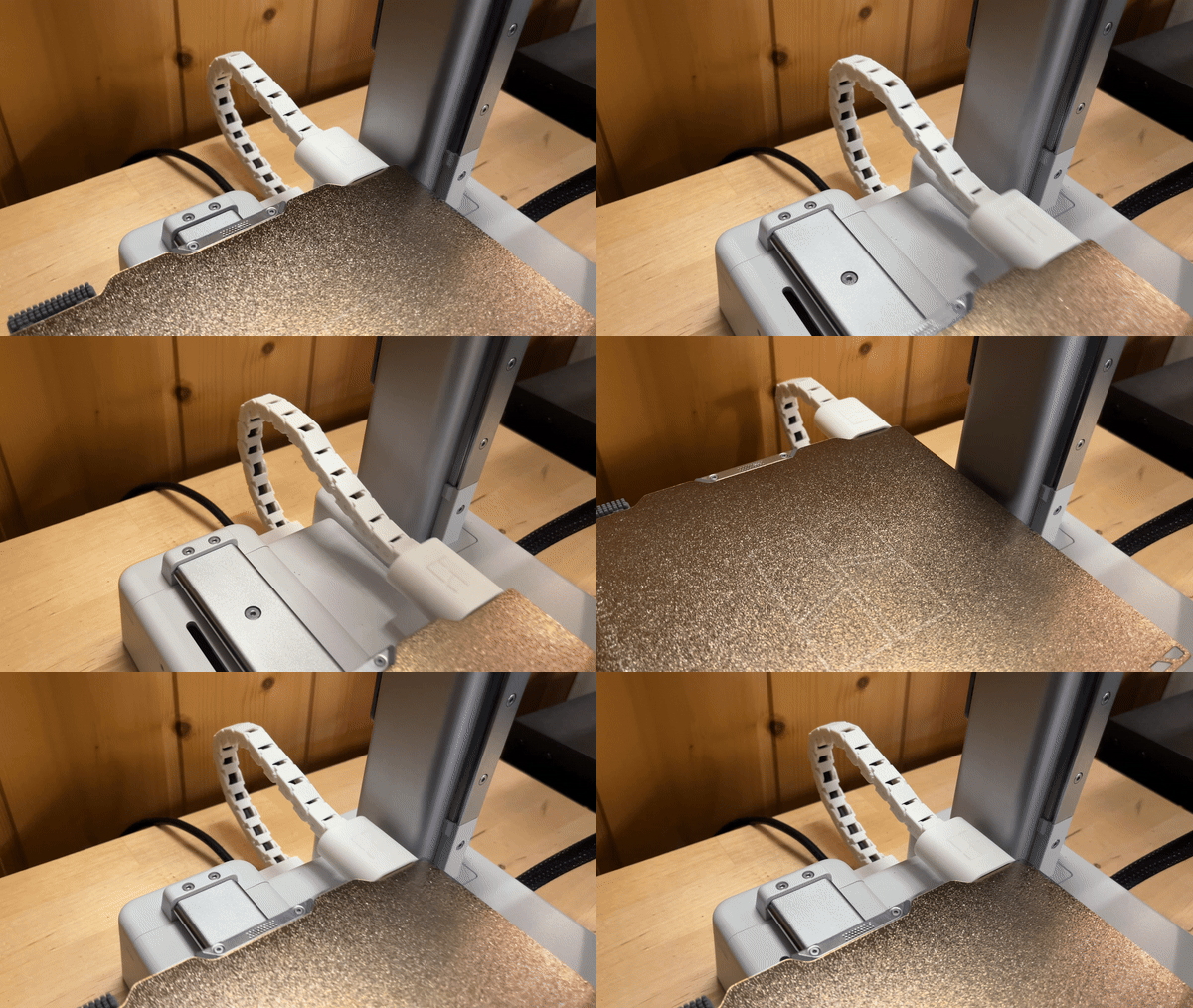


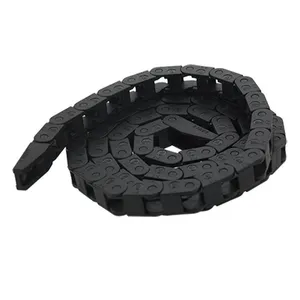


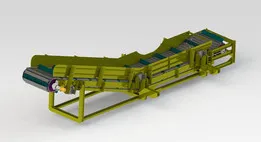


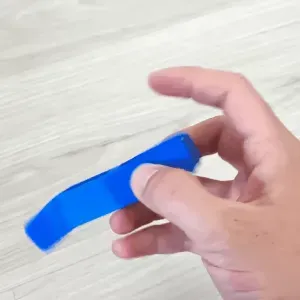
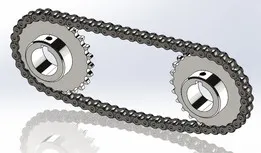
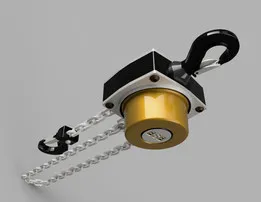
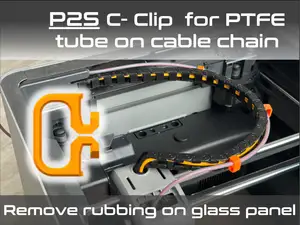

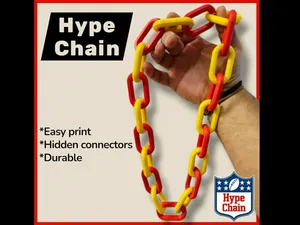
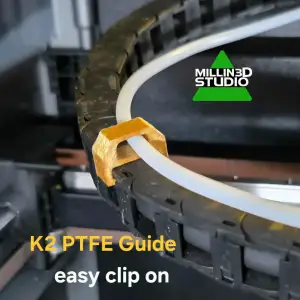


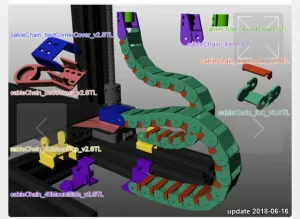
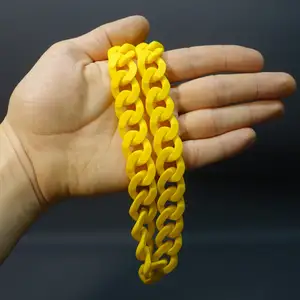


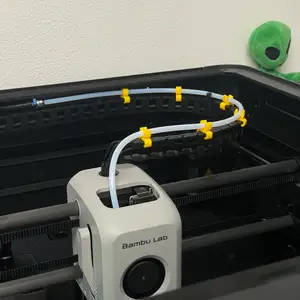
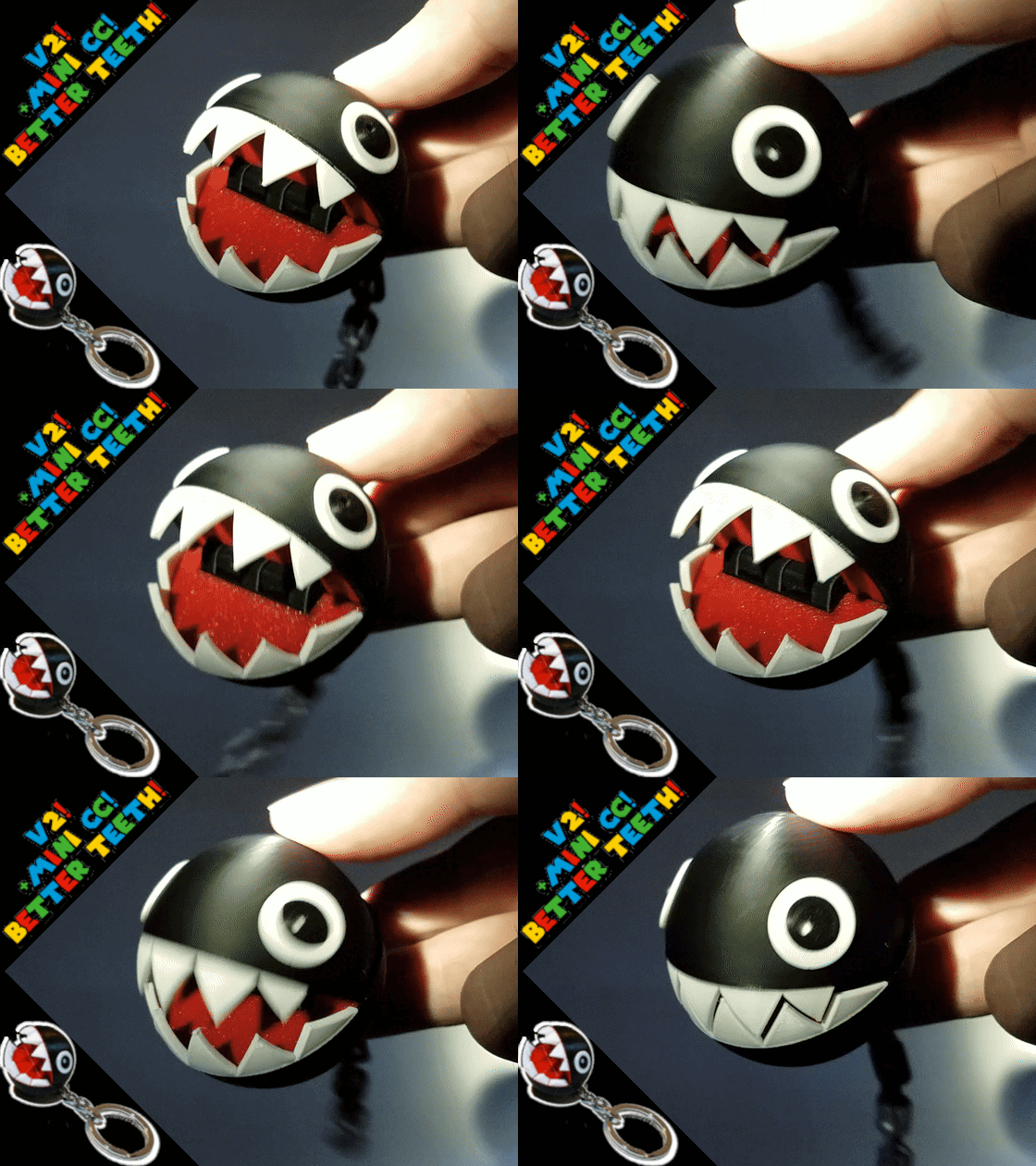

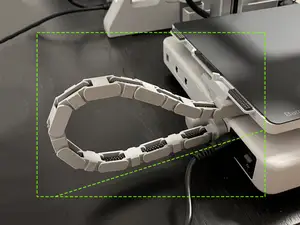

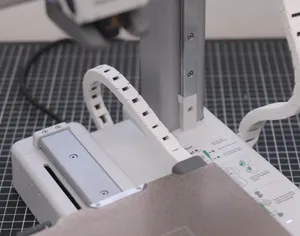
The largest group covers drag chains made for a particular machine, where the mounting points and the bend radius follow that frame. A second group is built around clips: short pieces that grip a PTFE tube or a cable bundle and link into a chain. A third group is generic — print-in-place chains, parametric generators and plain link sets that you size yourself.
When choosing, open the model page and read what the author lists: overall length and link pitch, the number of parts, whether supports are needed, and the material and layer settings used for the shown print. Check the photos of real prints for wall thickness and how the links articulate. For a chain that must flex often, the printed orientation of each link matters more than the shape of the profile.
If a search returns little, try related wording: drag chain, cable carrier, wire guide, cable management, PTFE clip, or the axis name such as X-axis or Z-axis. Adding the printer model or the tube diameter narrows the results. Chain links, hinges and modular connectors are useful adjacent terms when you only need a few pieces.
Before printing, confirm the clearances in the file against your own cable diameter and the space around the moving parts. Small chains are usually printed in one piece, while longer ones are assembled from repeated links, so count how many you need. If the model is parametric, adjust the pitch and the mounting holes first, then slice.


暮らし・日用品からCNCまで、すべてのテーマをそろえたカタログ。対応サイトを横断して検索できます。