
無料 
Ultimaker Diamond parts
Thingiverse
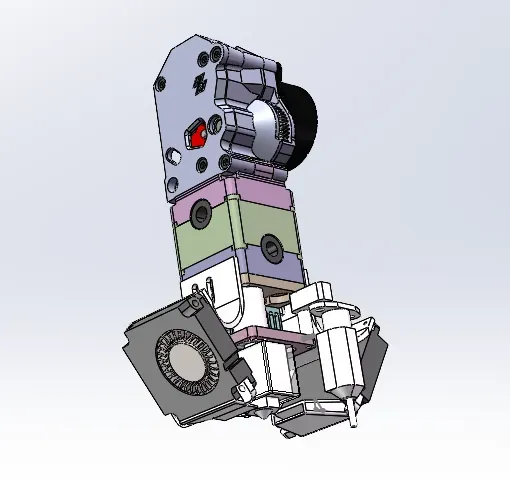
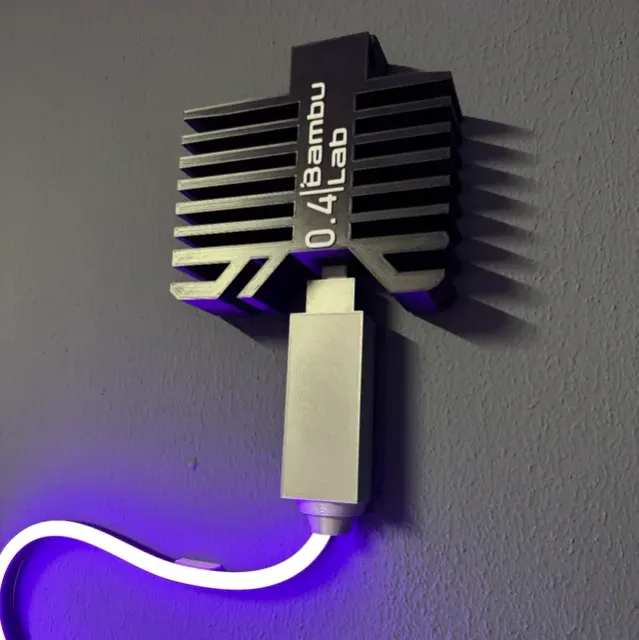
This collection gathers STL files for adapting and maintaining the hotend area of an Ultimaker 2-class 3D printer. You will find mounts, extruder conversions, fan ducts, storage boxes and small tools. It helps when you want to change a nozzle, route a different hotend or organize spare parts. Polyzon does not confirm whether models are free, their price, license, official status, affiliation, safety or fitness. Check the current terms at the source.
このコレクションの本文は英語で書かれています。検索自体はどの言語でも使えます。
 Polyzonのコレクション · モデル46件 4サイトから収集
このコレクションは、Polyzonが対応サイトの検索結果をもとに作成しています。重複やプレビューのないモデルは除外し、関連性の低いものは後ろに回し、それ以外は検索結果の順に並べています。モデルの権利は各作者にあります。利用条件は各モデルのページでご確認ください。
選定基準:Polyzon編集部 · 本文の更新日:2026年10月14日

%2Fhttps%3A%2F%2Ffbi.cults3d.com%2Fuploaders%2F22237716%2Fillustration-file%2F604c9abe-80f7-452a-9947-eae28e2702d3%2Ffront_angle.png&w=300)


%2Fhttps%3A%2F%2Ffbi.cults3d.com%2Fuploaders%2F32289658%2Fillustration-file%2F4ea9d0b3-72b9-4b40-a52d-5d5e736c0c1e%2Fsd_e3d_banner.jpg&w=300)


%2Fhttps%3A%2F%2Ffbi.cults3d.com%2Fuploaders%2F28479328%2Fillustration-file%2Fb49bb4b1-e145-49b7-b203-cb7a0ade533a%2Flunchbox_printer_render_4.png&w=300)

%2Fhttps%3A%2F%2Ffbi.cults3d.com%2Fuploaders%2F14480669%2Fillustration-file%2Fe54d2058-2671-48ee-a469-c6ab958d0d9a%2FIMG_20180326_221403.jpg&w=300)

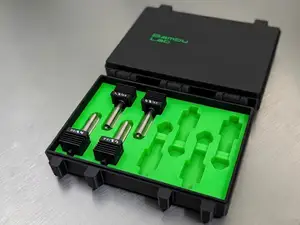


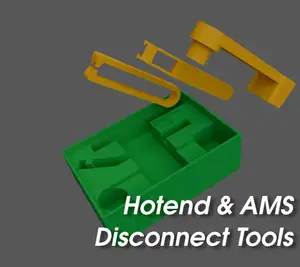


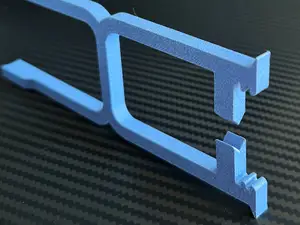


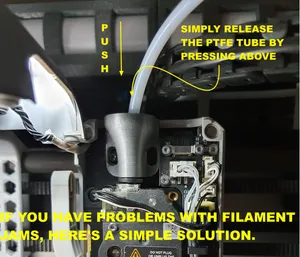

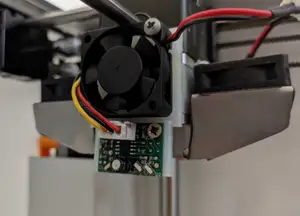
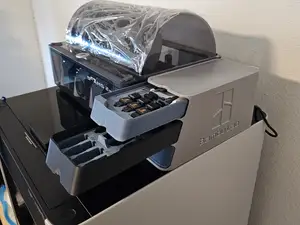

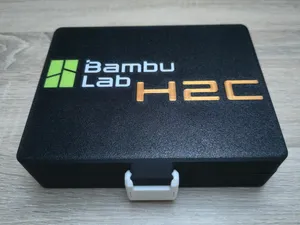

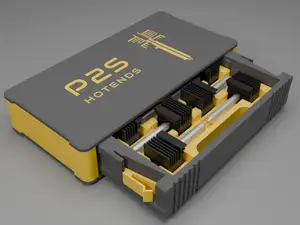


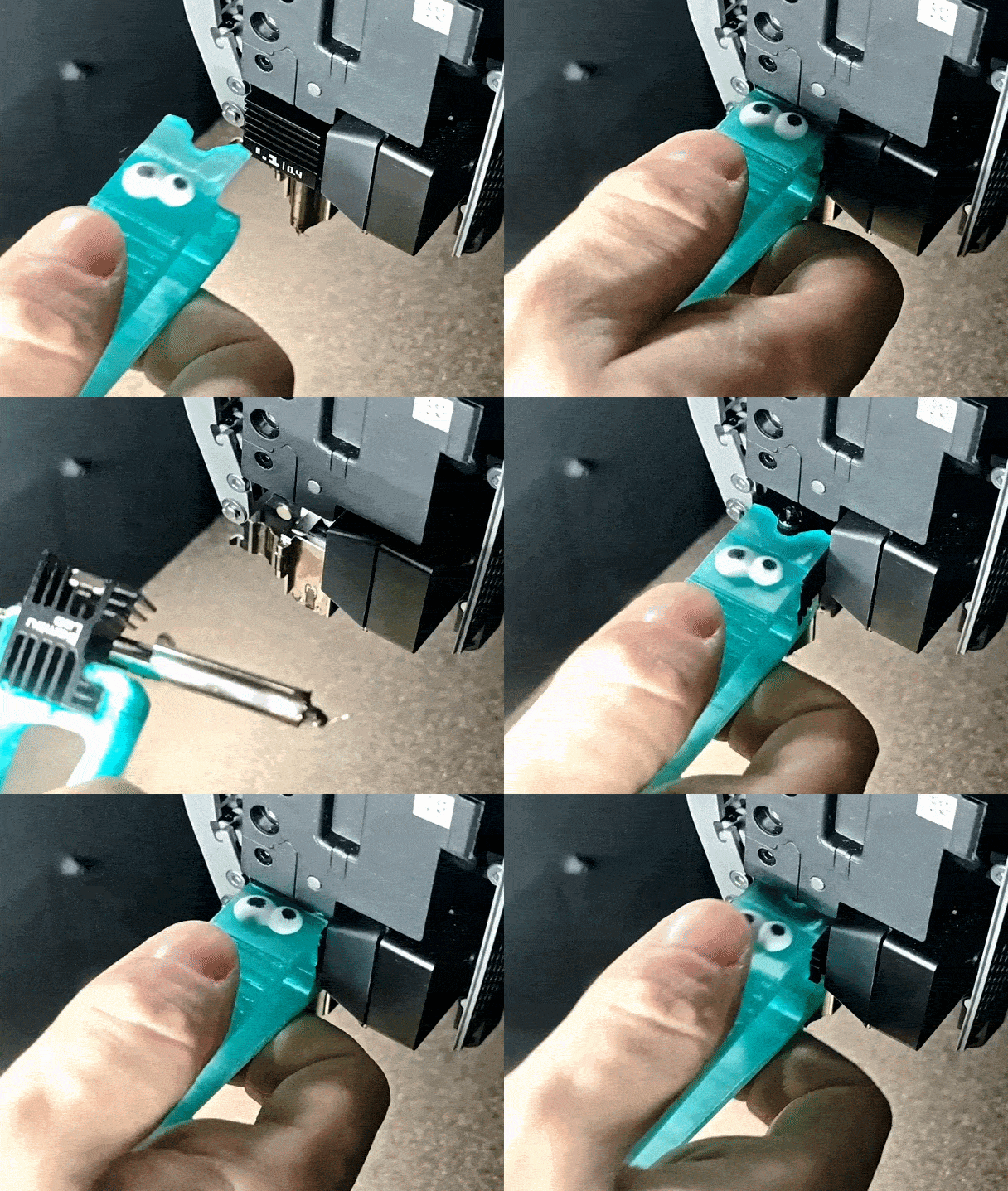

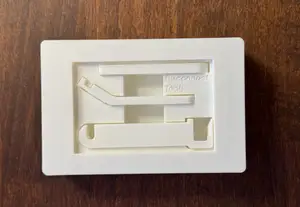

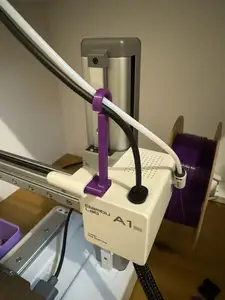

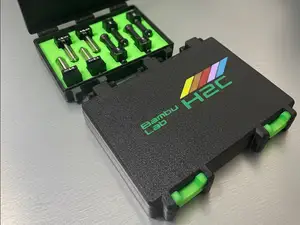

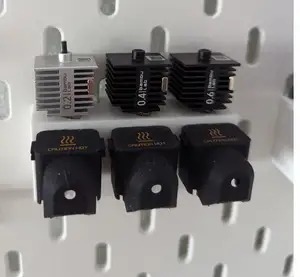
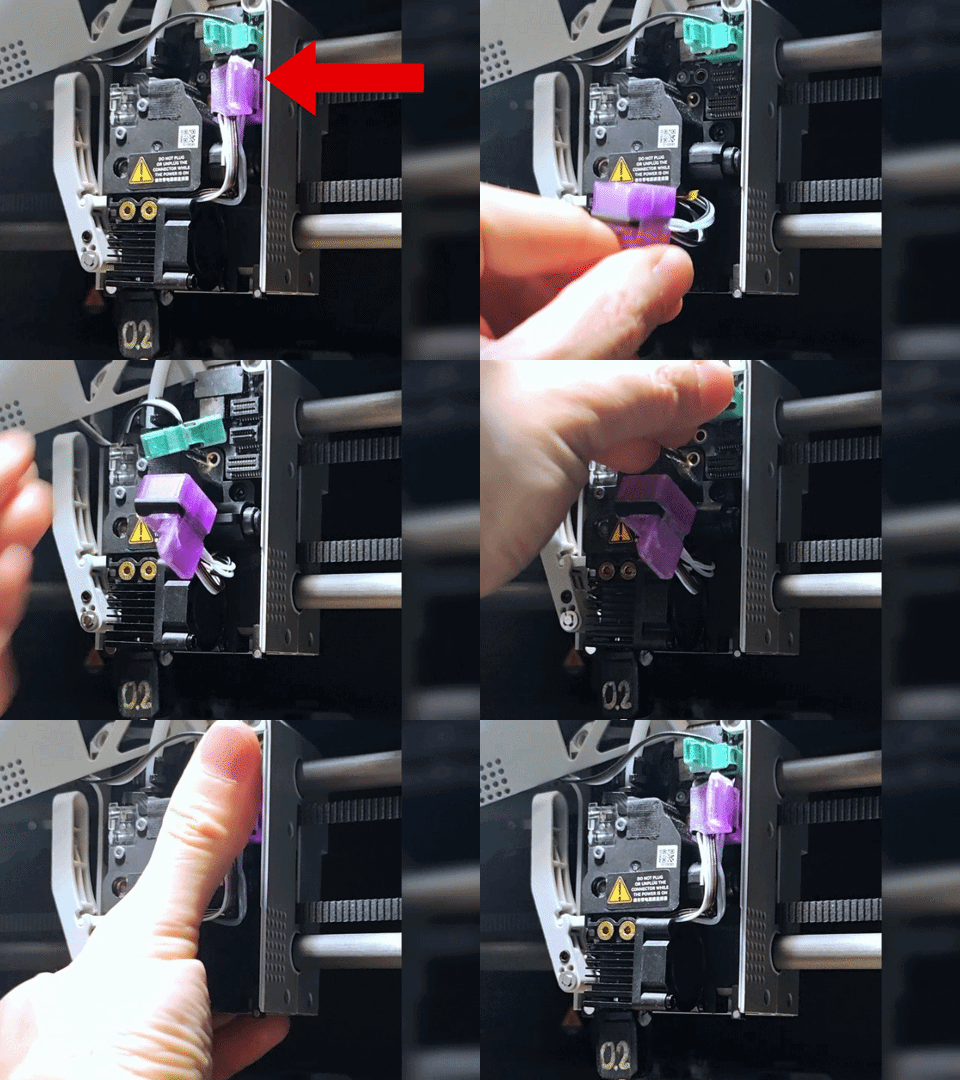
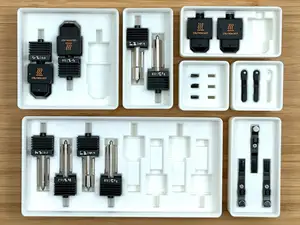
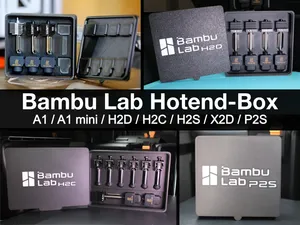
The files split into several practical groups. Mounts and adapters hold a replacement hotend on the original carriage, while extruder conversions change the drive and filament path. Fan ducts focus on cooling the hotend or the printed part, and storage boxes keep nozzles and hotends organized. Small tools cover tasks such as disconnecting plugs or checking alignment.
When choosing a model, compare the mounting pattern, hotend length and nozzle size with your own hardware. Check whether the author lists the fan size, screw type and any required inserts. Look at photos of installed parts to see how the file sits on the printer. Also read the recommended material and print settings, since small mounts and ducts can warp if the material is not stiff enough.
To narrow the search, try terms such as hotend mount, extruder carriage, fan duct, nozzle holder and plug tool. Add the printer name or hotend family when you need a closer match. Related searches include part cooling, direct drive, Bowden tube and modular carriage. If a result is close but not exact, check its tags and the author's other models for a matching variant.


暮らし・日用品からCNCまで、すべてのテーマをそろえたカタログ。対応サイトを横断して検索できます。
%2Fhttps%3A%2F%2Ffbi.cults3d.com%2Fuploaders%2F16079683%2Fillustration-file%2F21eb24e3-c8c6-42c4-98a4-095f314cb2ed%2Fe3d.JPEG&w=640)