
Бесплатно 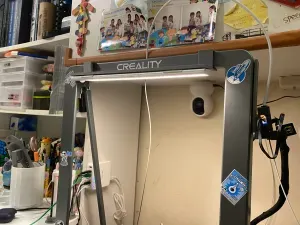
LED strip mount for Ender 3 v3 plus
Creality Cloud
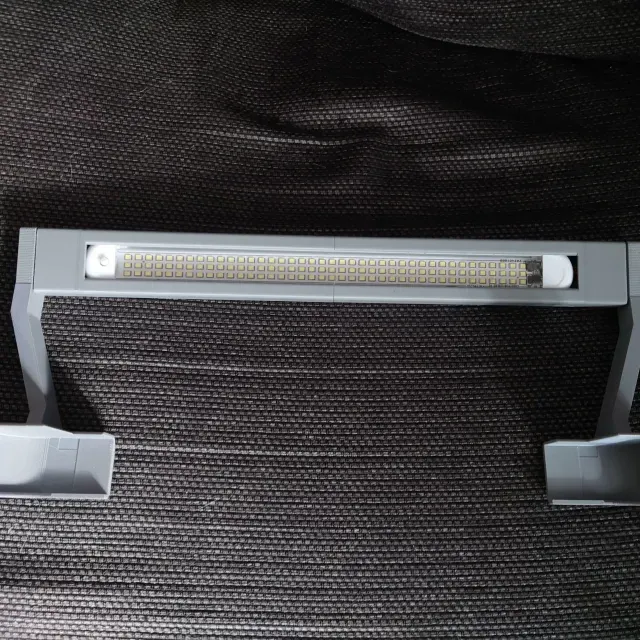
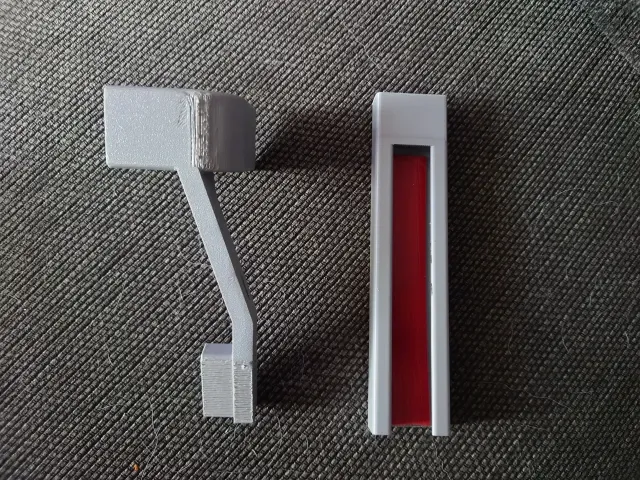
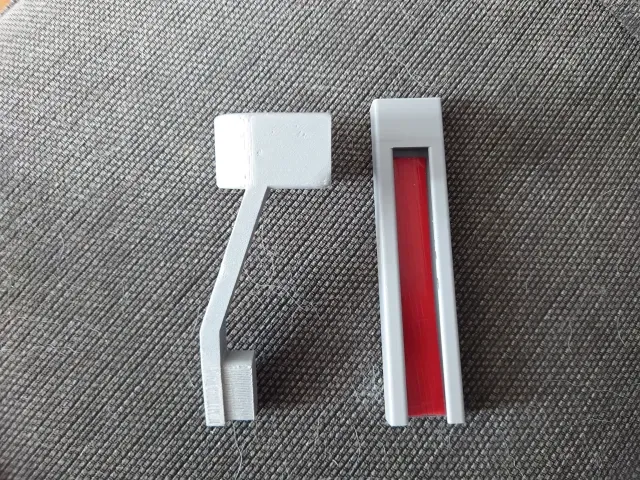
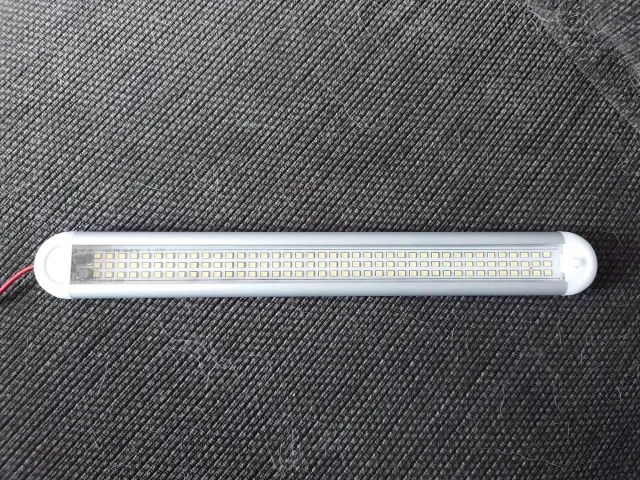
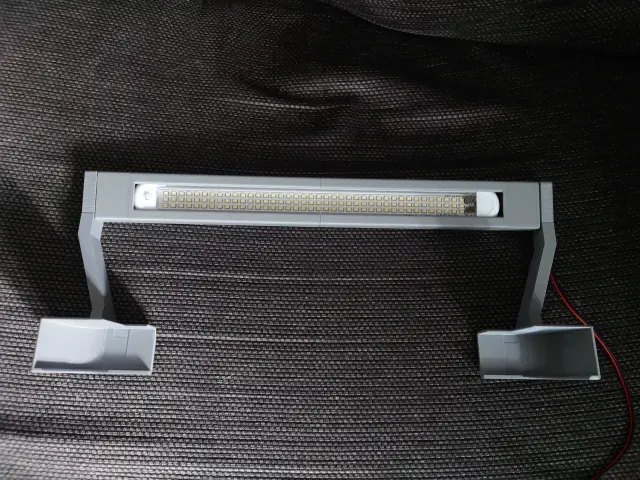

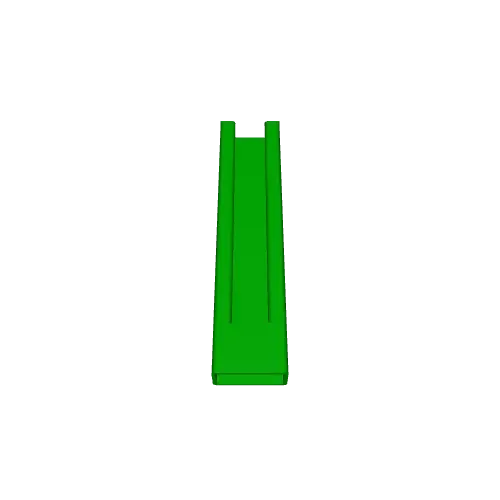
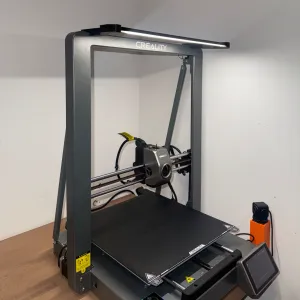
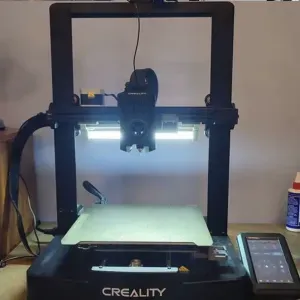
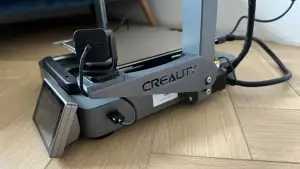
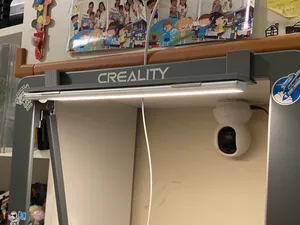
LED Light Strip on My Ender 3 V3 printed in gray PLA+ with 40% infill
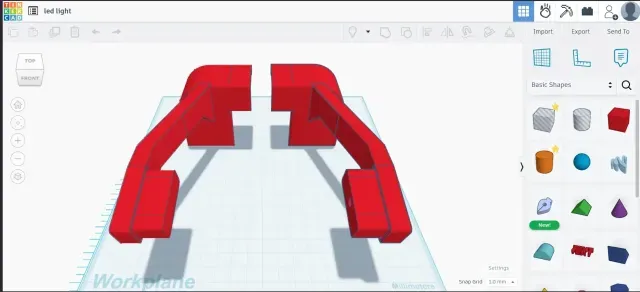
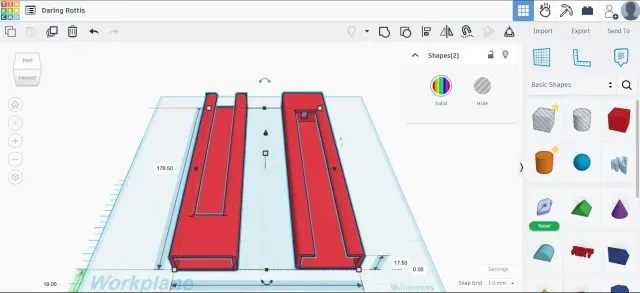
How I Installed an LED Light Strip on My Ender 3 V3 Using a Custom 3D-Printed Frame 1. Designed the Frame in Tinkercad I started by creating a custom frame in Tinkercad. The design included parts to: Hold the LED light strip bar (purchased from eBay with an ON/OFF switch).
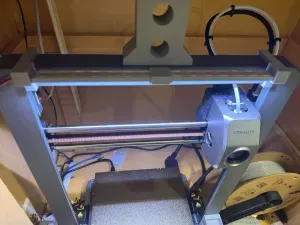
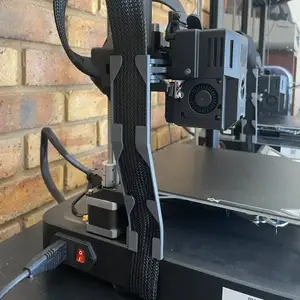
Attach securely to the Creality Ender 3 V3 printer. Include channels/holes for routing power cables cleanly along the right arm and frame.
2. Prepared the LED Light I applied double-sided tape to the back of the LED strip bar. Then I slid the light into the printed frame.
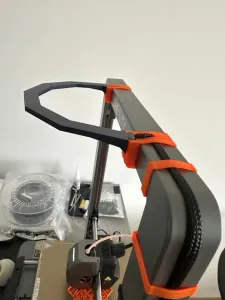
3. Attached the Frame to the Printer The left and right arms of the frame are designed to slot into place easily. I added some double-sided tape to the top of the printer to help keep the arms stable and in position.
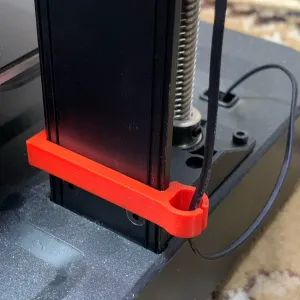
4. Cable Management The right side of the frame has holes for routing power cables, keeping everything tidy.
5. Final Step: Power It Up Once the frame and light were secured, I connected the light to a power source, and it was ready to go!

Названия используются только для указания источника результата. Polyzon не аффилирован с перечисленными площадками.