
Бесплатно 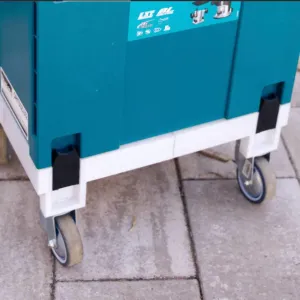
Makita/Festool MakPac Replacement CLIP for Systainer
Creality Cloud
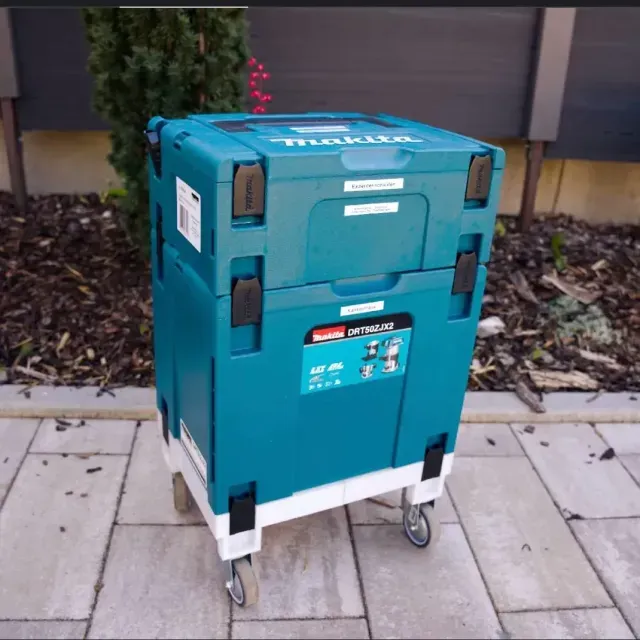
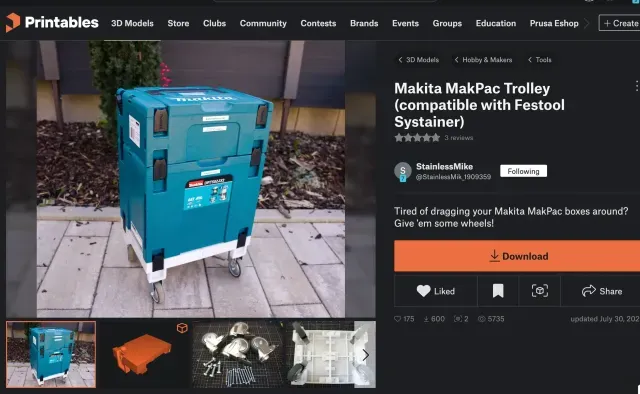
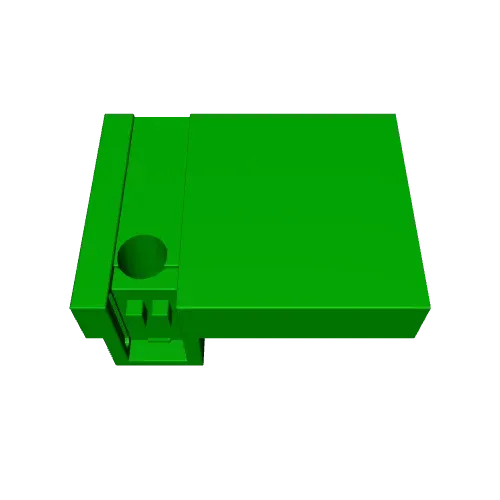
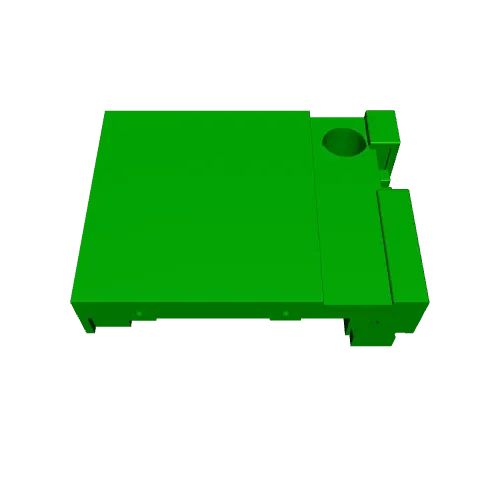
Created by StainlessMike @StainlessMik_1909359, found at https://www.printxxxx.com/model/860739-makita-makpac-trolley-compatible-with-festool-syst
He designed a perfectly fitting platform and modified the clips to put your MakPac Systainer on wheels! A perfect dolly! Fits Festool, obviously!!
==== Here is his description and the parts needed once printed ====
Stack and clamp your Makita MakPac or Festool Systainer boxes on this convenient wagon for easy transportation and quick rearrangements in narrow shops and build sites at any time by simply rolling them around on wheels.
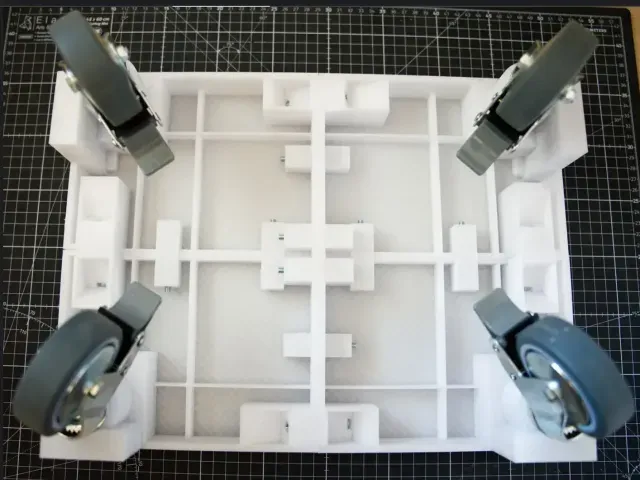
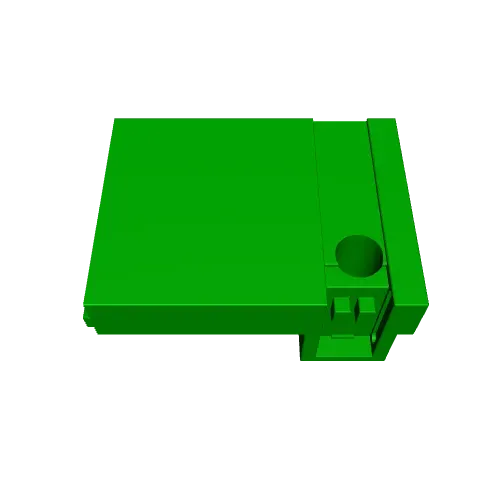
This model is split into 4 pieces.
The idea behind this design was for the wagon to occupy as little space as possible, so that you can align multiple MakPac stacks (each on its own wagon) face to face on each side without any wasted space in between. This is unlike Makita's own trolley, which occupies quite a bit of space all around, unnecessarily creating huge gaps and making it harder to transport in cars and trucks.
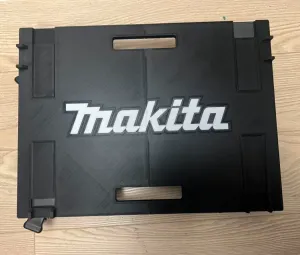
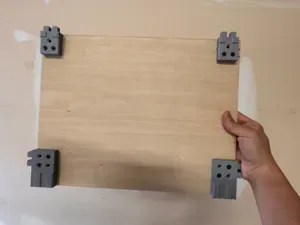
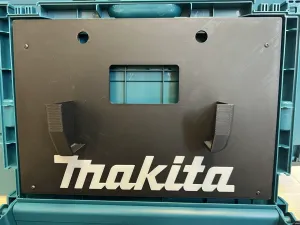
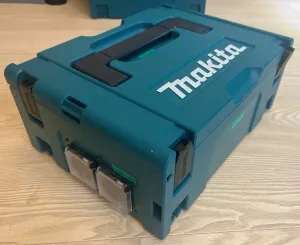
Like all standard MakPac boxes, this wagon also provides 4 clamps to firmly connect a box on the wagon as usual, and two rails to quickly align the box.
The wagon was designed to be robust, so you can easily create approx. 1.40m stacks filled with heavy tools; the wagon will withstand it without cracking or bending.
Print Settings: printed upside down, PETG material, no brim, support enabled, using manually painted supports only at required locations, standard infill (15%). If you don't plan to use it outside a lot, consider printing this model with PLA instead, because printing and removing PETG supports can be tricky.
Print Costs: all 4 pieces together took 31 hours to print and 940g of PETG material.
Dimensions of Parts:
makita_trolley_v1.5b-Main-Front-L : 197.5 x 147.5 x 82.99 mm
makita_trolley_v1.5b-Main-Front-R : 204.64 x 147.5 x 82.99 mm
makita_trolley_v1.5b-Main-Back-L : 204.64 x 154.64 x 82.99 mm
makita_trolley_v1.5b-Main-Back-R : 197.5 x 154.64 x 82.99 mm
Clip Part:
I uploaded the clip (the 4 black ones in the photo) as a separate model, because the clip is just a minor modification of someone else's work:
https://www.**********.com/model/874162-makita-makpac-clip
Additional Components:
(up to) twelve M5x50mm screws and nuts (for fixing the 4 printed parts)
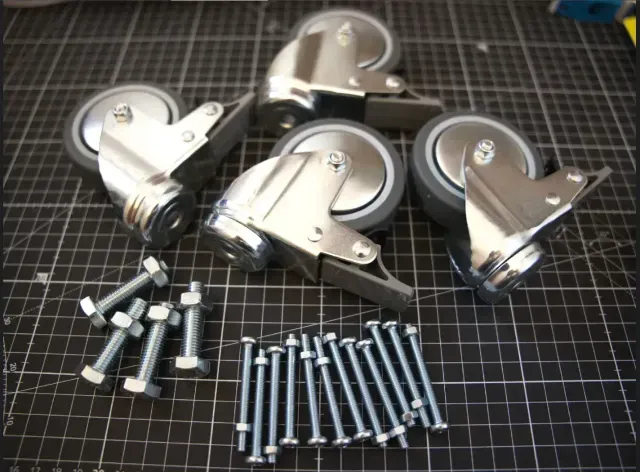
four 75mm wheels (other sizes may work as well)
four M10x40mm screws and nuts (for attaching the wheels)
(optional) four washer plates (for attaching the wheels)
Assembly: no glue required. All 4 pieces are simply plugged together (by the model's alignment tabs) and then (up to) twelve M5x50mm screws and nuts should be inserted for high stability. Additionally, the screws will automatically align the 4 pieces to create a perfectly flat surface without the need for manual adjustments of the printed pieces. Finally, four 75mm wheels are mounted to the model using four M10x40mm screws and nuts (using a washer plate in between is recommended but not mandatory). You can get wheels at hardware stores for $5 each. In the first photo, the wagon had simple wheels without locking mechanisms. I would recommend buying wheels with locks instead (an extra $2 per wheel), as shown in the other photos, so that you can safely park the wagon on uneven surfaces as well. It's worth it!
Notes: the two back parts will raise "non-manifold" warnings when importing them into the slicer. I didn't bother to fix this issue in the model, as it created no problems whatsoever in my slicer.

Названия используются только для указания источника результата. Polyzon не аффилирован с перечисленными площадками.