
Бесплатно 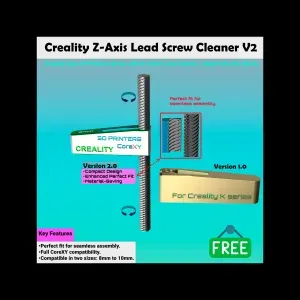
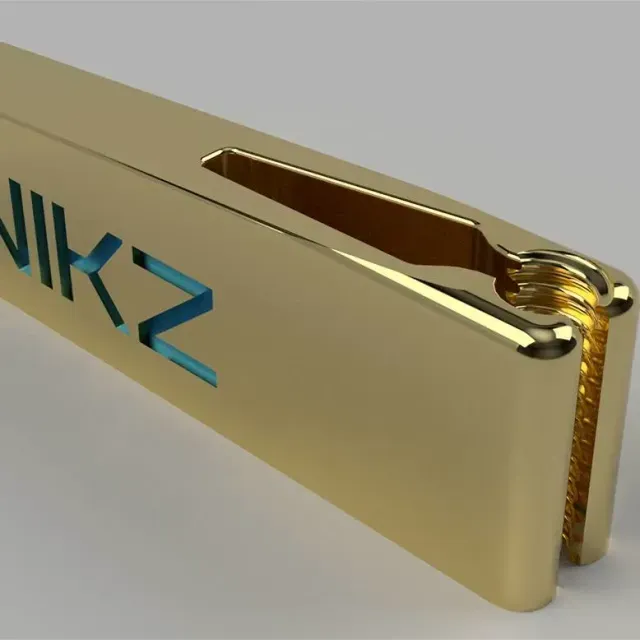
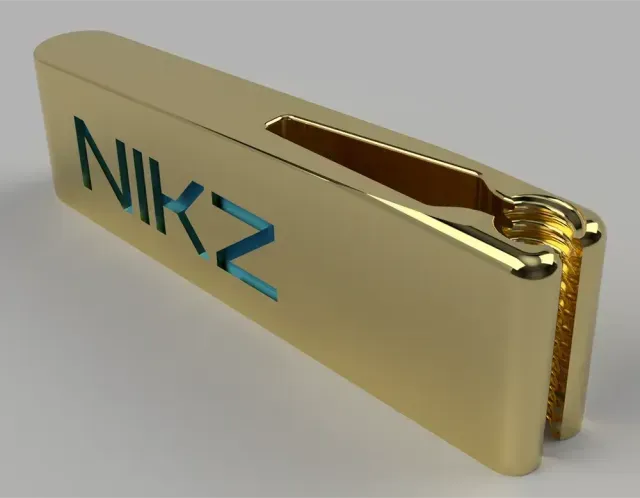
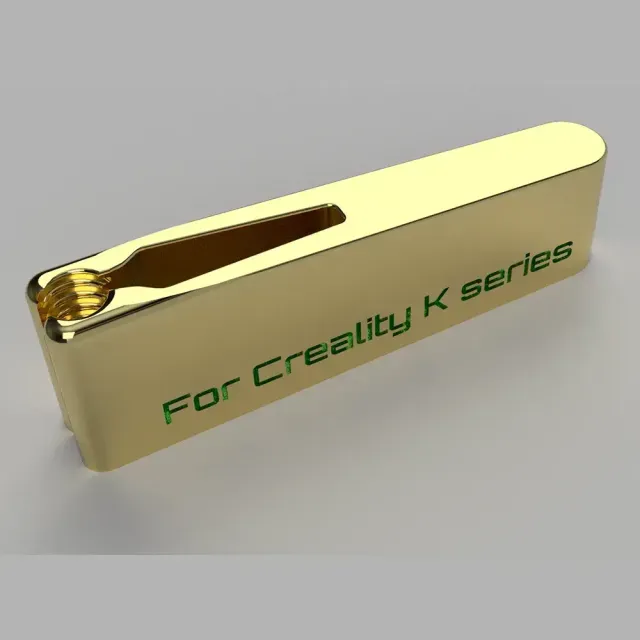
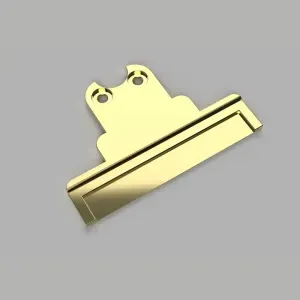
Creality Ender5/K1/K2 Series Z-Axis Lead Screw Cleaner V2.0
Creality Cloud
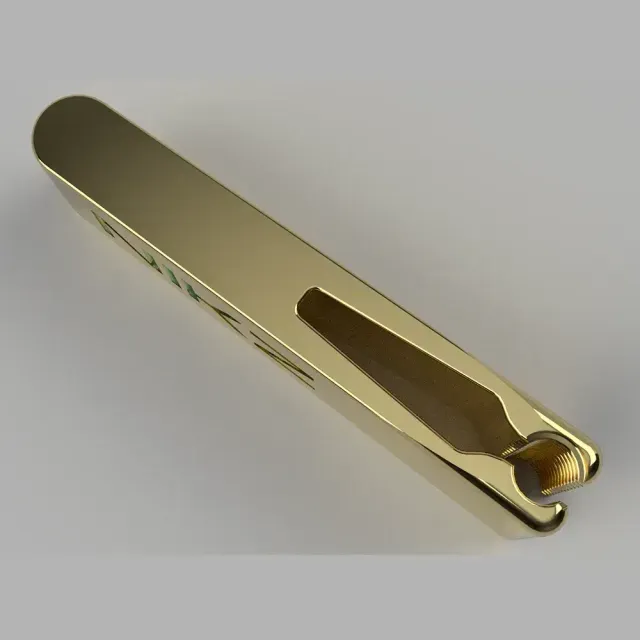
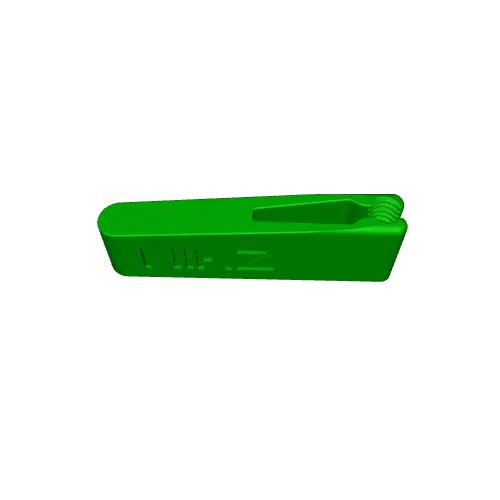
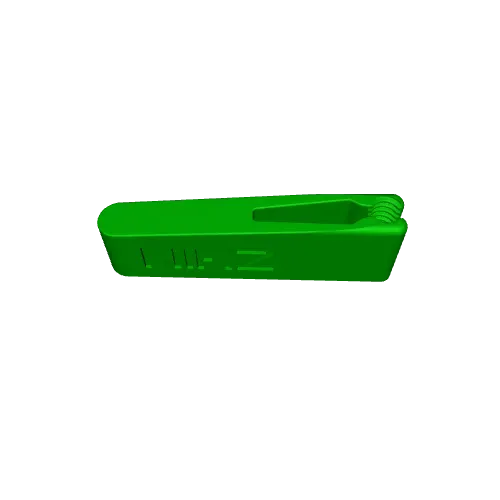
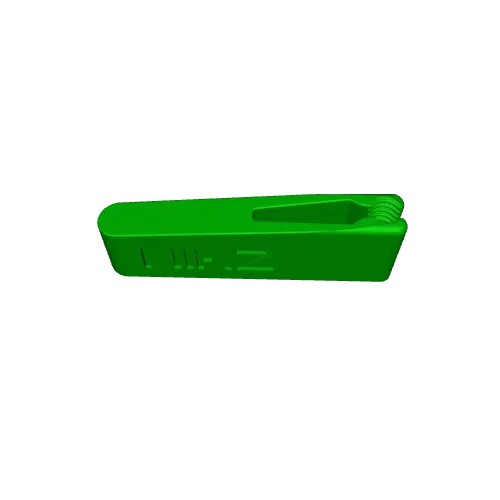
Watch the Video
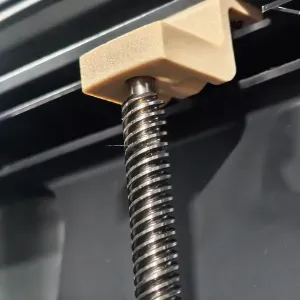
🛠️ Creality K1 & K2 Series Ultimate Z-Axis Lead Screw Cleaner -Eliminate Z-Banding and Maintain Peak Performance for Your Entire K-Series Fleet! -High-speed printing requires a flawless motion system. If your Creality K1 or K2 lead screws are covered in old grease, dust, or filament debris, you will face friction, noise, and those frustrating horizontal lines on your prints (Z-banding). -Manual cleaning inside these enclosed machines is difficult and messy. This Z-Axis Lead Screw Cleaner is the professional, snap-on solution designed to keep your printer running like new.
✅ Universal Compatibility -This tool was precision-engineered to fit the 8mm trapezoidal lead screws of the entire Creality ecosystem: -K1 Series: K1, K1 Max, K1C, K1 SE -K2 Series: K2 Plus, K2 PRO, K2 -Ender 5
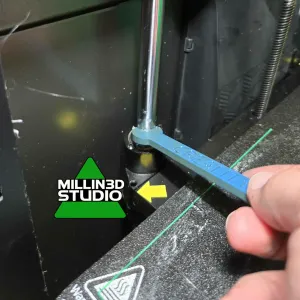
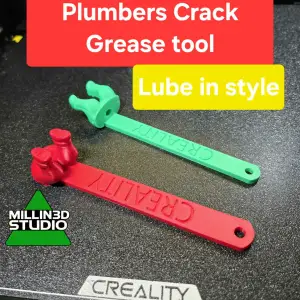
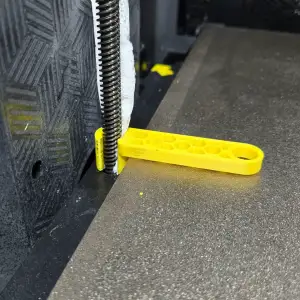
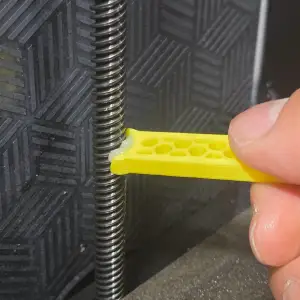
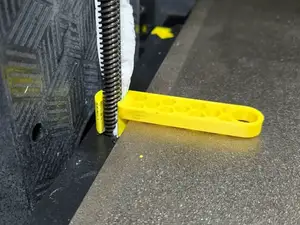
🚀 Why This Tool is a Game-Changer: -Precision Thread Matching: The internal geometry perfectly matches the lead screw pitch, allowing the tool to "scrub" deep into the grooves. -Clamshell Design: No need to disassemble your printer. It snaps around the screw in seconds using a secure interlocking system (or 6x3mm magnets, depending on your assembly). -Dual-Purpose Maintenance: * Phase 1 (Clean): Use a paper towel/sponge with IPA to strip old, contaminated grease. -Phase 2 (Lube): Use a clean insert to apply a fresh, perfectly even coat of PTFE or Lithium grease. -Tight Space Optimization: Ergonomically designed to work within the cramped corners of the K1/K2 enclosures.
📖 How to Use -Prep: Place a small piece of cloth or paper towel inside the cleaner's chamber. -Soak: Add a bit of degreaser or Alcohol (IPA). -Snap: Clip the tool around the lead screw at the top or bottom. -Cycle: Use the "Move" command on your printer or via Fluidd/Mainsail to move the bed the full length of the axis. -Enjoy: A clean, silent, and precise Z-motion!
Названия используются только для указания источника результата. Polyzon не аффилирован с перечисленными площадками.