
Бесплатно 
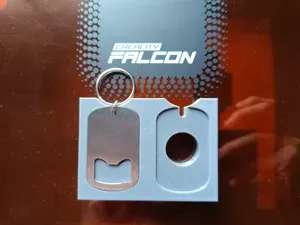
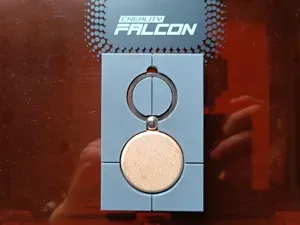
Jig for Oval Wooden Keychains
Creality Cloud
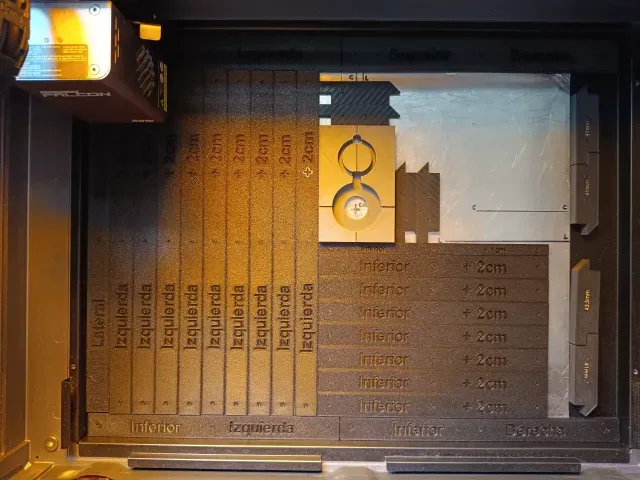
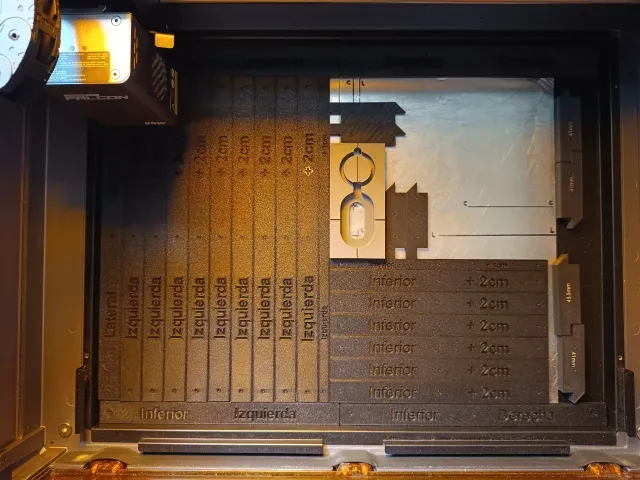
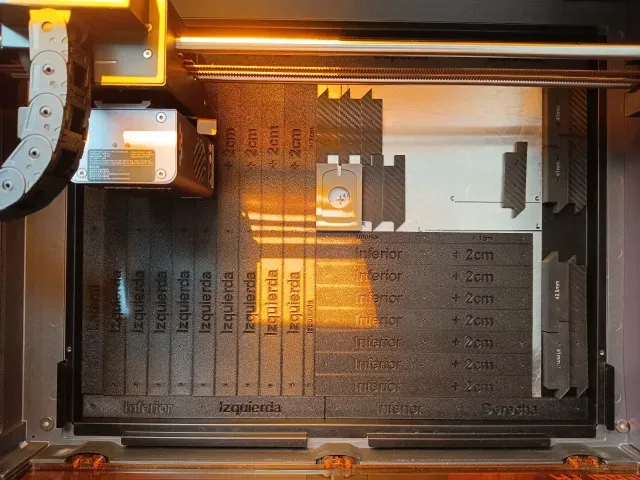
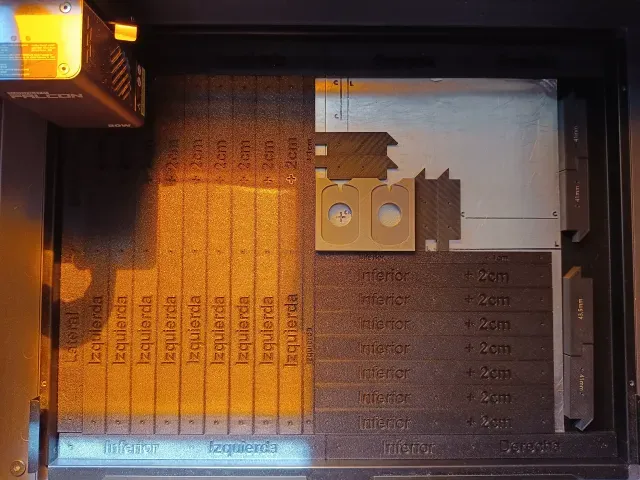
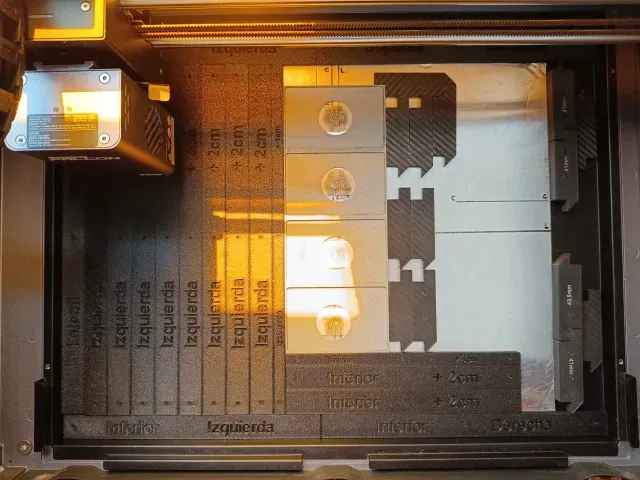
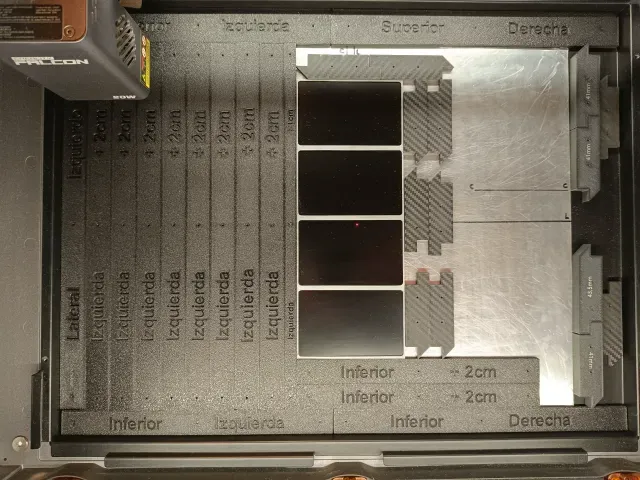
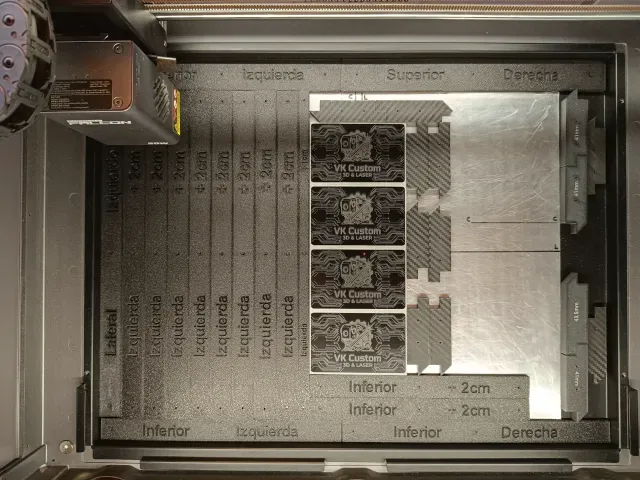
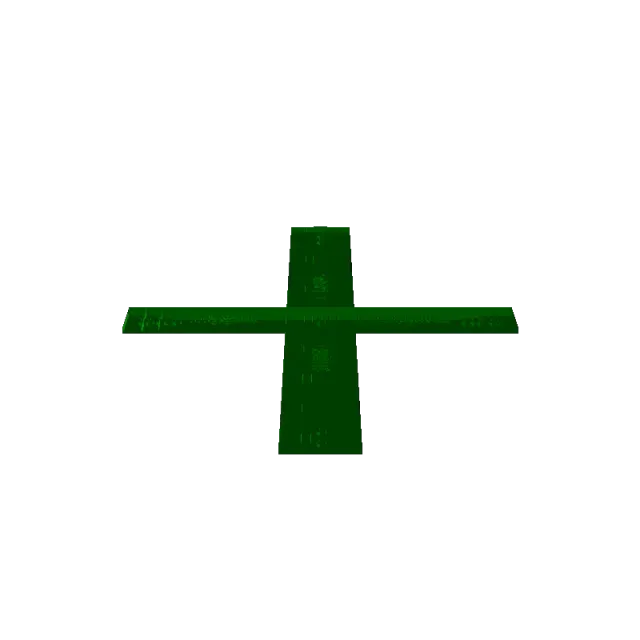

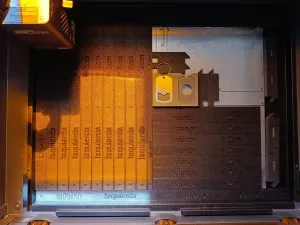
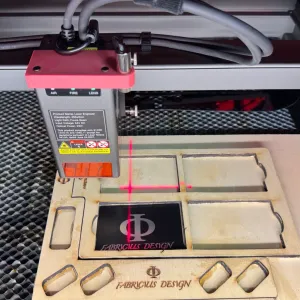
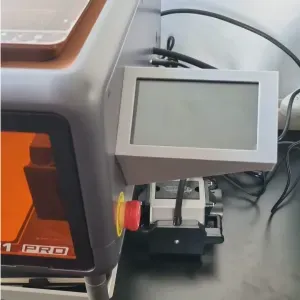
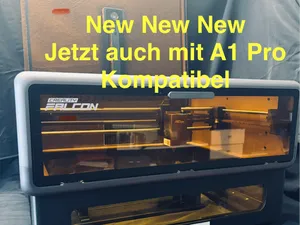
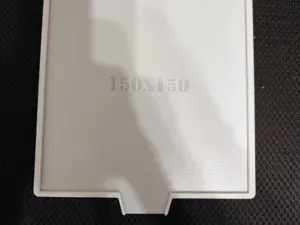
I've created parametric guides to center any object on the Creality Falcon A1 Pro's tray.
These guides allow you to position objects in the same way every time, preventing them from shifting during repetitive engraving and cutting tasks. Simply remember the number of side and bottom guides required for each application and tighten them to ensure the object remains firmly in the same position when switching to similar pieces for engraving/cutting.
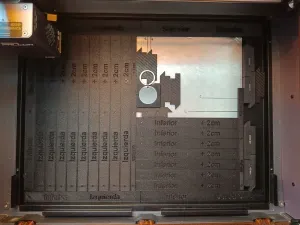
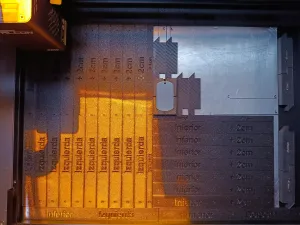
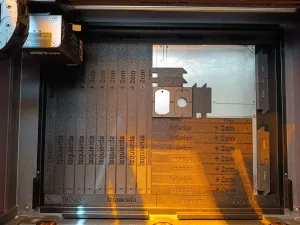
The guides are placed in different locations; some are specifically for the outer frame, and others for the inner area. The inner guides come in two widths: 2 cm and 1 cm.
These guides have 6x2 magnets on their underside that are added later by applying pressure (the holes have a very tight tolerance so that glue is not needed and they have holes that allow a nail to be inserted to remove the magnets), to ensure that they adhere to the metal sheet of the tray and have a very low height that does not interfere with the laser head.
The 3mf file contains all the guides, placed upside down so that the top surface (where each guide's label is located) will have the texture of the print bed. You can print as many guides as you need for each application. I've also included a second 3mf guide with small 12x2 magnet guides to hold the JIGs.
In the photos, you can see that in addition to the guides, I have 0.5mm aluminum sheets on the tray with crosshairs marked on them with a marker. These crosshairs indicate the center position of the camera lens and the point where the laser for the A1 Pro's autofocus hits. I used these sheets for testing until I achieved optimal calibration and for engravings that need to cover the entire front surface of an object and extend beyond the margins, thus avoiding marking the original print tray.
I hope you find this useful and that it helps you use the Creality Falcon A1/A1 Pro more easily and efficiently for repetitive tasks.
Please share your photos and opinions; I'll be attentive to any details you can contribute about this design.
Названия используются только для указания источника результата. Polyzon не аффилирован с перечисленными площадками.