
Бесплатно 
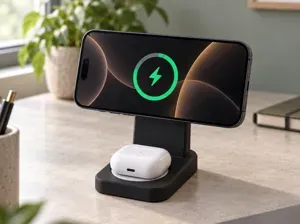
AirPods charging dock
MakerWorld
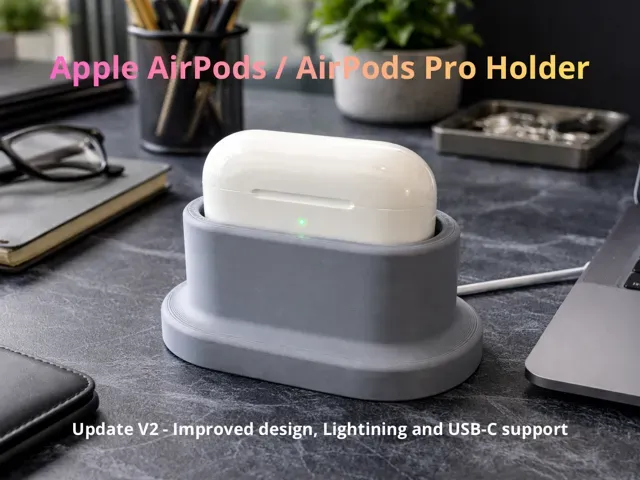
AirPods Cable Holder – V2
Trust the cable. Not MagCharge.
UPDATE: new Airpods 4 USB-C case released!
This is V2 of my AirPods Cable Holder: a direct update of the previous version, refined after daily real-world use.
The goal remains the same:
a simple, reliable, cable-based charging stand — no magnets, no gimmicks, no compromises.
What’s new in V2
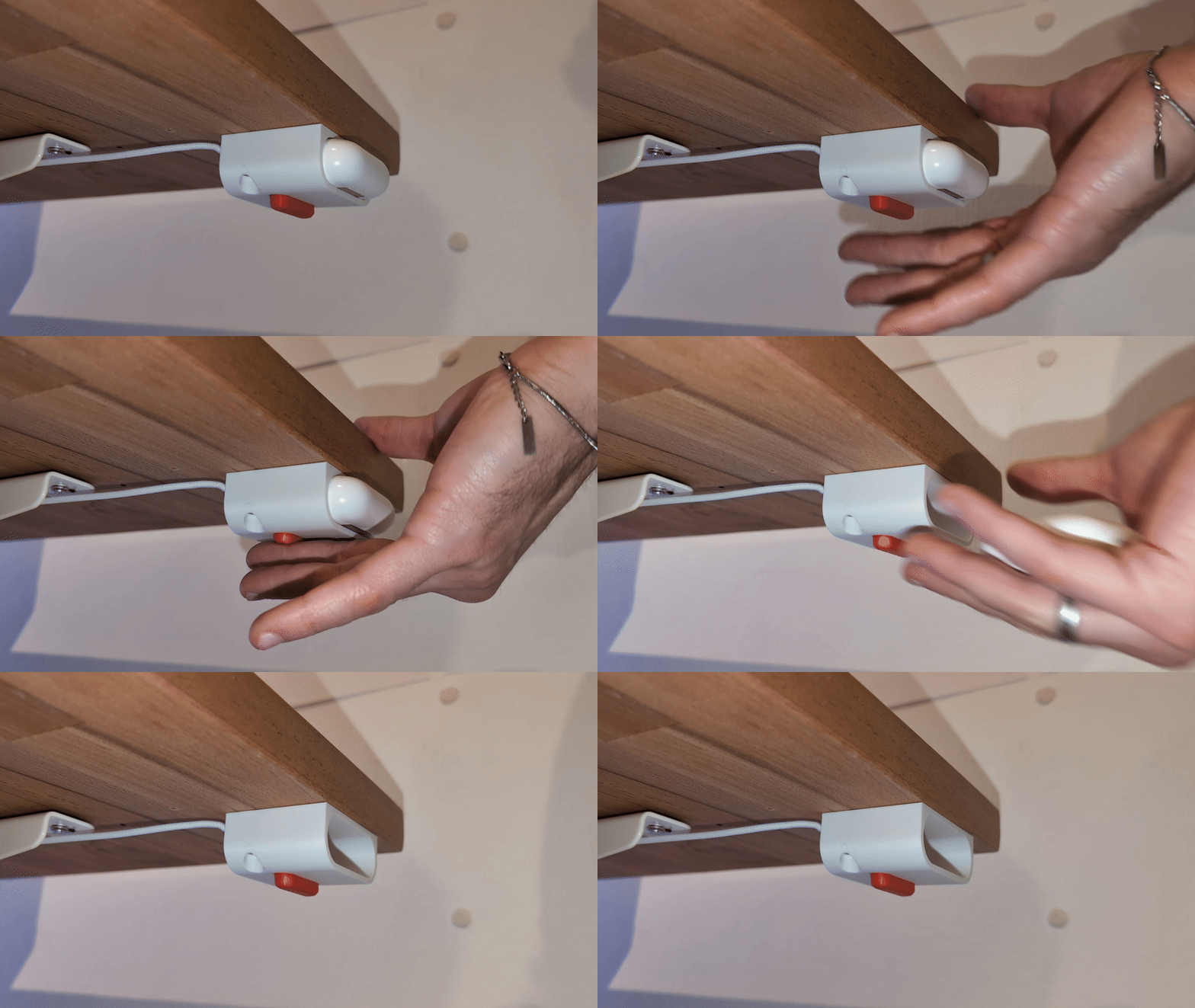
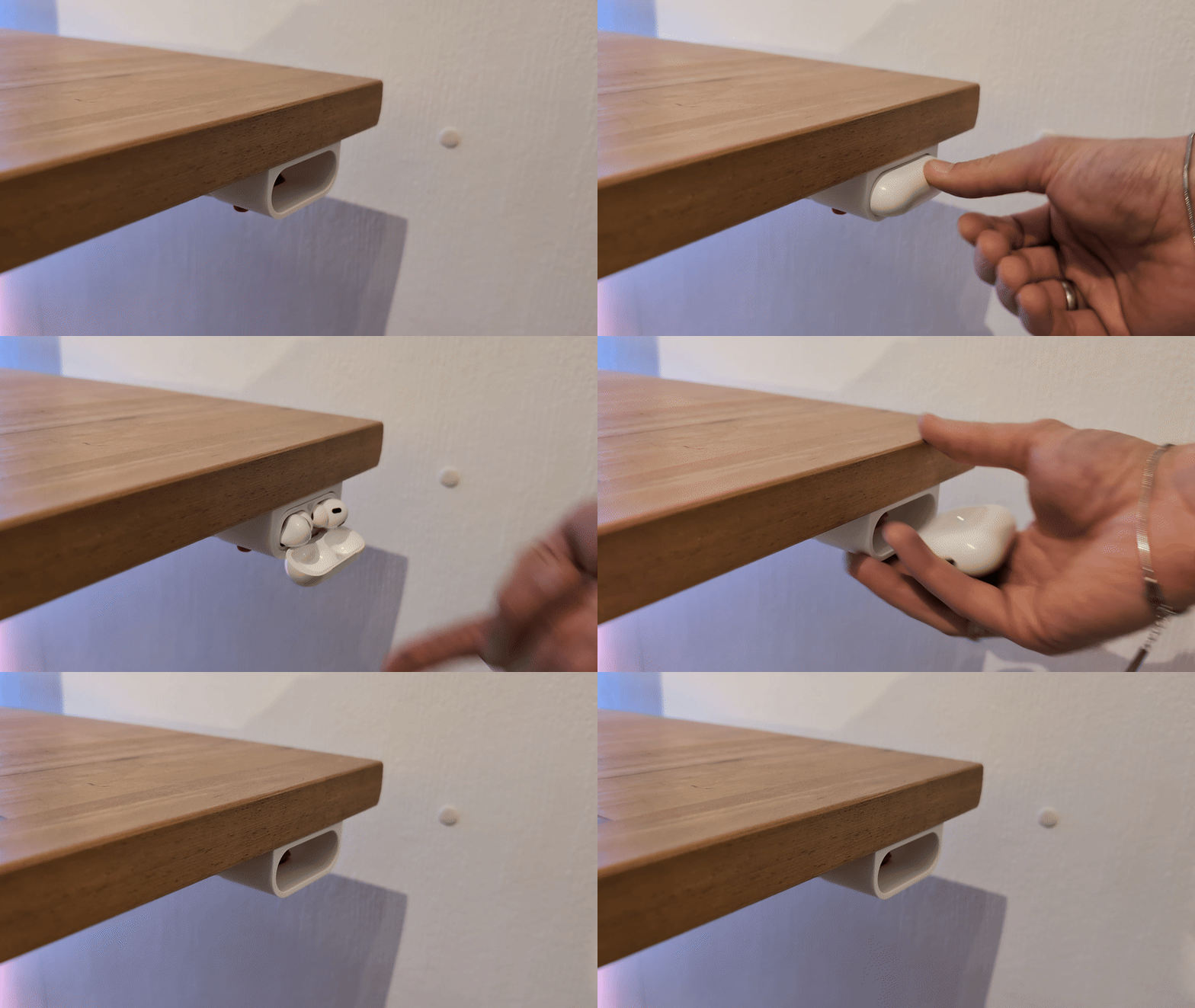
- Less material : reduced overall volume while keeping stability and rigidity - Better cable retention : redesigned cable path with a 90° rotation to keep the connector firmly in place - Improved fit : cleaner AirPods support and more natural insertion/removal - Refined geometry : optimized proportions for a more compact, product-like feel
Compatibility
- AirPods 4 (USB-C) - AirPods Pro 1 / 2 / 3 Supports both Lightning and USB-C cables with two dedicated print profiles .
⚠️ Important – Cable type
This model is designed only for:
- Original Apple Lightning cables - Apple USB-C cables for iPhone / AirPods (small connector)
It is NOT compatible with:
- USB-C cables designed for MacBook - Oversized or reinforced third-party connectors
Third-party cables
If you use a third-party cable with different connector dimensions, feel free to contact me.
If you provide:
- connector width - connector height - connector length I can create a dedicated print profile when possible.
Assembly instructions
- Insert the charging cable into the base - Rotate the cable 90° - Insert the cable into the holder - Press the base into the holder, keeping the cable hole aligned - Push the cable through the small rear hole No glue, no magnets, no tools required.
Disassembly note
The base is intentionally tight to ensure stability.
If you need to remove it:
- apply pressure from the top - if necessary, use a small flat screwdriver carefully from above
AirPods Pro - Lightning
AirPods Pro - USB-C
AirPods 4




Названия используются только для указания источника результата. Polyzon не аффилирован с перечисленными площадками.