
Бесплатно 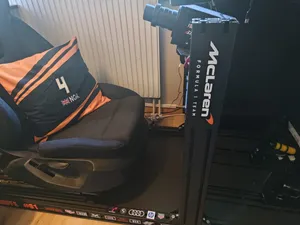
Simrig Sim Rig SimRacing Decoration Aluminum 8040
MakerWorld
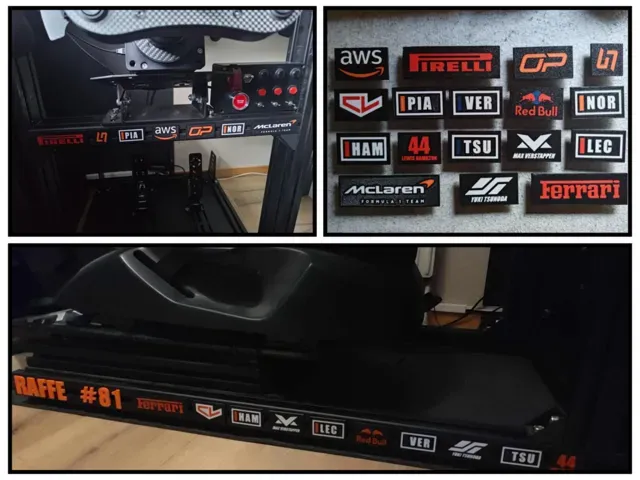
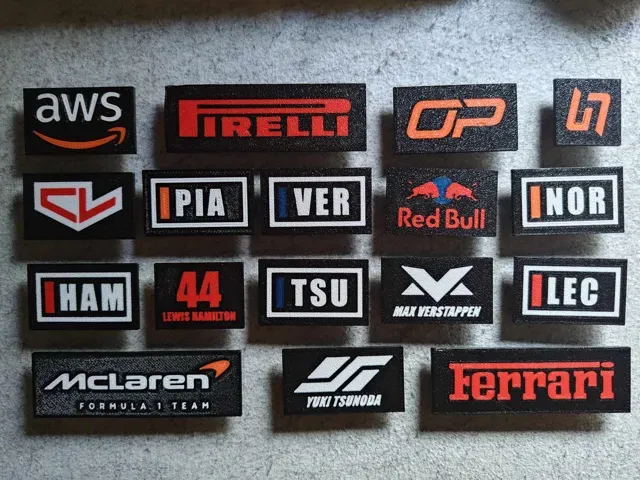
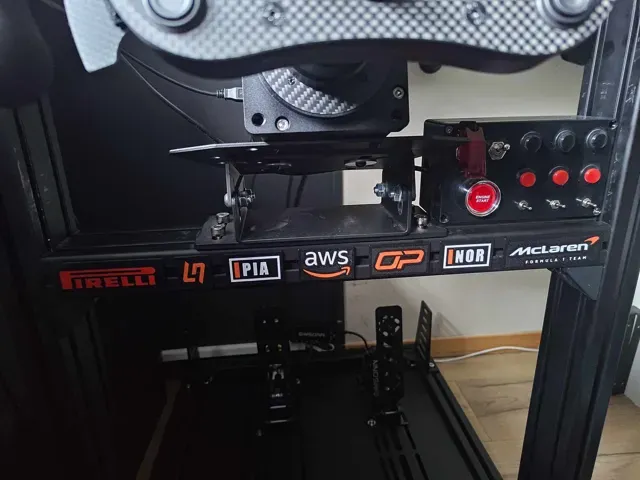
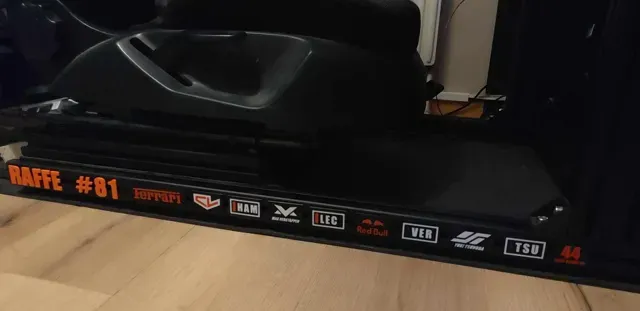
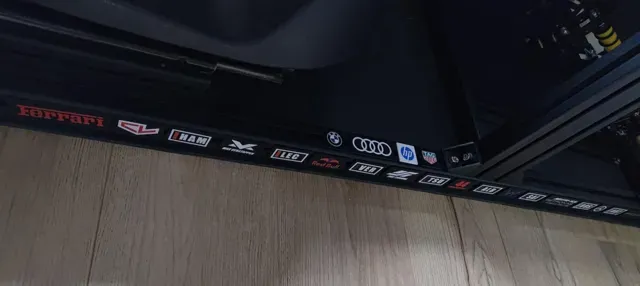
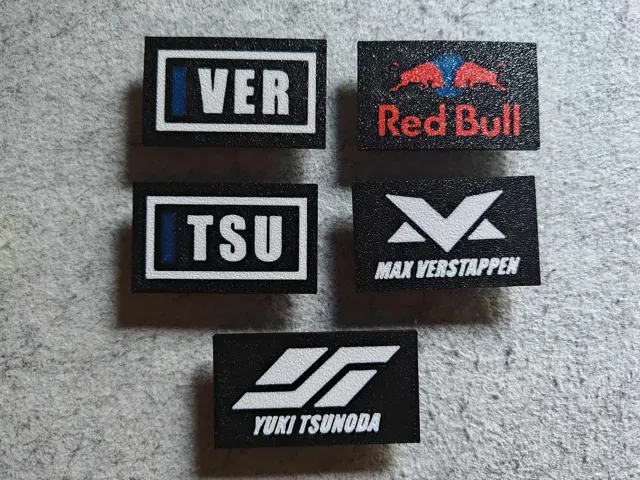
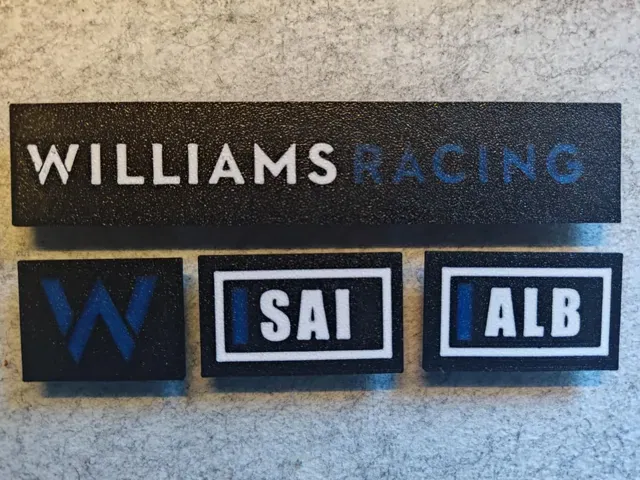
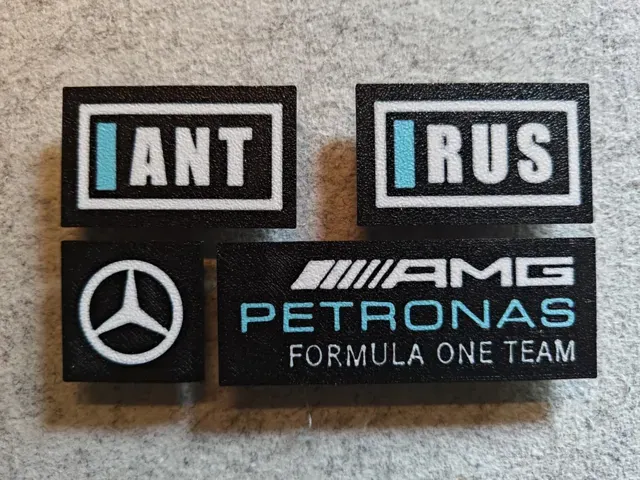
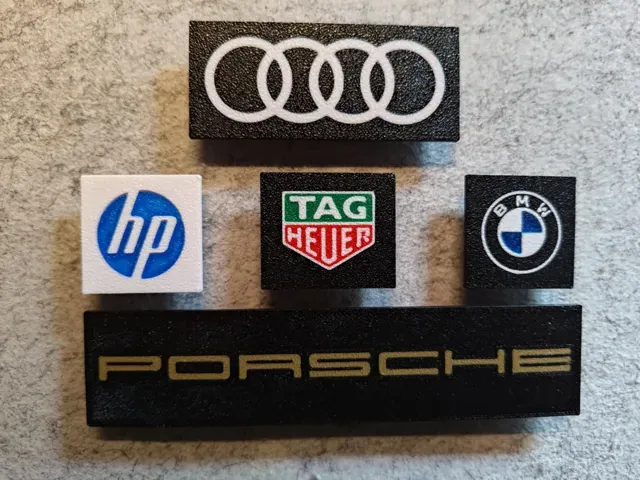
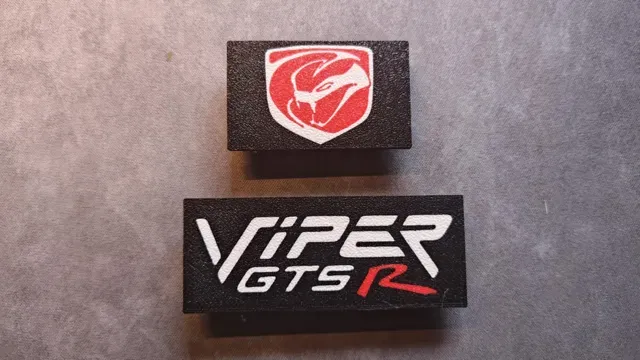
Decoration plates for aluminium profile simrig
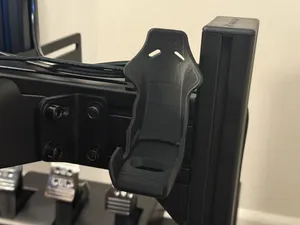
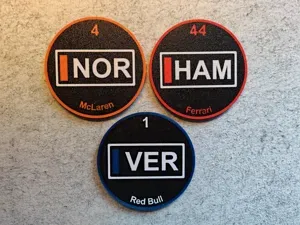
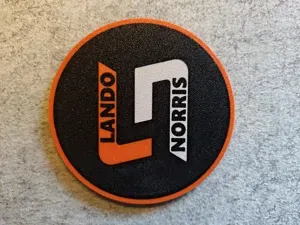
Pimp your simrig using plates with sponsors / teams / drivers / etc for aluminium profile simrig.
If you have any suggestions please send them to me.
Boost Me If you like the plates please support me with a boost. The current ones are designed for 4040 aluminium profile (GT Omega Prime lite). Two plates do fit if you have a 8040 profile. The size is 30mm high and width depending on logo / text.
I have started making plates for 8040 profile, check it out here: https://makerworld.com/en/models/1832337-simrig-sim-rig-simracing-decoration-aluminum-8040#profileId-1956821
Mouting:
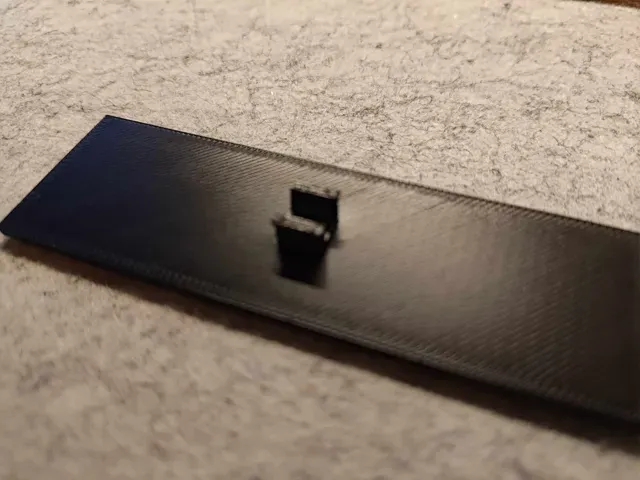
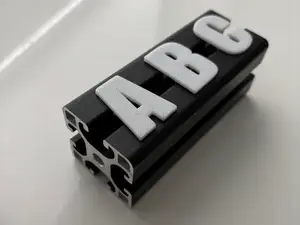
It is possible to mount / press the plates directly onto the aluminum profile but if possible, especially when using PLA, I would suggest sliding them on from the end of the profile.
If pressing it on set it at an angle and press it slightly down and in:
Colors:
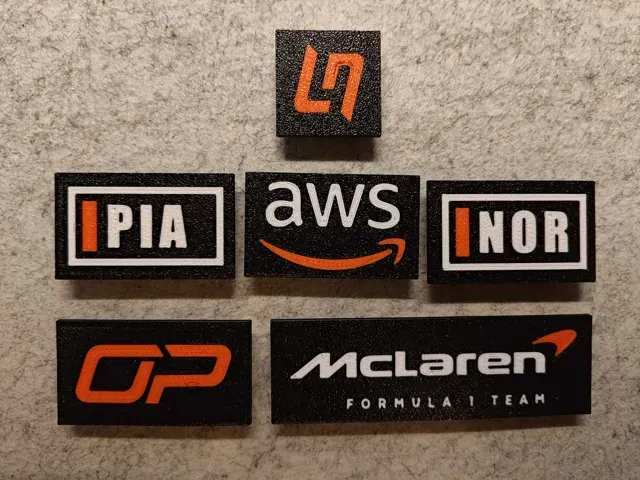
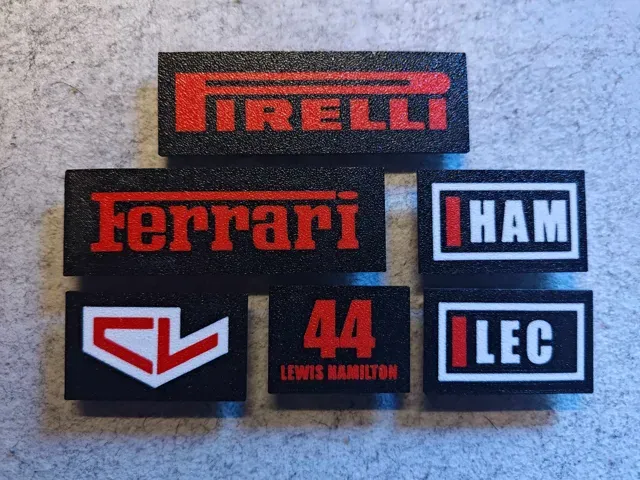
Designed so colors can easily be customized. I have organized them on plates according to color. However I do not have all colors (that's why the Red Bull logo has a blue sun) so please adapt to your liking.
Multiple designs using same colors will save time and filament due to color changes.
Changing colors:
The example images below can differ from this actual model.
1) Open the file and switch to the ‘Objects’ view
2) This should open the the following:
3) Select a part (multiple can be selected at once) and right click. Chose the ‘Change filament’ option and select one of your filaments/colors:
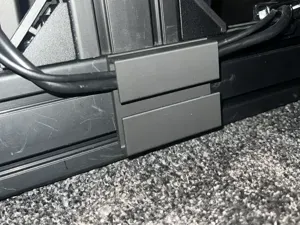
Adding more clips/tabs
If you want to add more tabs/clips this can be done in the object view (see above).
- Select tabs - Copy and paste so you have two tabs - Select one of the and then select the move tool - Move it to the side (using move tool typing in a distance, not by free hand) - Do the same for the other tab Tabs can also be removed in the object view if you only want the plate it self.
Ferrari + Pirelli Ferrari and Pirelli on the same plate since I used similiar colors for them. 0.2mm layer, 2 walls, 15% infill
Sponsors and car brands Sponsors and car brands. Saved in black and white in print profile, please change to desired colors. 0.2mm layer, 2 walls, 15% infill
RedBull 0.2mm layer, 2 walls, 15% infill
Mclaren + AWS Mclaren and AWS on one plate since they use similar colors. 0.2mm layer, 2 walls, 15% infill
Viper 0.2mm layer, 2 walls, 15% infill
NetApp
Williams 0.2mm layer, 2 walls, 15% infill
Mercedes 0.2mm layer, 2 walls, 15% infill
Gran Turismo 0.2mm layer, 2 walls, 15% infill
Aston Martin



Названия используются только для указания источника результата. Polyzon не аффилирован с перечисленными площадками.
Комментарии