
Бесплатно 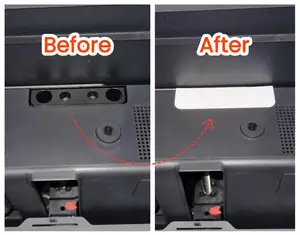
Back holes cover / Dust Cover for Bambu Lab P1/X1
MakerWorld


Internal Bottom Port Covers – for Bambu Lab P1P / P1S / X1C / X1E
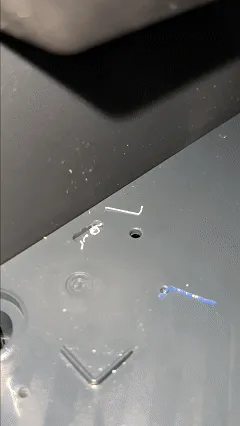
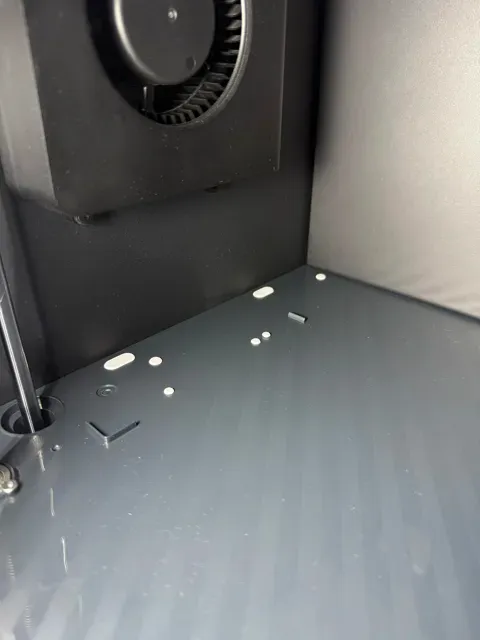
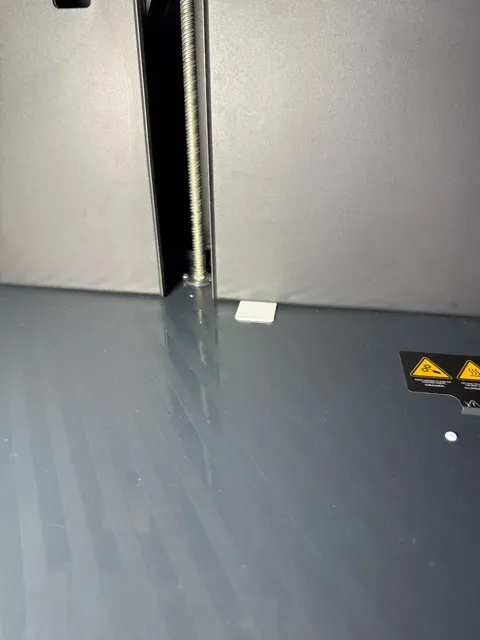
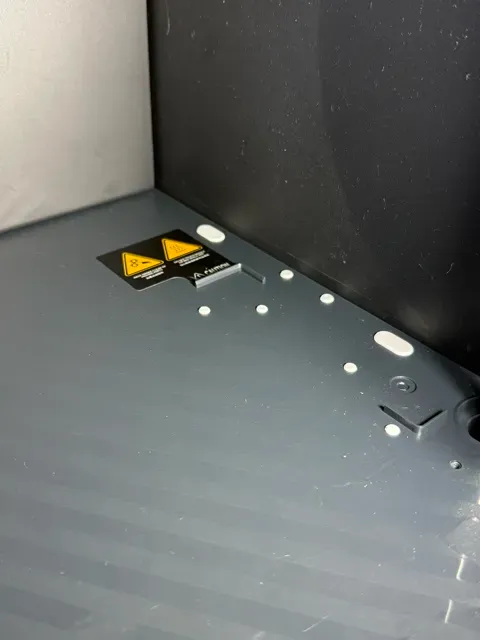
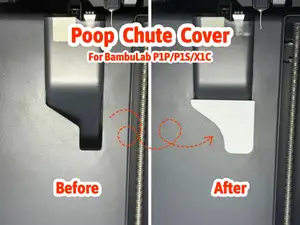
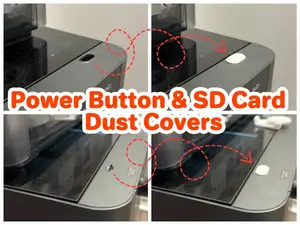
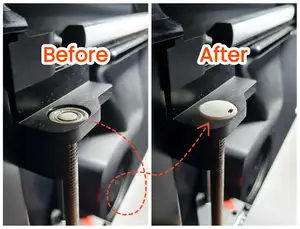
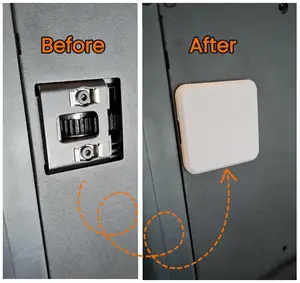
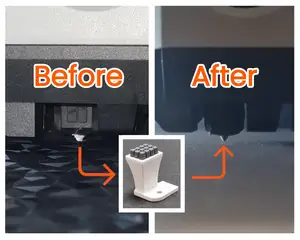
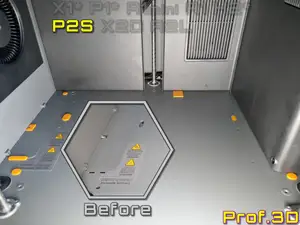
Tired of filament crumbs falling into the holes on the bottom of your printer? These simple but effective covers are designed to fit all internal ports located at the bottom of your Bambu Lab printer, keeping debris on the surface — not inside them. Cleaning becomes as easy as a quick swipe with your hand — no vacuum, no tools, no hassle.
✅ Key Features
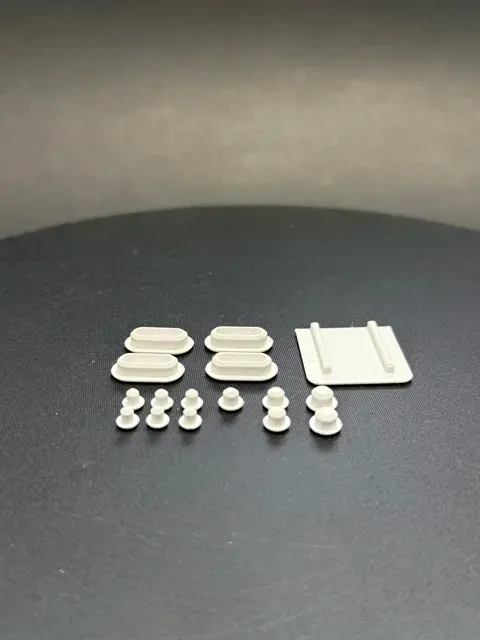
- Perfect fit for Bambu Lab P1P, P1S, X1C, and X1E - Protects all internal bottom ports – including round, slot, and rectangular openings - Fast, tool-free installation – plug-and-play in seconds - Easier cleaning – debris stays on the surface, not inside the holes 🗺️ Fitting Guide Info

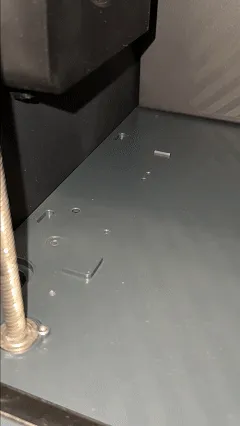
This project includes a visual fitting guide that shows which cover corresponds to each port on the bottom of the printer. Each port is numbered, and those numbers match the labeled covers on the print bed for easy identification.
⚠️ Important: Ports marked with an “X” in the guide should be left uncovered to avoid possible collision with the bed when it moves to it's lowest position.
🔧Fit Adjustment Tip
If your covers feel too loose or too tight after printing, don’t worry. This is a common effect of material shrinkage. You can easily fix it in Bambu Studio :
➡️ Go to the "Precision" tab ➡️ Find the "XY Contour Compensation" option ➡️ Use a negative value (e.g. -0.05) if the covers are too tight ➡️ Use a positive value (e.g. +0.05) if the covers are too loose
This small adjustment helps you achieve a perfect fit, no matter which filament or print settings you use.
Print the full set and enjoy a cleaner, better-maintained printer — every time. Simple mod. Big difference.
🚀 Check out more awesome tools, gadgets & upgrades:
- Printer Upgrades – [View] - AMS Upgrades & Accessories – [View] - Accessories & Handy Tools – [View] - Spool Upgrades – [View] - Measuring Tools – [View] - Sanding & Finishing Tools – [View] - Cable & Charger Organizers – [View] - Smartwatch Accessories – [View] - Gadgets for Apple Stuff – [View] - Gadgets for Samsung Stuff – [View] - Photo & Video Gear / Tools – [View] - SD Card Organizers – [View] - Battery Organizer – [View] - Pet Gadgets – [View] - Home accessories / Decorations - [View] - Milwaukee Gadgets & Accessories - [View] - Milwaukee Packout Accessories - [View] - Covers / Cases for Accessories - [View]
PETG - Bottom Hole Cover Set - arachne mode - 0.16mm layer height - print without support - 2 walls
PLA - Bottom Hole Cover Set - arachne mode - 0.16mm layer height - print without support - 2 walls
!!!Please read the description!!! Scaled for ABS Please note: I only realized afterwards that the original creator of this model does not recommend the three small nubs I added, as the print bed may come into contact with them during taller prints. If you plan to print this model at a taller height, please remove those nubs beforehand. Otherwise, use at your own risk.
I added 3 more small plugs to close all the small holes.
0.08mm layer
3 walls
100% infill

Названия используются только для указания источника результата. Polyzon не аффилирован с перечисленными площадками.
Комментарии