
Бесплатно 
100-1 ghosts
MakerWorld
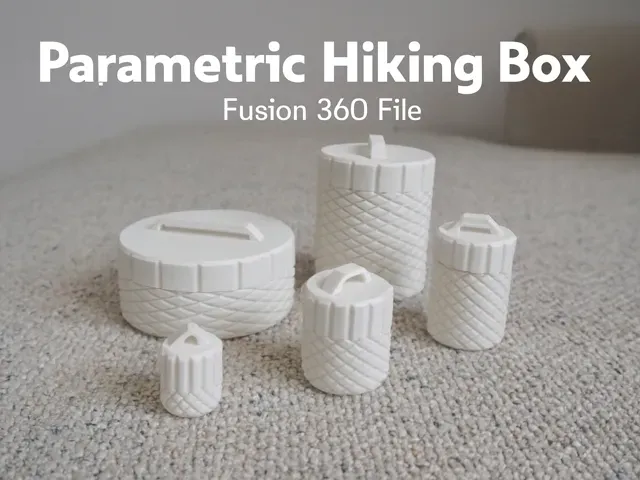
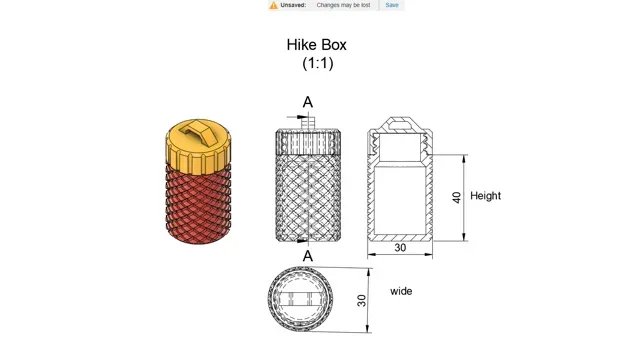
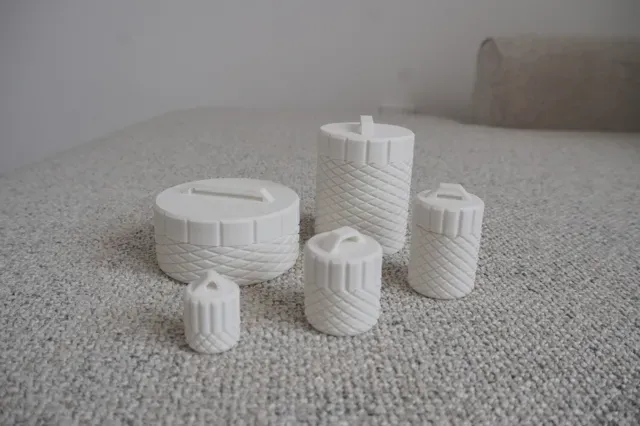
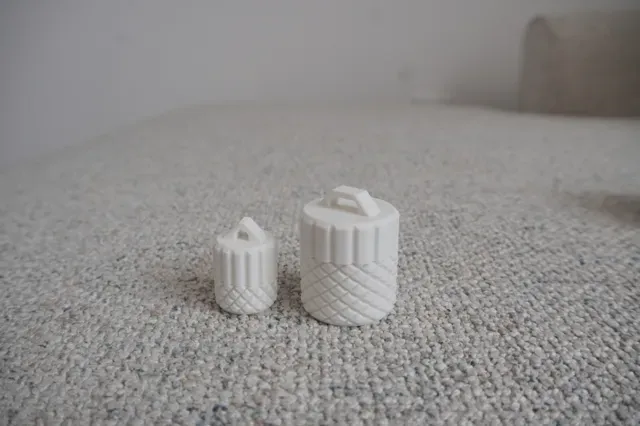
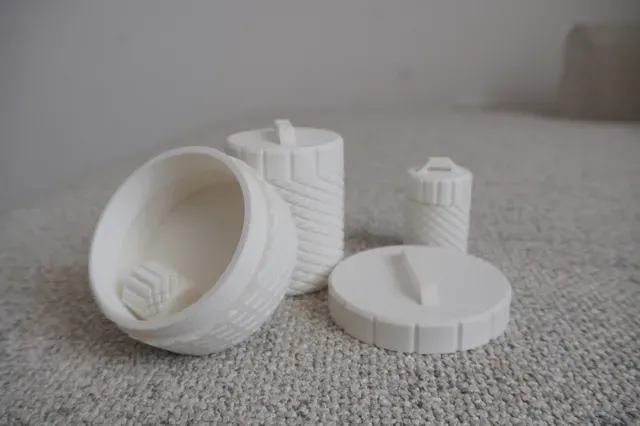
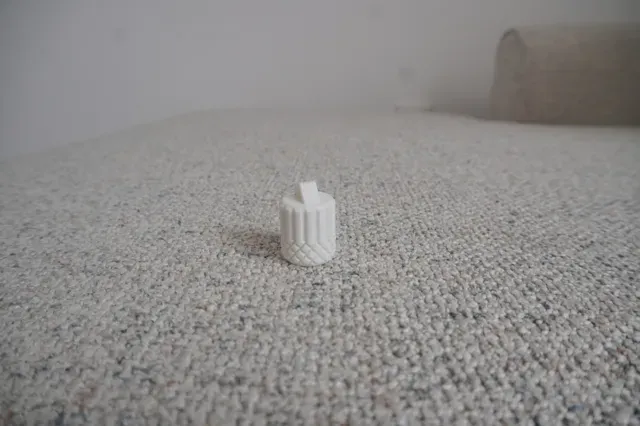
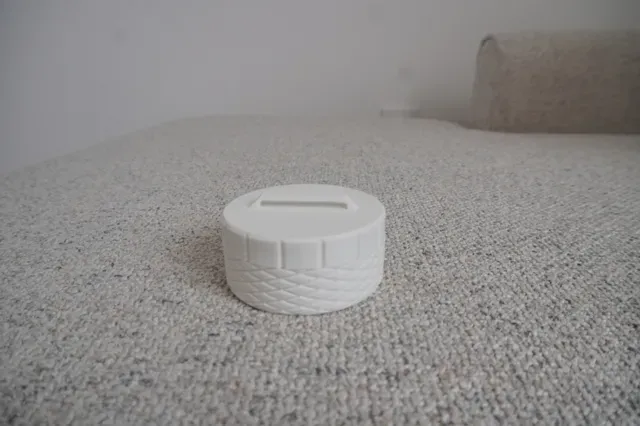
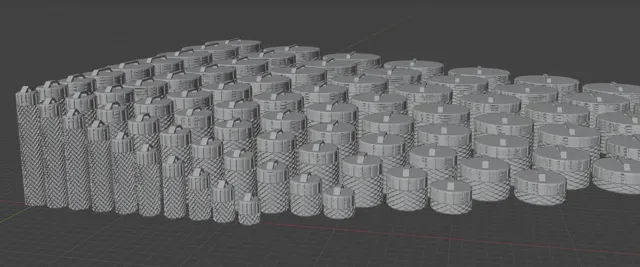
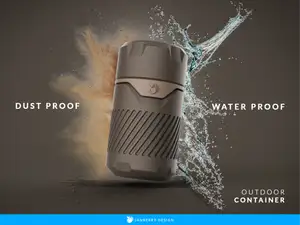
This hiking container is designed for outdoor use and includes a loop for carabiner or string , so you can easily attach it to your backpack or gear.
The real power of this model is the Fusion 360 parametric source file :
- You can change the width and height to ANY value you want - The file will automatically rebuild the container with your new dimensions - No modeling skills needed – just type the numbers you want, and Fusion 360 generates the STL instantly So whether you need a tiny 22×15 mm container or a large 87×63 mm one, you can create it in seconds.
To make it easier, I’ve also included a full pack of 80 premade STL sizes :
- Width 20 mm → Height 10, 20, 30, 40, 50, 60, 70, 80, 90, 100 mm - Width 30 mm → Height 10, 20, 30, 40, 50, 60, 70, 80, 90, 100 mm - Width 40 mm → Height 10, 20, 30, 40, 50, 60, 70, 80, 90, 100 mm - Width 60 mm → Height 10, 20, 30, 40, 50, 60, 70, 80, 90, 100 mm - Width 70 mm → Height 10, 20, 30, 40, 50, 60, 70, 80, 90, 100 mm - Width 80 mm → Height 10, 20, 30, 40, 50, 60, 70, 80, 90, 100 mm - Width 90 mm → Height 10, 20, 30, 40, 50, 60, 70, 80, 90, 100 mm - Width 100 mm → Height 10, 20, 30, 40, 50, 60, 70, 80, 90, 100 mm That gives you ready-to-print options from 20×10 mm (pocket container) up to 100×100 mm (big storage).
✅ Fusion 360 parametric file included – unlimited customization ✅ 80 STL files premade – print instantly without editing ✅ Outdoor ready – best printed in PETG or ABS for strength
How to customize in Fusion 360 (step-by-step)
Parameter names used in the file: wide = width_mm height = height_mm (Units: millimeters)
- Open the file - Launch Fusion 360 → File > Open → select the provided .f3d file. - Open the Parameters window - Go to Solid > Modify > Change Parameters . - (Quick search: press S , type “param” , hit Enter .) - Edit the user parameters - In User Parameters , find wide_mm and height_mm. - Click the value and type the exact dimensions you want (e.g., 37 for 37 mm). - Click OK . The model updates automatically . - Check the model - Wait a moment for the timeline to rebuild. - If anything looks odd, reopen Change Parameters and verify your numbers are in mm . - Export to STL
- Bodies panel: right-click the body → Save as Mesh… - Format: STL (Binary) - Units: Millimeter - Refinement: High (or Custom if you want finer) - Click OK and save. (Older UI: Make > 3D Print → select the body → uncheck “Send to 3D Print Utility” → OK to save STL.)
Tips
- If the Change Parameters button isn’t visible, switch to the Solid workspace first. - Keep numbers realistic for printing (e.g., don’t set height to 1 mm if you need a sturdy container). - You can duplicate the file for multiple custom sizes and export each one.
- My other work :
Boost Me Enjoy my design? Boost Me to support my work! Thanks & happy printing! 😊🎉
set of wide 50 mm
set of wide 60 mm
set of wide 20 mm
set of wide 30 mm
set of wide 40 mm
set of wide 70 mm
set of wide 80 mm
set of wide 90 mm
set of wide 100 mm



Названия используются только для указания источника результата. Polyzon не аффилирован с перечисленными площадками.