
Бесплатно 
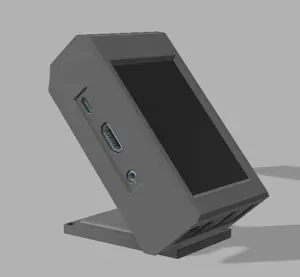
Kingroon KP3s - LCD TFT RPi GPIO Raspberry pi Zero 2w
Printables
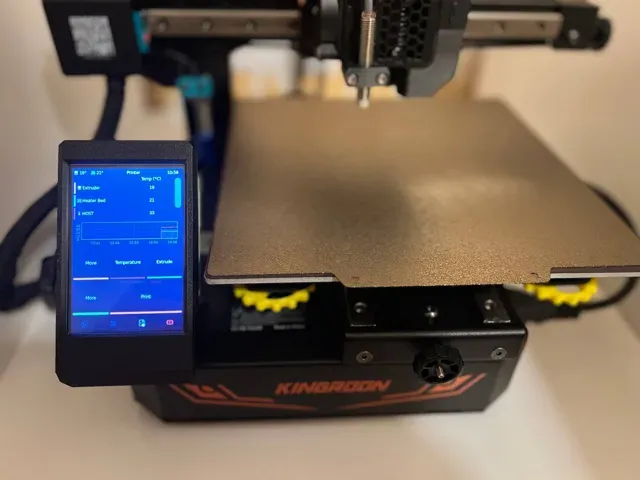
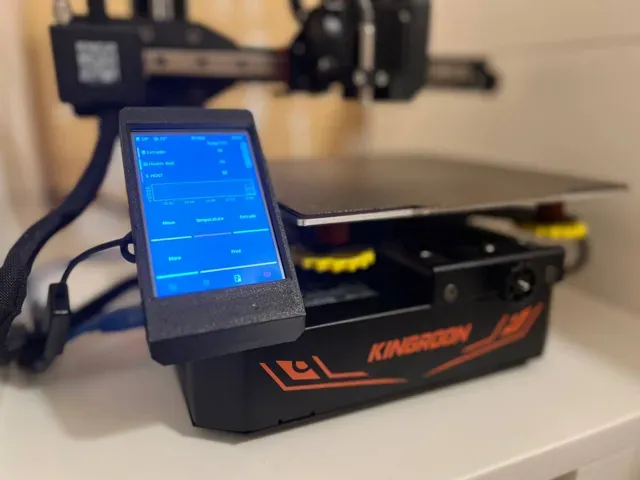
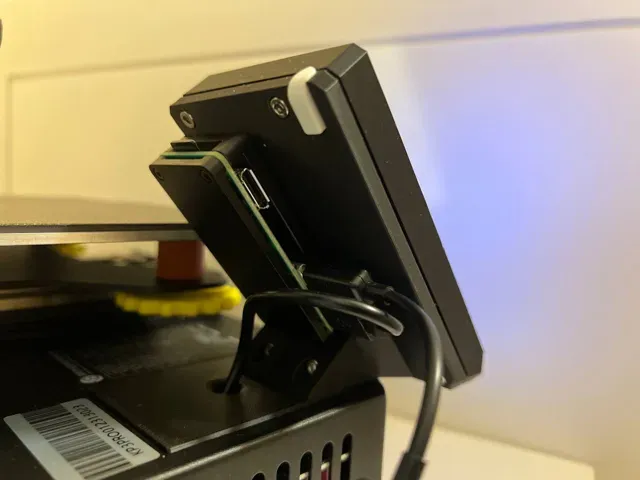
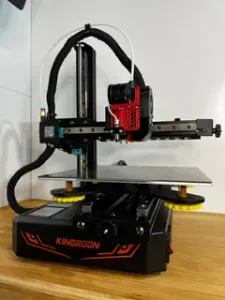
Kingroon KP3s Pro - LCD TFT RPi GPIO Raspberry pi Zero 2w
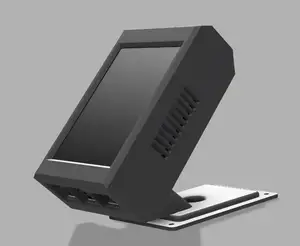
This design has been created to place a raspberry tft with klipperscreen in our kp3s Pro.
NOTE: This is only compatibility with raspberry pi zero 2w or another model with the same dimensions.
You can buy me a coffee with a donation. Me puedes invitar a un café haciendo una donación Click to donate
Commercial components
- 1 unit - LCD TFT RPi GPIO 3.5" Raspberry - 6 units - Heat inserts M3xD4.6xL4.0 - 6 units - Screw DIN 912 M3x8 Optional
- 1 unit - Aluminum case raspberry pi zero - 1 unit – Kit soldering iron for heat insert nuts (Optional)
Printing
The printing part are designed to 0.4 nozzle, Infill should not be less than 20%, recomended 25- 30%
The stl are shared in the correct position for best printing without supports
Heat Inserts
- 6 units - Heat inserts M3xD4.6xL4.0
Assembly instructions
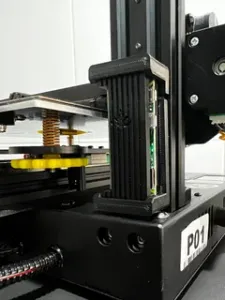
1. Remove the old TFT screen and install the base of new TFT with the same screws
- 1 unit - base_lcd_pro.stl
2. Assemble the TFT case
- 1 unit - LCD TFT RPi GPIO 3.5" Raspberry - 4 units - Screw DIN 912 M3x8 - 1 unit - front_lcd.stl - 1 unit - back_lcd_pro.stl
3. Fix the TFT to the printer base
- 2 units - Screw DIN 912 M3x8
4. Connect the raspberry to the TFT
5. LCD Installation
Resource: http://www.lcdwiki.com/3.5inch_RPi_Display
Open terminal(SSH) and install the driver on RaspberryPi
sudo rm -rf LCD-showgit clone https://github.com/goodtft/LCD-show.gitchmod -R 755 LCD-showcd LCD-show/sudo ./LCD35-show Wait A Few Minutes, when the system reboot ok, you can see that.
Rotate the display, execute the following command:
cd LCD-show/sudo ./rotate.sh 90 5. Installing Klipper Screen
Resource: https://klipperscreen.readthedocs.io/en/latest/Installation/
The purchase links are affiliate links. If you buy through them you can help me continue creating designs. Thank you
0.2mm layer, 3 walls, 25% infill



Названия используются только для указания источника результата. Polyzon не аффилирован с перечисленными площадками.
Комментарии