
Бесплатно 
Toolhead Cover Holder & Flip-Hinge for P2S
MakerWorld
🔥 Take your P2S Maintenance to the Next Level!
I recommend using this guide along with my Smart-Maintenance Toolhead Hinge Upgrade for P2S for a much better experience.
While this guide helps reduce the risk of cable pinching, the Hinge Upgrade turns your cover into a swinging door for easier access.
Using them together makes opening and closing the toolhead much smoother and more comfortable. If you’re looking for a more stress-free maintenance routine, please give it a try!
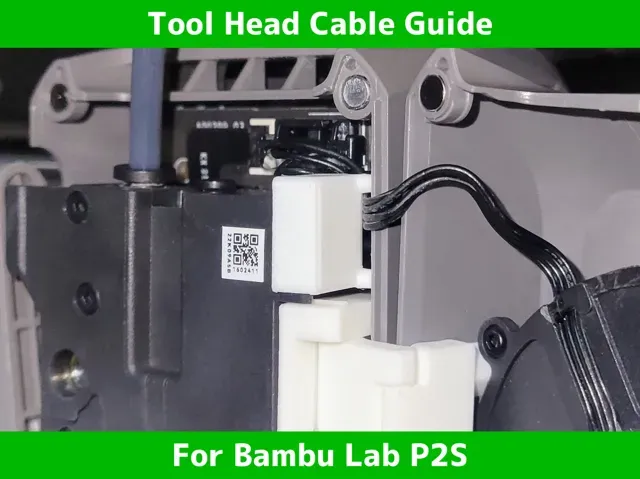
Tool Head Cable Guide for P2S - Anti-Pinch
Why I Created This
The front cover's part-cooling fan cables have a frustrating habit: they get pinched almost every time you try to close the cover. Whether they are getting sucked into the mounting magnets or just wandering into the frame's edge, it’s a constant risk to the delicate wiring. I designed this guide to end that frustration—permanently. It acts as a dedicated "safety lane" that keeps the cables tucked away, making every closure smooth and pinch-free.
Overview
Protective shield for your P2S. This guide prevents delicate part-cooling fan cables from being sucked into magnets and pinched during cover reinstallation.
Why this model?
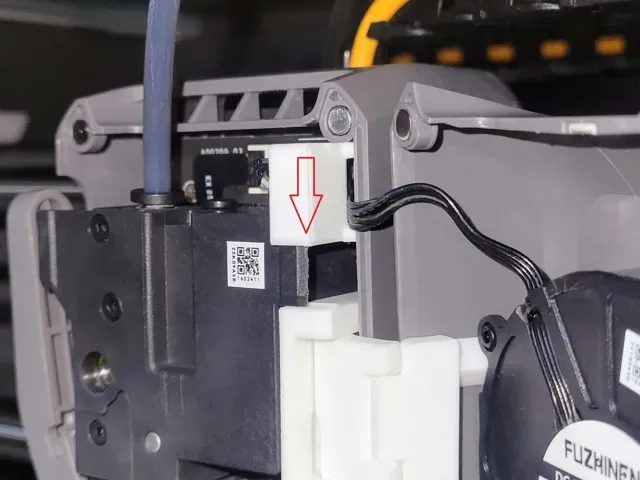
- Cable Protection: Acts as a physical barrier to keep fragile fan wires safe from pinching. - Slide-Lock Mechanism: Securely fits by sliding from top to bottom. It stays in place at the limit even during high-speed printing. No tools or screws required. - Safe Maintenance: Eliminates the frustration of wires getting caught in the toolhead cover, making every nozzle swap or cleaning stress-free. Quick Guide
- Route the fan cables through the inner channel of the guide. - Align the guide and slide it from top to bottom . - Slide until it reaches the end and stops firmly. (Note: It does not "click"—it is designed to stop at the limit for a secure, flush fit). - Pro Tip: Tuck the cables as deep as possible into the bottom of the guide. Minimizing cable exposure ensures they are fully protected and allows the cover to close smoothly without any biting. Notes
- Material: PETG, ASA, or ABS is highly recommended due to high chamber temperatures. - 🛑 Disclaimer: Use at your own risk. The designer is not responsible for any damage caused by use or misuse.
🔥 my favorite printer upgrade for P2S 🔥
Smart-Maintenance Toolhead Hinge Upgrade for P2S
Toolhead Cable Guide for P2S - Anti-Pinch
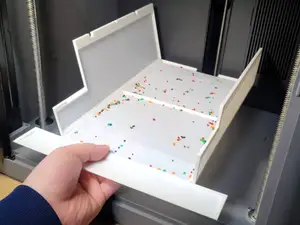
🔥 Easy-Clean Debris Tray for Bambu Lab P2S
Poop Chute Bin Ultra Fast&Eco for Bambu Lab P2S
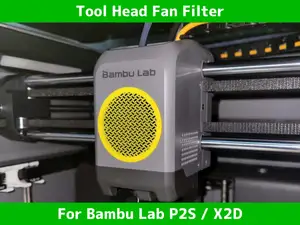
Fine-Mesh Part Cooling Fan Filter for P2S
Magnetic Hotend Mount & Holder for Bambu Lab P2S
P2S Smartphone Cam-Mount & Panel Guard
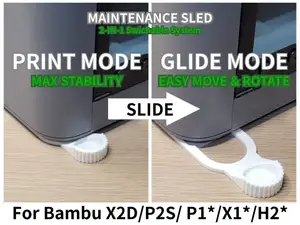
Maintenance Sled: Easy Move&Rotate for P2S/P1/X1
Spool Holder Bearing Upgrade Kit for P2S
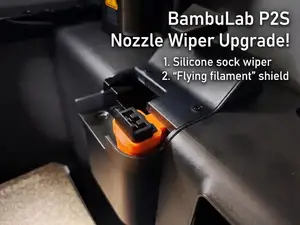
P2S Nozzle Wipe Anti-Scatter Poop Shield
PTFE Connector Rod Extender for Bambu P2S
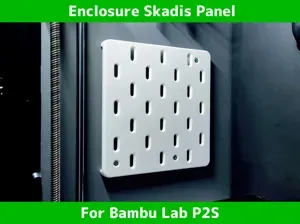
Bambu P2S Skadis Panel - Inside Mount Tool Board
Toolhead Cable Guide for P2S




Названия используются только для указания источника результата. Polyzon не аффилирован с перечисленными площадками.