
Бесплатно 
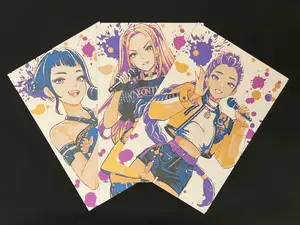
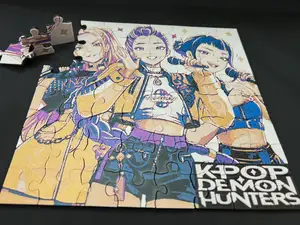
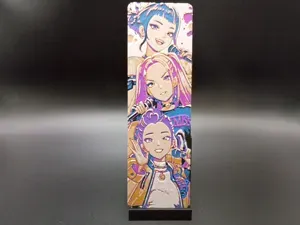
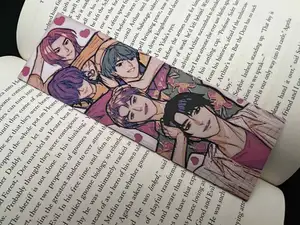
Kpop Demon Hunters - Bookmark Set
MakerWorld
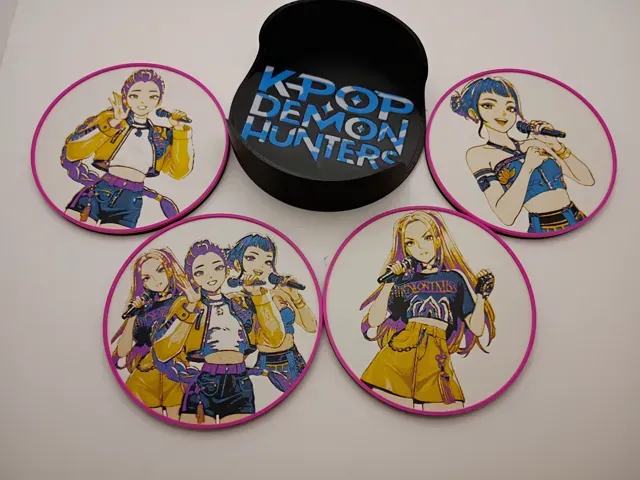
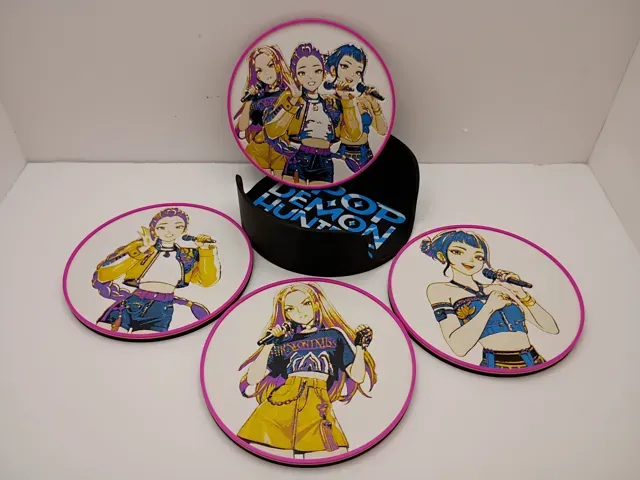
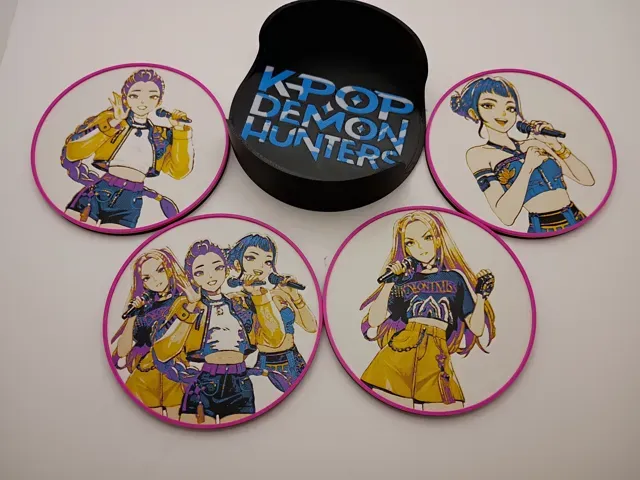
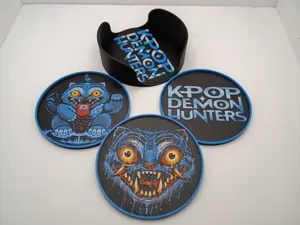
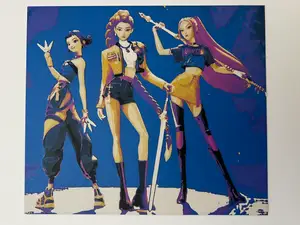
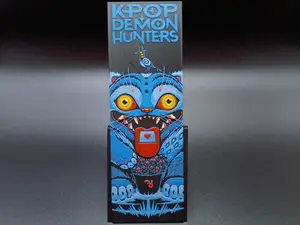
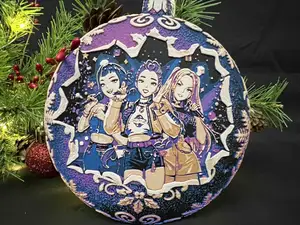
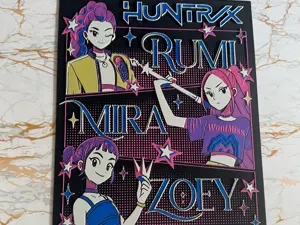
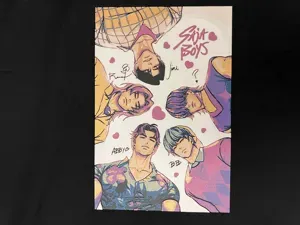
A KPOP Demon Hunters coaster and holder set, a repurpose of my bookmarks. Cleaned up some of the images to make it brighter for the coasters. I used Matte White in place of PLA Basic to get it whiter and picked yellow in place of gold.
Note: The coaster holder has multi-colored layers and needs an AMS. It uses Black, Cyan, and white.
Pictured are printed using an 0.4mm Nozzle
Print at 100% infill with a layer height of 0.08mm with a base layer of 0.16mm
Swap Instructions for Logo Coaster:
Filaments Used:
PLA BambuLab Basic Black Transmission Distance: 0.6
PLA BambuLab Basic Cyan Transmission Distance: 3.5
PLA BambuLab Basic Jade White Transmission Distance: 4.6
This print uses 3 unique filaments
Start with Black
At layer (2.56mm) swap to Cyan
At layer (2.8mm) swap to Jade White
At layer (3.04mm) swap to Cyan for the rest.
Swap Instructions for Demon Hunters Coasters:
Filaments Used:
PLA BambuLab Basic Black Transmission Distance: 0.6
PLA BambuLab Basic Cyan Transmission Distance: 3.5
PLA BambuLab Basic Magenta Transmission Distance: 3
PLA BambuLab Basic Yellow Transmission Distance: 6 (or Gold)
PLA BambuLab Matte Ivory White Transmission Distance: 3.5 ( or PLA White)
This print uses 5 unique filaments
Start with Black
At layer (2.56mm) swap to Cyan
At layer (2.8mm) swap to Magenta
At layer (3.04mm) swap to Yellow (or Gold)
At layer (3.28mm) swap to Ivory White (or PLA Gold)
At layer (3.68mm) swap to Magenta for the rest.
To print more than 4 Colors in 1 AMS, Use this sample for this print:
- Load filaments Black in slot 1, Cyan in slot 2, Magenta in slot 3, and Yellow in slot 4 - When choosing White (the 5th Color), select Slot 1( Black ) as it is the first filament to finish printing - After layer 2.56mm, Black in slot 1 is finished printing and Cyan in Slot 2 has started printing, swap out the Black filament for White . When it is time for White to print, the printer will pull from Slot 1. This is a five color print. Use this tutorial by Cloudy Nostalgia to print more than 4 colors on 1 AMS.
Can be resized to accommodate your printer or preference by adjusting the X and Y axis the same percentage while leaving the Z axis at 100%. The best way to achieve this: With Uniform Scale checked , adjust the Y axis to the desired size (this will ensure the X axis is the same proportion as the Y axis), uncheck the Uniform scale , adjust the Z axis back to 100% , slice plate, and print. Stringing may occur with Hueforge, just use a lighter to whisk them away.
If you want more coaster designs or holders.
Link to my coaster collection.
Height Modifiers and Multi-Layered, 0.08mm layer HueForge

Названия используются только для указания источника результата. Polyzon не аффилирован с перечисленными площадками.
Комментарии