
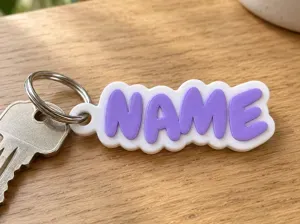
Бесплатно ![Name Keychain Generator [NO AMS]](https://cache.polyzon.org/api/img?url=https%3A%2F%2Fmakerworld.bblmw.com%2Fmakerworld%2Fmodel%2FUSef44e767491c4a%2Fdesign%2F2025-12-14_4af77202c4f55.png&w=300)
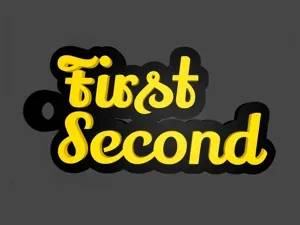
Name Keychain Generator [NO AMS]
MakerWorld
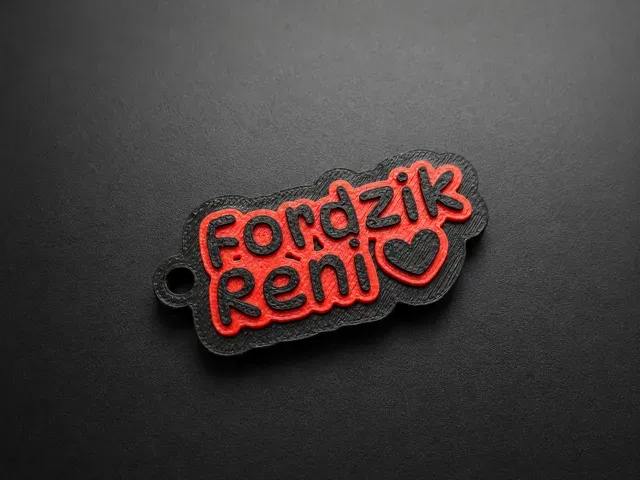
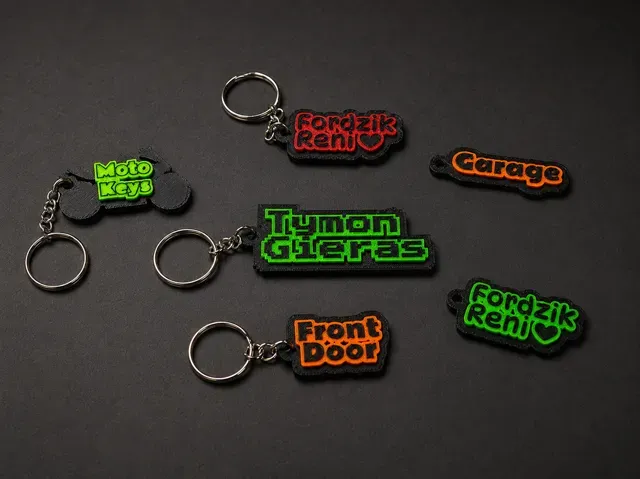
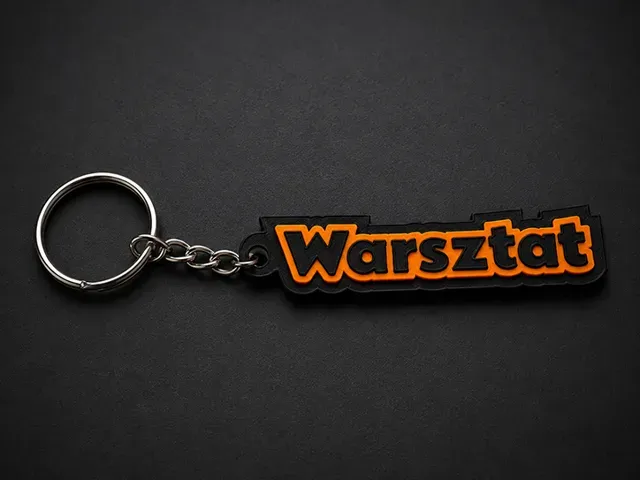
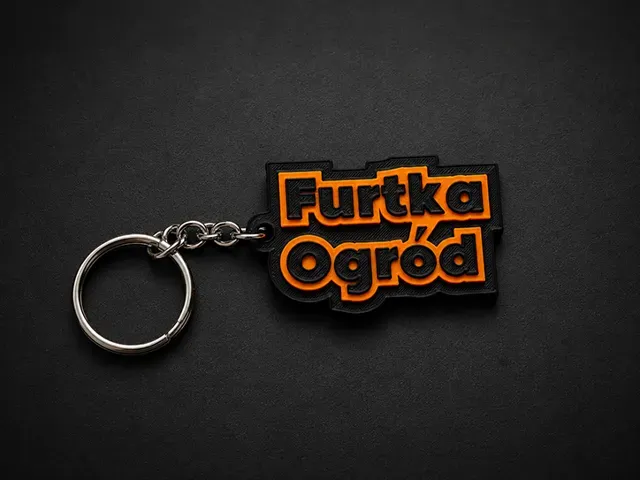
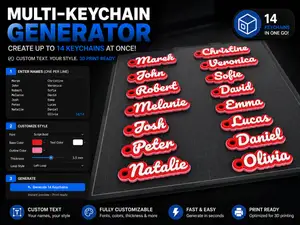
KeyForge — Multi-Keychain Generator (SVG Support)
Version: 1.3.0
I needed a set of clear, practical keychains because my girlfriend kept mixing up loose keys when they were lying around. I found a simple keychain generator idea, but it was not as flexible as I wanted it to be.
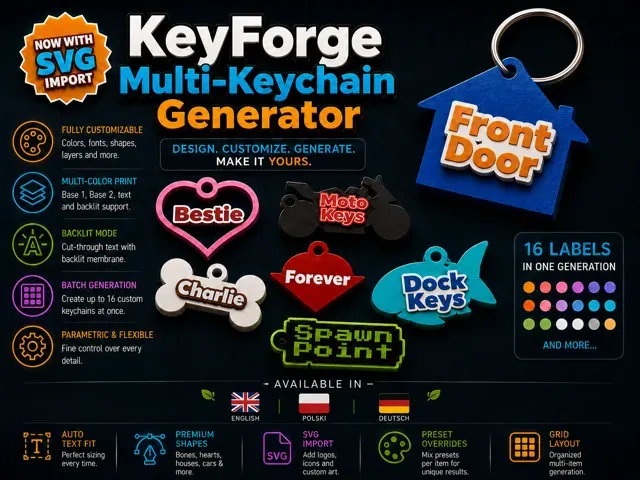
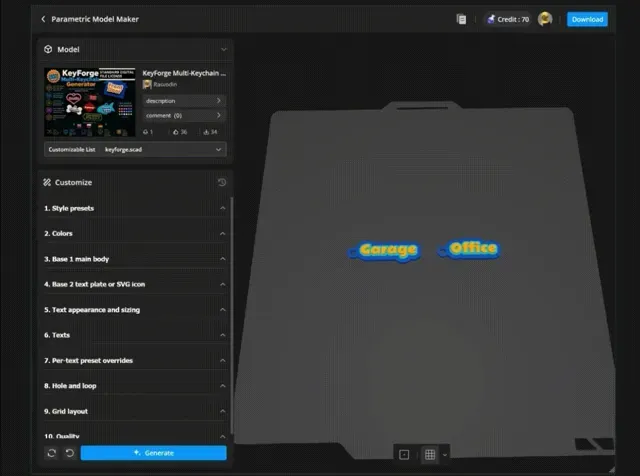
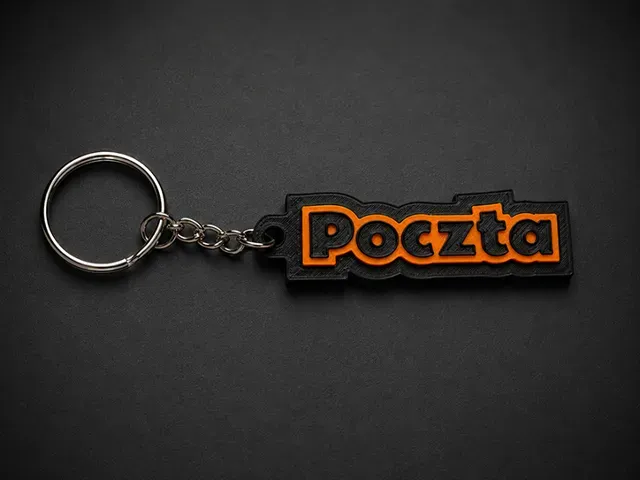
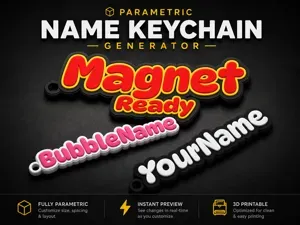
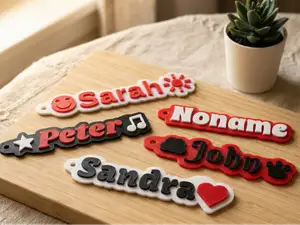
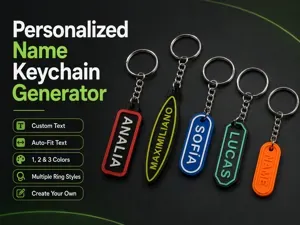
KeyForge is a parametric keychain generator focused on readable labels, multi-color printing, and practical everyday use. It is meant to be used directly through the MakerWorld customizer.
More Customizable Generators
If you like this style of MakerWorld customizer, you may also want to check out my other generators:
- WhistleForge — Whistle Keychain Generator: https://makerworld.com/en/models/2854048-whistleforge-whistle-keychain-generator - GardenForge — Plant Stake Label Generator: https://makerworld.com/en/models/2875562-gardenforge-plant-stake-label-generator - VentForge — Parametric Vent Grille Generator: https://makerworld.com/en/models/2955666-ventforge-parametric-vent-grille-generator Boost Me Boost for more shapes & presets! What You Can Customize
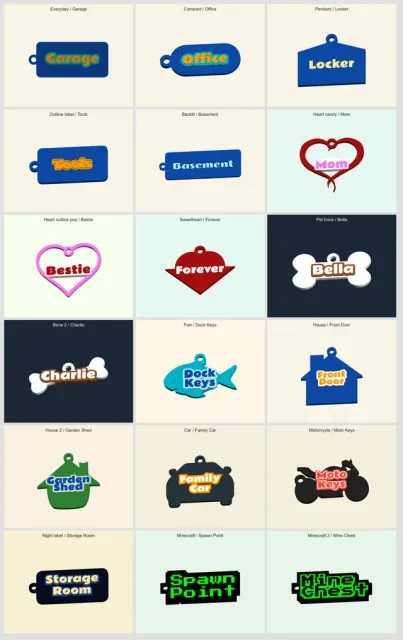
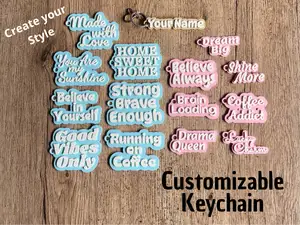
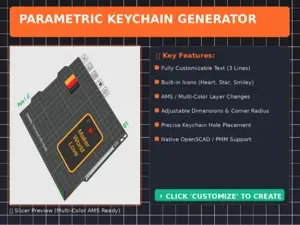
- Up to 16 text labels in one generation batch - Three included customizer language versions: English, Polish, and German - Single-line or multi-line text using | as the line separator - Google Fonts picker support - Ready-made style presets for quick starting points - Optional per-text preset overrides, so every label can use the global preset or its own preset - Preset override switches, so you can keep a preset but manually adjust selected groups - Automatic text fitting with optional manual width and height fine-tuning - Font size, width, height, spacing, alignment, and text position - Base 1 and Base 2 as separate configurable layers - Base 2 can be a regular text plate or an uploaded SVG icon layer - SVG icon size controls with fit-to-width, fit-to-height, and stretch modes - Basic and premium Base 1 shape selectors for easier navigation - Automatic premium-shape proportions, with manual override when you want to stretch a shape intentionally - Text-border bases, rounded rectangles, tags, dog bones, hearts, fish, houses, vehicles, ovals, shields, and more - Automatic keyring loop positioning - Manual loop position overrides - Automatic loop connector behavior, so the extra bridge is only added when the loop needs support - Embossed, simple engraved, debossed, flush text, cut-through, raised outline, outlined, and backlit modes - Text can be placed on Base 1 or on Base 2 / uploaded SVG - Text rotation presets and custom text rotation - Text depth modes for custom depth, full target layer depth, or full model depth - Manual text placement controls for icon-and-text layouts - Separate colors for text, Base 1, Base 2, and backlit membrane - Grid layout for generating multiple keychains at once Style Presets
Presets are meant as quick starting points, not locked templates. Choose a preset first, then disable the preset group you want to adjust manually:
- Use preset model type - Use preset Base 1 settings - Use preset Base 2 settings - Use preset text settings - Use preset hole and loop settings - Use preset colors This lets you start from a complete look and still fine-tune the parts that matter for your print.
You can also override the preset per text item. For example, one generation batch can contain a compact house key label, a pet bone tag, and a heart-shaped tag without changing the global preset for every item.
Uploaded SVG Icons
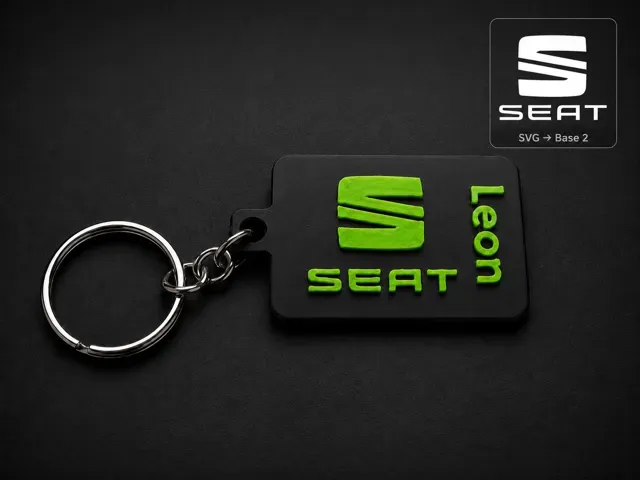
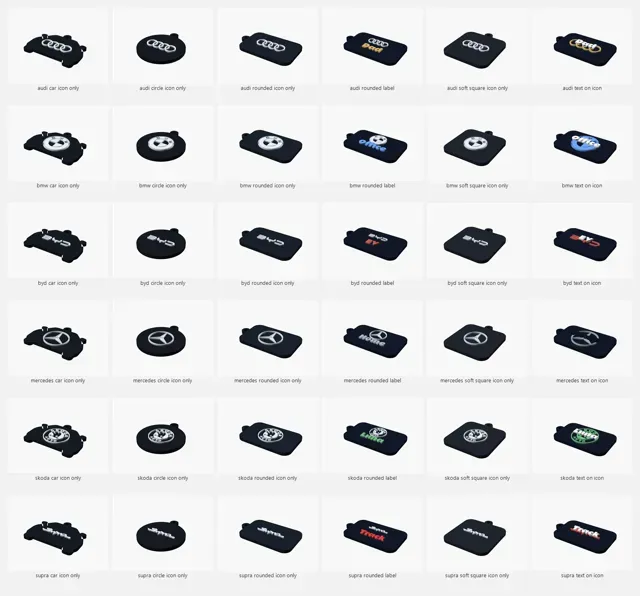
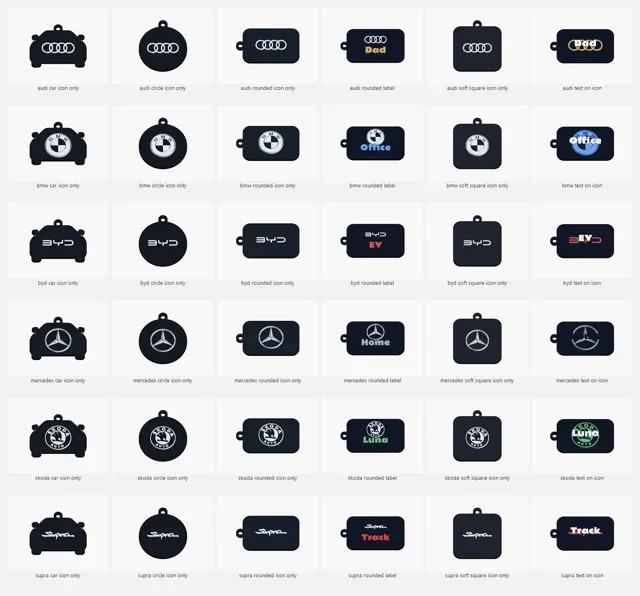
Base 2 can now work as either a standard text plate or an uploaded SVG icon layer.
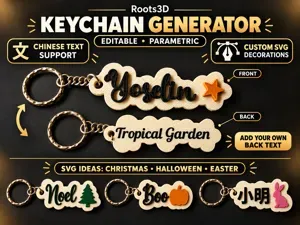
Use this when you want a clean main keychain base with a separate symbol, badge, or decorative icon on top. The SVG layer can keep its proportions by fitting width or height, or it can be stretched intentionally when you want a specific shape.
Text can stay on the main base or move onto Base 2 / the uploaded SVG layer. For more custom layouts, you can rotate the text, adjust its depth behavior, and use manual placement controls to position labels around or over the icon.
Multi-Color Printing
The model is designed with multi-color previews in mind:
- Text color - Base 1 color - Base 2 color - Backlit membrane color Changelog
1.4.0 - 2026-06-01
- Added English, Polish, and German customizer versions. - Improved customizer layout by moving color controls into a clearer Colors section. 1.3.0 - 2026-05-26
- Added uploaded SVG icons as a Base 2 content option. - Added SVG size, position, rotation, and mirror controls. - Added SVG sizing modes for fitting width, fitting height, or stretching to exact dimensions. - Added text layer target control for placing text on Base 1 or on Base 2 / uploaded SVG. - Added text depth modes for engraved, debossed, outlined, and flush text workflows. - Added text rotation presets and custom text rotation. - Improved layout behavior for rotated text, text-border bases, Base 2 sizing, and multi-item grid spacing. - Added manual text placement controls for custom icon-and-label layouts. - Added automatic clearance between uploaded SVG icons and text placed on the main base. 1.2.0 - 2026-05-23
- Improved premium shapes for cleaner generated dog bones, hearts, fish, houses, car, and motorcycle keychains. - Automatic aspect ratio handling for premium shapes, with a manual override when custom proportions are needed. - Automatic loop bridge behavior, with Auto, Always, and Off modes for cleaner keyring connections. - Improved loop and hole presentation on premium presets and reduced unnecessary connector geometry when the loop already touches the model. - Updated premium-shape preset proportions for more consistent default results. - Better multi-line preset text layout using visual center spacing. 1.1.0 - 2026-05-22
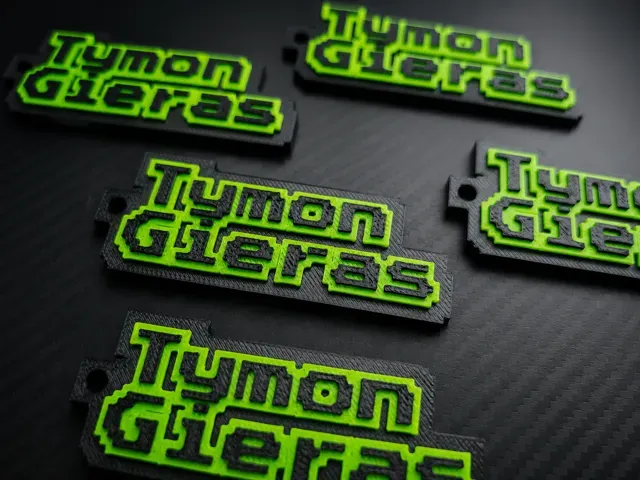
- Added Minecraft and Minecraft 2 presets with pixel-style text, black/green colors, sharp text borders, and square sharp loop style. - Added square sharp loop style. - Added Press Start 2P to the curated font list. - Split Base 1 shape selection into Basic shape and Premium shape override. - Reorganized MakerWorld customizer sections into a clearer flow: presets, Base 1, Base 2, text, labels, per-text presets, hole/loop, grid, colors, quality. - Set Minecraft 2 Base 2 thickness to 1.2 mm. 1.0.0 - 2026-05-21
- Initial MakerWorld-ready release. - Added up to 16 generated labels per batch. - Added single-line and multi-line text using | as the line separator. - Added Google Fonts picker support and curated font list. - Added style presets and per-text preset overrides. - Added separate Base 1 and Base 2 layers. - Added automatic text fitting with manual fallback controls. - Added automatic and manual keyring loop positioning. - Added multiple base shapes including text-border shapes, tags, bones, hearts, fish, houses, vehicles, shields, and more. - Added model modes including straight embossed text, simple engraved text, debossed text, flush text, cut-through text, raised outline text, outlined text, and backlit membrane. - Added color controls for text, Base 1, Base 2, and backlit membrane.
best settings - arachne, ironing
Preset: Other - NOAMS, arachne, ironing
Preset: Minecraft/Minecraft2 - NOAMS, arachne, ironing
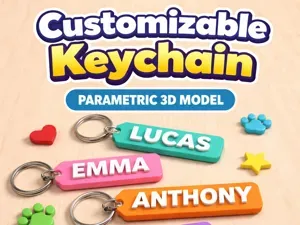
![Customizable Name Keychain [Generator]](https://cache.polyzon.org/api/img?url=https%3A%2F%2Fmakerworld.bblmw.com%2Fmakerworld%2Fmodel%2FUS8238b2591e7735%2Fdesign%2F521148f680d61183.png&w=300)
Названия используются только для указания источника результата. Polyzon не аффилирован с перечисленными площадками.
Комментарии