
Бесплатно 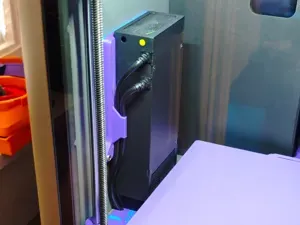
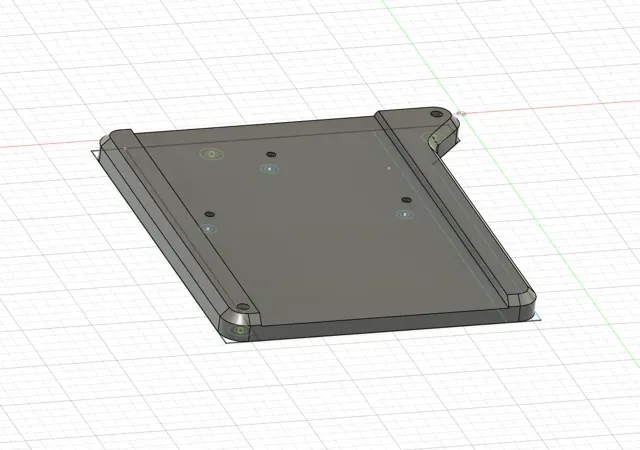
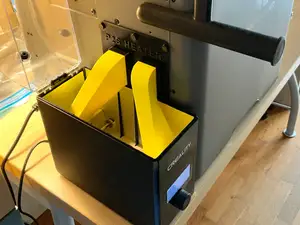
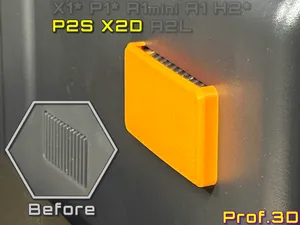
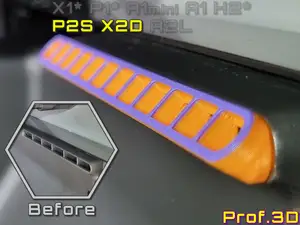
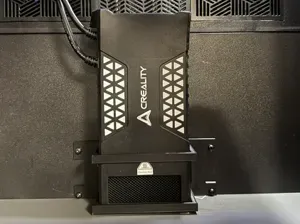
P2s Creality Chamber Heater, Low Mount V.2
MakerWorld
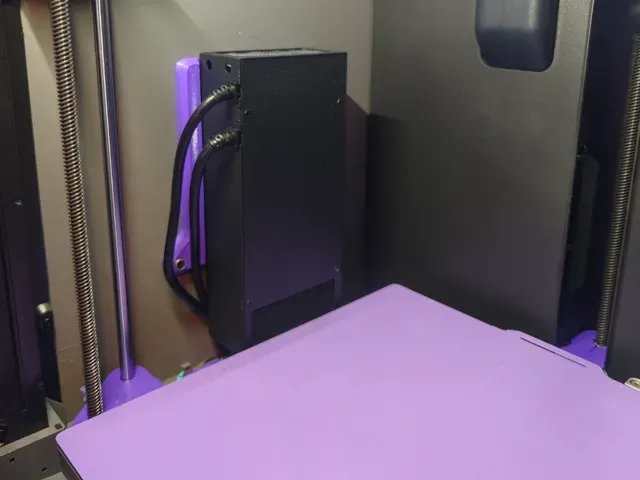
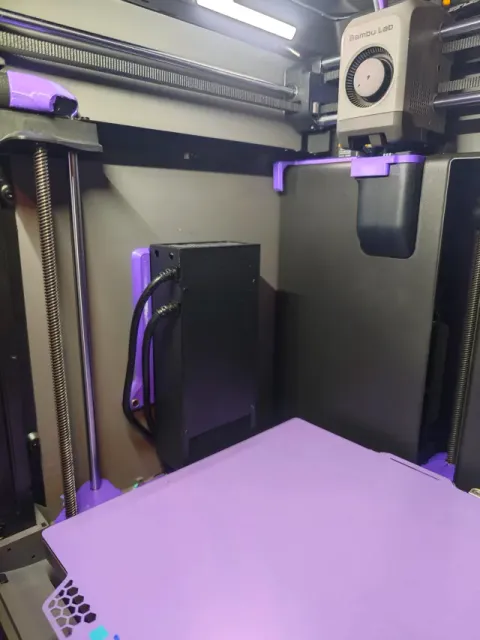
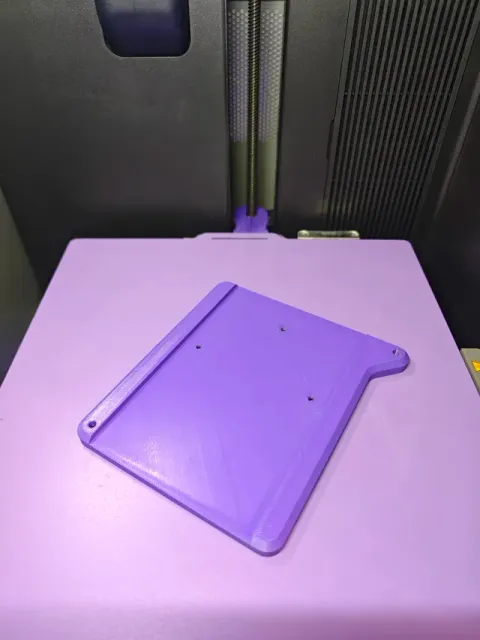
V 2.0 is out with a clip for cable routing!
Link to version 2 with cable clip and a better instruction for routing the cable:
https://makerworld.com/en/models/3286890-p2s-creality-chamber-heater-mount-v-2#profileId-3728811
Displaymount is now avalible! Link below:
https://makerworld.com/en/models/3286764-creality-chamber-heater-display-mount-p2s-p-x#profileId-3728630
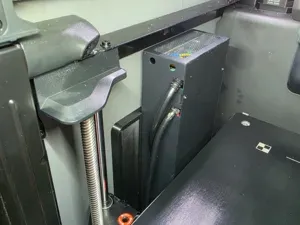
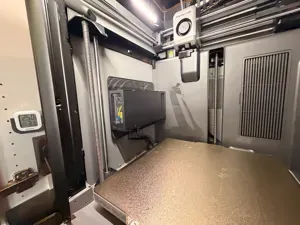
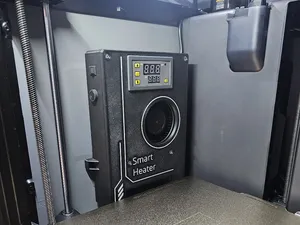
Simple and sleek mount for mounting your Creality chamber heater in your Bambu P2S. This is the first model I upload, any constructive criticism is appreciated, as is any likes, boosts or downloads!
Use material that is okay with the heat, I will try pet-g, but ABS or better is not a bad idea.
For mounting, you need to remove the silicone cover from the chamber heater. First, mount the heater to the bracket ( I used m3x6mm hex heads). Then use two m3x10mm, with a washer OR a 3mm screw for plastic from bambu makerworld, no longer than 10mm). When screwing these in, be careful, place your finger on the backside of the panel where the screw is and gently tighten, feeling to make sure your screw isn't too long and damage the panel. If they are too long, add a washer or shorten screw. do not overtighten, its plastic.
Hope this can help anyone, Cheers!
0.2mm layer, 2 walls, 15% infill
Названия используются только для указания источника результата. Polyzon не аффилирован с перечисленными площадками.