
Бесплатно 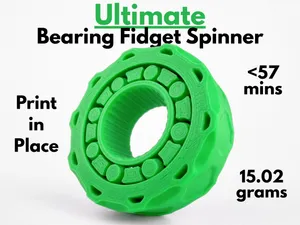
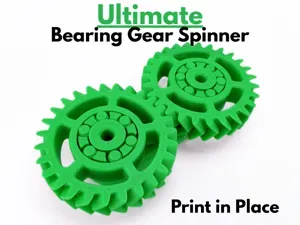
Ultimate Bearing Fidget Spinner (Print in Place)
MakerWorld
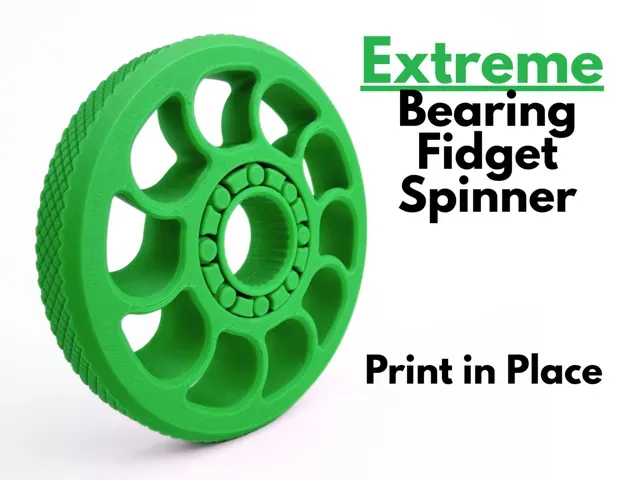
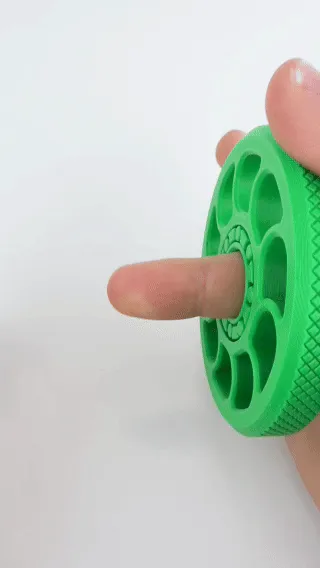
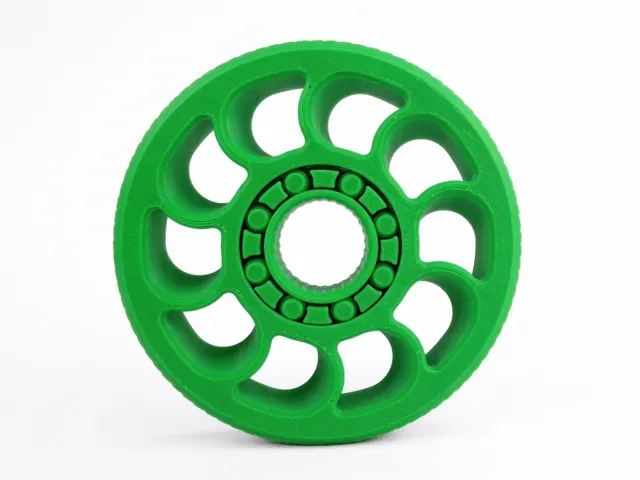
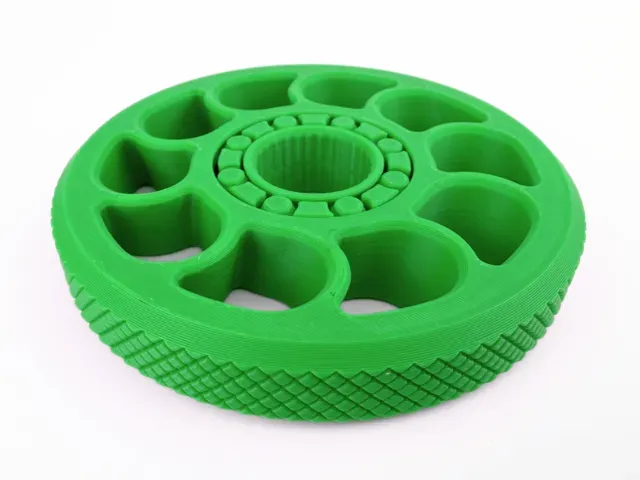
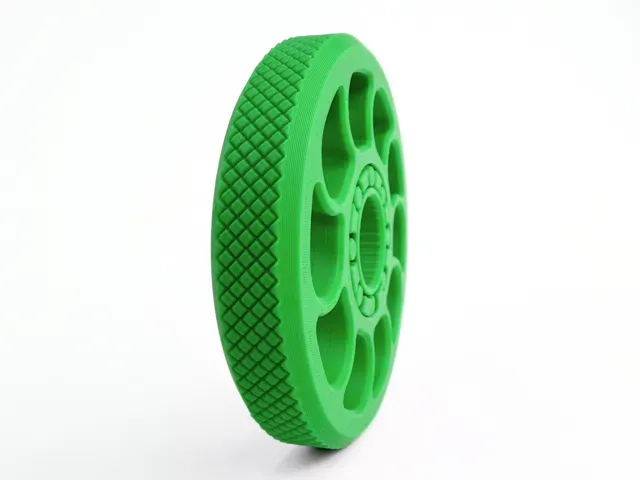
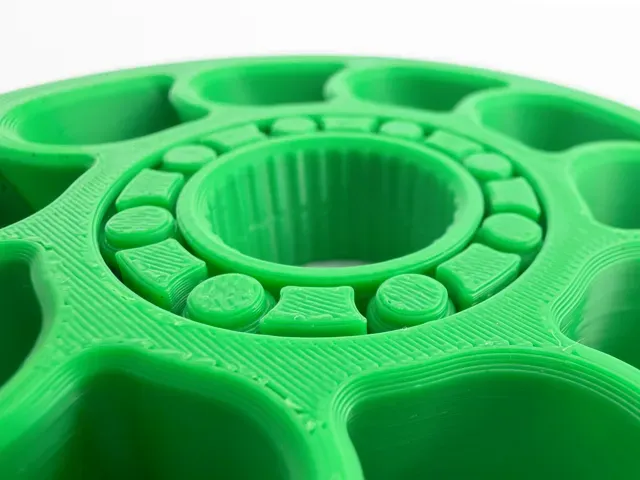
Use a small amount of lubricant oil for a smoother experience and a longer spin time. Lubricant oil tubes are included with all Bambu Labs printers.
This bearing fidget spinner uses the same reliable bearing mechanism from my viral bearing fidget, but with some extra weight that allows the spinner to spin for much longer . Designed with a thick outer rim and knurled edges for grip , this spinner has a bold mechanical look and a satisfying heavy feel in the hand, making every flick feel powerful and controlled . The added weight creates a strong flywheel effect, allowing for longer spin times and a smooth , stable motion that is both fun to watch and satisfying to use. At its core is a unique 3D-printed roller bearing system with 8 carefully designed rollers , all held in place by a carefully engineered cage. This fidget is fully print in place , Just remove it from the build plate and start spinning . With its clean industrial aesthetic, textured grip, and long-lasting spin performance, this fidget is perfect for anyone who appreciates smooth motion, clever engineering , and a design that feels as good as it looks .
Boost Me If you like this model, please consider boosting it! It helps out a ton :) Membership Want to sell my 3D printed fidget toys? Become part of my Commercial License Membership program! Printing Instructions:
- Prepare the Print Bed - Clean the print bed thoroughly with isopropyl alcohol to ensure proper adhesion. - Additional adhesive for the print bed is highly recommended! I suggest using 3D-Lac spray or a glue stick. - Download the Print Profile - - Send the pre-configured print profile to your Bambu Lab printer through the Bambu Handy app or Download and open the pre-configured print profile in Bambu Studio. - Select Your Printing Options - Choose your filament type and color. - Select your print bed type (e.g., textured or smooth). - Confirm your printer settings, ideally for a Bambu Lab printer. - Start Printing - Begin the print job. No supports are necessary.
0.2mm layer, 2 walls, 15% infill
SAVE TIME - FASTER 0.28mm layer, 2 walls, 8% infill Slightly less quality but faster print
recommended
Dual color with Optimized filament and time consumption Dual color with faster print time and reduced filament cost.
参数优化,提高打印效率
参数优化,提高打印效率
Названия используются только для указания источника результата. Polyzon не аффилирован с перечисленными площадками.