
Бесплатно 
All-In-One Torture Test - Fast. Compact. V2
MakerWorld
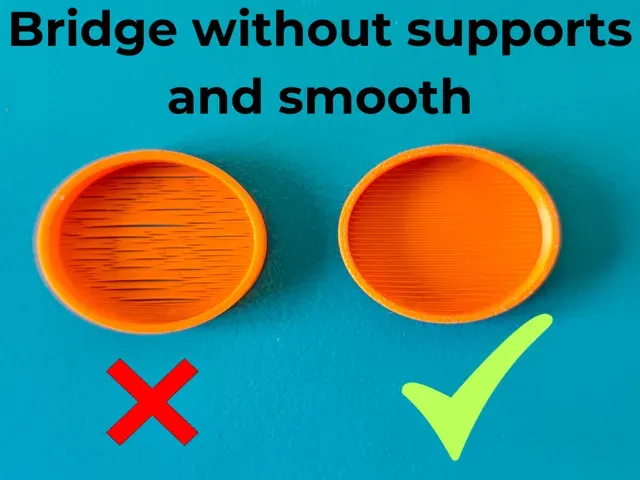
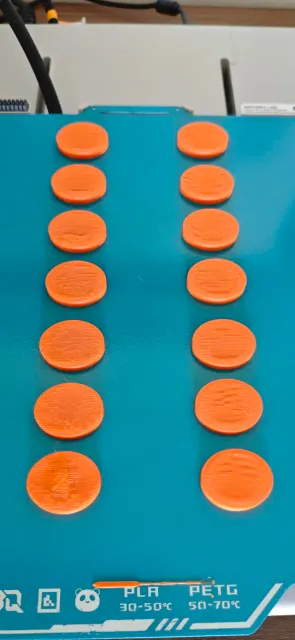
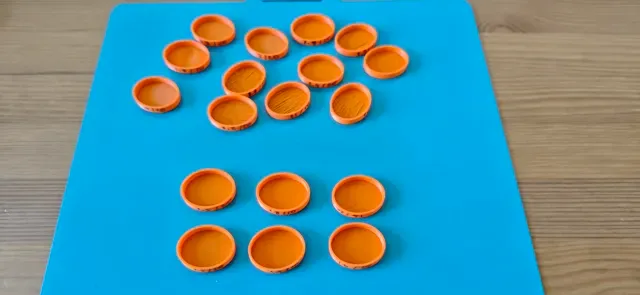
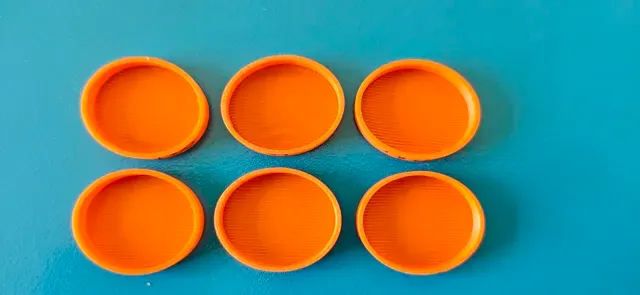

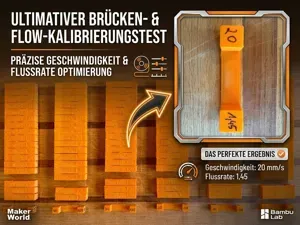
Boost Me This test is used to check the bridges so that there is no need to use supports. I advise printing the standard part first to get an idea of what is already configured in Bambu and then test the different configurations. There are machines that may use different flows and different speeds. However, I simplified it for a smaller gap because that is what I saw in some reports from some users. But if you think it's necessary, feel free to test other configurations with these parts, between 1 and 1.4 flow and their speeds.
In this case, I limited myself to 1.4 and 1.7 with speeds of 10 and 20mm/s. Left 10 and right 20mms. In my case, I stayed mostly between 1.5 and 1.7 with these speeds.
ATTENTION! The bridge is checked from the inside of the part or from below, since this is the first layer. If you want to see the top layer, that will be in another file that I’ll add later. Keep in mind that in Orca Slicer, you can add other settings to make the print smoother, such as adjusting the density. Another option is a modifier for the bridge line output: instead of following the normal flow rate, it would use an increased flow rate. This helps with the bridge, but it depends on the specific part and isn’t a universal solution for saving filament or achieving a better finish—even when using supports!
As for the Orca Slicer profile, I also adjusted the bridge density besides the flows, since Bambu Studio does not unlock the adjustment of these items!
If you liked this project, please like, share, and boost it! Feel free to share pictures of your print in the comments—I'd love to see them!
Check out my other projects if you want to explore more and support my work!
Thank you!
PLA Test
PETG Bridge Test
ORCA SLICER Bridge Test ATTENTION!
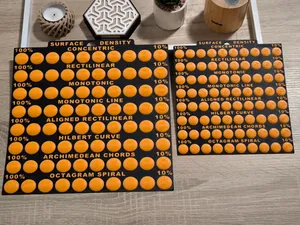
When downloading the Orca Slicer test file, it can only be opened directly in Orca Slicer so you can see the DENSITY options that need to be adjusted. Upon downloading, check the tabs to ensure the correct values for flow, density, and speed are set, where column 1 has a speed of 10 and column 2 has a speed of 20!
Названия используются только для указания источника результата. Polyzon не аффилирован с перечисленными площадками.