
Бесплатно 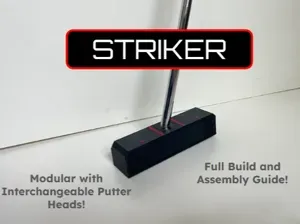
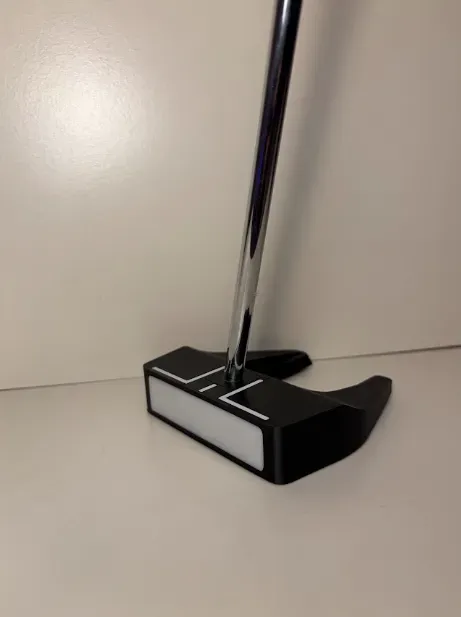
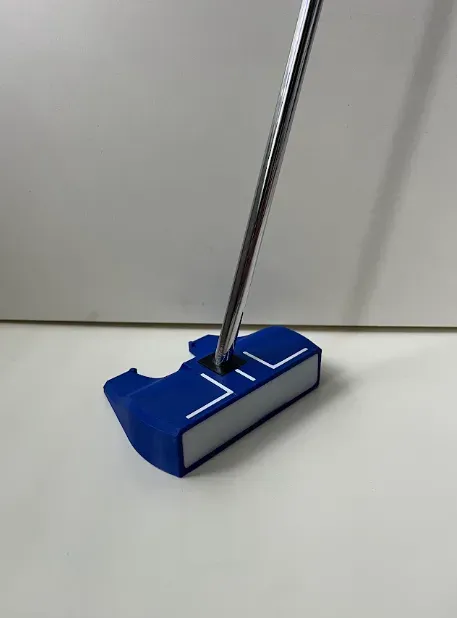
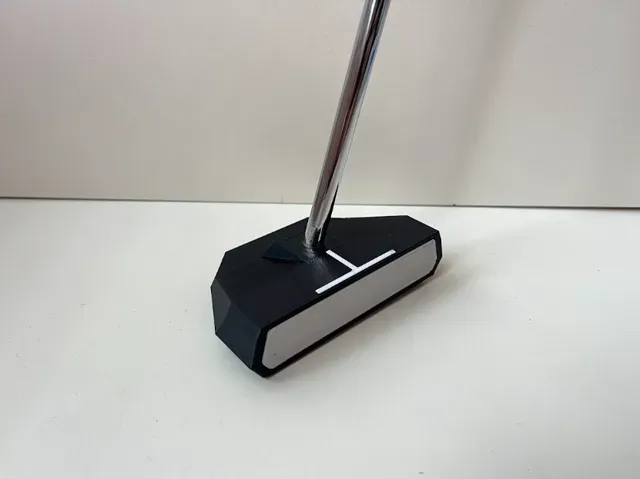
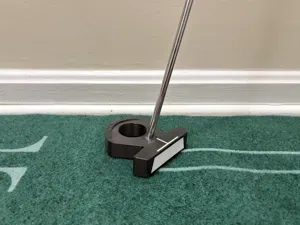
Striker Putter - A Center-Shafted Modular Putter
MakerWorld
About the Design
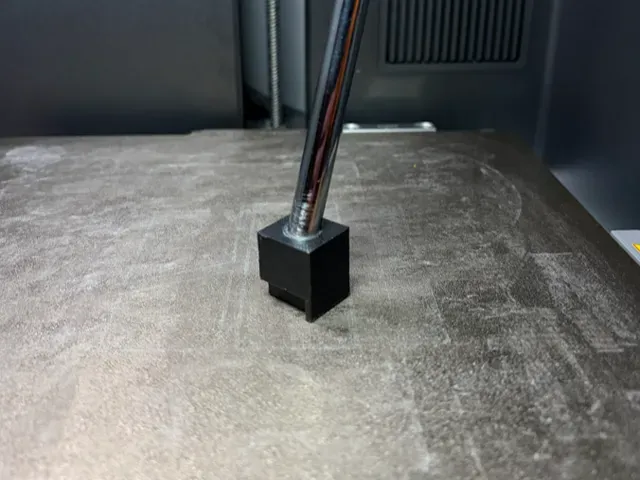
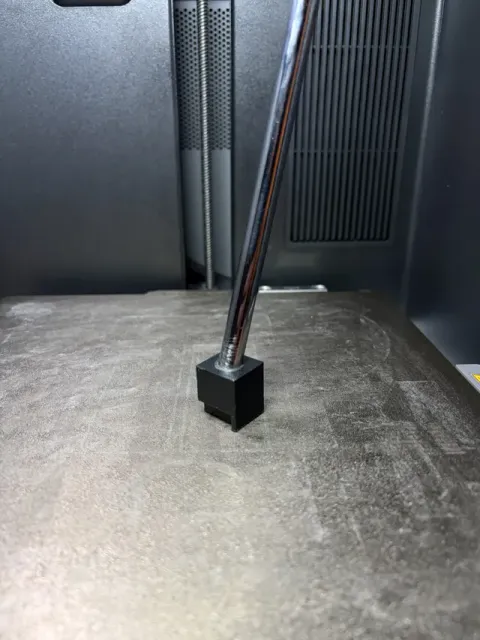
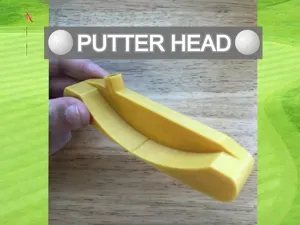
A parametric version of the putter insert used across my previous putter designs! This model allows you to customize the loft and lie angles of the insert to match your preferred setup or putting style. The shaft diameter may also be customized as necessary.
Adjustable ranges:
- Loft: -4° to 15° - Lie: 63° to 79° Simply enter your desired angles in the model parameters and generate an insert tailored to your specifications. The insert is designed to work with my interchangeable putter designs and should be printed in the same material as your putter head. When changing the shaft diameter, be sure to check that there are no holes on the sides of the model after generating, as larger shaft diameters can cause this (even within the adjustable angle ranges).
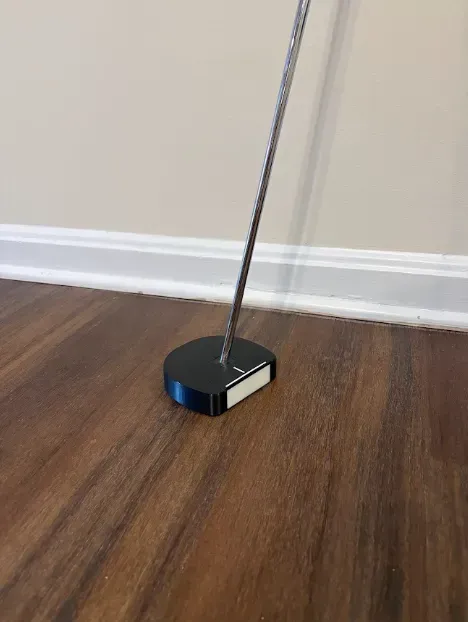
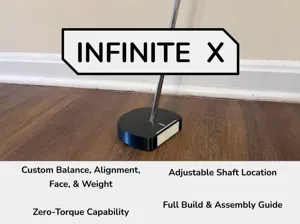
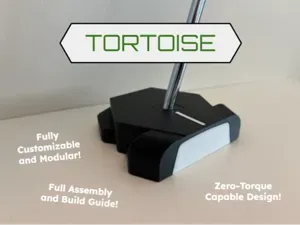
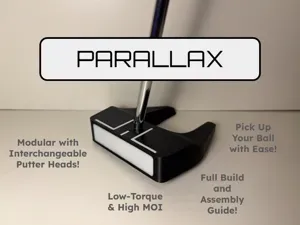
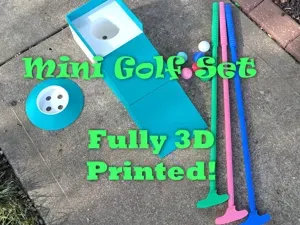
The putters that this is designed for are all contained within this collection here: Collection - Golf Accessories
Print one, experiment with different angles, and find the setup that works best for you!
How to Customize and Print
Simply open the parametric customization menu, input your desired loft and lie angles, and generate the custom model! Download the .stl file for it, open in Bambu Studio, and use the following print settings for the best results!
Important: If you have already attached a putter shaft insert to your shaft for a 3d printed putter, you must first remove that insert before installing a new one. I recommend using a heat gun or torch to melt the part just enough, and it should slide off with ease. Once the shaft is ready for a new insert, follow the steps for your respective putter to install your new parametric putter shaft insert. I have completed this process multiple times without issue.
Print Settings
The settings below are all that I've modified from default settings. These will yeild the best results, have great strength, and print with ease!
- Wall loops: 3 - Sparse infill density: 50% - Sparse infill pattern: Rectilinear - Supports Enabled - normal(auto) Note : I do not recommend using a different material for support interface layer due to significant part strength loss.
Happy printing!
Standard Shaft Insert - 3 deg Loft, 74 deg Lie This is the same shaft insert that is included with all of my compatible printed putters, with a loft angle of 3 degrees and a lie angle of 74 degrees. All the print profile settings match those presented in the description. I have provided this profile as a guide if you would like to import your generated .stl file into Bambu Studio without having to change any settings.




Названия используются только для указания источника результата. Polyzon не аффилирован с перечисленными площадками.