
Бесплатно 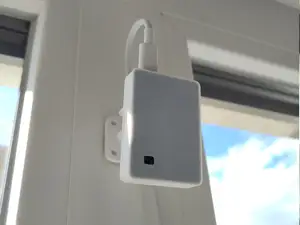
Presence (+Light) Sensor Case - ESP32-C3 SuperMini
MakerWorld
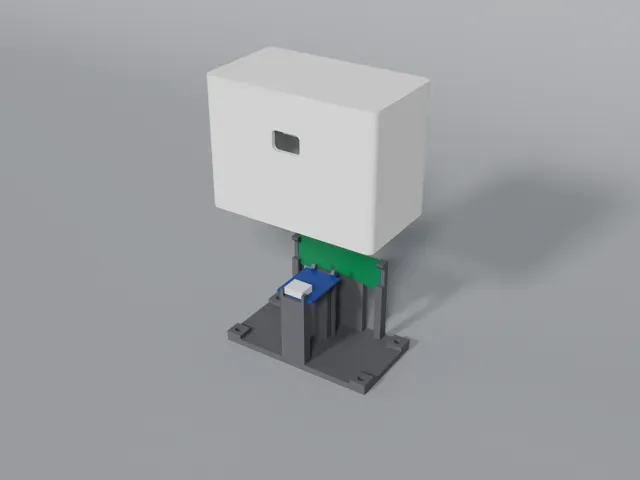
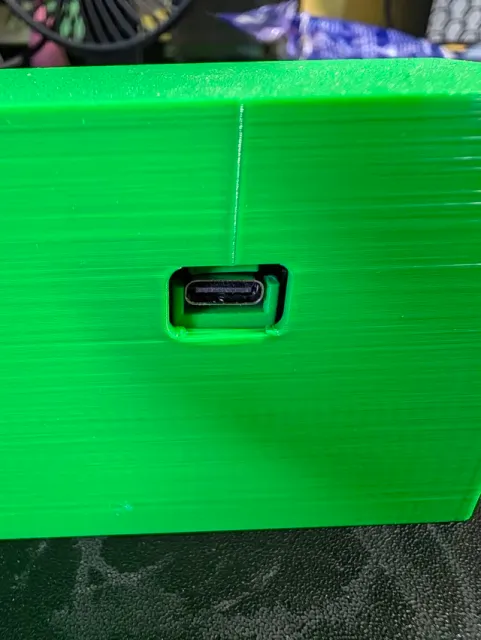
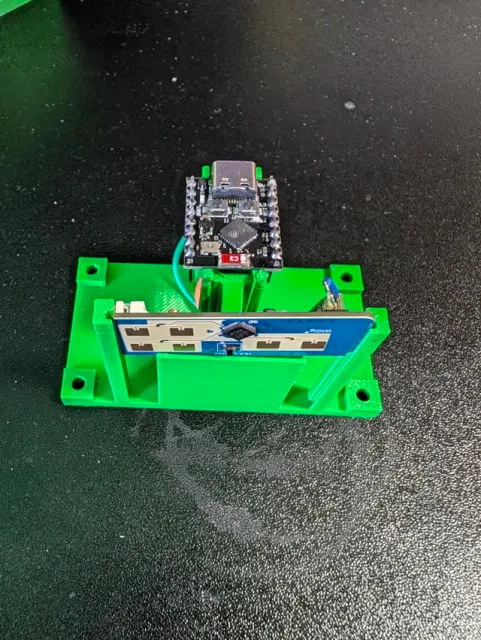
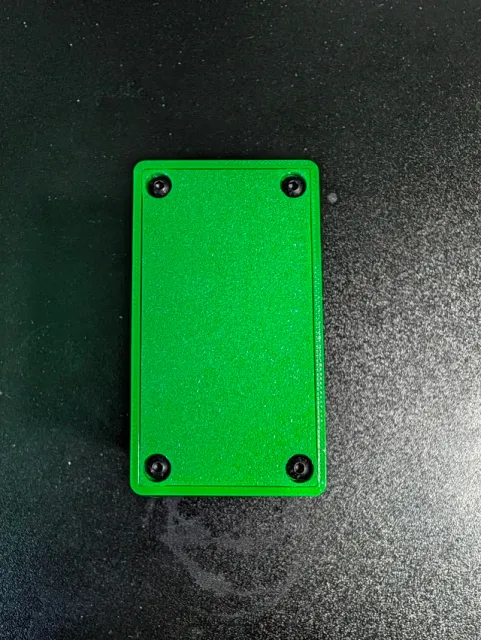
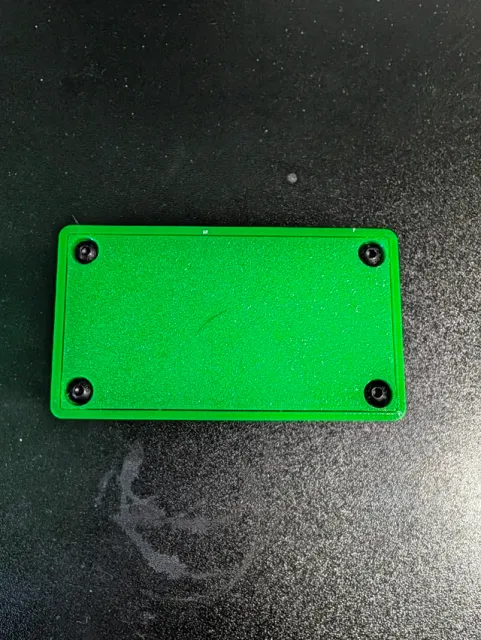
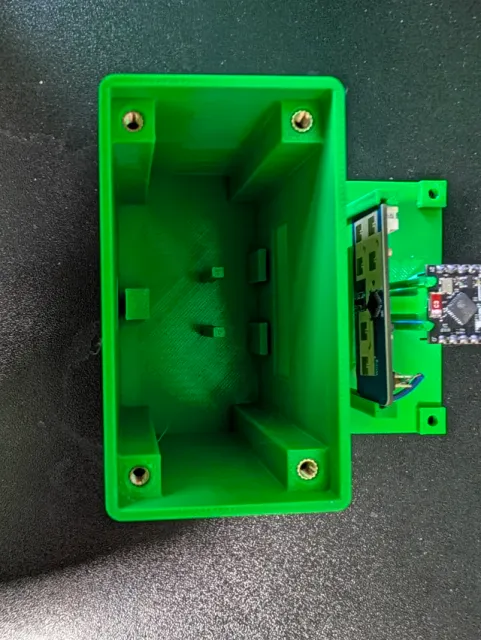
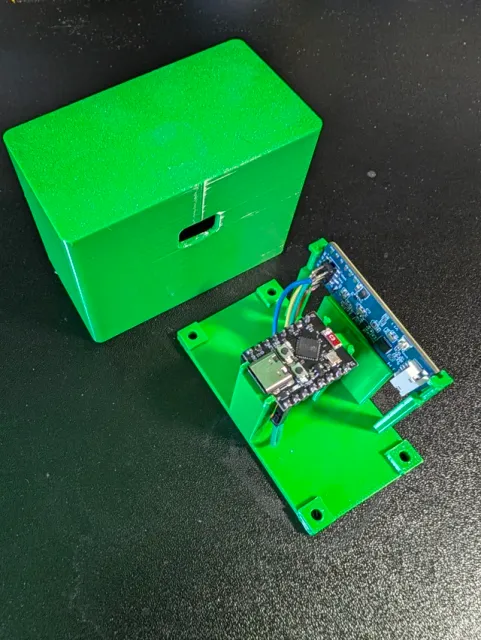
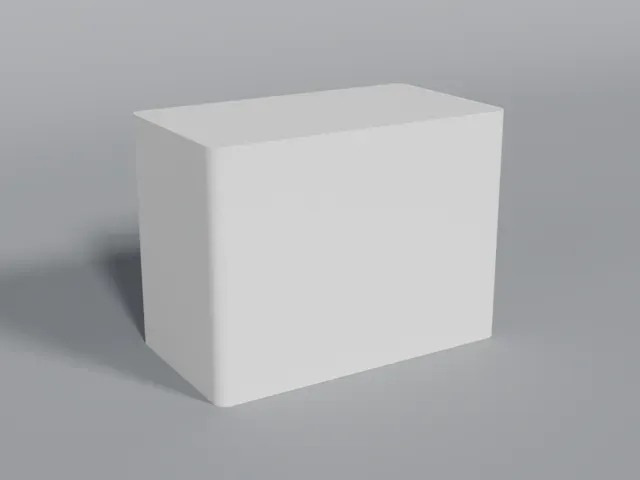
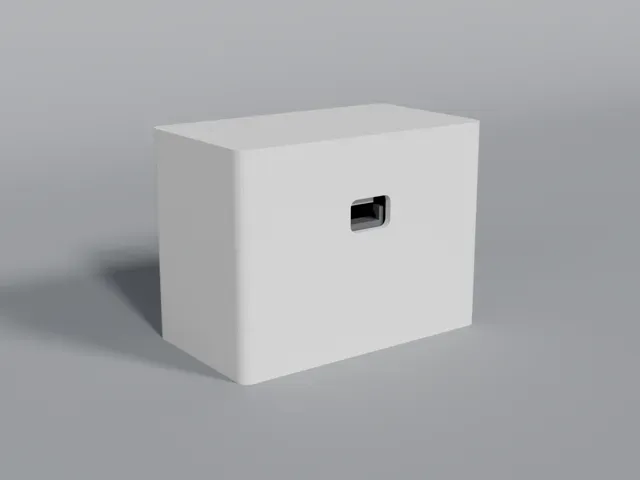
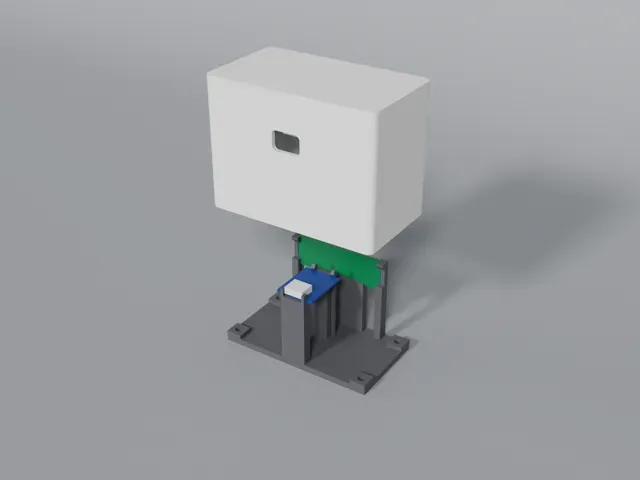
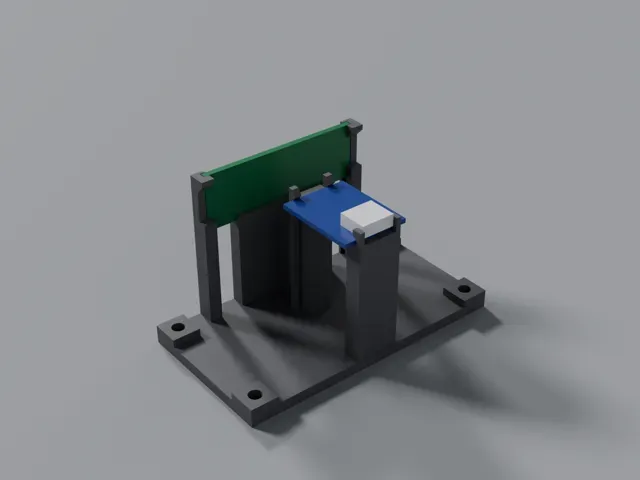
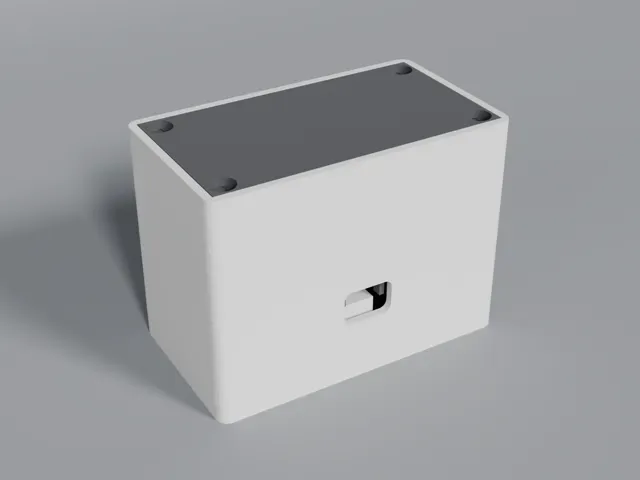
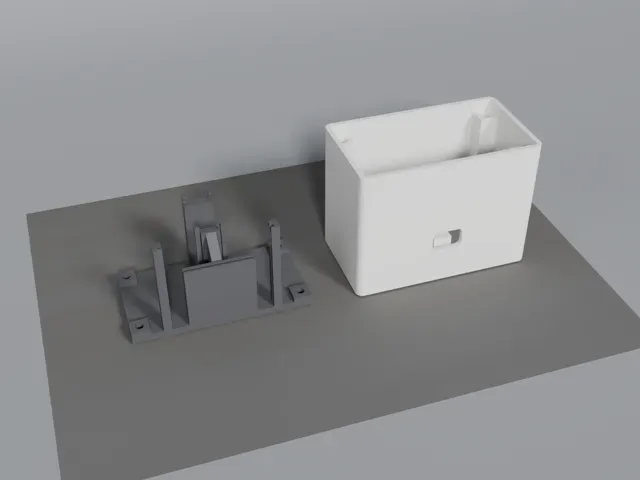
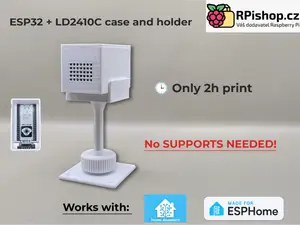
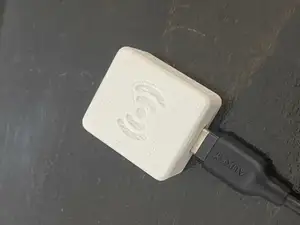
A compact two-part enclosure for a DIY mmWave room presence sensor, built around the ESP32-C3 Super Mini and the HLK-LD2450 24GHz radar module. Designed for Home Assistant / ESPHome setups where you want a tidy, free-standing presence sensor you can sit on a shelf or desk in each room.
What's included
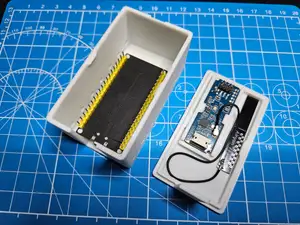
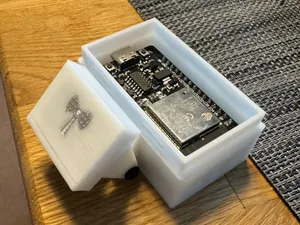
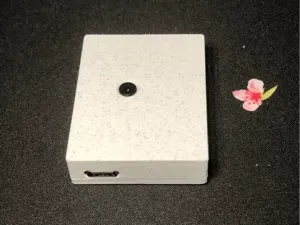
- Base plate – holds the ESP32-C3 Super Mini and LD2450 in slide-in guide slots, with four corner screw tabs for M3 screws. - Cover – a tall shell that slides over the electronics and fixes to the base at the four corner posts using M3 heat-set inserts. Hardware
- ESP32-C3 Super Mini - HLK-LD2450 24GHz mmWave radar sensor - 4 × M3 heat-set inserts - 4 × M3 round (button) head screws - USB-C cable for power Print settings
- Material: PLA or PETG - Layer height: 0.2 mm - Infill: 15–20% - Supports: not required – print both parts in the orientation shown Assembly
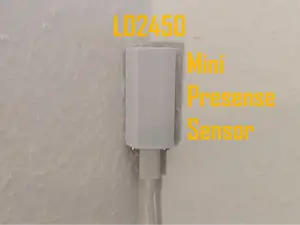
- Press the M3 heat-set inserts into the four corner holes using a soldering iron. - Wire the LD2450 to the ESP32-C3 (see Wiring below) and flash it with ESPHome. - Slide the ESP32-C3 and LD2450 into their slots on the base. - Route the USB-C cable, fit the cover and secure it with the M3 screws. - Place it on a shelf or surface with the radar facing into the room, ideally around 1.5–2 m high. Tip: avoid metal or thick plastic in front of the radar face – it will reduce detection range.
ESPHome configuration
Full ESPHome YAML (as running on my own sensor): https://gist.github.com/iamnick-e/f28b1e106473148f866e7d126669220c
You'll need to set a few things yourself before it will compile:
- Secrets – the config uses !secret values, so add these to your secrets.yaml (ESPHome Dashboard → Secrets, top right): wifi_ssid, wifi_password, api_encryption_key and ap_fallback_password. - API encryption key – must be a 32-byte base64 key. Generate one with openssl rand -base64 32, or copy the key ESPHome generates when you create a new device in the dashboard. Home Assistant will ask for this key when it discovers the device. - Device name – change name and friendly_name for each room (e.g. lounge-presence). Every device on your network needs a unique name. - Static IP – optional. Uncomment the manual_ip block and set it for your network, or leave it commented out to use DHCP. Wiring
- LD2450 5V → ESP32-C3 5V (the LD2450 needs 5V, not 3.3V) - LD2450 GND → ESP32-C3 GND - LD2450 TX → ESP32-C3 GPIO5 (UART RX) - LD2450 RX → ESP32-C3 GPIO4 (UART TX) The UART runs at 256000 baud – that's the LD2450's default, so leave it as is. If you use different pins, update tx_pin / rx_pin in the YAML.
What you get in Home Assistant
- Presence, Moving Target and Still Target binary sensors - Target Count, plus distance for up to 3 tracked targets - Presence Timeout (adjustable) and Zone Type controls - LD2450 Bluetooth on/off switch - WiFi Signal and Free Heap diagnostics - The onboard blue LED blinks each time presence is detected – handy for testing coverage while you position it Flashing tips
- Use a recent ESPHome release – the ld2450 component is built in, no external components needed. - Do the first flash over USB (ESPHome Dashboard or web.esphome.io). After that, updates can go over Wi-Fi (OTA). - Some C3 Super Mini boards need to be put into boot mode for the first flash: hold BOOT , tap RESET , then release BOOT. - If it can't join your Wi-Fi it starts a fallback hotspot called ESP32 Fallback Hotspot – connect to it (using your ap_fallback_password) to enter Wi-Fi details via the captive portal. - Once it's online, Home Assistant should auto-discover it under Settings → Devices & Services → ESPHome. Tuning tips
- If lights switch off while you're sitting still, increase Presence Timeout . - To set detection zones (e.g. to ignore a doorway or a fan), turn on the LD2450 Bluetooth switch, configure zones in the HLKRadarTool app, then switch Bluetooth back off. - Keep LD2450 Bluetooth off day-to-day – it's not needed by ESPHome and leaving it on lets anyone nearby connect with the default password. - Fans, curtains and moving plants can cause false detections – angle the sensor away from them or exclude them with a zone.




Названия используются только для указания источника результата. Polyzon не аффилирован с перечисленными площадками.
Комментарии