
Бесплатно 
TP-Link Archer C64 AC1200 wall mount
Thingiverse
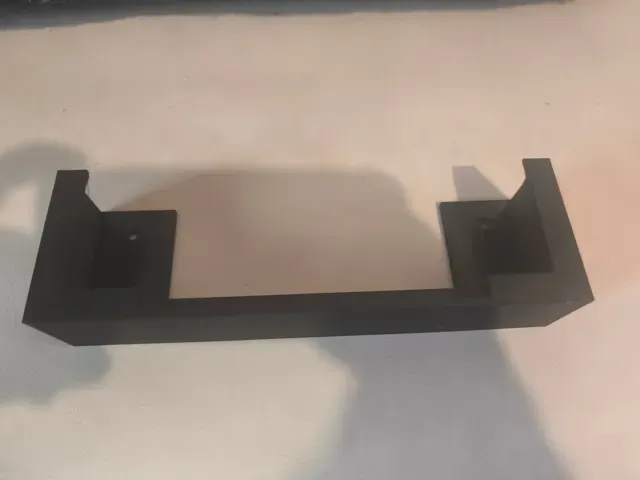
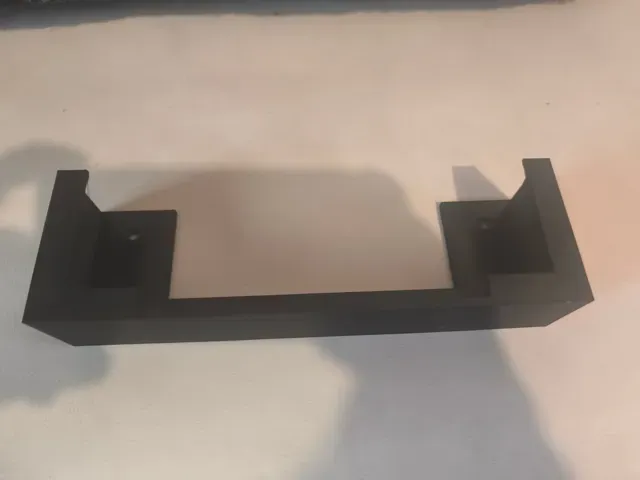
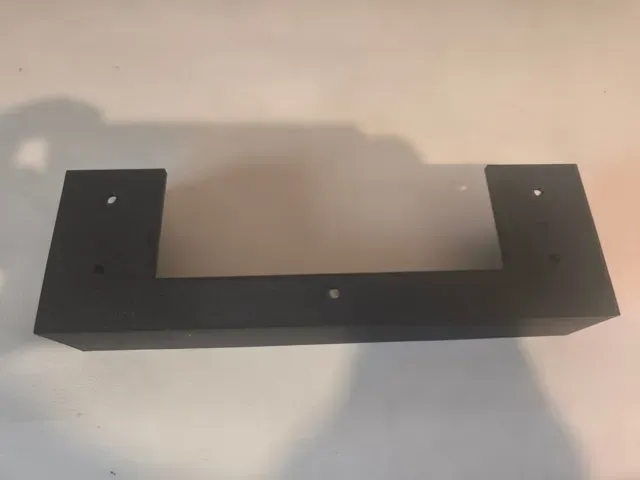
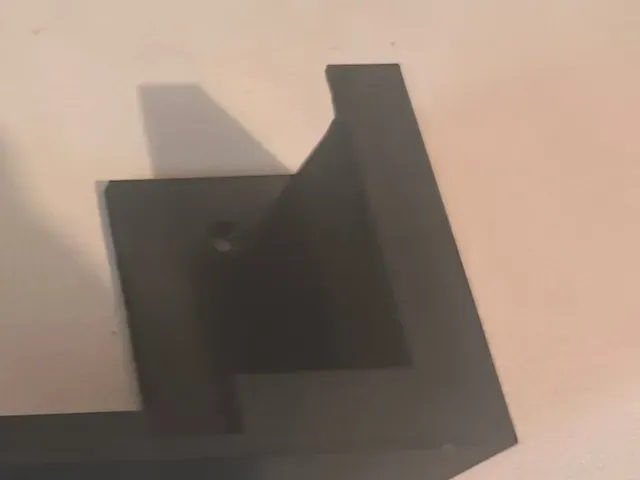
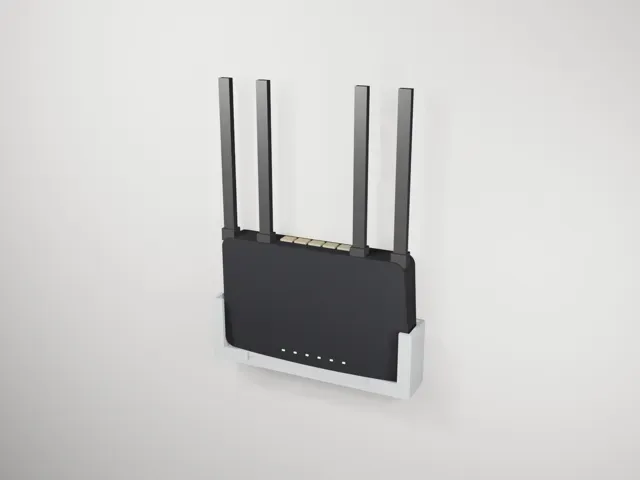
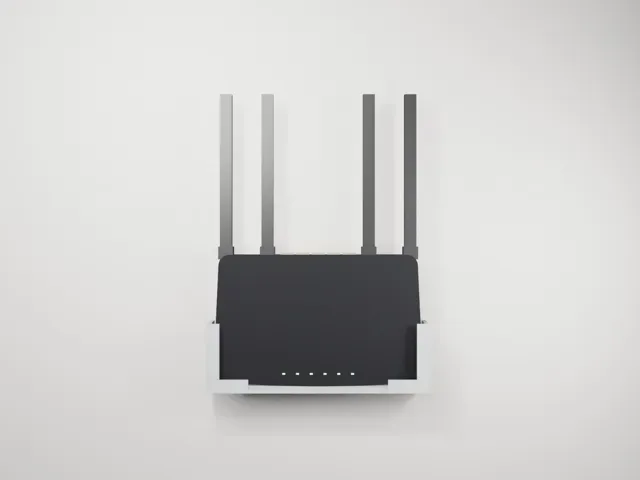
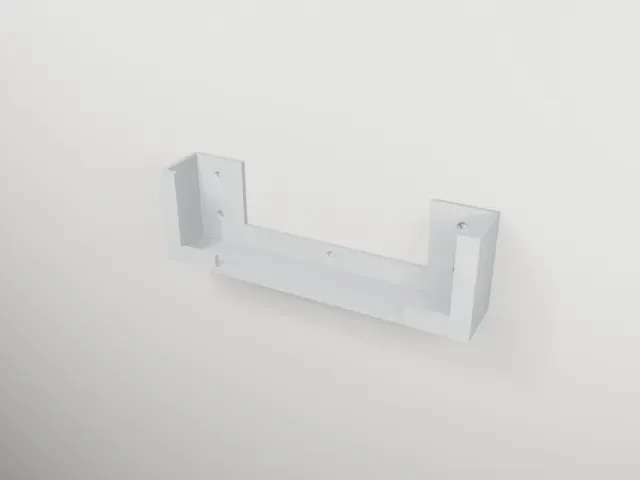
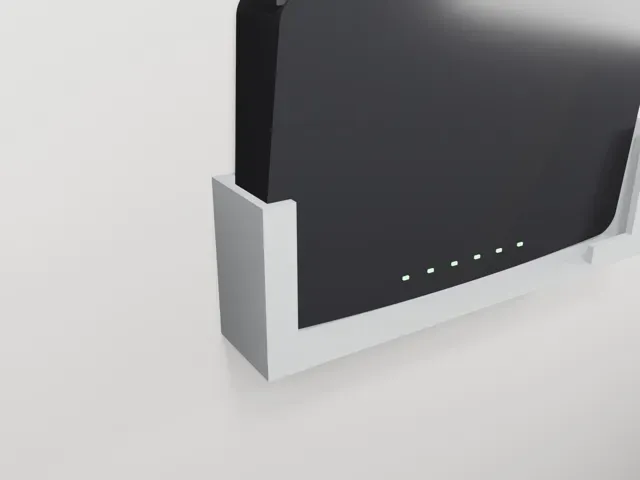
Wall mount for the TP-Link Archer C6 V2 (AC1200) router – keeps all 4 antennas pointing straight up.
The Archer C6 has no wall-mount slots, and its 4 antennas sit on the long back edge. Most universal holders hang the router sideways, which leaves the antennas pointing to the side. This mount holds the router horizontally with the bottom against the wall , so:
- 📶 the antennas point straight up (same as on a desk – best Wi-Fi coverage), - 💡 the status LEDs stay visible at the bottom, - 🔌 ports, antennas and cables stay fully accessible at the top, - 🖐️ the router slides in from the top like into a picture frame – no tools, no screws in the router, removable in a second. Specs
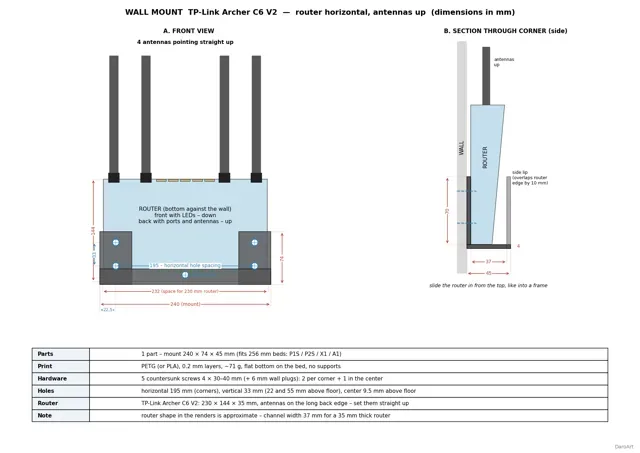
- One single part: 240 × 74 × 45 mm - Channel width 37 mm for the 35 mm thick router body - Two corner pockets hold the router; the middle stays open, so the LEDs are not covered - ~70 g of filament, ~2 h print time Print settings
- PETG recommended (PLA works too) - 0.2 mm layer height, 2 walls (as in the included profile), 15 % infill – use 3–4 walls for extra stiffness - Print with the flat bottom on the bed – no supports needed - Tested print profile for Bambu Lab printers included Printer compatibility
- The part needs a bed of at least 240 mm – it does not fit the A1 mini. - The ready print profile is made on a P2S and is available for P2S, A1, H2 series, A2L and X2D. - P1S / P1P / X1 users: the part fits your 256 mm bed – just download the STL and slice it with the settings above. Hardware
- 5 × countersunk wood screws 4 × 30–40 mm - 5 × wall plugs Ø6 mm (concrete / brick) Installation
- Hole spacing: 195 mm horizontally between the corner holes, 33 mm vertically (22 and 55 mm above the floor of the mount), plus one center hole. - Screw the mount to the wall (use a level). - Rotate the 4 antennas so they point straight up. - Slide the router in from the top. See the technical drawing in the pictures for all dimensions.
Notes
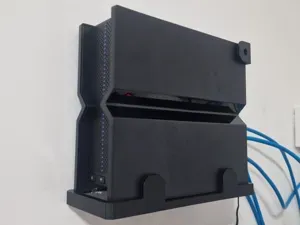
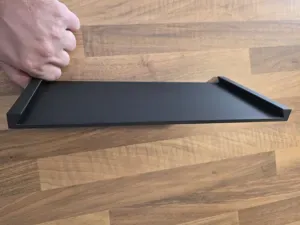
- Designed for TP-Link Archer C6 V2 (230 × 144 × 35 mm). Other routers with the same housing may fit – please check the dimensions before printing. - The pictures with the router are 3D renders (visualization); the real-life photos show the printed mount. If it fits your router, a 👍 or a Make with a photo helps a lot. Enjoy! 🙂
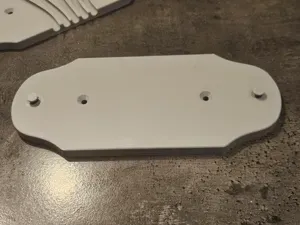
PETG 0.2mm, 2 walls, 15% infill, no supports Tested print on a Bambu Lab P2S – the photos show this exact profile.
- Bambu PETG Basic, 0.4 mm nozzle - 0.2 mm layer height, 2 walls, 15 % infill - Flat bottom on the bed, no supports needed - ~71 g of filament Tip: for extra stiffness you can increase walls to 3–4.


Названия используются только для указания источника результата. Polyzon не аффилирован с перечисленными площадками.