
Бесплатно 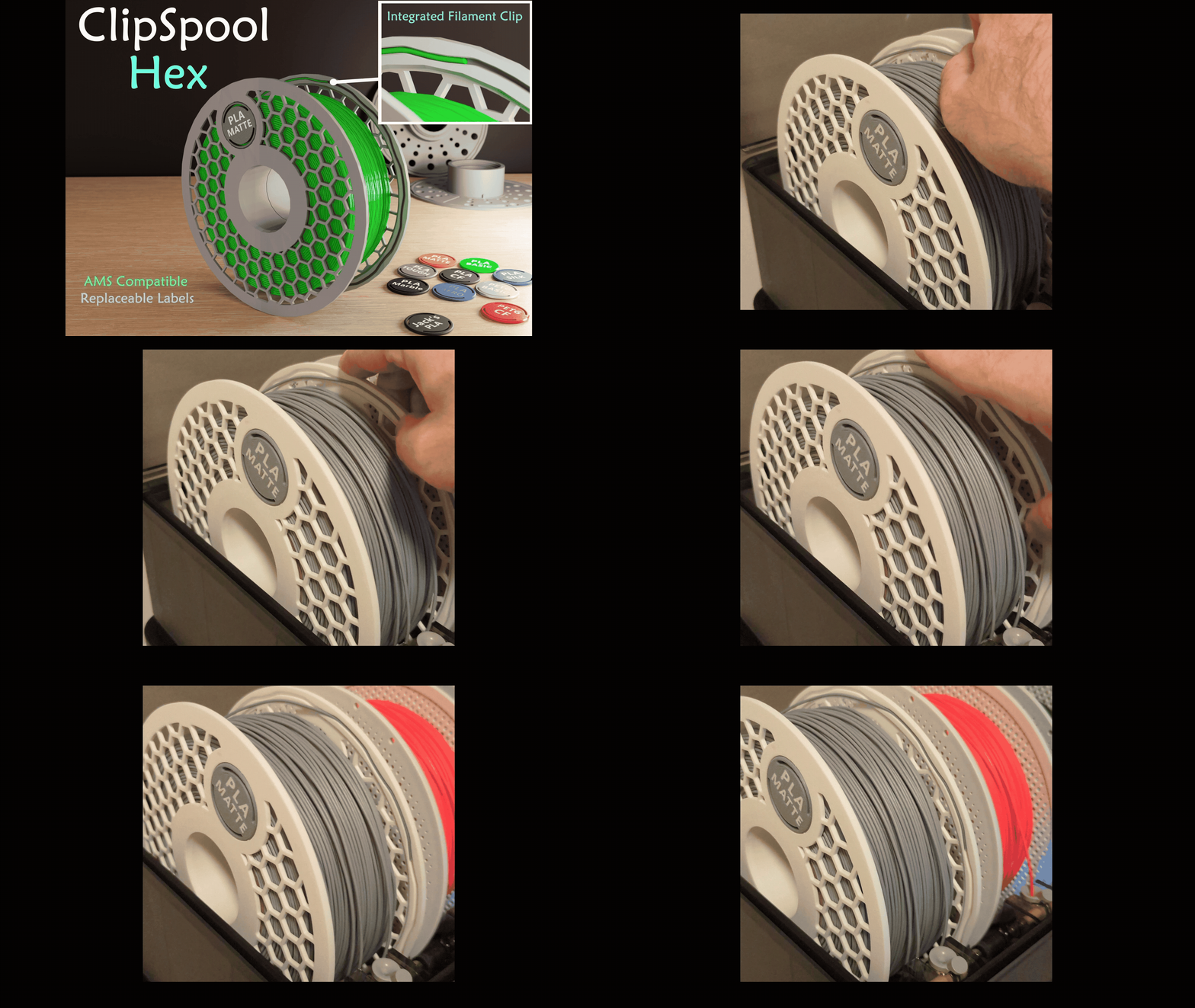
Filament Spool with Integrated Filament Clip
MakerWorld

Ultimate Spool Series
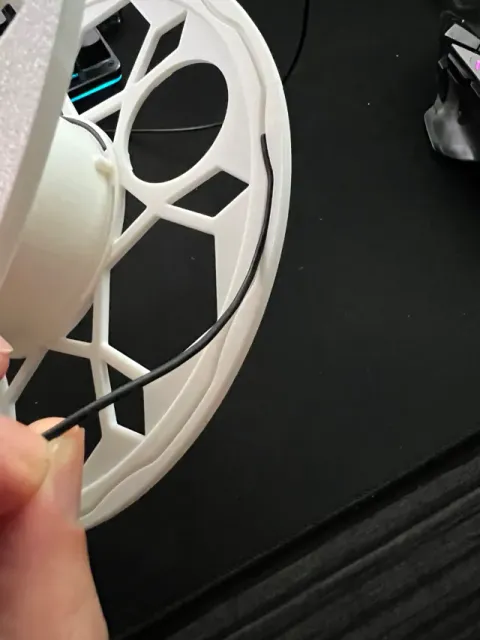
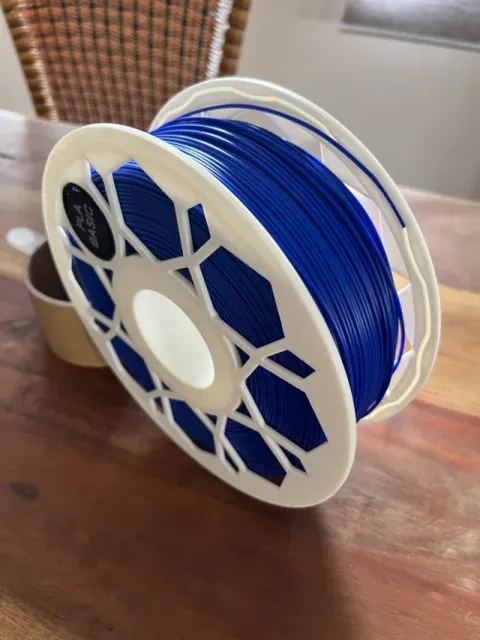
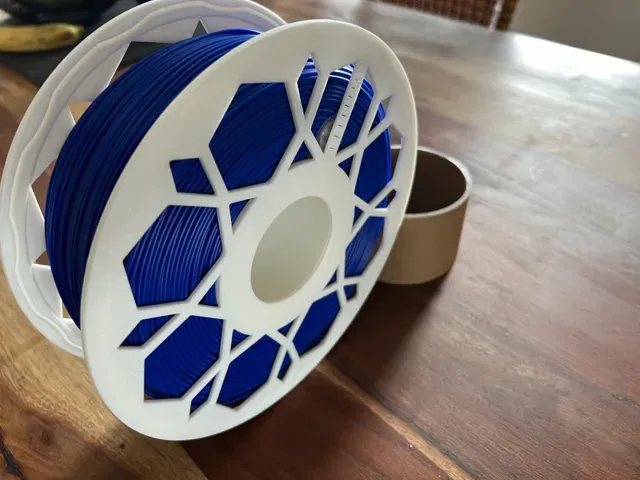
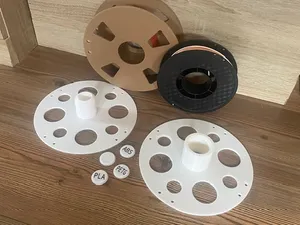
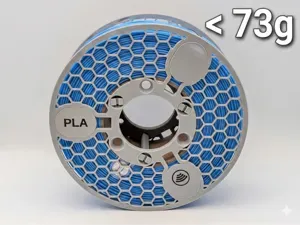
I had problems with the spools already published and I needed some practice in Fusion so i started to make my own filament spool from scratch. I print nearly everything with AMS, so I needed a AMS Bambu filament spool with the following propertys:
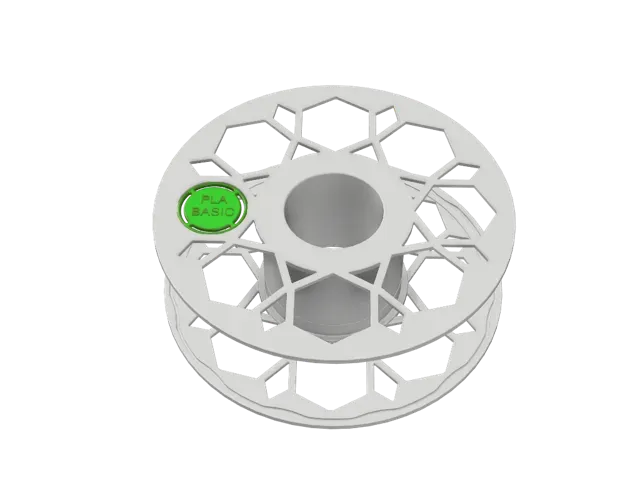
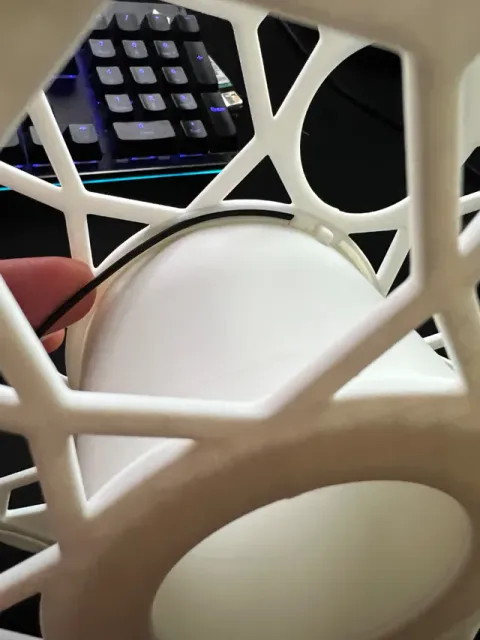
- Clip integrated (clickable clip), fixes filament within the first 20 mm - Tight lock mechanism - Very good result with "only" PLA - Respool inserting points - a scale - stable but possible lightweight - Label integrated and changeable - optimized for 3d printing on every edge - no supports
The spool was tested in AMS and printed with a P1S in PLA and with 0,20mm standard profile. No need to make any changes.
A big insparation was the work of @KobaRiley with his ClipSpool V2 . I liked the idea of having the clips integrated and the changeable labels so much, that it was a must have. Thanks for that
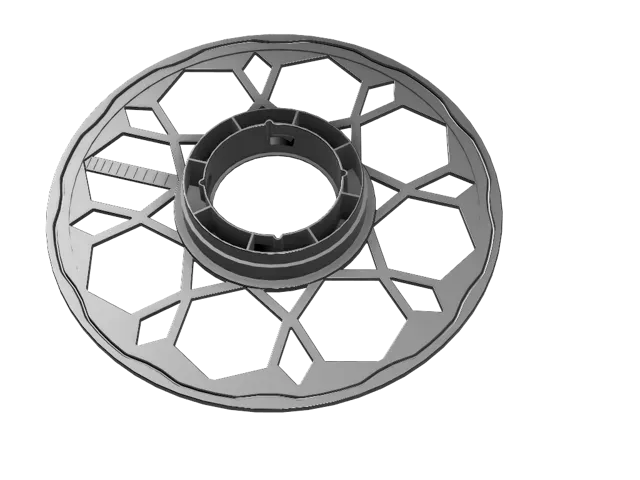
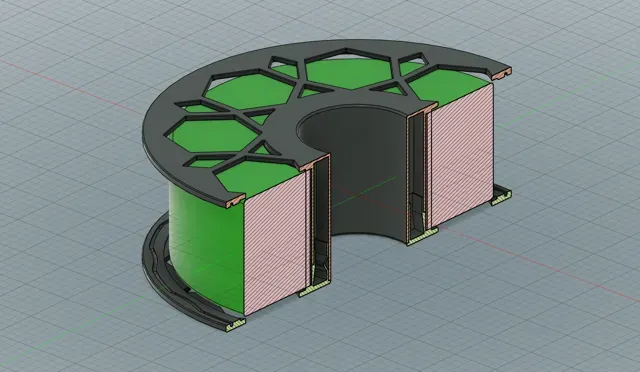
integrated second clickable clip for respooling ( left and right of the “nose”
both sides are “empty” in the body but very stable through structure. You can also see the scale on thes render. It goes from 10 - 100 %
Versions
- Bambu Refills - Side 1 with label - Side 2 with or without Scale - Side 1 and 2 with label and scale - ESUN, Polymaker and Overture Refill
Labels
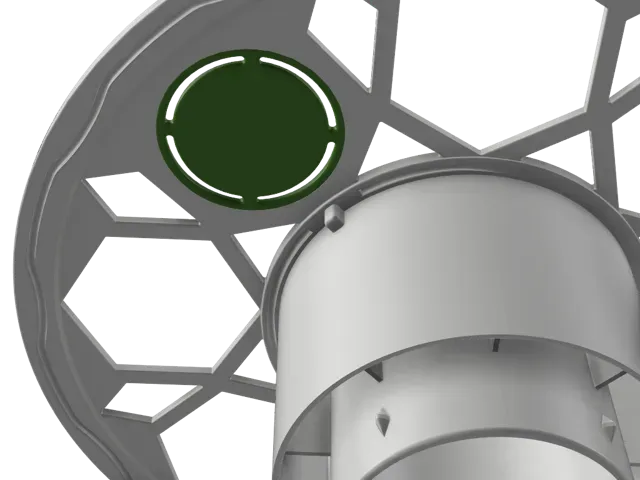
There are a few finished labels in the Folder Labels you can instant use. If you want to have your own Textstyle or whatever :D please feel free to use the .step file to create your own in CAD or you can also use my predefined Make a Sign Template .
- Download json templatefile: This One - Go to Make my Sign Page - Click “Create from Blank” (On top right corner) - In the dialog “Start with Template”, click “ Import template(JSON file) >” - Select the downloaded file from step one from your filesystem - Accept change diolog - Change the Text like you want it - Download your customized Sign - Assemble a blank Label with your new Sign
Here is a video how to make the Label from the sign:
Feedback Welcome
Please let me know if you have any requests. It would also be nice to have a lot of feedback. Cheers
Updates
03.09.2024 - New variant with all features on both sides - Thanks 2 @Groucho
02.09.2024 - New smaller variant of spool for ESUN, Polymaker and Overture Refills - Thanks 2 @Jacannwilson
17.07.2024 - Thanks 2 @deniskenntjeder for the info of the corrupt file :D - Updated that
28.03.2024 - Needed a LabelRack for my HoneyCombWall - So I added it to the Raw files for you too.
Bambu Refill - Label on Side 1 / Scale on Side 2 0.20mm Standard Profile
Print plates contain both needed sides and a blank label
you can put text on the label in bambu studio or simply take a pen :D
Bambu Refill - Label and Scale on both sides Ready 2 print profile for BAMBU LAB REFILLS with label and scale on both spool sides
0,2mm Standard Profile
Label combo 2 colours 0.2mm layer, 2 walls, 15% infill A combo of different labels in two colours
Esun Refill (smaller diameter) This profile contains the Esun, Polymaker and Overture filament refill spool
For Bambu Lab Refills use other profile!
0,2mm Standard PLA
![Universal Spool [Diameter & Width Adj.] AMS Ready](https://cache.polyzon.org/api/img?url=https%3A%2F%2Fmakerworld.bblmw.com%2Fmakerworld%2Fmodel%2FUS46ee26c9ef4a52%2Fdesign%2F2025-11-18_f2bf356358844.jpg&w=300)

Названия используются только для указания источника результата. Polyzon не аффилирован с перечисленными площадками.