
Бесплатно 
The Devious Gift Card Vault
Printables
The Devious Gift Card Vault: A sealed box that must be cut open
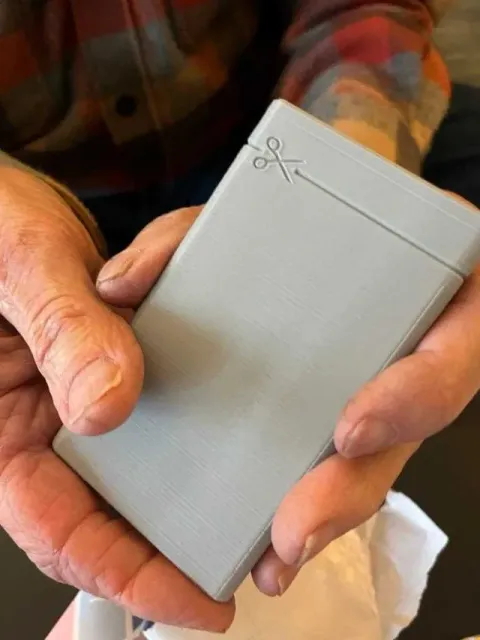
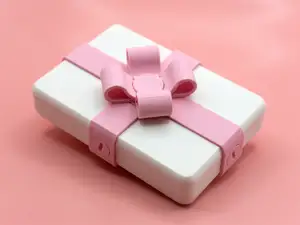
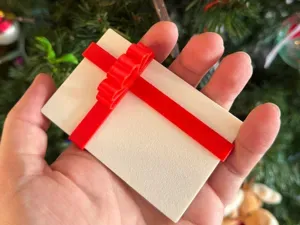
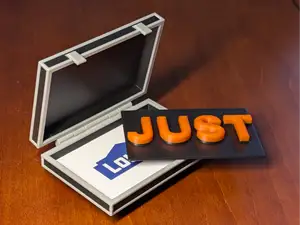
Want to make your loved ones work harder to get their gift card? Now you can "wrap" their gift card extra securely by encasing it in a plastic box that doesn't open.
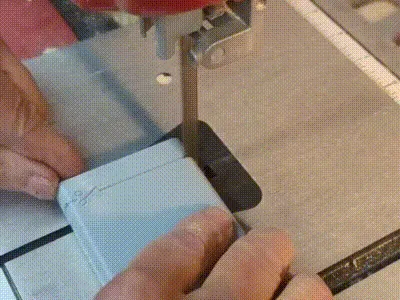
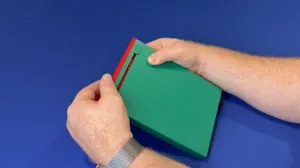
The outside of the box is deliberately plain making the recipient wonder what it is, except for a clever little "cut line" marked with an image of a pair of scissors. Of course, scissors won't "cut it" with a hard plastic box. This gift must be opened with a saw.
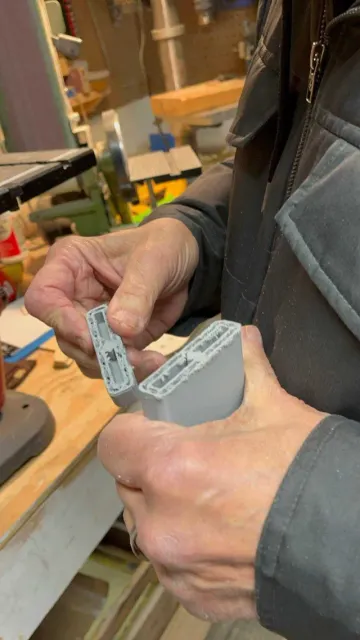
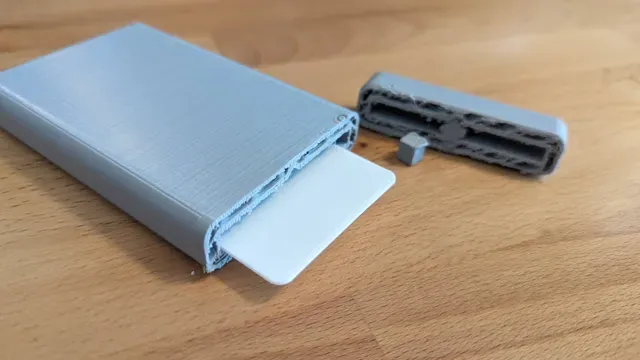
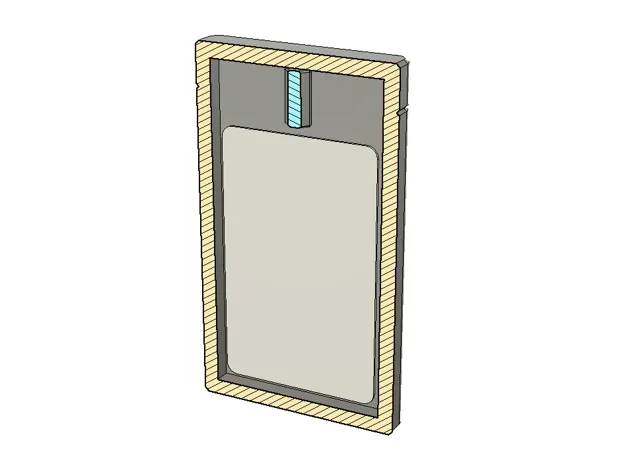
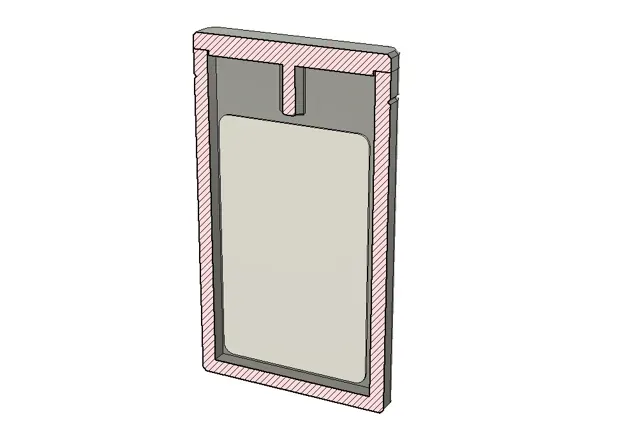
How does the gift card stay safe? There is a square peg that protrudes down into the inside cavity that prevents the card from moving into the "cut zone." As long as the cut remains near the line, the gift inside will remain safe.
The original version of this box is one solid piece that must be paused just before the top is printed (this pause is included in the profile). At this time, you can drop in the gift card, add a "cut zone spacer" piece, and resume the print. Make sure the spacer piece is printed ahead of time so you have it ready when the print pauses.
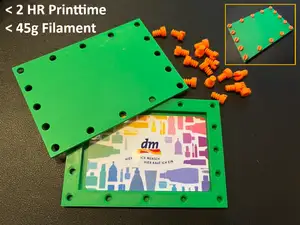
Alternatively, if you want to make this ahead of time, or don't want to add the gift card during the print, you can print a "glue-on lid" version. This version has the lid and spacer as a separate part that can be glued on later.
This model also works well for flushing the extra "poop" purge material from a multi-color print (using the "Flush into this object" feature):
- It's relatively tall (120mm), so it can support tall multicolor prints - The object itself is one-time use and will be thrown away anyway, so why not print it with purge material? Random colors might make it more interesting or baffling to the recipient. - It takes up a small footprint on the print bed, leaving more room for your multicolor model(s)
Spacer & Solid Case, with pause This is the main (solid box) model. Print the spacer block first. Print the solid box, pause just before the top is printed, drop in the gift card, then the spacer, then resume the print.
Two-piece version: open case and glue-on cover This version can be printed ahead of time (before you insert the gift card) and saved for later. Once the gift is inserted, add glue around the edge and press on the cover. The square peg will keep the gift card safe in it's section of the box, away from the cut line.

Названия используются только для указания источника результата. Polyzon не аффилирован с перечисленными площадками.