
Бесплатно 
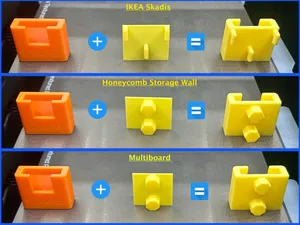
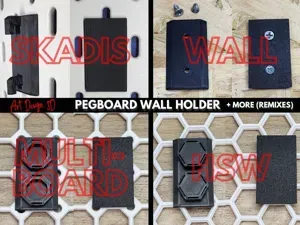
Mount Any Model to Skadis / Multiboard/ HSW
MakerWorld
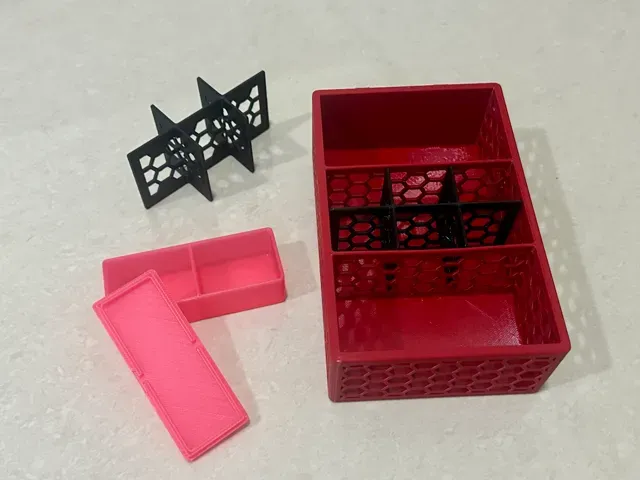
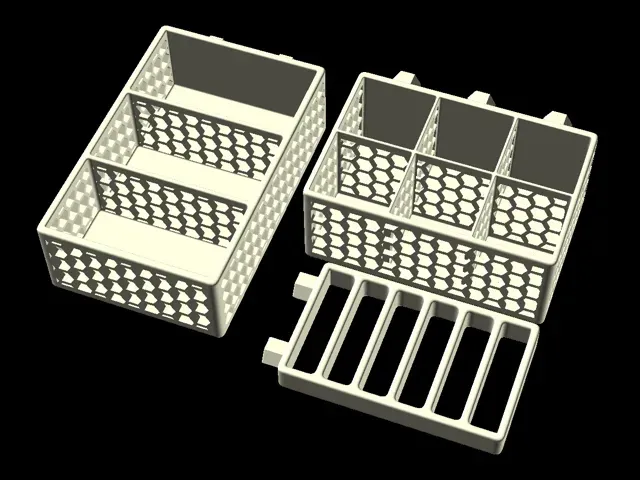
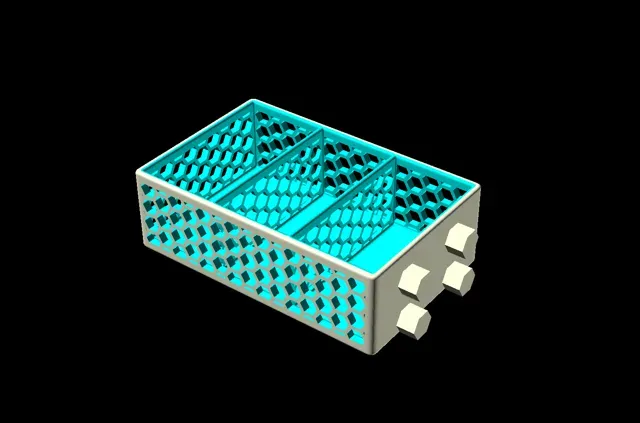
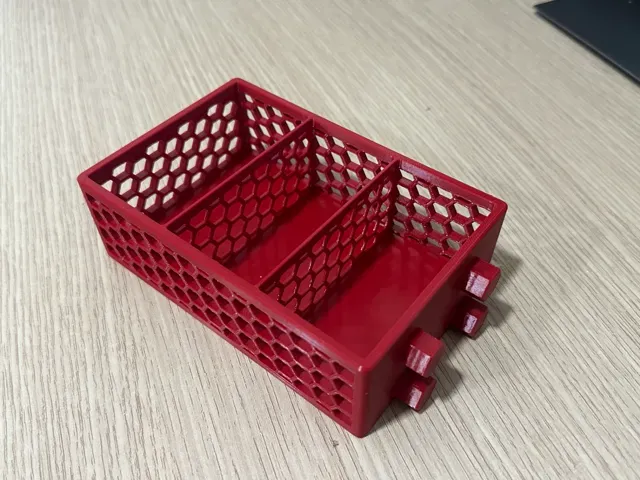
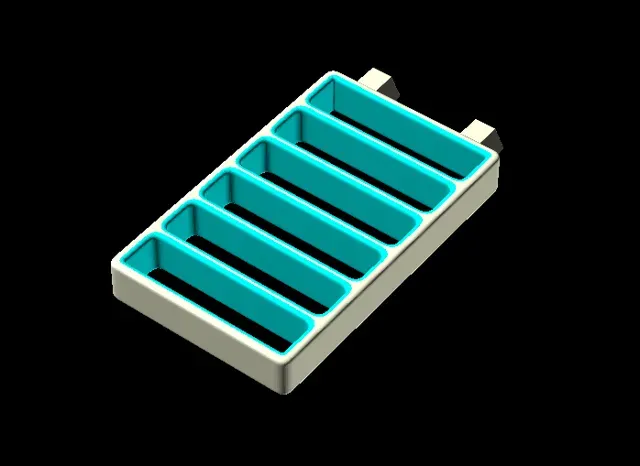
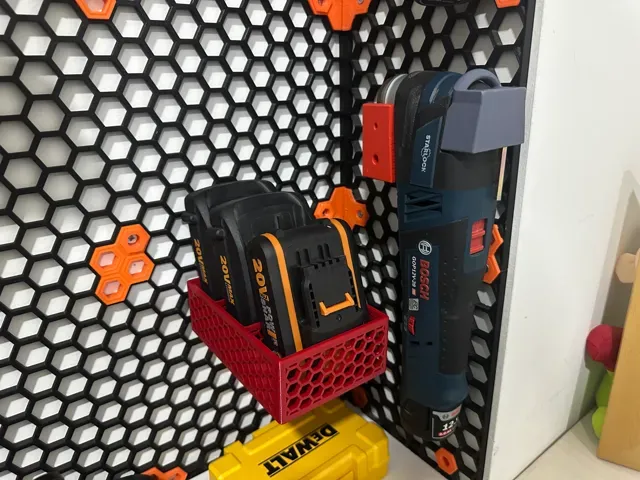
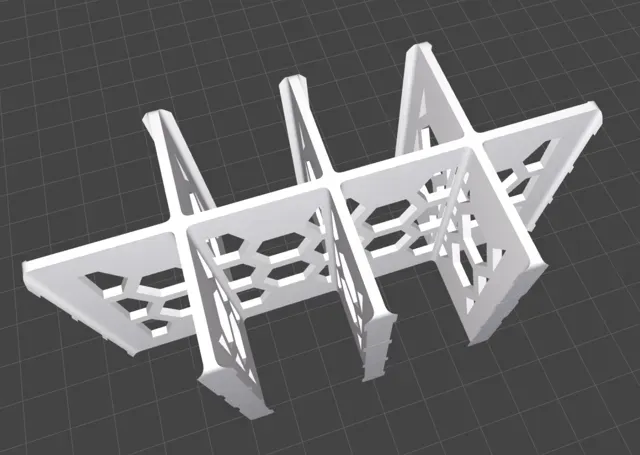
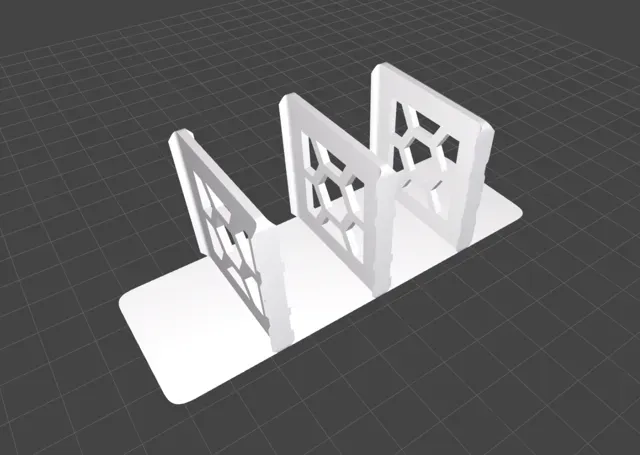
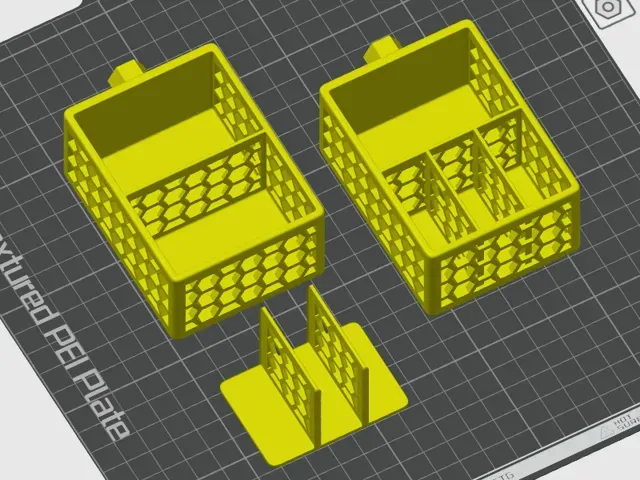
— Parametric Organizer/Box —
— Standalone or with Wall Board Connectors —
— Support for Honeycomb Storage Wall (HSW), Multiboard and IKEA Skadis Board —
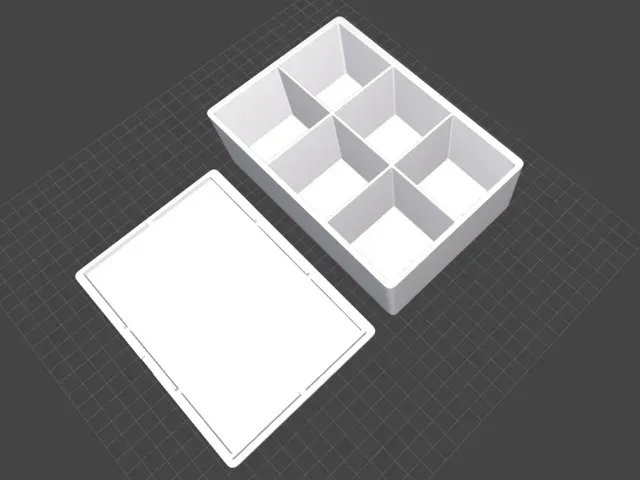
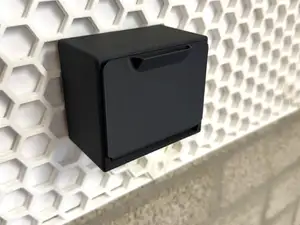
Update (July 1, 2024) - Added support for generating a Removable Lid with a notch - now you can also easily create a generic box with compartments and a removable lid.
Update (June 26, 2024) - Added support for back extension above he base organizer height.
Update (June 24, 2024) - Added support for Multiboard.
Update (June 21, 2024) - Added support for IKEA Skadis Connectors.
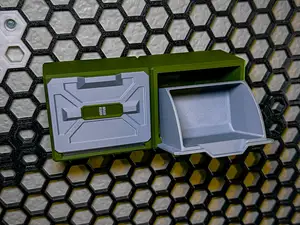
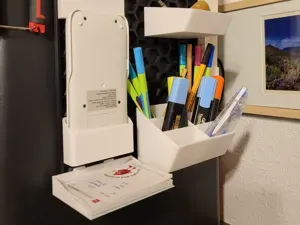
Introducing the ultimate customizable organizer/box for general use and for your Organization Wall (Honeycomb / Skadis or Multiboard)!
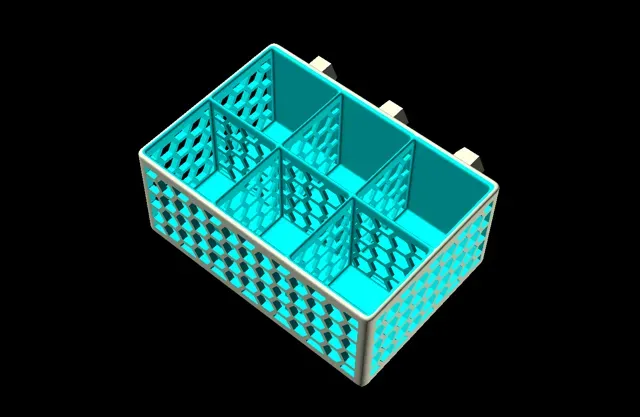
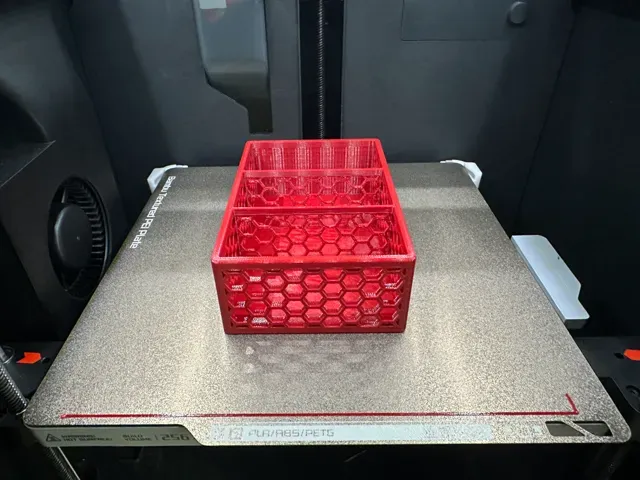
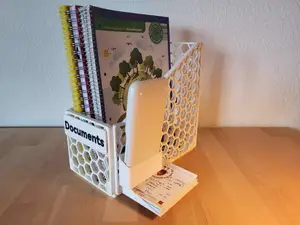
This versatile 3D model, designed in OpenSCAD, allows you to create an organizer perfectly tailored to your needs. With adjustable dimensions, the ability to define varied compartment sizes by setting column widths and row depths, and customizable side, back, and bottom thickness (including an option for no bottom), this organizer is both functional and adaptable. Its aesthetically pleasing design features rounded corners, edges, and optional hexagon holes in the sides and separators, reducing material use while maintaining strength.
Additionally, it supports adding built-in connectors for seamless integration with the Honeycomb Storage Wall and IKEA Skadis . Ideal for organizing tools, crafts, or any small items, this organizer not only enhances storage efficiency but also adds a touch of personalization to your workspace. Dive into the details and discover how this customizable organizer can revolutionize your organization system!
Boost Me If you enjoyed this model, please consider boosting it to encourage the creator to continue developing this and other models ! Customization Options
Here's a detailed explanation of each parameter to help you customize your organizer effectively:
Compartments (appears last in the customizer, but the most important)
Compartments_Columns_Widths : Specify the widths of the columns in the organizer. You can define up to 10 column widths (e.g., [40, 40, 40, 0, 0, 0, 0, 0, 0, 0] creates three columns, each 40 mm wide). At least one column width must be set to create an organizer.
Compartments_Rows_Depths : Specify the depths of the rows in the organizer. You can define up to 10 row depths (e.g., [40, 40, 0, 0, 0, 0, 0, 0, 0, 0] creates two rows, each 40 mm deep). At least one row depth must be set to create an organizer.
Style and Performance
Generate_Style : Choose between two styles:
- Simple-Faster : Straight edges (faster rendering). - Rounded-Slower : Rounded edges for a smoother look (slower rendering). Generate_With_Cutouts : Select the type of cutouts for aesthetic appeal and material efficiency:
- None-Faster : No cutouts (faster rendering). - Hex-Slower : Hexagonal cutouts, more stylish (slower rendering). Generate_a_Lid: Select if you want to create a removable lid compatible with your organizer/box
Tray_Cutouts_Size : Define the size of the hexagonal cutouts .
Tray_Cutouts_Distance : Set the distance between the hexagonal cutouts.
Tray_Connector_Type : Choose the type of connector for the organizer:
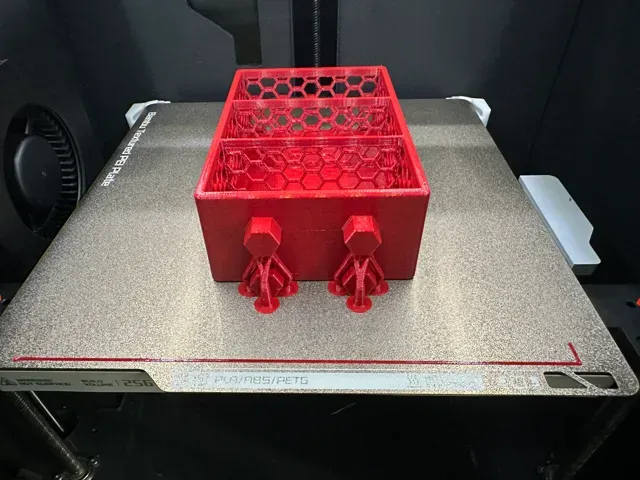
- HSW Plug Into Insert Hole - 13.2 mm : Add connectors to fit into the Honeycomb Storage Wall. - IKEA Skadis Pegboard System - 4.7mm : Add connectors to fit into IKEA Skadis Board. - Multiboard Push-Fit - 13.5mm-13.22mm : Add connectors to fit into Multiboard. - No Connector - Standard Tray : To generate a standard organizer without connectors Tray Lid Lid_Thickness: Set the thickness of the lid. Lid_Lip_Height: Set how deep the lid's lip goes into the box/organizer. Lid_Lip_Thickness: Set the thickness of the lid's lip. Lid_Lip_Clearance: Set the clearance of the lid's lip (usually 0.15 mm is a good value, but test with a small box). Lid_Front_Notch_Width: Set the width of the front notch in the lid (notch is for easy removal of the lid). Lid_Front_Notch_Height: Set the height of the front notch in the lid (notch is for easy removal of the lid).
Tray Dimensions
Tray_Inner_Height : Adjust the inner height of the organizer.
Tray_Back_Extension_Height : Adjust the height of the back extension above organizer height.
Tray_Back_Thickness : Set the thickness of the organizer's back.
Tray_Sides_Thickness : Set the thickness of the organizer's sides.
Tray_Separators_Thickness : Set the thickness of the separators within the organizer.
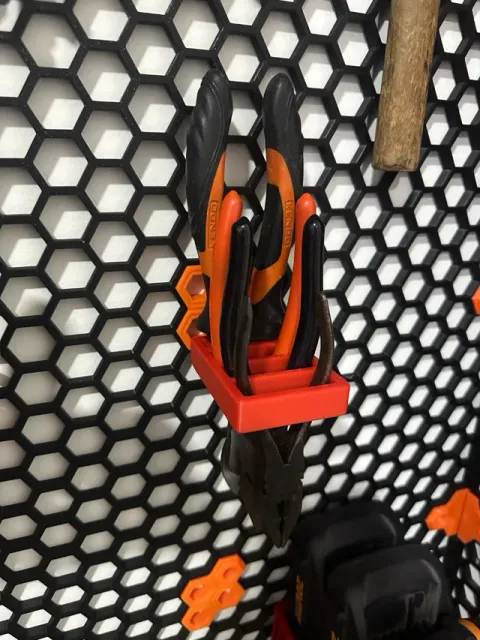
Tray_Bottom_Thickness : Define the thickness of the organizer's bottom. Setting the bottom thickness to 0 allows for an organizer without a bottom, which can be useful for specific purposes like a pliers holder.
Tray_Corners_Radius : Set the radius for the organizer's corners for rounded edges.
Honeycomb Storage Wall
HSW_Connector_Tolerance : Adjust the tolerance for the connectors to ensure a perfect fit with the Honeycomb Storage Wall. This value is reduced from the distance between the facing faces of the hexagonal connector. Use negative values to increase the connector size and positive values to reduce it.
IKEA Skadis Board
SKADIS_Connector_Diameter_Tolerance : Adjust the tolerance for the diameter of the connectors to fit the IKEA Skadis board. This value is subtracted from the connector's diameter, primarily affecting its width.
SKADIS_Connector_Depth_Tolerance : Modify the tolerance for the depth of the connector slot. This value is added to the slot depth, ensuring a proper fit on the board.
Multiboard
MB_Connector_Tolerance : Adjust the tolerance for the connectors to ensure a perfect fit with Multiboard. This value is reduced from the distance between the facing faces of the hexagonal connector. Use negative values to increase the connector size and positive values to reduce it.
With these parameters, you can fully customize the organizer to suit your specific needs, ensuring both functionality and aesthetics. Dive into the settings, experiment with different configurations, and create a unique organizer that enhances your workspace organization.
Customization Tips & Tricks
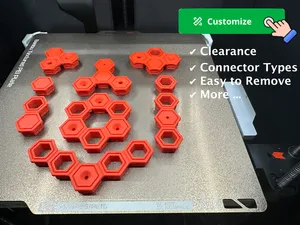
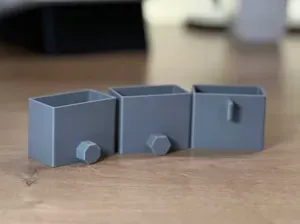
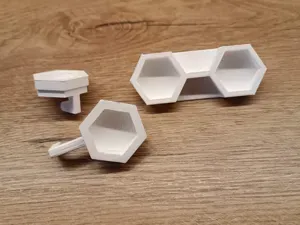
Clearance Test - 0.2mm layer, 3 walls, 15% infill, Supports Print profile using the Parametric Tray to test the connectors clearance.
Includes five small trays with plug connectors, with two connectors on each to test one with support (upper one) and one without (bottom one). Using the default sizes (as in the HSW spec).
Center part is with 0.0 clearance, to its left +0.1 clearance and the next one on the left is +0.2 clearance. Right to the center piece is -0.1 clearance and second to the right is clearance of -0.2 .
So pieces on the left are with SMALLER connectors than default and pieces to the right are LARGER connectors.
Use outside of your wall on spare Honeycomb Storage Wall hardware, so it doesn't get stuck on your wall.
Best to use with each filament you plan.
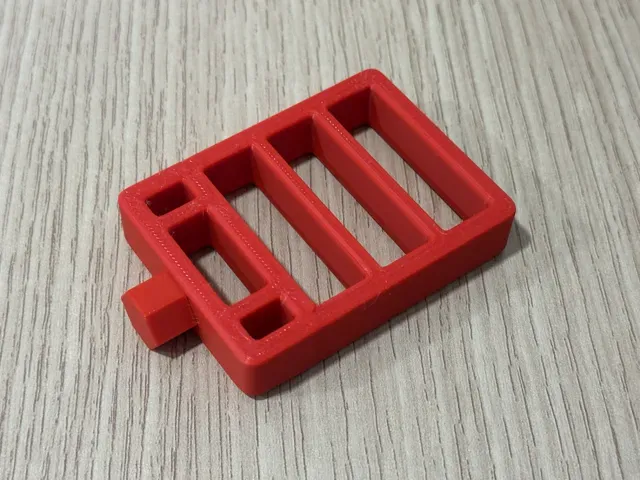
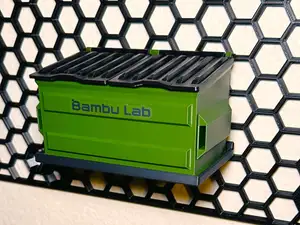
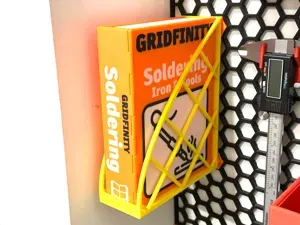
Worx Bats Organizer- 0.2 layer, 3 walls, 25% infill, Support Worx Batteris Organizer as an example only for this model.
This Profile Uses Clearance in the model of 0.1, meaning 0.1mm smaller plug connectors (side to side). Instead of 13.2mm as in the spec, 13.1mm required with MY printer, filament and my HSW.
Названия используются только для указания источника результата. Polyzon не аффилирован с перечисленными площадками.