
Бесплатно 
Dust Filter for Xtool F1/F2 Laser with Active HEPA
MakerWorld
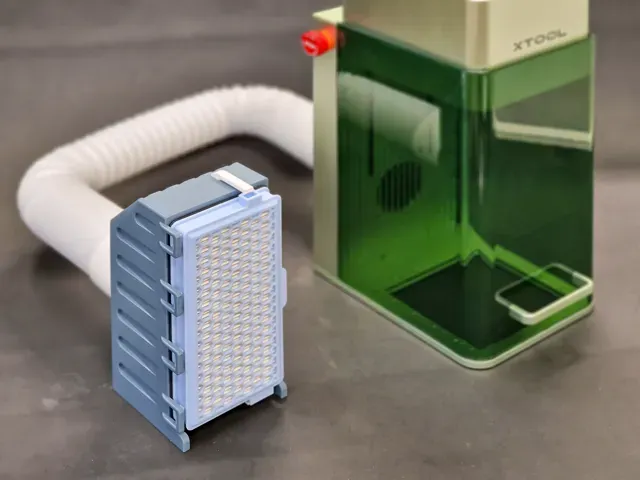
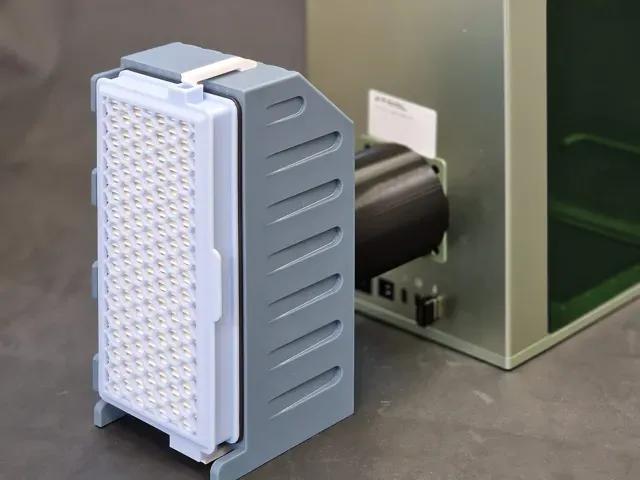
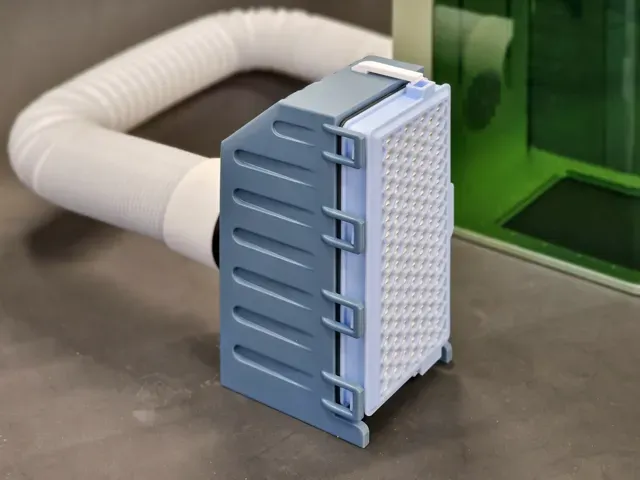
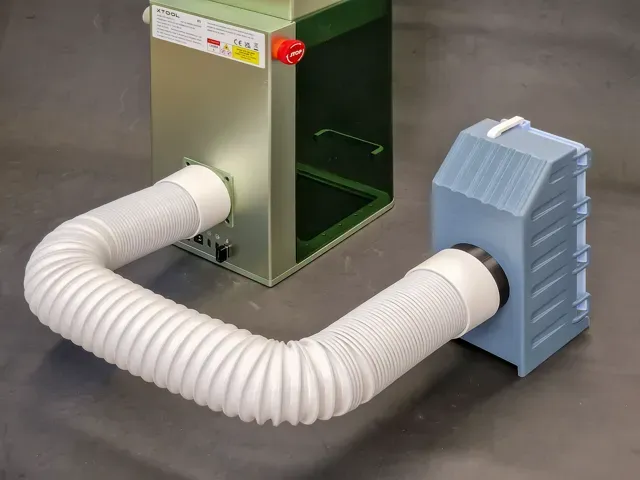
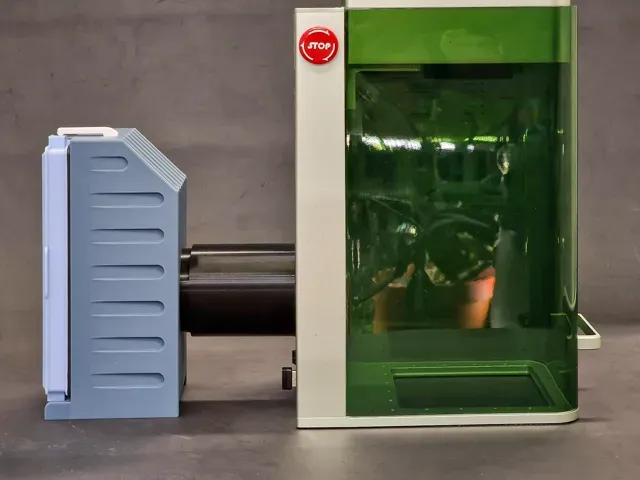
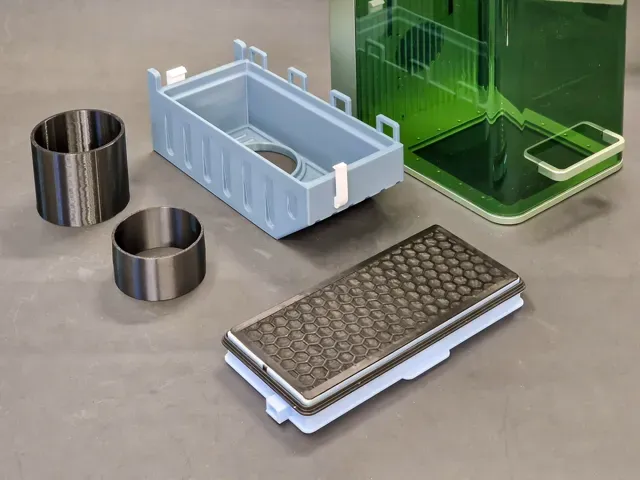
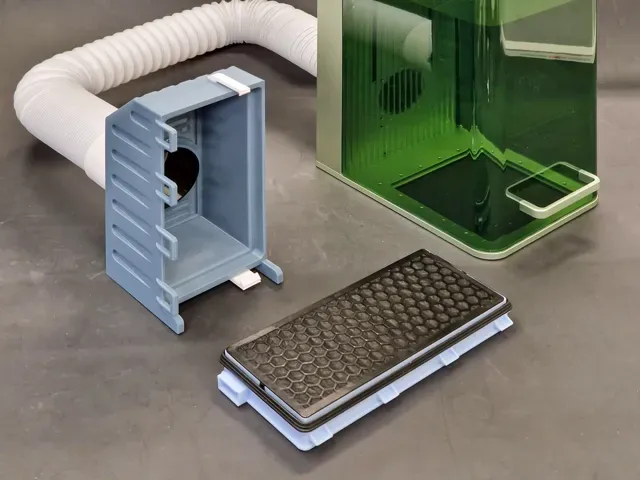
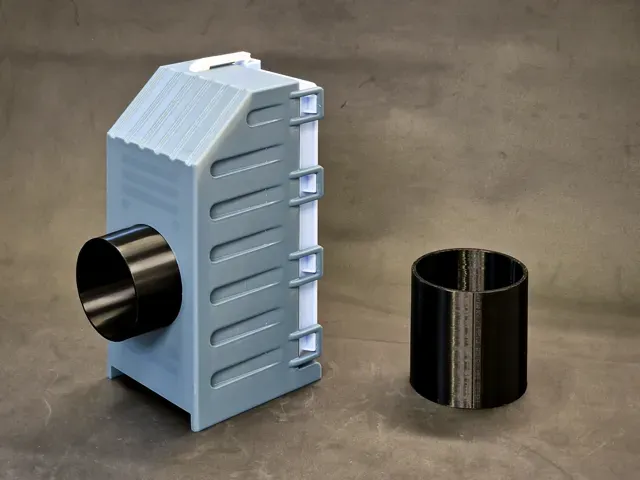
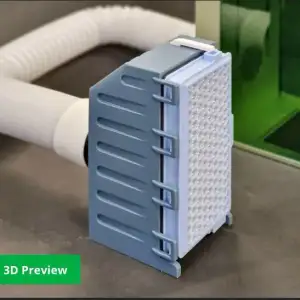
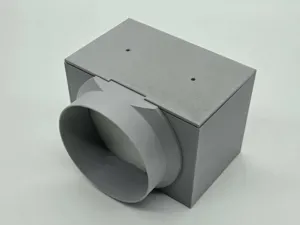
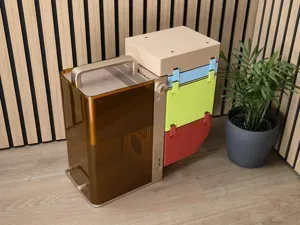
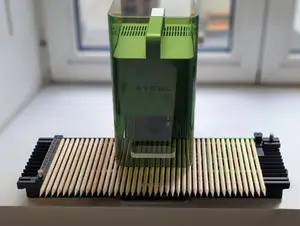
This is compact Desktop Air Purifier for Xtool F1 Laser engraver machine using sandart Miele SF-HA 50 HEPA AirClean or SF-AA 50 filter. I choose this filter model, because its HEPA Activated coal filter that's mostly available at any store that sells vacuum cleaners. Search for “SF-HA 50” or look this amazon link here. Because of its small size, it can't remove all smoke if you do heavy wood engraving or cutting, but it works with all other small jobs.
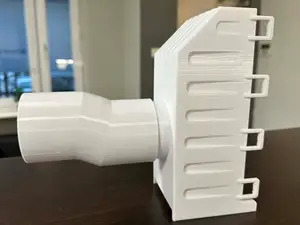
So you dont need to open window in winter every time you engrave that one small pencil. Filter can be attachet directly to F1 at the back with printed tube, or by hose that came with laser.
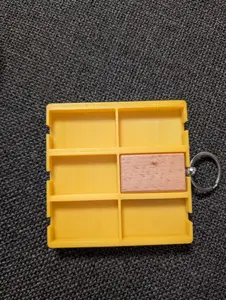
So you can deselect that bigger tube from printing plate in Bamboo studio if you will use filter only with hose. I printed this model with Bamboo PETG, and used updated fillament and printing settings from this link ← those are BEST settings for printing PETG ever! Im using those for months now and they are THE BEST. (Thanks Donnie ) Those 2 small hooks are placed for printing sideways to ensure greater durability, and need to be inserted in those square holes on top and bottom of the FilterBox. Use some small hammer or object to push them in. And there is additional settings cube for stronger hooks on top of the filterbox.
0.2mm layer, 15% Gyroid infill, slower speeds If you have you own PETG setting use them, but if you want you can use these: I used default Bamboo settings with those edits: In fillament settings: change the Nozzle temperature to 265 and the Plate temperature that you use to 80, and set Max volumetric speed to 10. In print settings, SPEED tab shange speed settings as in attached picture. And use Gyroid infill to reduce small bits of fillament all around your print.


Названия используются только для указания источника результата. Polyzon не аффилирован с перечисленными площадками.