
Бесплатно 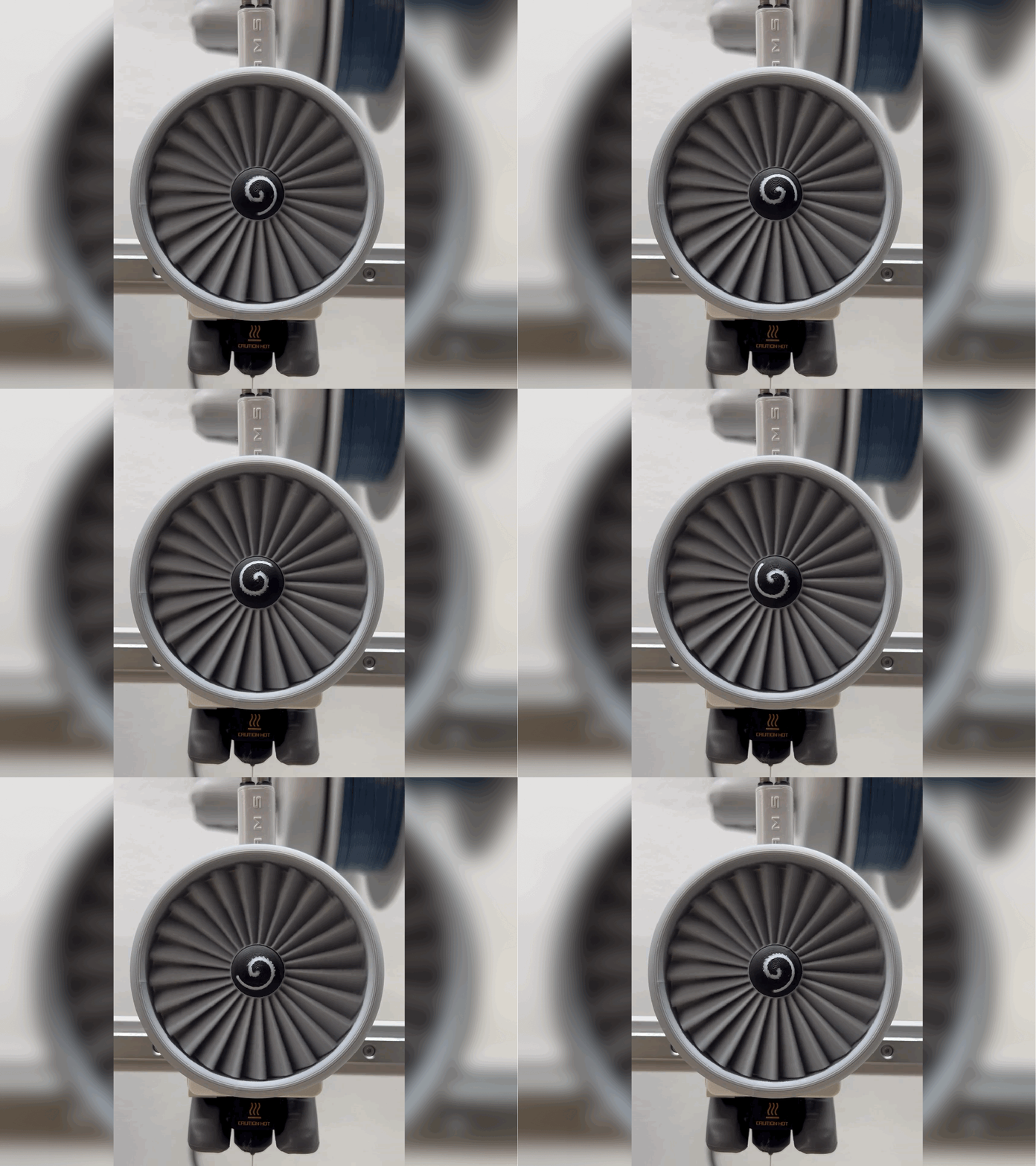
Jet Engine A1 Cover
MakerWorld
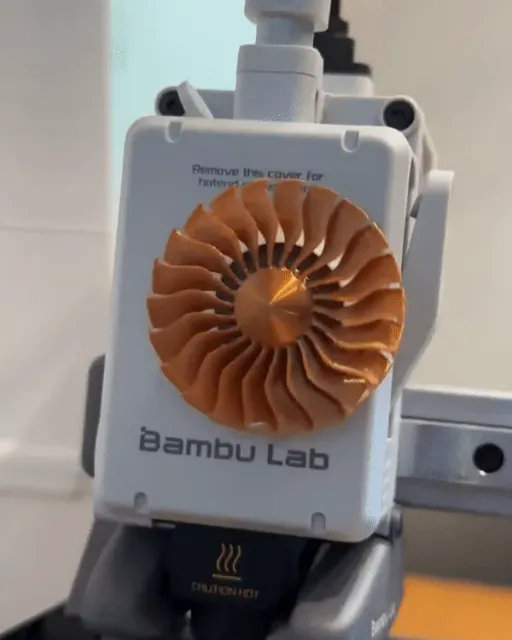
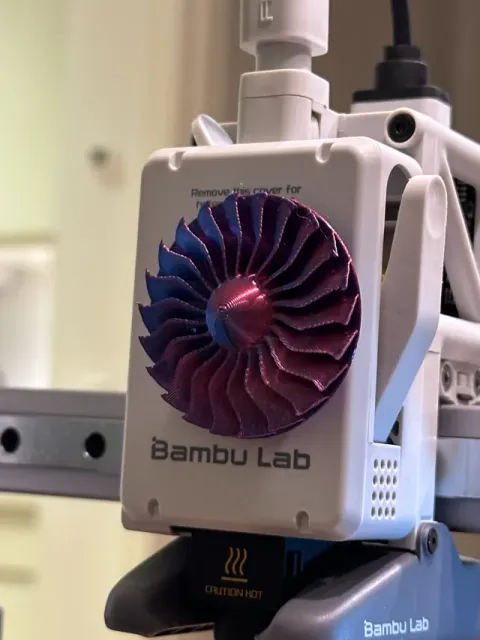
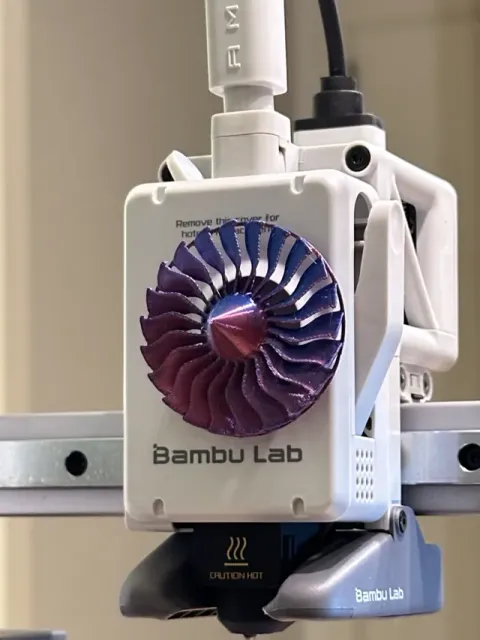
Gentlemen, start your engines.
Presenting the A1/A1 Mini Extruder Jet Engine Turbine!
This model is based on the amazing Jet Engine design by CATIAV5FTW. But now, you are able to bring part of this mesmerizing design to your printer!
Installation Guide & Explanation
Below, you will find a guide on how to install this Jet Engine Turbine. I've also included a short video as demonstration.
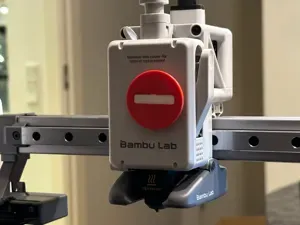
And don't worry about removing the Window from the Front Cover. It is a non-permanent modification . You can always put the window back in. ( Bambu Lab has even uploaded their own Extruder Icon for Halloween, which also requires window removal. So, removing the window is not damaging to the printer in any way.)
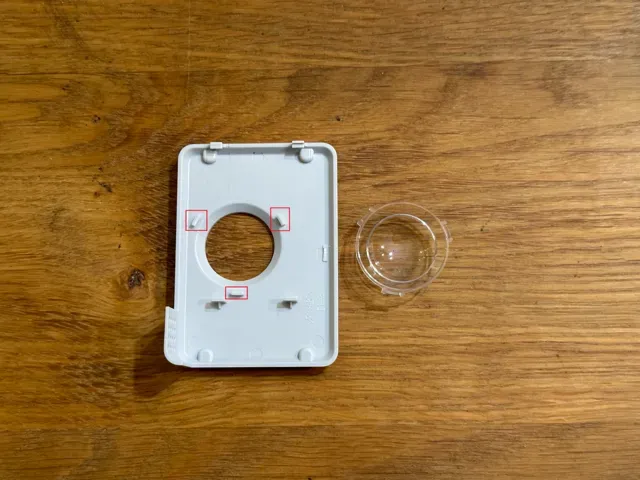
- Remove front cover - Remove the original extruder icon by pulling it away, straight, from the tool head - Remove window by pressing on it from the outside ( Tip: You can attempt to simultaneously press on the inside clips (marked with red on the last picture for this model) to make the window pop out a bit more easily) - Reinstall the front cover - Press your new icon through the hole, where the window used to be, and onto the metal rod, where the original icon was located. It should be a snug fit to ensure it stays in place.
Note: If the mount doesn't fit snugly enough into the back of the turbine, you can either simply use a bit of superglue, or play around with X-Y Hole Compensation settings for the Turbine Object (not the Global settings, as this also changes the mount, so it might not fit onto the extruder).
Printing
In order to fit the Jet Engine Turbine on the Extruder, it had to be downscaled quite a bit.
Due to this downscaling, the first layer consists of very thin lines. So, I had to add a rim to the outside of the wings, to ensure the print is successful.
Even though I think the rim looks quite alright, you can of course also remove it, by cutting it off each wing. Adding a brim wasn't really an option for me, as it would require a lot of manual removal afterwards, for it to work properly.
Make sure you clean your build plate before printing. The first layer is quite delicate, even with the rim!
Different Design Options
Due to how small the turbine had to be, to fit on the Extruder, it is next to impossible to manually attach the stripe from the original design to the cone. So I instead edited the cone, so it can now be printed with the AMS. It does result in a bit of wasted filament though.
Each design has two variations; one with a rim on the edge of the wings, and one with a ‘backplate’, covering the entire back of the wings.
And there are two different main designs to choose from:
- Rounded top/cone - Pointy top/cone (like the original design), but solid
Enjoy and Happy Printing!
A huge thanks to @lasscat for reaching out to me with this idea!
Rounded Top Turbine - 2 Different Variations This is the Print Profile for the Rounded Top, as seen on the video of the model.
It consists of two variations; one with an outer rim, and one with an entire backplate.
If you wish, you can always cut off the outer rim after printing. But it has to be there, as first layer adhesion will fail otherwise.
Happy Printing!
Pointy Top Turbine - 2 Different Variations This is the Print Profile for the Pointy Top, which is similar to the original design (except this one is solid, with no “twist”).
It consists of two variations; one with an outer rim, and one with an entire backplate.
If you wish, you can always cut off the outer rim after printing. But it has to be there, as first layer adhesion will fail otherwise.
Happy Printing!
Названия используются только для указания источника результата. Polyzon не аффилирован с перечисленными площадками.