
Бесплатно 
K1 Series CFS Nozzle Wipe
Creality Cloud

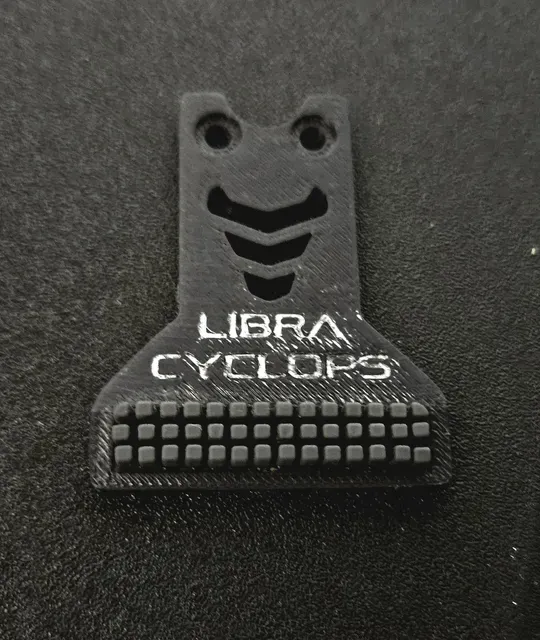


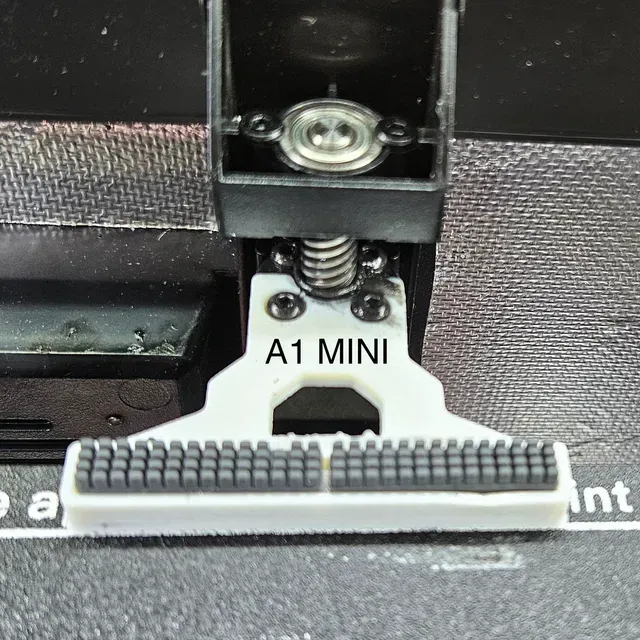

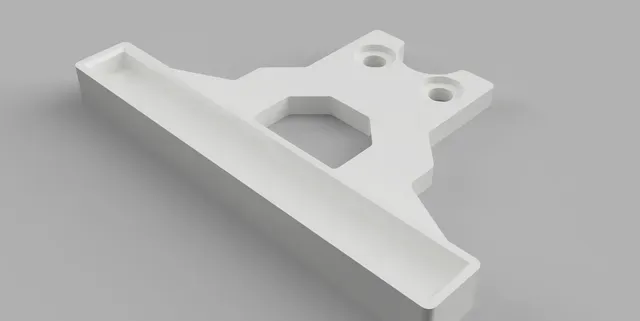
FEATURES Previously known as Advanced Nozzle Wiper, this is not just a simple wiper mount - it is a complete rewrite of the nozzle wiper code, with the following features:
- Adds advanced nozzle wiping functionality to Creality K1, K1C, K1SE and K1 MAX
- Ability to completely disable nozzle wiping (Default option but not recommended)
- Automatic configuration - just choose your brush mount type in the config!
- Cleans the nozzle properly with thorough zig-zag and straight patterns.
- Able to wipe without a brush at the front, rear and side - compatible with all probes
- Compatible with all build plates, even ones without wiper brushes
- Compatible with all Creality K1 , Bambu A1 and A1 mini brushes
- Compatible with Z Axis Lead Screw Cover (recommended into install together)
- Compatible options for lidar , stock bed leveling sensors and eddy inductive probes
- Compatible with stock and modified bed heights using the optional spacer
- Compatible with stock and upgraded extruders which reduce build volume
- Compatible with linear rail gantry setups which reduce build volume
- Compatible with the CFS and other multi color systems
- Easy printable mold options to make your own jumbo brushes out of silicone.
- Easy flat printing without supports for all parts. Settings don't really matter.
- Easy build plate removal as it does not touch the build plate.
- Easy 2-screw mount installation using the existing z-axis screws.
- Easy drop-in brush installation and replacement without the need for glue.
- Improved mount options to reduce warping and flex, keeping brushes in place.
- Accounts for thermal expansion to prevent brushes from popping up.
- Ooze prevention with toggles for retraction and cooling and temperature padding.
- Advanced customization of 20 variables including speed and temperatures
- Advanced “unstuck” capability, helpful for recovering from power outages
- Better homing sequence to avoid the toolhead hitting the stepper motor
- Convenient macro for checking the nozzle remotely using the camera
- Convenient macro for preheating the chamber
- Convenient macro and tools for creating custom lengths
INSTRUCTIONS - PLEASE READ THEM!!!!! You need root access to copy the config file.
1 - Download and right click the CONFIG.zip file to extract the 3DPHUB_PROWIPER.cfg file. Open it with a text editor and change variable_brush_version to match your brush mount. If you want to use it without a brush, you can set it to NONE to make it wipe on the build plate and you can change the wipe location by changing the scrape_position variable. Check the other variables and make sure they match your setup then save the config.
Note: The config is set up for K1/K1C/K1SE by default. Your printer version will be automatically detected when you run the macro and everything except for brush_version will be automatically adjusted, but you won't see these changes in the config. If you set the printer_version to CUSTOM , you must set all the variables yourself at your own risk.
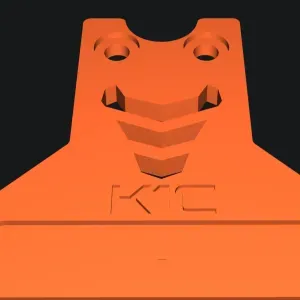
2 - If you are using a brush, print your chosen brush mount using a high temp filament like ASA or ABS . I recommend using the LPF2 mount for stock setups. The other mounts require a slight reduction in mesh and print area to avoid collision.
Mount
Config
Pattern
Brush
Description
LPF2
V4+
Straight Only




Названия используются только для указания источника результата. Polyzon не аффилирован с перечисленными площадками.