
Бесплатно 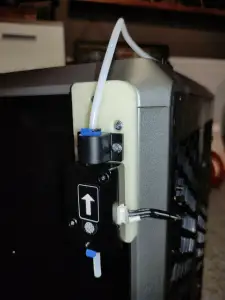
Creality K1, K1C runout sensor on right side
Creality Cloud

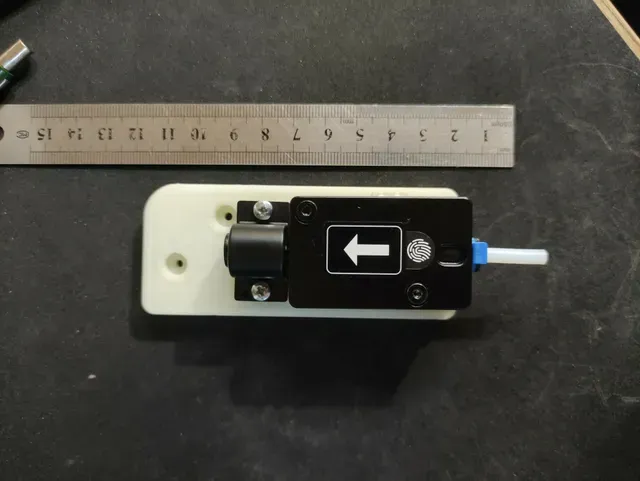
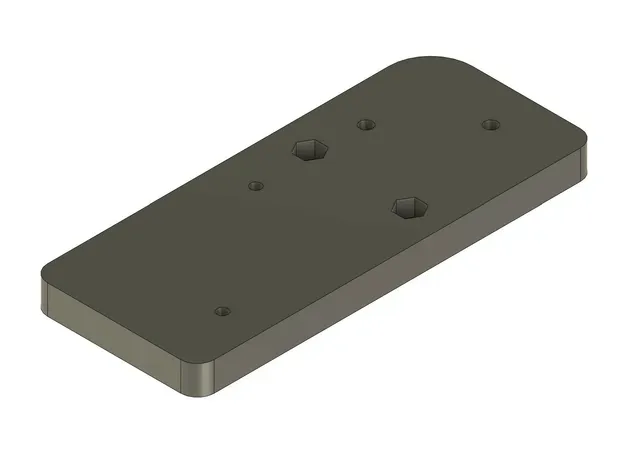

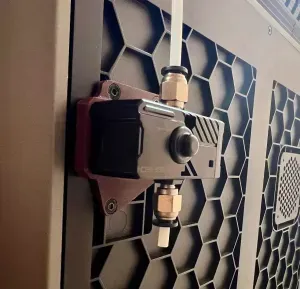
If you want to move the filament and the runout sensor to the right side of the K1 printer (K1C not tested), you can install the sensor on this base.
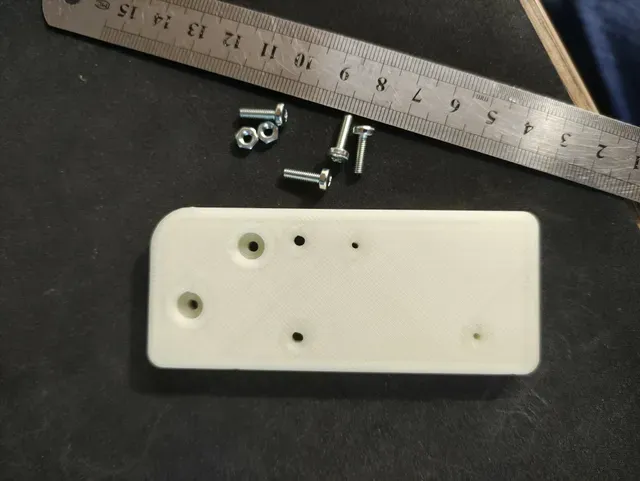
You need 4pc M3x10 srew and 2pc M3 nut. ATTENTION! Do not use a longer screws, otherwise it will stick inside the printer!
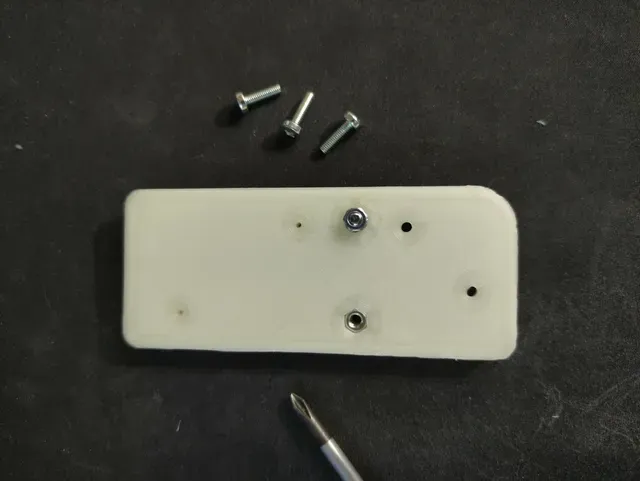
Print the base and put the nuts in bottom of base. (Only put a screw in the hole and rotate - it will pull the nut in hole)
Fix the sensor with the original factory screws
Fix the PTFE tube holder with 2pc M3x10 srew (bottom nuts)
Unscrew the two screws on the top right that secure the side of the printer. Place the base there and fix it with 2 pcs M3x10 screws. The holes from each other distance is 15x15mm
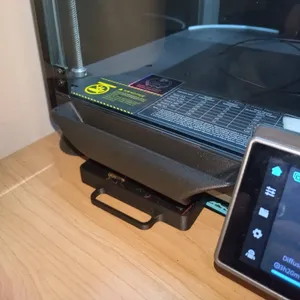
CABLE: If you remove the bottom of the printer, you can easily find the sensor wire. This is longer only it is fixed with quick binder. You can pull up just as much as you need. The original hole is good! You don't have to take out the wire, just pull it outside.
More Printer parts and good things: https://cults3d.com/en/users/ChrisMix/3d-models






Названия используются только для указания источника результата. Polyzon не аффилирован с перечисленными площадками.
Комментарии